 EN
 IT Italiano
 ES Español
 FR Français
 DE Deutsch
Description
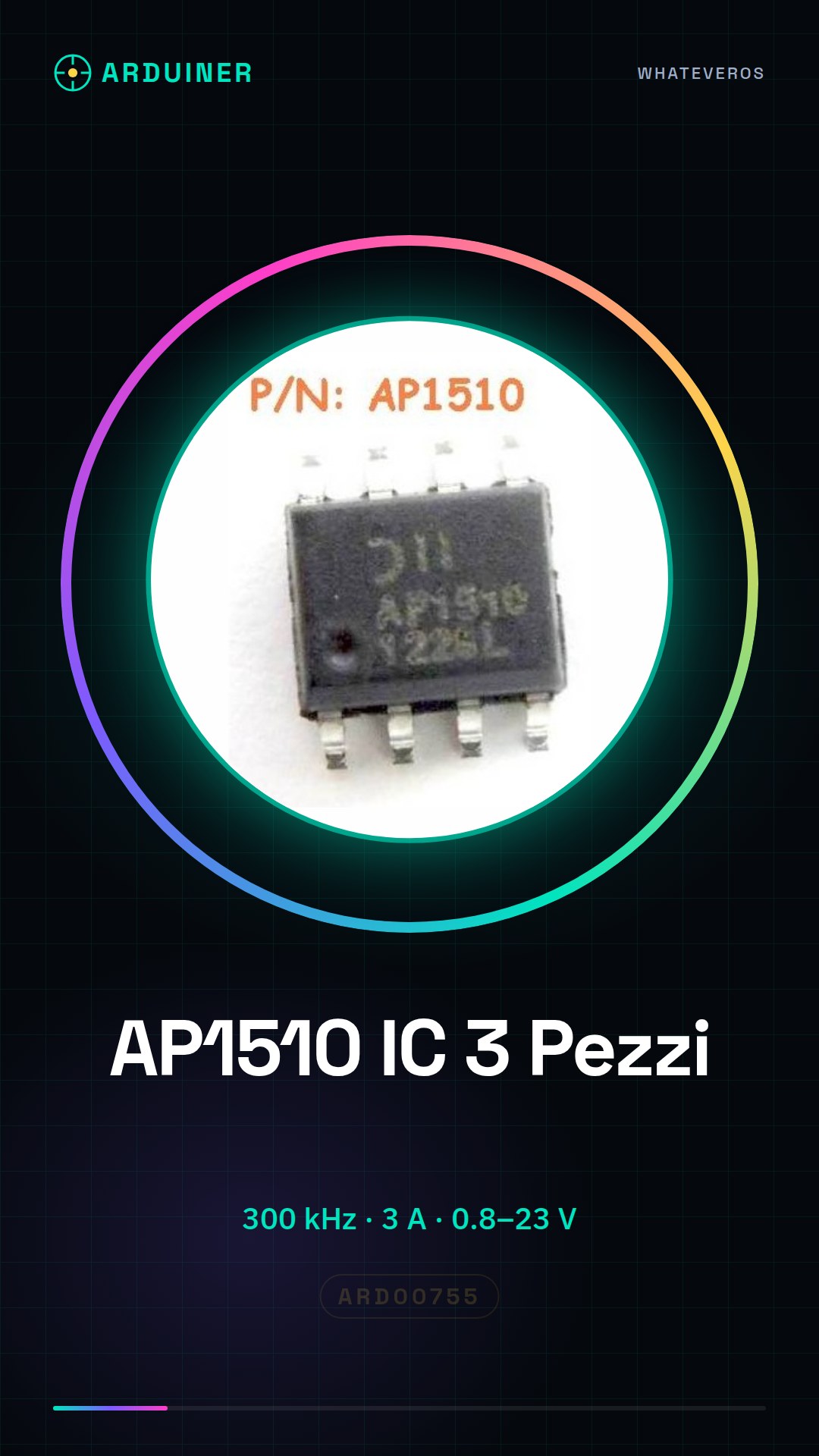
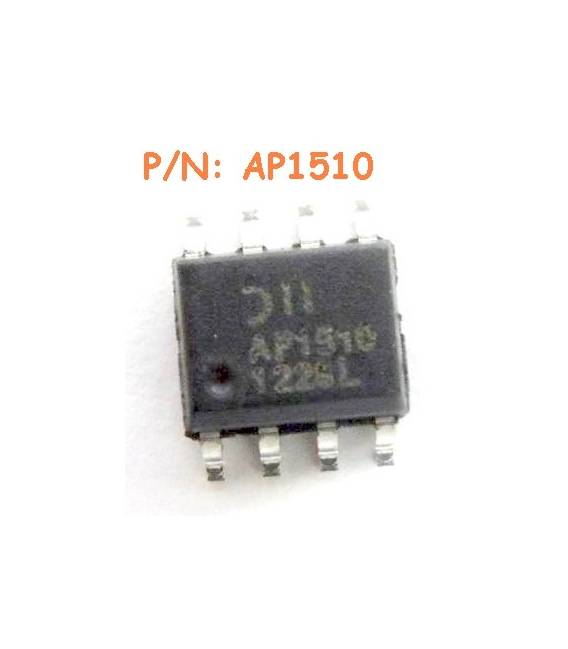
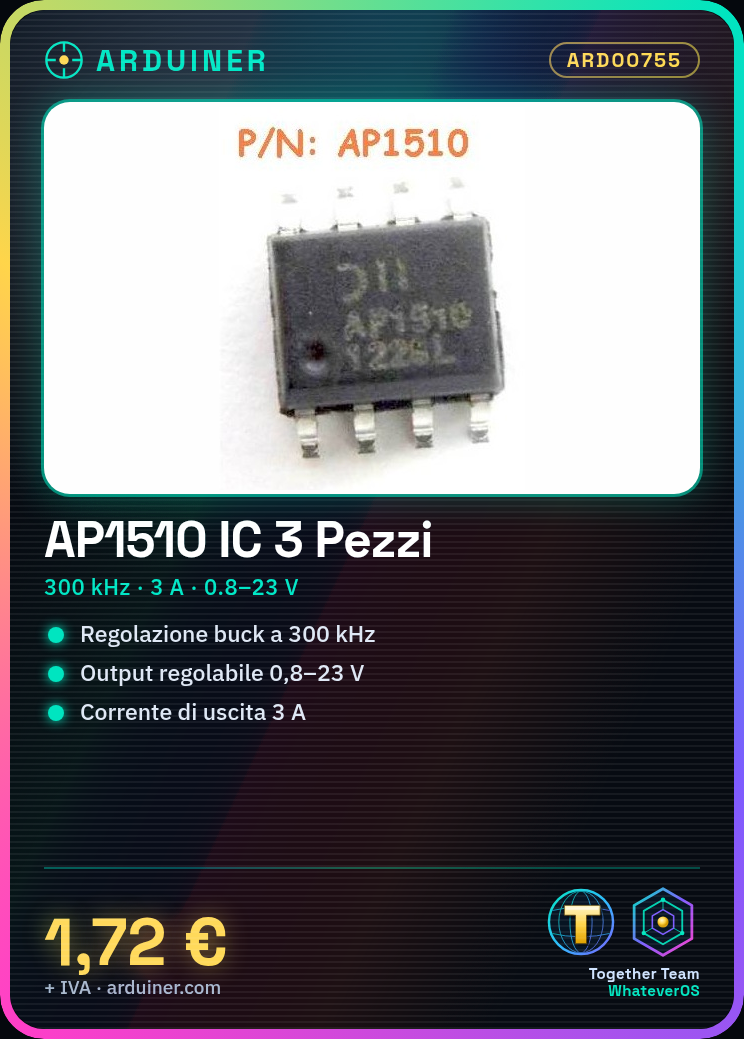
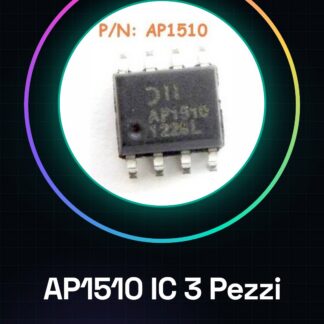
3PCS AP1510 IC Integrated Circuits
DC-DC Buck Converter IC, Switching Regulator and Controller 300KHZ 3A 24V 0.8V
| Datasheets | AP1510 |
|---|---|
| Product Photos | 8-SOIC |
| Category | Integrated Circuits (IC) |
| Family | PMIC – Voltage Regulators – DC-DC Switching Regulators |
| Digitize | Step-Down (Buck) |
| Output Type | Adjustable |
| Number of Outputs | 1 |
| Voltage – Output | 0,8 V ~ 23 V |
| Voltage – Input | 3,6 V ~ 23 V |
| Type PWM | – |
| Switching Frequency | 300kHz |
| Output Current | 3A |
| Synchronous Rectifier | No |
| Operating Temperature |
If the technical sheet is not available in the product download card, please send us a message through the contact form and we will publish it as soon as possible on our website.
Tutorial: How to use IC AP1510
The AP1510 IC is an integrated circuit used for analog-to-digital signal conversion (ADC). It is ideal for projects requiring precise detection of physical data such as temperature or pressure.
What you need
- Arduino Uno/Nano
- Jumper Connections
- Breadboard
Steps
- Connecting the AP1510 IC to the breadboard.
- Connect the breadboard pins to the corresponding Arduino pins using jumper connections (check the datasheet for specific pins).
- Write and upload the Arduino sketch that reads data from the integrated circuit.
- Verify the digital output on the Arduino LEDs or serial monitor.
Example code
//Esempio di codice
void setup() {
 Serial.begin(9600);
}
void loop() {
 int value = analogRead(A0); //Legge il valore dal pin A0 collegato all'ADC
 Serial.println(value);
}
Mini project
Create a digital thermometer with the AP1510 IC and a temperature sensor. Connect the sensor to an analog input of the AP1510, then read the digital values from the integrated circuit to display the temperature.
Common mistakes
- Connect the wrong power supply to the IC
- Fail to properly configure the control pins of the integrated circuit.
- Ignore the frequency and conversion speed specifications of the ADC.
Recommended accessories
- Arduino Uno R3
- Large breadboard
- Various colored jumper connections
Frequently asked questions
How can I access the digitized data?
Use functions like analogRead() in Arduino to read values from the integrated circuit.
Reviews
There are no reviews yet.