 EN
 IT Italiano
 ES Español
 FR Français
 DE Deutsch
Description
What it is
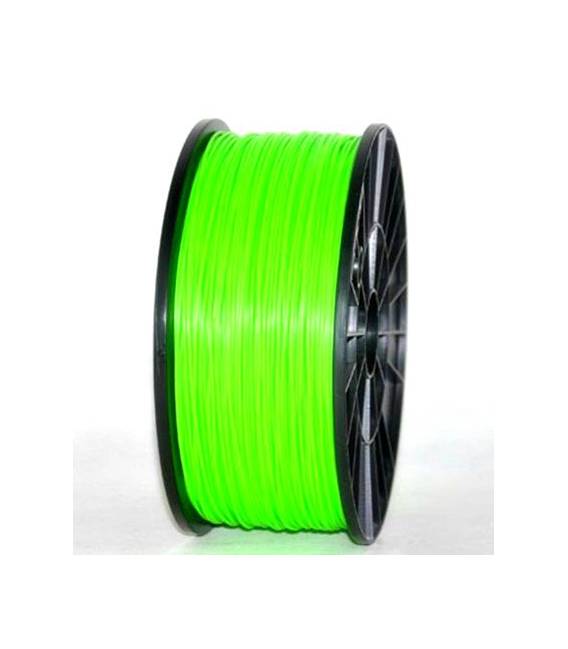
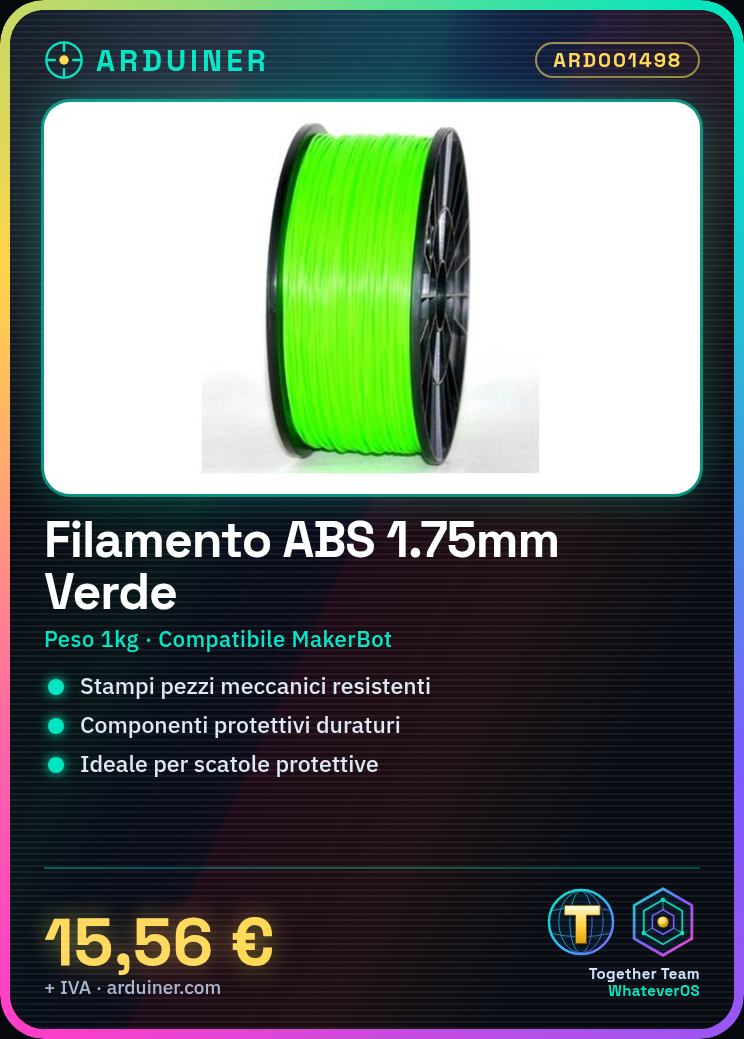
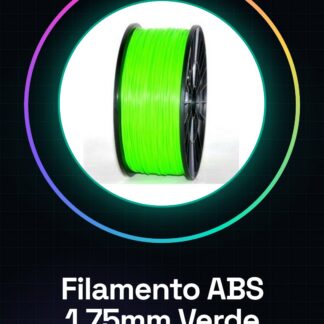
The high-quality 1.75mm green ABS filament is a consumable for 3D printers ideal for projects requiring durability and longevity. This material choice offers a solid foundation for the realization of mechanical components and protective elements.
Features
- 1.75mm ABS Filament
- Weight: 1kg
- Compatible with: MakerBot, Ultimaker, Prusa, RepRap
What it is for
This filament is used for printing durable and protective mechanical parts. It is suitable for projects that require long-lasting components such as protective cases for electronic devices, mechanical parts, and structurally robust models.
Tutorial: How to Use 1.75mm ABS Filament
ABS filament is a high-quality material for 3D printers, ideal for projects requiring durability and longevity. This tutorial will guide you through the necessary steps to use it correctly with your preferred 3D printers.
What you need
- 3D Printer
- ABS Filament Reader Compatible
- ABS Scraper (optional)
- Gloves
Steps
- Check the compatibility of your filament reader with the ABS filament diameter of 1.75mm.
- Prepare the filament: cut the end of the filament diagonally to facilitate insertion into the reader and reduce the risk of jams.
- Gently insert the filament into the reader, ensuring it is centered in the guide. Check the datasheet for the recommended ABS filament melting temperature.
- Configure your 3d printer with the correct settings for ABS: check the datasheet for recommended values for electrical temperature, ventilation, and extrusion speed.
- Load the STL or G-code file of your project into the 3d printer and start printing. Monitor carefully during the process to avoid jams.
- If necessary, use an abrasive sheet of ABS to improve adhesion between the various strips of the print.
- Once the print is complete, carefully remove the piece from the printer platform. Check the datasheet for recommended cooling times for the piece.
- Finish with any manual or mechanical finishing.
Mini project
Print a custom protective box for one of your electronic projects. Draw the model in CAD software, load it into the 3d printer, and use ABS to create a durable container.
Common mistakes
- Printing issues caused by filament not being cut properly or problems with the filament feeder.
- Extrusion temperature too low or too high, which can cause adhesion and print quality issues.
- Lack of use of an abrasive sheet to improve adhesion between the strips during printing.
- Do not respect the cooling down time required after the end of the print.
Recommended accessories
- ABS Scraper
- Work Gloves
- ABS Compatible Filament Reader
- 3D Printer Cleaning and Maintenance Kit
Frequently asked questions
What is the difference between ABS and PLA?
ABS is more resistant but requires higher temperatures compared to PLA, which is easier to work with.
How can I improve the adhesion of ABS filament to the 3D printer bed?
Use an ABS scraper or apply an adhesive sheet.
What temperatures should I use for ABS during 3D printing?
Check the datasheet of your filament for accurate specifications, but generally it is recommended between 210°C and 250°C.
Reviews
There are no reviews yet.