 EN
 IT Italiano
 ES Español
 FR Français
 DE Deutsch
Description
What it is
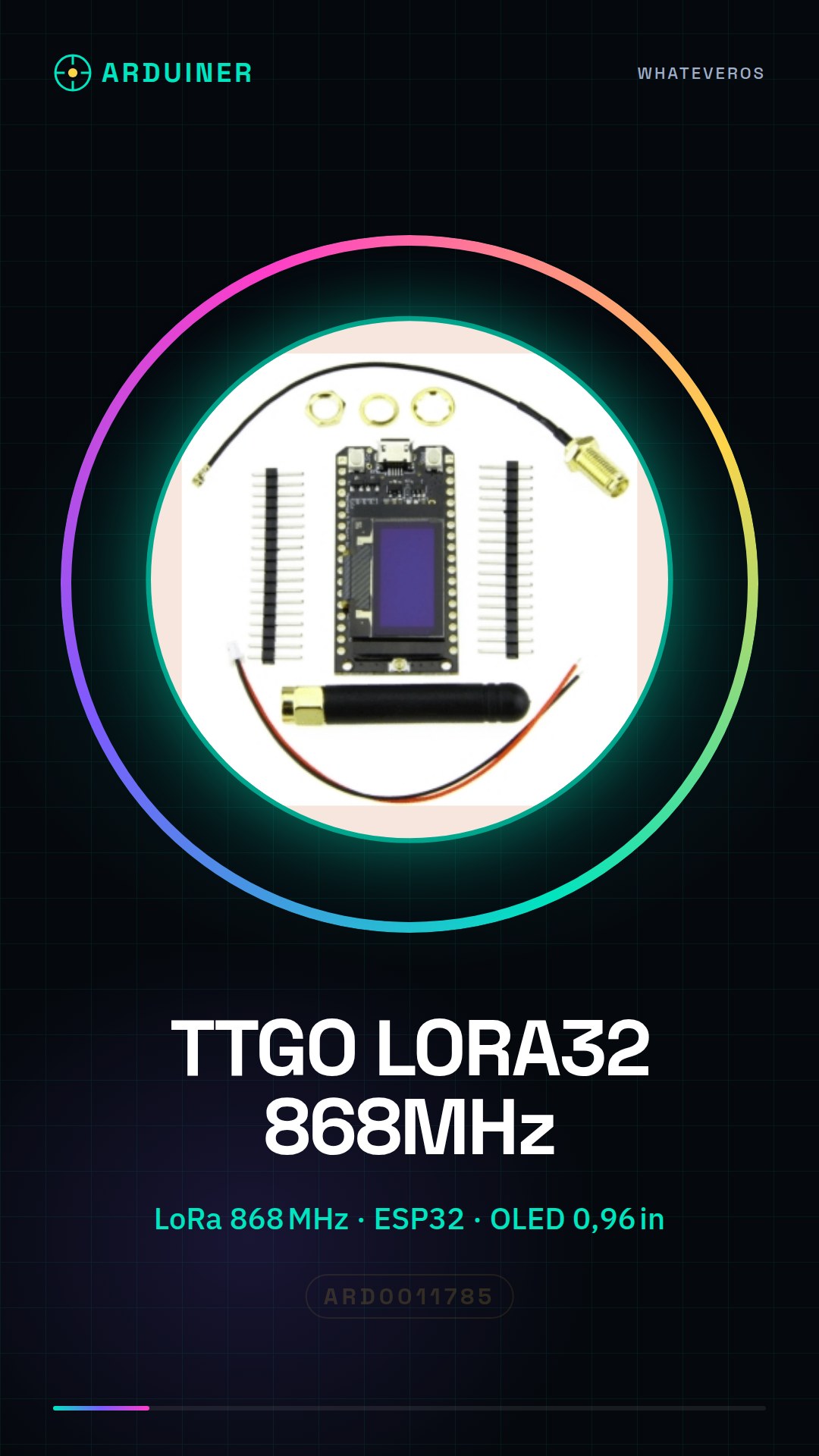
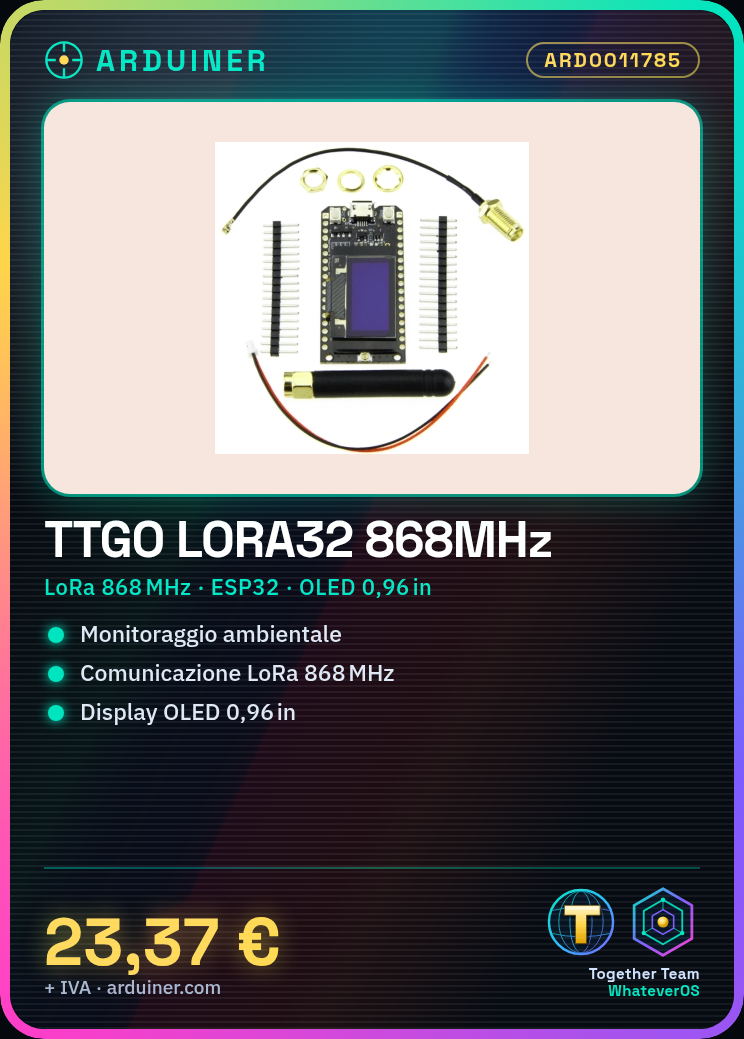
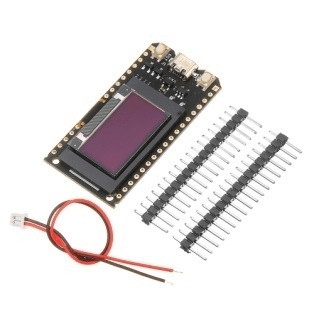
The TTGO LORA32 868 MHz is an ESP32 shield featuring an OLED screen, Bluetooth, and Wi-Fi. It allows for IoT and sensor projects utilizing long-range communication via LoRa.
Features
- LoRa Frequency: 868 MHz
- Microcontroller: ESP32
- OLED Screen: 0.96 inches
- Bluetooth Connection
- Wi-Fi Connection
- Connection cable included
What it is for
The TTGO LORA32 is ideal for long-range communication and environmental monitoring projects. It can be used to create environmental monitoring systems that send temperature and humidity data to an online platform. It is compatible with the Arduino development environment and allows for uploading sketches to manage sensors and send data.
Tutorial: How to use TTGO LORA32 868 MHz ESP32 with OLED
The TTGO LORA32 module is ideal for long-range communication and environmental monitoring projects. Connect it to a computer via USB to upload Arduino sketches to manage sensors and send data.
What you need
- Computer with Arduino IDE installed
- USB Type-C cable
- USB power supply (if needed)
- TTGO LORA32 module
- 0.96 inch OLED screen
- Sensors (optional)
Steps
- Connect the TTGO LORA32 module to the computer via USB Type-C cable
- Open Arduino IDE and select the correct board (ESP32 Dev Module)
- Check the firmware version of the module via the ESP32 library
- Install necessary libraries such as Adafruit SSD1306.h and Adafruit_GFX.h
- Upload a sample sketch to test Wi-Fi and Bluetooth communication
- Connect the OLED display to the TTGO LORA32 module
- Upload a sketch to test the OLED display
- Configure Wi-Fi and LORA connection parameters
Example code
void setup() {
  Serial.begin(115200);
  // Inizializza il display OLED
  // Inizializza la connessione Wi-Fi
}

void loop() {
  // Leggi i dati dai sensori
  // Invia i dati tramite Wi-Fi o LORA
}
Mini project
Create an environmental monitoring system that sends temperature and humidity data to an online platform using the TTGO LORA32 module.
Common mistakes
- Wi-Fi connection issues
- Display OLED visualization problems
- LORA module configuration error
- Insufficient power supply issues
Recommended accessories
- Temperature and humidity sensors DHT22
- External antenna for LORA
- Portable battery for power supply
- RTC module for time synchronization
Frequently asked questions
How can I upload sketches to TTGO LORA32?
Select the correct board in Arduino IDE and connect the module via USB cable.
Which libraries are necessary?
For example Adafruit SSD1306.h for the display OLED and ESP32WiFi.h for Wi-Fi connection.
What are the advantages of using this module?
Support for Wi-Fi, LORA and integrated OLED display.
Reviews
There are no reviews yet.