 EN
EN IT Italiano
 ES Español
 FR Français
 DE Deutsch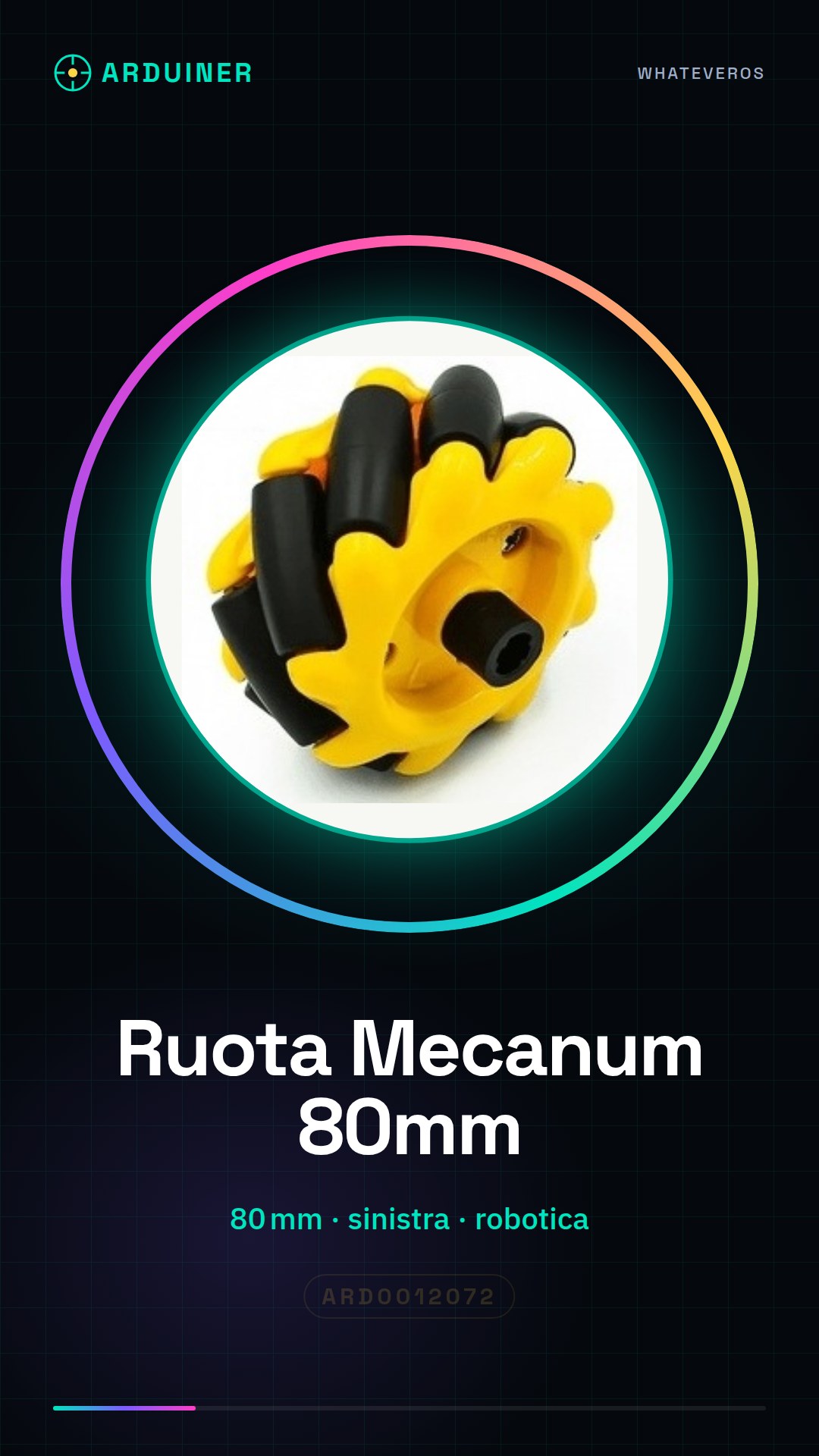
Description
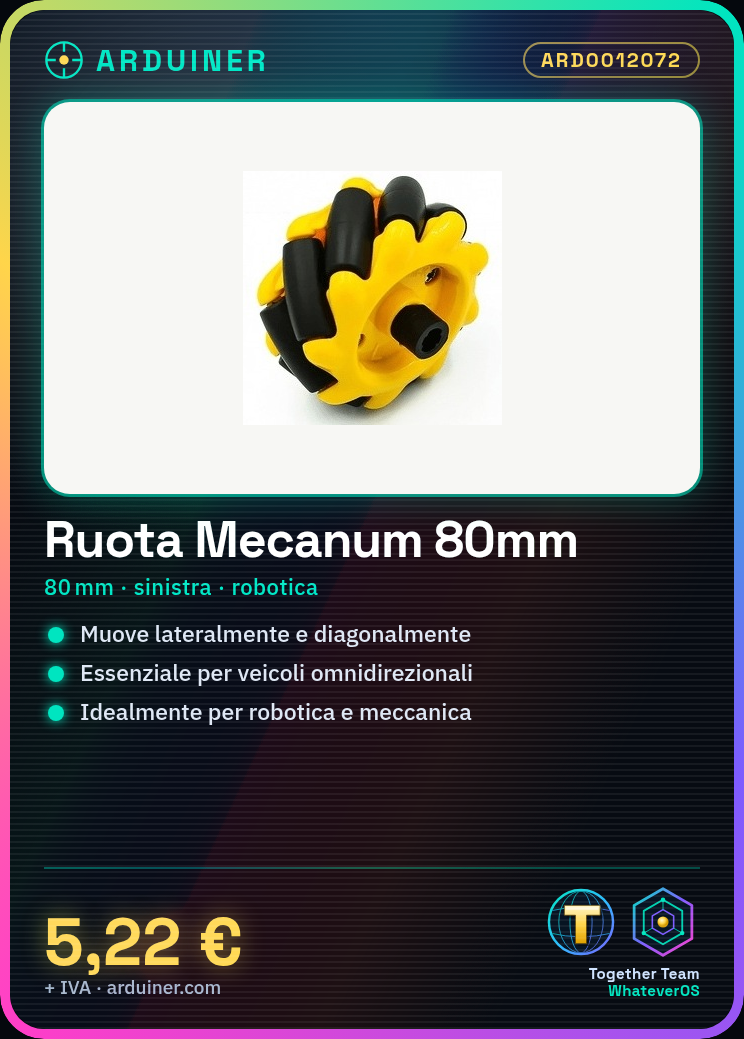
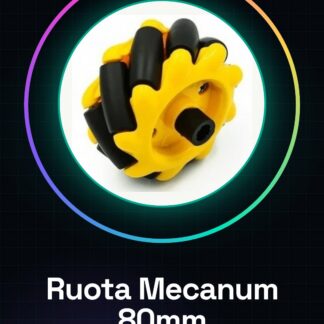
What is it? The 80mm Left Mecanum Wheel is a crucial component for building omnidirectional vehicles. This wheel allows lateral and diagonal movements, making the project more versatile and interesting for makers and electronics students. Features: Ideal for robotics and mechatronics projects. Allows multi-directional movements. What is it used for? The 80mm Left Mecanum Wheel is used to build omnidirectional vehicles. For full functionality, it is recommended to use four Mecanum wheels (two left and two right) and control them with an Arduino joystick. Setup Guide: How to use the 80mm Left Mecanum Wheel The 80mm Left Mecanum Wheel is an essential component for building omnidirectional vehicles. This wheel allows lateral and diagonal movements, making the project more versatile and interesting for makers and electronics students. What do you need? Kit for vehicle assembly Servo motor Driver for motor Electronic connections Assembly tools Verify compatibility of the wheel with the vehicle or project. Install the motor on the inner side of the wheel, following the datasheet instructions. Connect the motor to the motor driver. Configure the motor driver with the Arduino. Write the Arduino sketch to control the motor. Test the wheel in motion. Verify the correct orientation of the wheel relative to the other wheels. End of setup, start programming the vehicle. Mini-project: Build an omnidirectional vehicle with four Mecanum wheels (two left and two right) and control it with an Arduino joystick. Common errors: Incorrectly setting the motor direction. Not checking the motor power supply. Using inadequate connectors for communication. Not testing the wheel before mounting. Recommended accessories: Kit for vehicle assembly Servo motor for Arduino Joystick for Arduino control Compatible electronic connections Frequently asked questions: What are the dimensions of the wheel? The wheel has a diameter of 80mm. How can I control the speed of the wheel? You can adjust the speed by modifying the PWM (Pulse Width Modulation) in the Arduino code. What happens if the wheel overheats? Check the heat dissipation and add a heatsink if necessary.
Reviews
There are no reviews yet.