 EN
EN IT Italiano
 ES Español
 FR Français
 DE Deutsch
Description
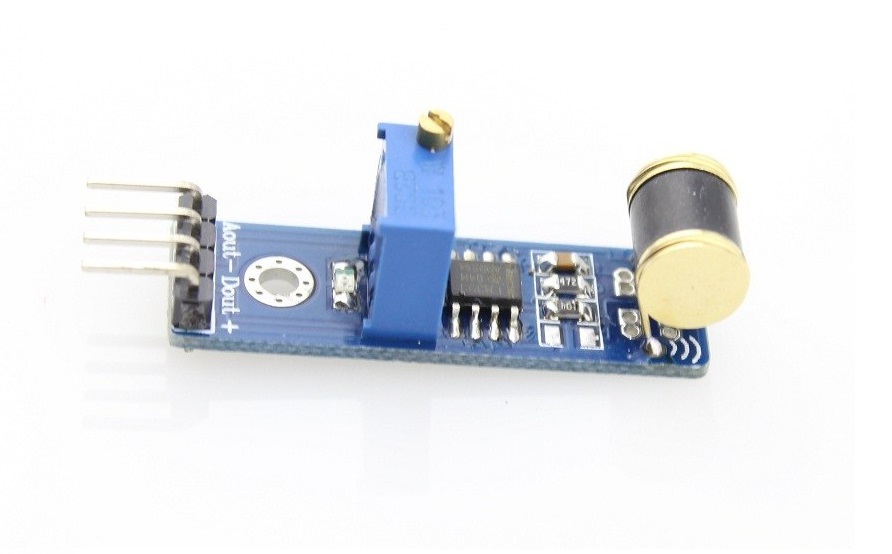
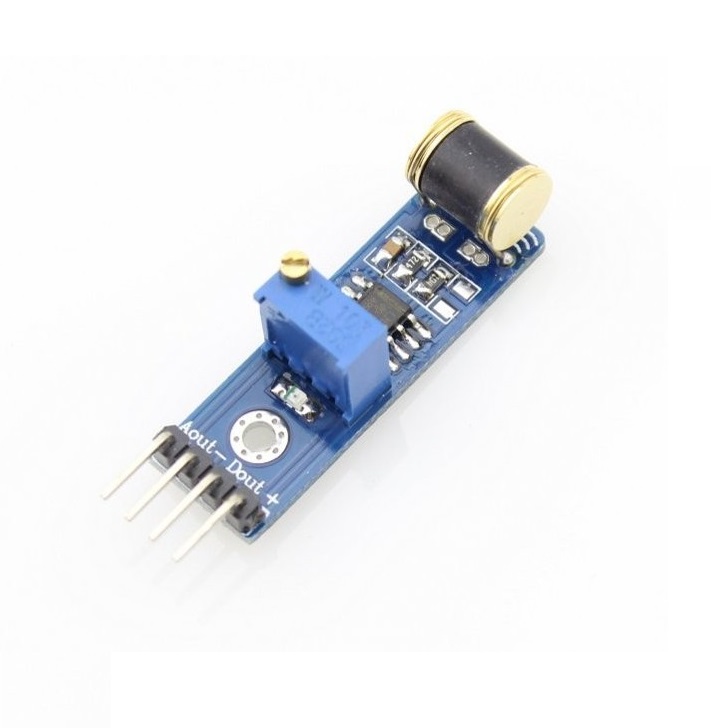
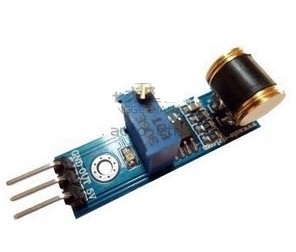
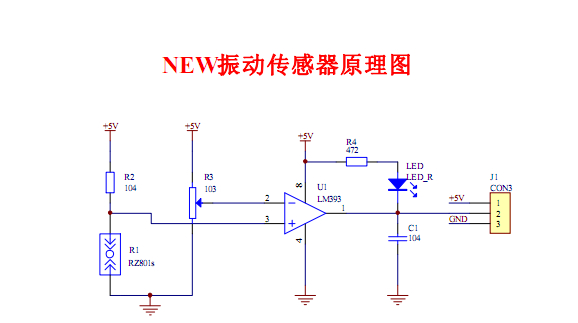
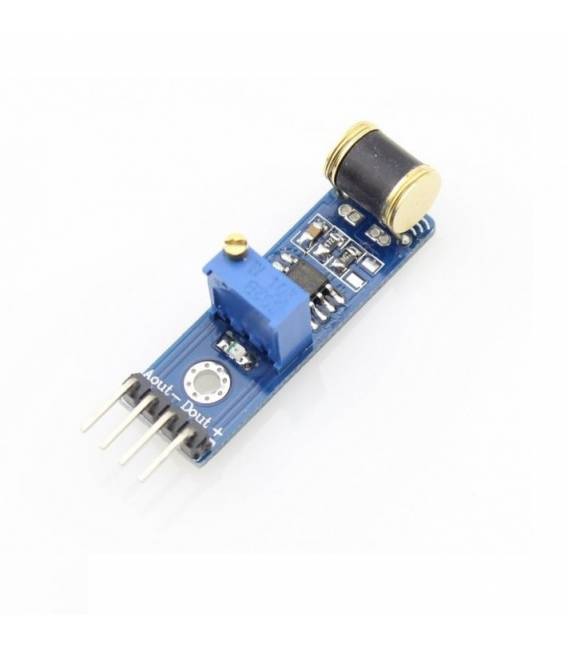
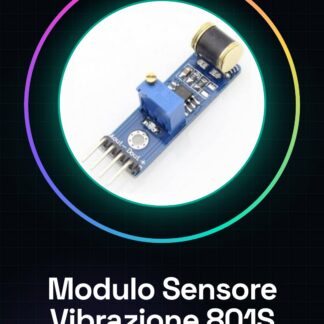
801S Analog Vibration Sensor Module for Arduino. The module consists of a vibration sensor using the 801S component. The module’s TTL output compares the vibration level with a pre-set threshold via a potentiometer. Power supply voltage is 5V. Technical specifications: – Vibration sensor – 801S and LM393 comparator – 5V power supply – Dimensions: 20x32x11mm Connection method: 1. Single-line 43-pin connector with 2.54mm spacing. a. Pin-1: Power Supply b. Pin-2: Analog Output Signal c. Pin-23: Ground We have datasheets for all components available. If not present on the product download page, please contact us and we will publish it on our site as soon as possible. Tutorial: How to Use the 801S Analog Vibration Sensor Module The 801S Vibration Sensor Module is ideal for makers who want to detect movements or vibrations in various devices. It is particularly useful for projects such as home alarms, step counters, and monitoring systems. Required Components: Arduino USB connection between Arduino and computer 5V power Supply Steps: Connect the Vibration Sensor Module to Arduino’s A0 analog pin using a jumper cable. Ensure the module is correctly powered (5V) by the Arduino or an external source. Open Arduino IDE and create a new sketch. Insert the provided code to read data from the sensor. Save the sketch with a meaningful name, e.g., ‘Vibration801S’. Upload the sketch to the Arduino microcontroller. Observe the sensor data output via the Arduino IDE serial monitor. Adapt the code to integrate into a larger project. Example Code: void setup() { Serial.begin(9600); } void loop() { int val = analogRead(A0); // Reads from pin A0 Serial.println(val); // Sends the value to the serial monitor } Mini-Project: Create a home alarm system that sends an email notification when a vibration is detected. Common Errors: Not verifying the correct power supply of the module. Ignoring the importance of pull-up or pull-down resistors. Inserting the reading code without first testing it with the serial monitor. Using a digital pin instead of an analog pin to read sensor values. Recommended Accessories: Wi-Fi Module ESP8266 Servo Motor 9G LCD Display 16×2 Buzzer Frequently Asked Questions: What is the power supply voltage?
Reviews
There are no reviews yet.