 EN
 IT Italiano
 ES Español
 FR Français
 DE Deutsch
Description
What it is
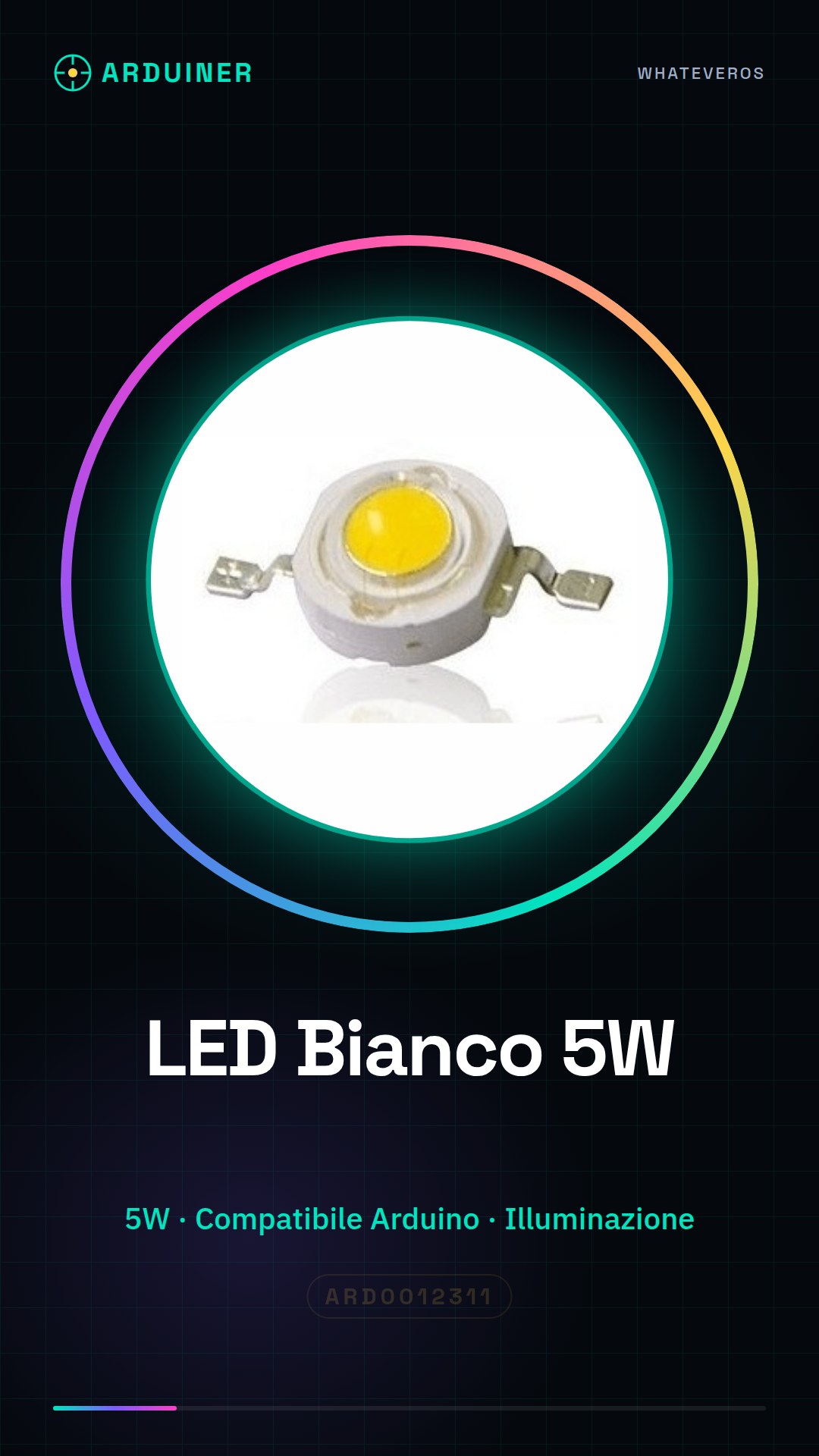
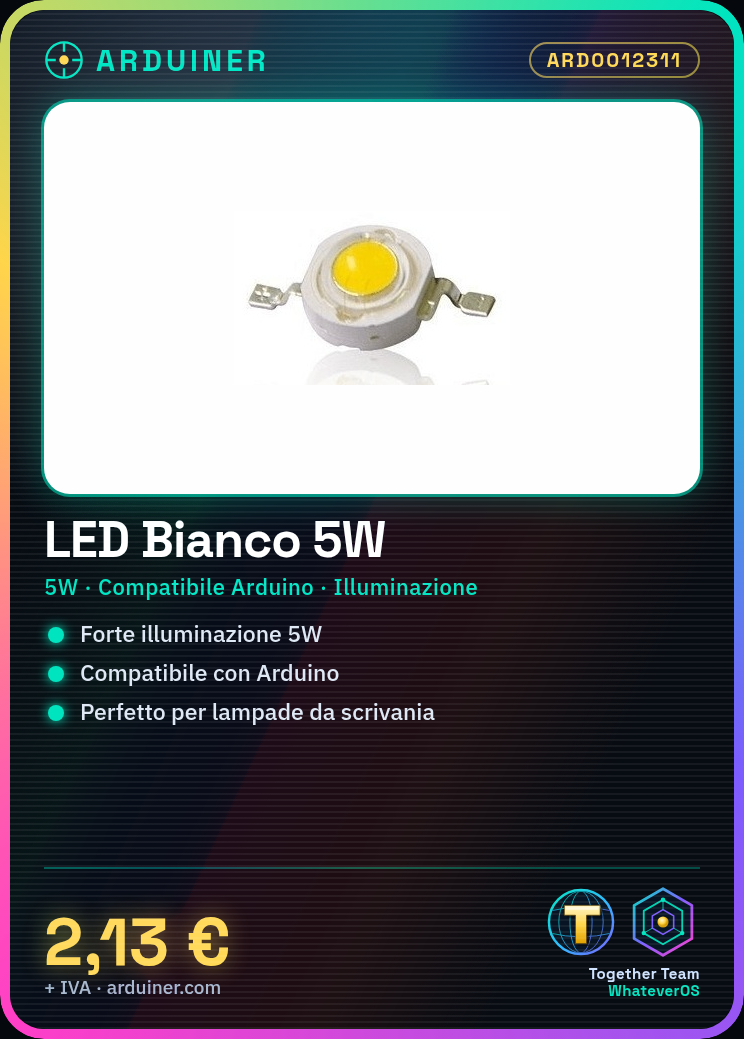
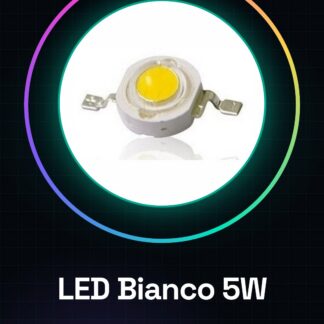
The 5W White LED is an electronic component suitable for lighting and electronics projects. This LED can be used in various contexts, such as custom lamps, signal lights, or general illumination.
Features
- 5W White LED Chip
- Suitable for lighting projects
- Compatible with Arduino and 3D printing systems
- Uses: desk lamps, signal lights, general illumination
What it is for
The 5W White LED is ideal for projects requiring strong illumination. You can use it to create custom lamps or signal lights. It is compatible with Arduino and other 3D printing systems, making it suitable for both beginners and experienced makers.
Tutorial: How to use 5W White LED
The 5W White LED is ideal for projects requiring strong illumination, such as custom lamps, signal lights, or general lighting. This component is suitable for both beginners and more experienced makers.
What you need
- 5W White LED
- Resistor
- 12V Power Supply
- Connecting Wire
- Arduino (optional for controlling brightness)
Steps
- Check the operating voltage of the LED on the datasheet and connect an appropriate resistor to protect the circuit.
- Connect the positive terminal of the LED to the Arduino output pin (or directly to the 12V power supply).
- Connect the negative terminal of the LED to the GND of the Arduino (or to the negative terminal of the power supply).
- Check that the LED is lit and not too hot.
- If necessary, add a transistor or MOSFET to control the LED with a PWM signal from the Arduino.
- Use a light sensor to adjust the LED brightness based on ambient conditions.
- Try using a timer to turn the LED on and off at regular intervals.
- Ensure the LED never exceeds the maximum power specified in the datasheet.
Example code
void setup() {
  pinMode(9, OUTPUT);
}

void loop() {
  digitalWrite(9, HIGH);
  delay(1000);
  digitalWrite(9, LOW);
  delay(1000);
}
Mini project
Create a desk lamp with the 5W White LED. Use a light sensor to automatically adjust the LED brightness.
Common mistakes
- Connect the LED directly to power without protection.
- Use a resistor that is too small.
- Do not check the LED temperature during use.
- Do not use PWM control to adjust the LED brightness.
Recommended accessories
- Variable resistors
- Light sensor
- MOSFET transistor
- 3D printing for the project
Frequently asked questions
What is the maximum power of the LED?
Check the datasheet.
Can I use the LED with an Arduino?
Yes, but add a transistor or MOSFET to protect the Arduino pins.
How can I adjust the LED brightness?
Use a PWM signal from the Arduino or a light sensor to automatically adjust the intensity.

Reviews
There are no reviews yet.