 EN
 IT Italiano
 ES Español
 FR Français
 DE Deutsch
Description
What it is
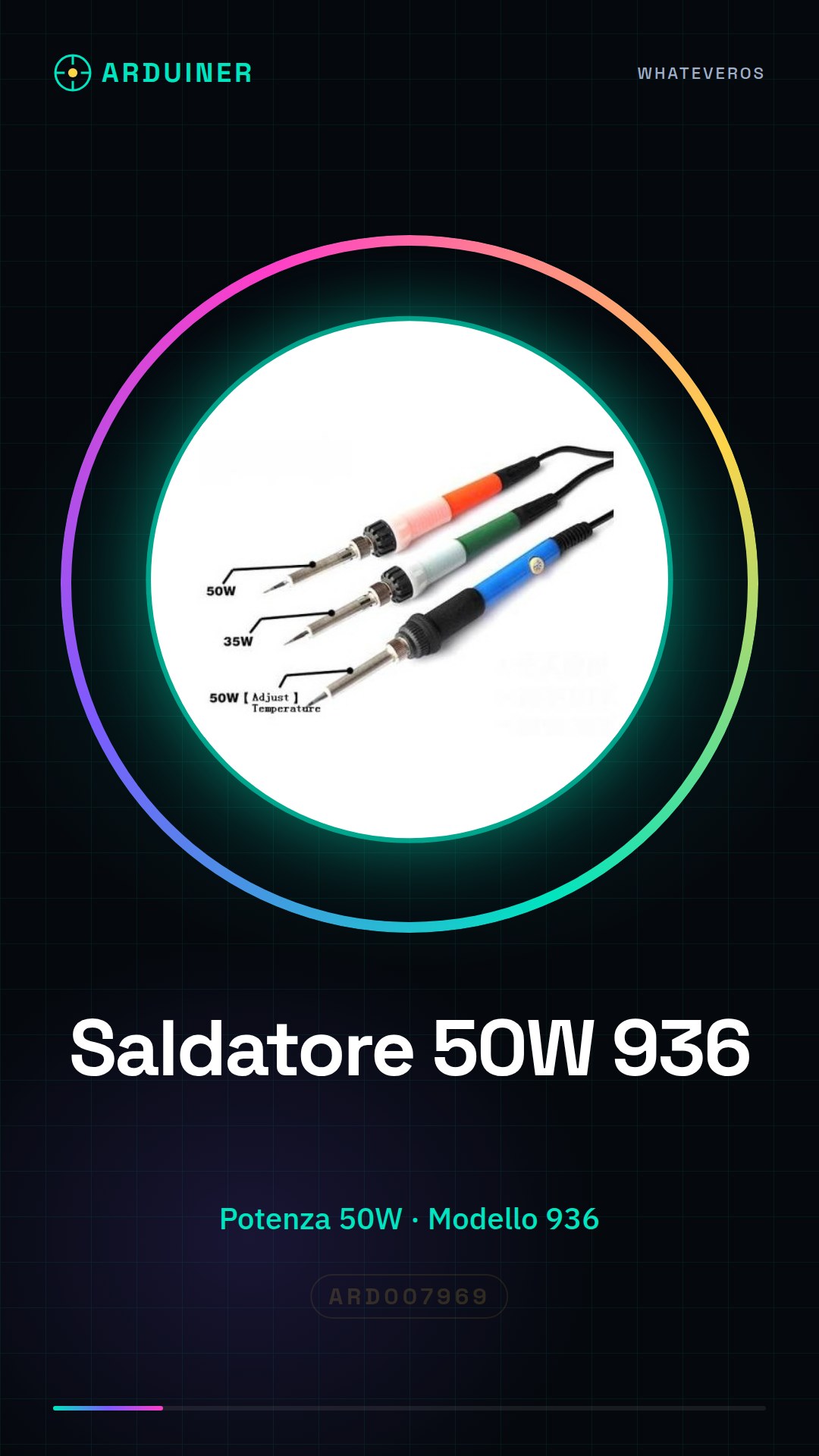
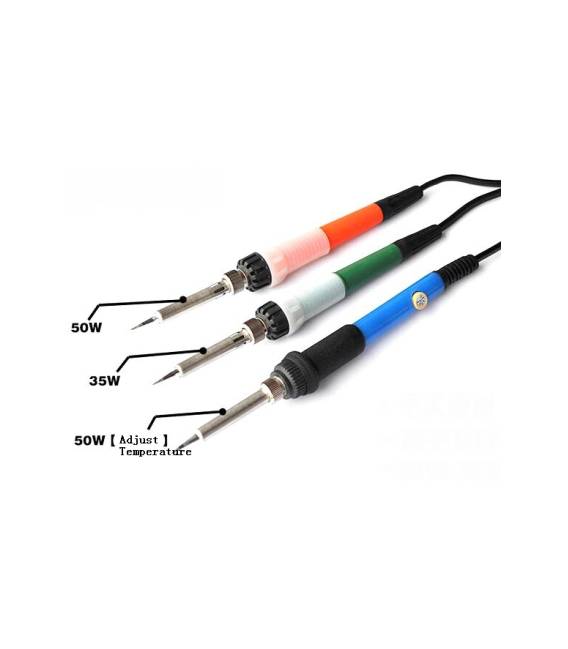
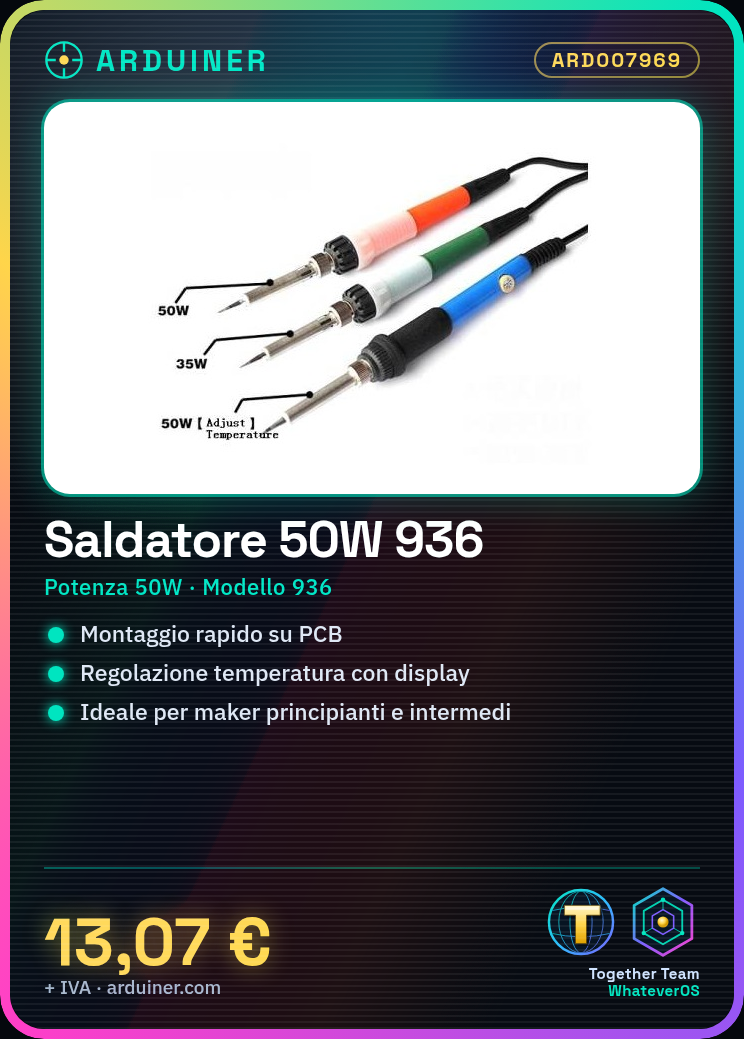
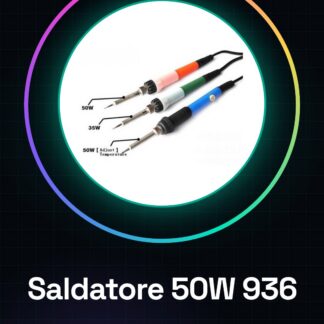
The 50W electric soldering station with temperature control, model 936, is an essential tool for performing small-scale soldering work. This equipment offers a practical and precise solution for mounting electronic components on printed circuit boards.
Features
- Power: 50W
- Model: 936
- Temperature Control
What it is for
Intuitively designed for beginner and intermediate makers, this soldering station is ideal for electronics and 3D printing projects. It can be used to create simple star circuits with LEDs and resistors on printed circuit board supports.
Tutorial: How to Use 50W Electric Soldering Station 936
The 50W electric soldering station 936 is ideal for small-scale soldering work, such as mounting electronic components on printed circuit boards. Useful for beginner and intermediate makers.
What you need
- 50W Electric Soldering Station 936
- Power Cable
- Insulated Tubing
- Components to Solder
Steps
- 1. Ensure that the power cable is correctly connected to the soldering iron.
- 2. Turn on the soldering iron and wait for it to reach the working temperature.
- 3. Set the desired temperature with the button or display.
- 4. Apply the tip of the soldering iron to the component to be soldered.
- 5. Solder quickly and adjust the pressure to avoid damage.
- 6. Use heat shrink tubing to protect parts that are not to be soldered.
- 7. Clean the tip of the soldering iron with a piece of brass wool after each use.
- 8. Turn off the soldering iron when you are not using it.
Mini project
Create a simple star circuit with an LED and a resistor, mounting the components on a printed circuit board.
Common mistakes
- Soldering for too long can damage components.
- Do not use heat shrink tubing on metallic parts.
- Do not set the temperature too high.
- Do not use the soldering iron without eye protection.
Recommended accessories
- Heat shrink tubing
- Pieces of brass wool
- Printed Circuit Board Holder
Frequently asked questions
How to clean the tip of the soldering iron?
Use a piece of metal mesh to clean the tip.
Can it solder electronic components?
Yes, but adjust the temperature carefully to avoid damage.
How long does it take to reach the working temperature?
It varies depending on the set temperature, check the datasheet.
Reviews
There are no reviews yet.