 EN
EN IT Italiano
 ES Español
 FR Français
 DE Deutsch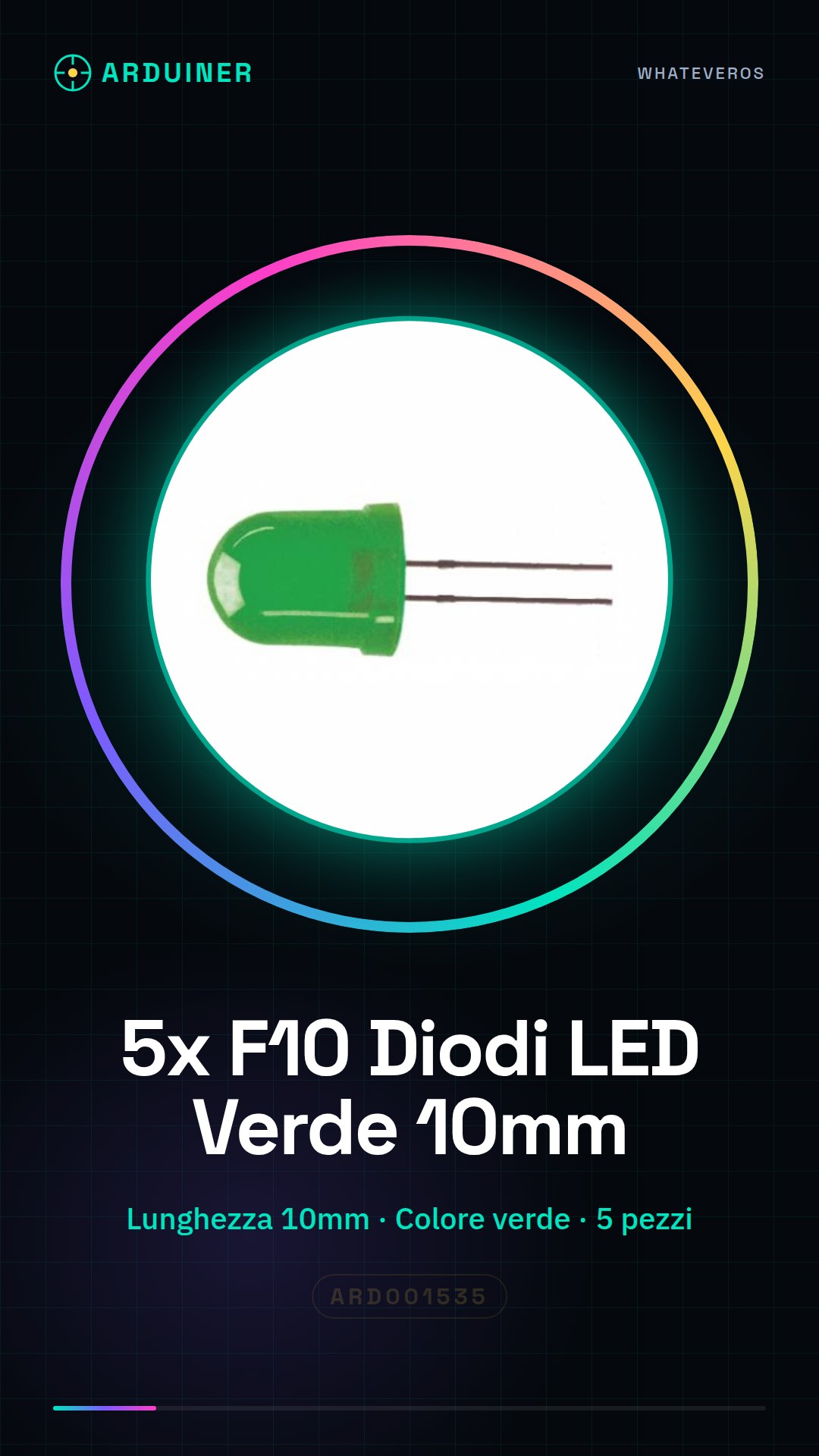
Description
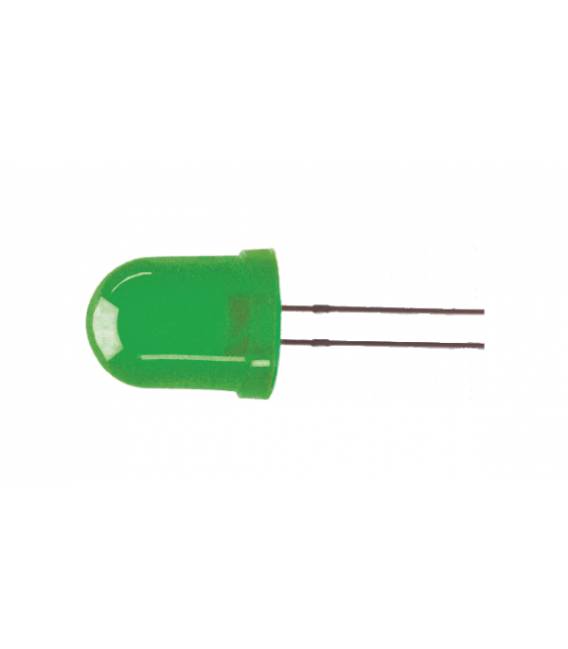
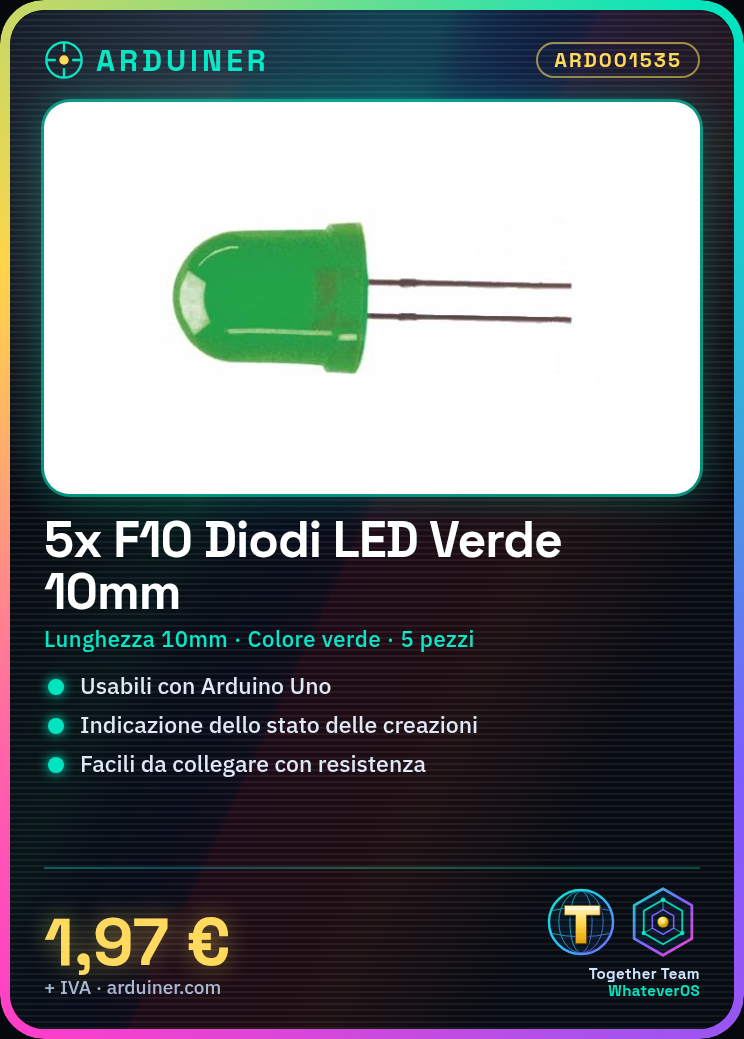
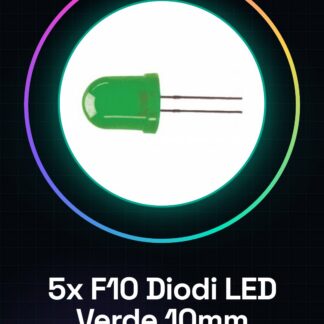
5 Pieces F10 Green LED Diodes 10mm We have datasheets for all components available; if not present in the product download sheet, contact us via the contact form and we will publish it as soon as possible on our website. Tutorial: How to use Green LED Diodes 10mm The green LED diodes 10mm are ideal for indicating the status of your electronic creations. They are perfect for both beginners and intermediate makers. What is needed: Arduino Uno Jumper Cable Button Steps Check the polarity of the LED diode: the longer leg is the anode (+). Connect the anode of the diode to a digital pin on the Arduino. Use a resistor between the anode and the pin to limit the current (check the datasheet for the ideal resistor value). Connect the cathode of the diode to the Arduino’s GND via a jumper cable. Write an Arduino sketch that alternately turns the LED on and off every second. Test the setup with a button connected to a digital pin to control the LED’s state. Example code void setup() { pinMode(13, OUTPUT); } void loop() { digitalWrite(13, HIGH); delay(1000); digitalWrite(13, LOW); delay(1000); } Mini-project Create a simple alarm system with a button and the green LED. The alarm activates when the button is pressed. Common mistakes Not verifying the polarity of the diode before installation. Omitting the use of a resistor between the anode and the digital pin. Connecting the LED directly to +5V without a protective resistor. Using a red LED instead of green for this project. Recommended accessories Variable resistors Jumper cable Tactile button Arduino Uno Frequently asked questions What is the ideal resistance to use with this LED? Check the LED’s datasheet to determine the correct resistance. Can I connect more than one LED to a single pin on the Arduino? Yes, but ensure the total current does not exceed the pin’s limits and use a resistor for each LED.

Reviews
There are no reviews yet.