 EN
EN IT Italiano
 ES Español
 FR Français
 DE Deutsch
Description
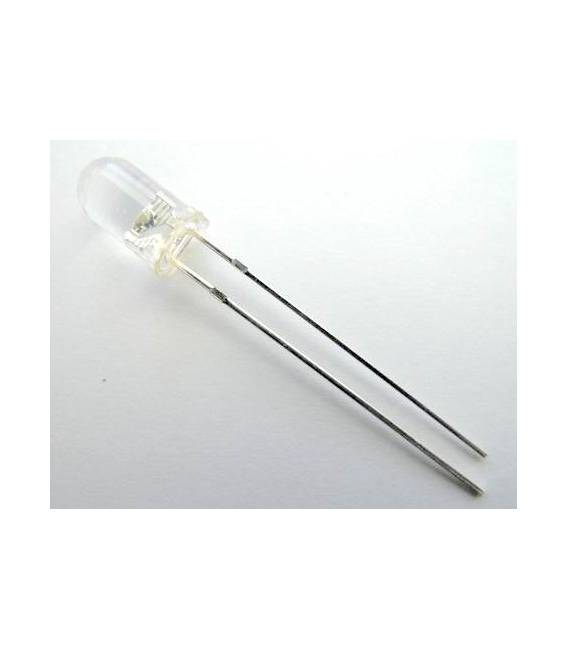
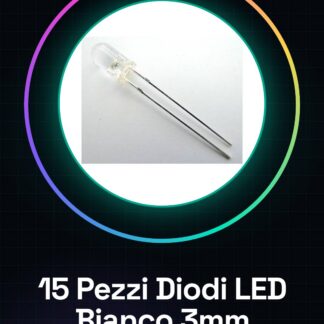
15 Pieces White 3mm F3 LED Diodes. We have datasheets available for all components; if not present on the product download page, contact us via the contact form and we will publish it as soon as possible on our site. Tutorial: How to Use 3mm F3 White LED Diodes. These white LEDs are ideal for illuminating electronic projects or as visual indicators. They are suitable for both beginners and more experienced makers. What You Need: Arduino Uno, Breadboard. Connection Between Arduino and Breadboard. Steps: Connect the cathode (shorter pin) of the LED to the GND pin of the Arduino. Connect the anode (longer pin) of the LED to a digital pin on the Arduino via a resistor. Set the pinMode variable to turn the LED on and off with the commands digitalWrite(13, HIGH); and digitalWrite(13, LOW);. Verify that the LED turns on when the pin is set to HIGH and off when set to LOW. Example Code: void setup() { pinMode(13, OUTPUT); } void loop() { digitalWrite(13, HIGH); delay(1000); digitalWrite(13, LOW); delay(1000);. } Mini-Project: Create an alarm device that turns on the white LED when a specific condition is detected (e.g., door opening). Common Errors: Do not connect the resistor between the Arduino and the LED, as this could damage the component. Do not set the LED pin to HIGH without first configuring it as OUTPUT. Use an incorrect resistor value, which can cause diode overload. Connect the LED pins incorrectly (GND and VCC). Recommended Accessories: Variable Resistors, Breadboard, Motion Sensor PIR, Arduino Uno Starter Kit. Frequently Asked Questions: What is the ideal resistor value to use? Check the LED datasheet to determine the correct value. Can I connect multiple LEDs in series? No, you should connect them in parallel or use a multiplexer.


Reviews
There are no reviews yet.