 EN
EN IT Italiano
 ES Español
 FR Français
 DE Deutsch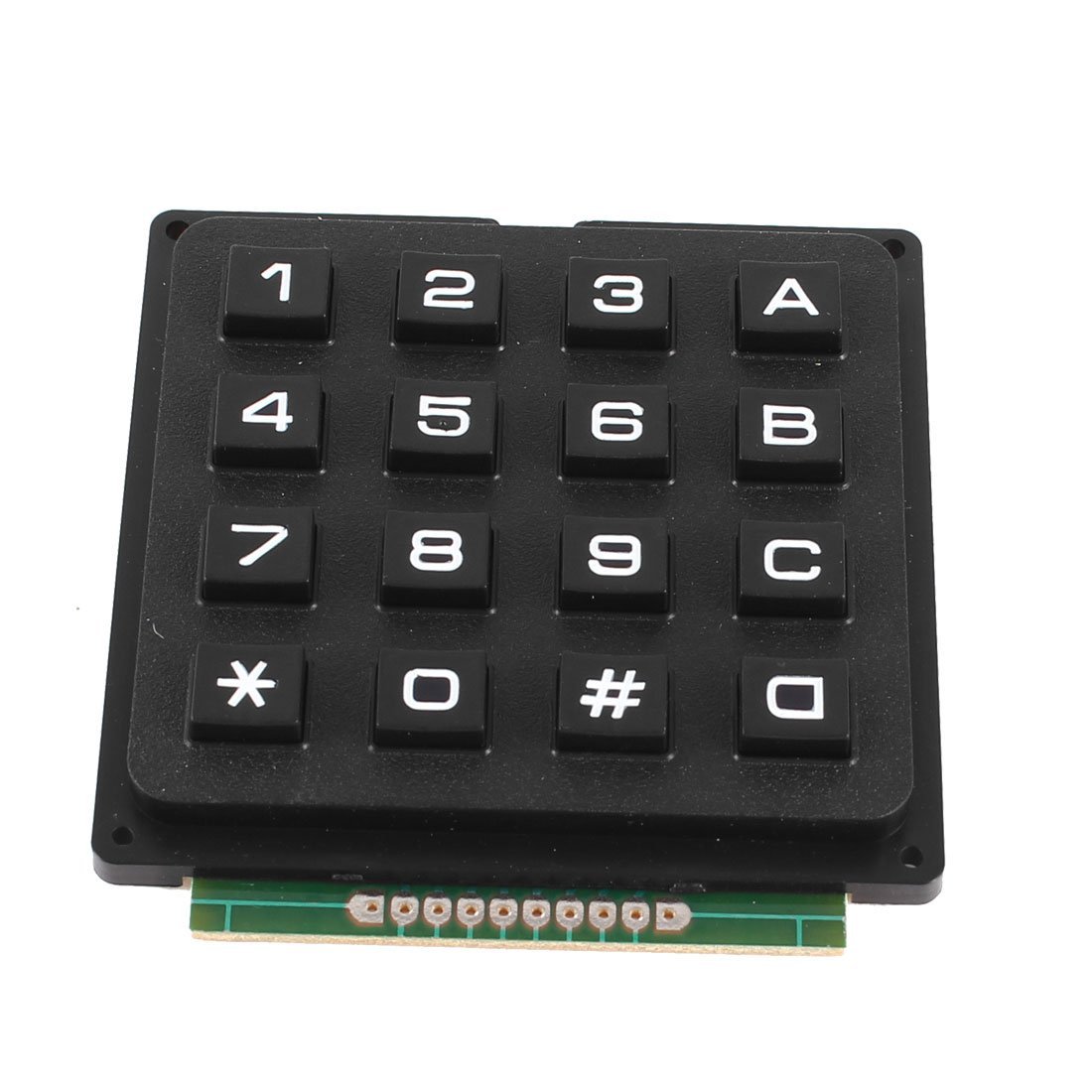
Description
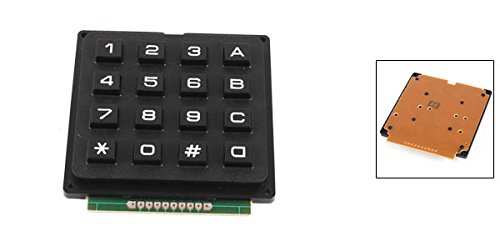
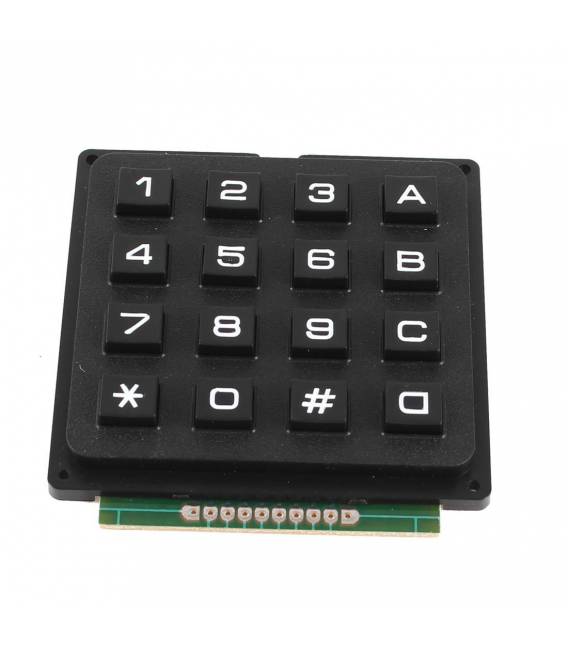
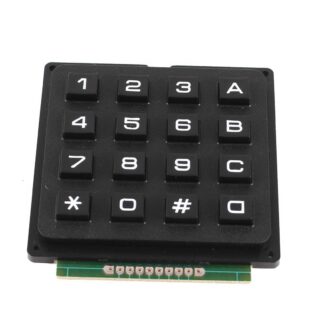
What is the 4×4 Matrix Keypad? The 4×4 matrix keypad is a module that allows data entry via keys. It consists of 16 keys arranged in a 4×4 grid. Features Dimensions: check datasheet Keys: 16 (4×4) Type: matrix Colour: black SKU: ARD0010473 Price: £5.98 What is it for? This keypad is ideal for electronic projects requiring key input, such as simple user interfaces or games. You can use it to create selection menus, enter numeric data or short text. Compatibility with Arduino and other microcontrollers is guaranteed thanks to its matrix structure. Tutorial: How to Use 4×4 Keypad The 4×4 keypad is ideal for projects that require key input, such as simple user interface controls or games. What you need: – Compatible Arduino or microcontroller – Power supply cable – 10kΩ resistor – KeyPad library Steps: 1. Connect the 4×4 keypad to pins A0-A3 of your Arduino. 2. Connect to your Arduino with the IDE software. 3. Install the KeyPad library. 4. Connect a 10kΩ resistor between VCC and GND of the keypad. 5. Write the following code: “`cpp #include const byte ROWS = 4; // Number of rows const byte COLS = 4; // Number of columns char keys[ROWS][COLS] = {{‘1′,’2′,’3′,’A’},{‘4′,’5′,’6′,’B’},{‘7′,’8′,’9′,’C’},{‘*’,’0′,’#’,’D’}}; Keypad keypad = Keypad(makeKeymap(keys), ROWS, COLS, ROWS, COLS); void setup() {} void loop() { char key = keypad.getKey(); if (key) { Serial.println(key); } } “` 6. Upload the code. 7. Press the keys and test. 8. Check the serial monitor for printed codes. Example Code “`cpp #include const byte ROWS = 4; const byte COLS = 4; char keys[ROWS][COLS] = {{‘1′,’2′,’3′,’A’},{‘4′,’5′,’6′,’B’},{‘7′,’8′,’9′,’C’},{‘*’,’0′,’#’,’D’}}; Keypad keypad = Keypad(makeKeymap(keys), ROWS, COLS, ROWS, COLS); void setup() {} void loop() { char key = keypad.getKey(); if (key) { Serial.println(key); } } “` Mini-project Create a simple option selection menu using the numeric keys and letters. Common mistakes Forgetting to install the KeyPad library. Incorrectly connecting the pins. Omitting the 10kΩ resistor. Writing the code correctly. Recommended accessories: – Arduino Uno – 16×2 LCD Display – Push buttons – Pressure sensors Frequently Asked Questions Why doesn’t my keypad work? Check if you have installed the KeyPad library correctly and that the pins are connected properly. How can I customize the keys? Modify the key matrix in your code.

Reviews
There are no reviews yet.