 EN
 IT Italiano
 ES Español
 FR Français
 DE Deutsch
Description
What it is
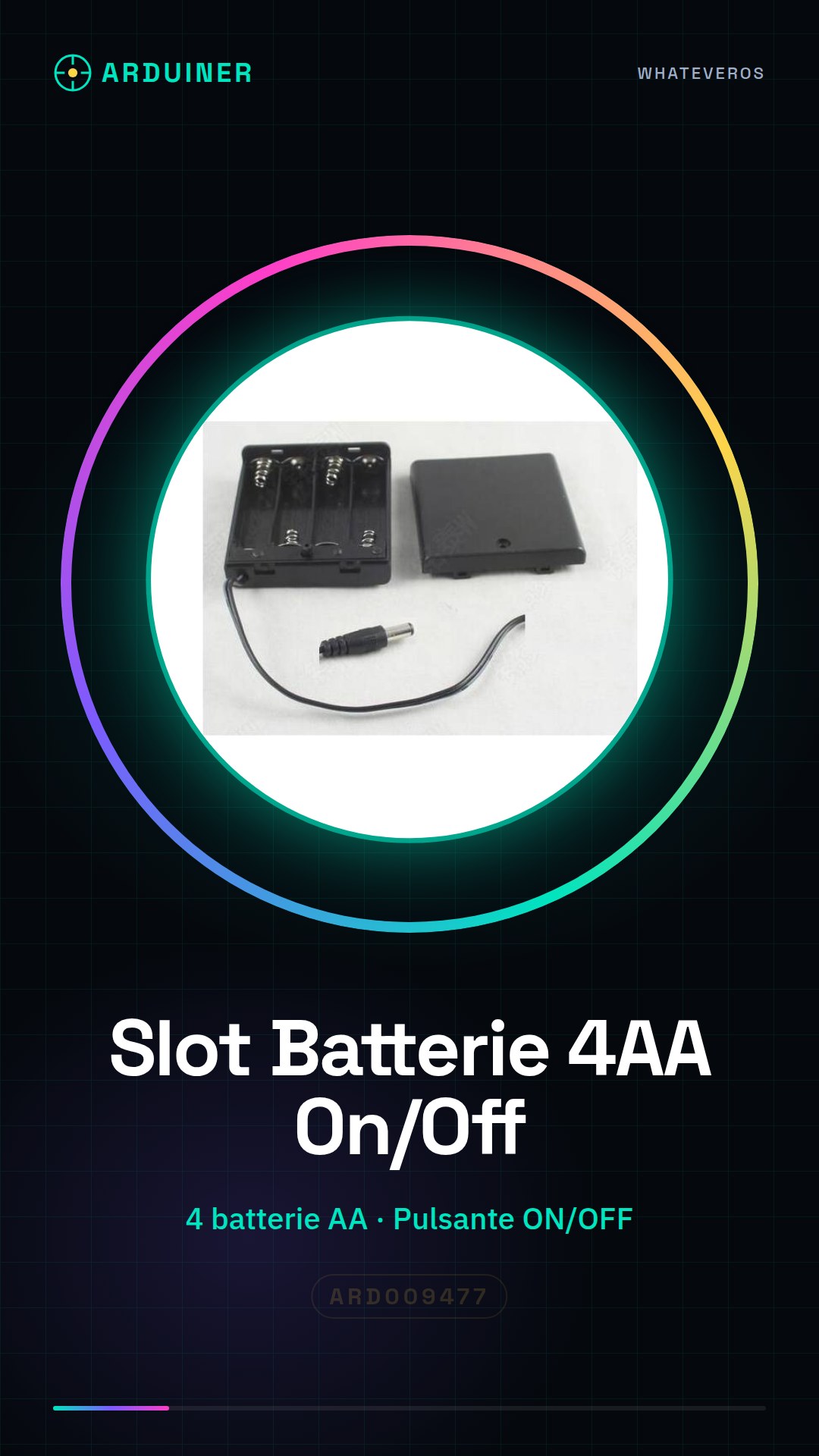
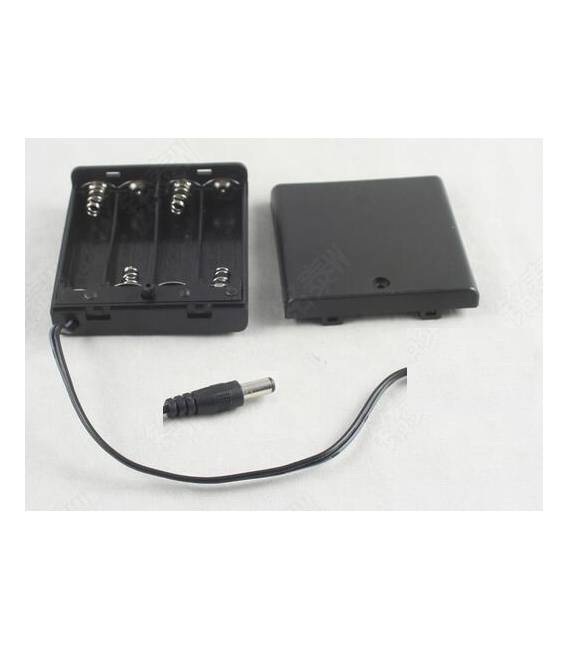
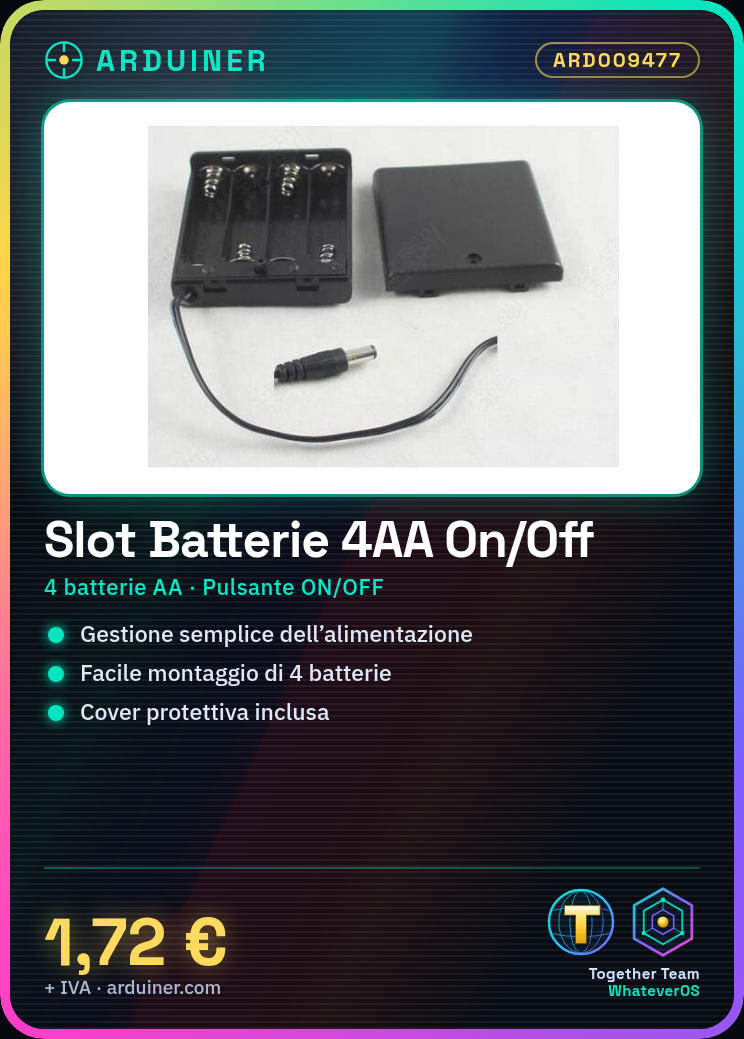
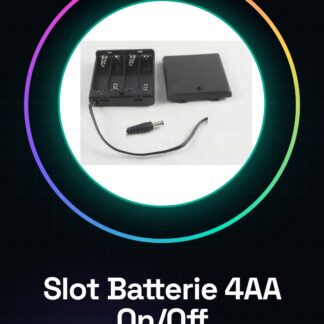
The 4AA Battery Slot with ON/OFF Button and Cover is a component designed to house AA batteries and provide simple power management for electronic devices. This slot allows for the easy installation of four AA batteries, offering the ability to turn the circuit on or off with an integrated button.
Features
- Holds 4 AA batteries
- Built-in ON/OFF button
- Included protective cover
What it is for
Ideally suited for Arduino projects and other devices requiring AA battery power, this slot enables the creation of autonomous systems. It can be used in various applications such as timers, long-range sensors, or any other device that requires easy power management.
Tutorial: How to use the 4AA Battery Slot with ON/OFF Button and Cover
The 4AA Battery Slot ON/OFF Button with Cover is a fundamental component for powering electronic projects that require AA batteries. Ideal for both beginners and more experienced makers, it allows you to manage the power supply of your devices in a simple and safe manner.
What you need
- 4 AA batteries
- Arduino or powered device
- Connection between the battery slot and Arduino/device
Steps
- Check the compatibility of the batteries with the dimensions of the battery slot.
- Insert 4 AA batteries into the battery slot, ensuring they are correctly oriented.
- Press the ON/OFF button to activate the power supply.
- Connect the positive and negative terminals of the battery slot to the power pins of the Arduino/device.
- Check the datasheet for the output voltage specifications of the module to ensure compatibility with your device.
Mini project
Create a simple timer with Arduino and the 4AA battery slot. Connect an LED to the Arduino, use the battery slot to power the entire system, and program the Arduino to turn the LED on and off at regular intervals.
Common mistakes
- Insert the batteries in the opposite direction.
- Fail to close the cover after inserting the batteries.
- Connect the module without verifying voltage compatibility.
- Do not press the ON/OFF button to activate power.
Recommended accessories
- Arduino Uno
- LED and resistor
- USB cable for Arduino
Frequently asked questions
How can I check that the batteries are inserted correctly?
Check that the positive (+) end of the batteries is aligned with the mark on the battery slot.
Can I use other sizes of batteries in the slot?
No, check the datasheet for compatibility specifications.
Reviews
There are no reviews yet.