 EN
EN IT Italiano
 ES Español
 FR Français
 DE Deutsch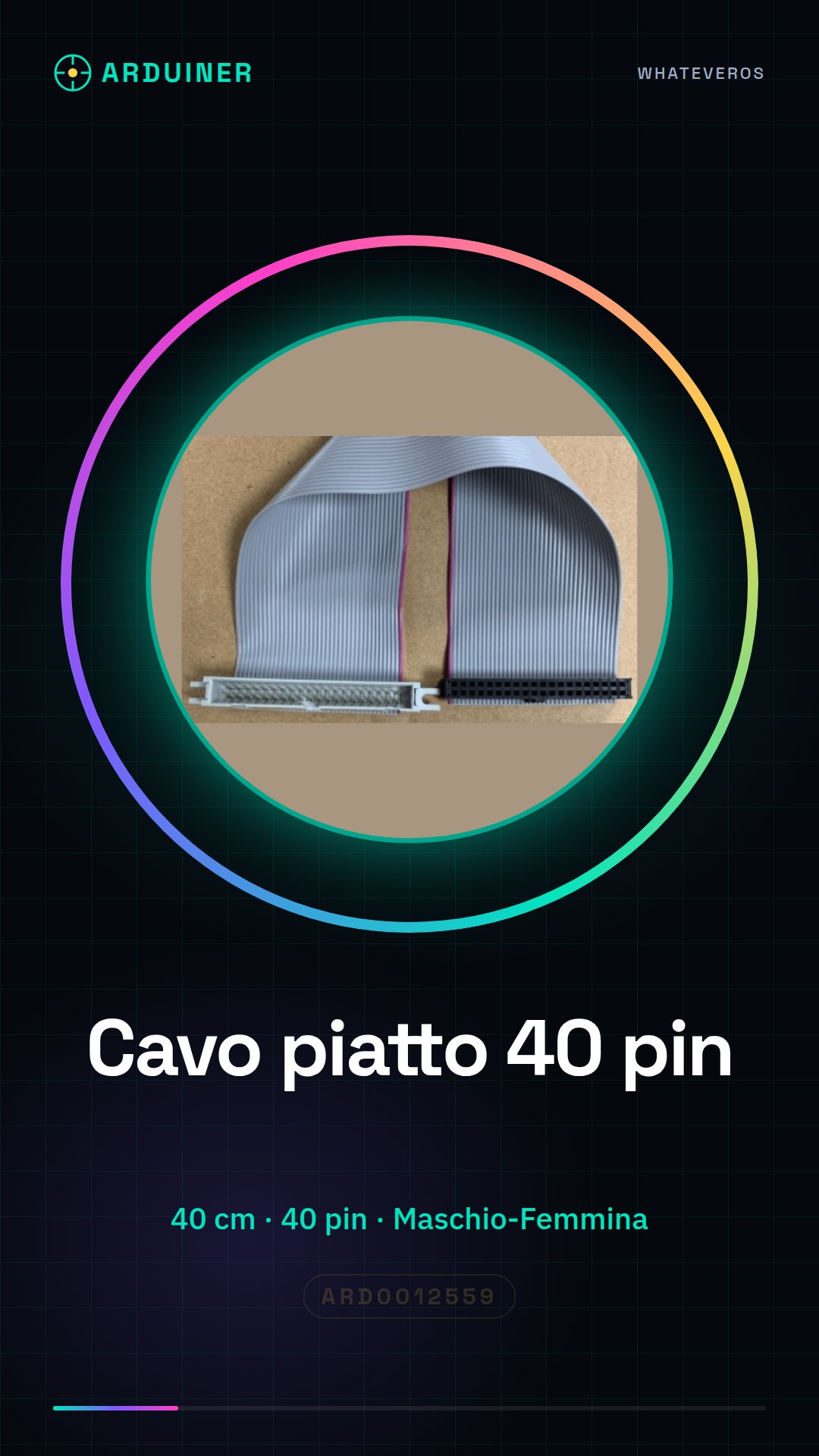
Description
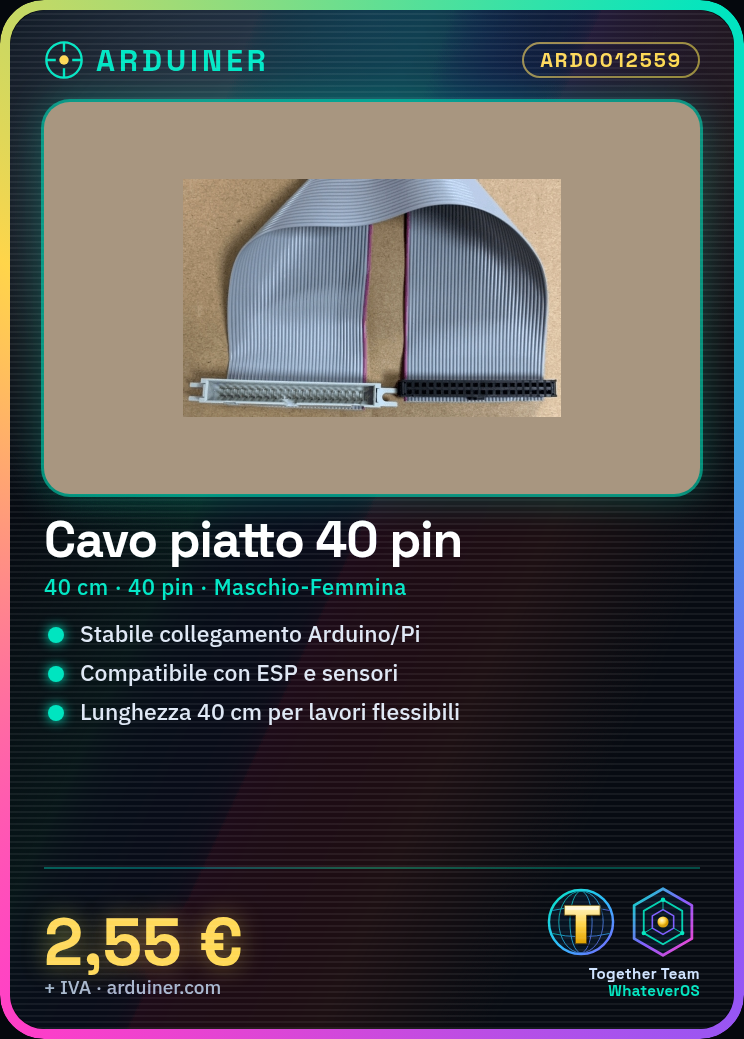
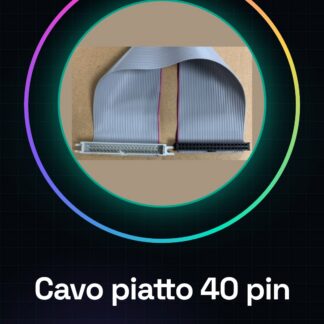
What is a 40 Pin Flat Cable? A 40 pin flat cable is an electronic connector used to establish a secure and stable connection between various electronic platforms such as Arduino and Raspberry Pi and external devices. This cable is perfect for projects requiring flexible and reliable connections between electronic components. Features Length: 40cm Number of pins: 40 Type: Male-Female What does it do? This cable is used to connect different electronic devices, for example, connecting a motion sensor to a wireless communication module in a home alarm system. It is compatible with various platforms such as Arduino and ESP. How to use 40 Pin Flat Cable Male-Female 40cm The flat cable male-female connector is essential for connecting electronic platforms like Arduino and Raspberry Pi to external devices. This cable is ideal for beginner and intermediate makers who want to create projects that require stable and secure connections. What it’s used for Arduino Projects Raspberry Pi Projects Expansion board connections 3D printing connections Connections between sensors and control systems Steps Check the specifications of the connector (number of pins, type of connection) on a datasheet. Position the flat cable so that the male connector pins align with those of the female connector. Gently press the two connectors together until you hear a click confirming the connection. Verify the connection by checking that the pins are well aligned and none have jumped out. If necessary, use a multimeter to check continuity between the pins. If the cable is used in a mobile project, consider using a fixed support to maintain a stable connection. Remember to disconnect the cable before removing or modifying connected components. Regularly check the connection to ensure there are no signs of corrosion or damage to the pins. Mini-project Create a home alarm system with a motion sensor and a wireless communication module. Connect the sensor to the module using the 40 pin flat cable to send alarm signals. Common mistakes Not checking continuity between pins. Forcing the connection between connectors. Not using a fixed support in mobile projects. Not regularly checking the connection for signs of corrosion or damage.
Reviews
There are no reviews yet.