 EN
 IT Italiano
 ES Español
 FR Français
 DE Deutsch
Description
What it is
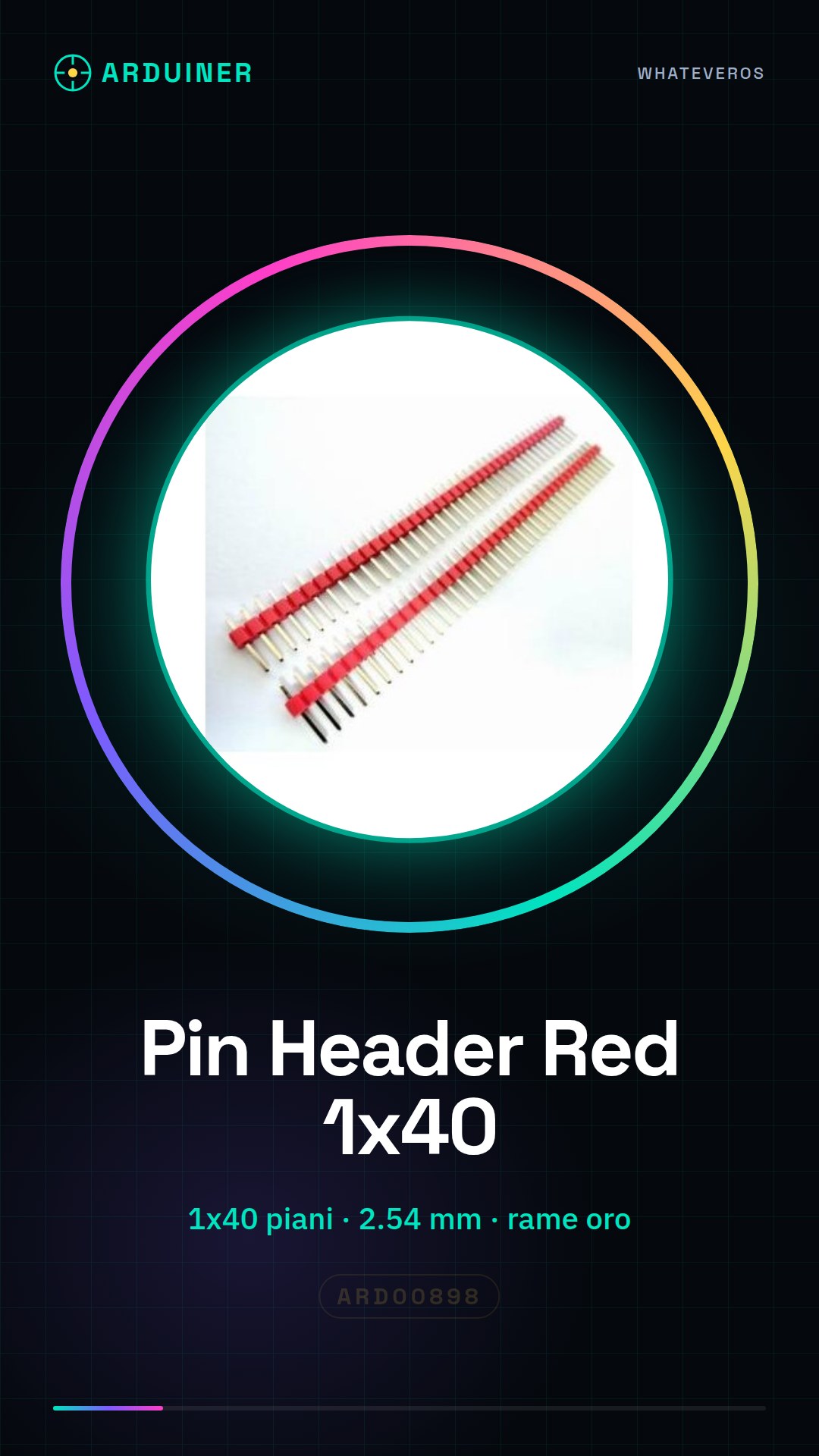
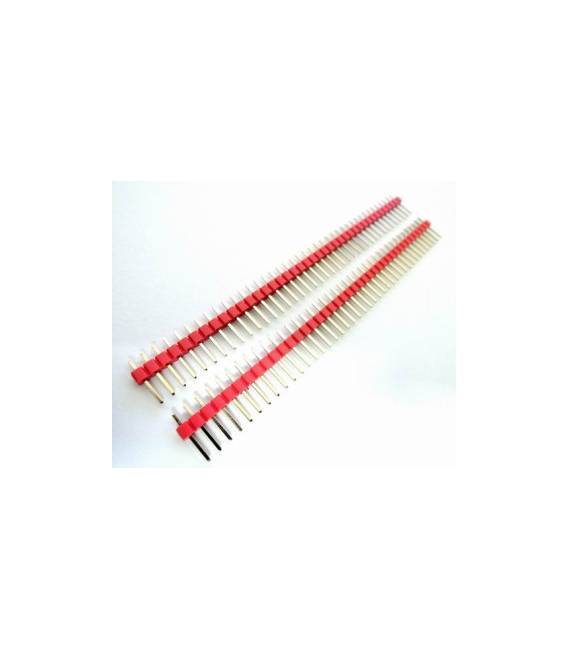
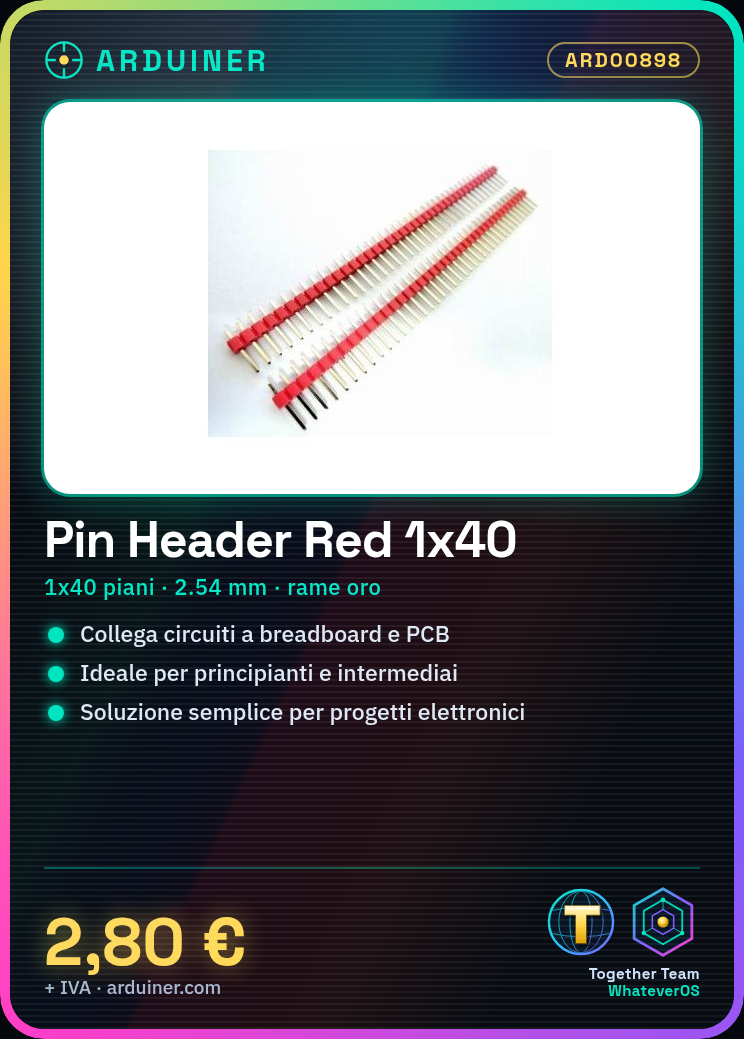
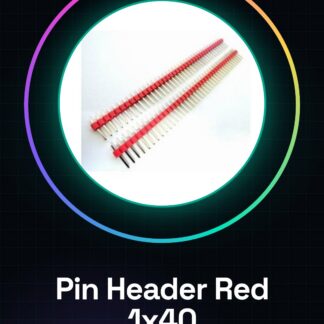
The Red 1*40 Pin Header connectors in gold-plated copper are components used to connect electronic circuits to breadboards or PCBs. These pin headers are ideal for both beginners and intermediates, offering a simple and efficient solution for various electronic projects.
Features
- Red 1*40
- In gold-plated copper
- Ideally suited for Arduino projects and PCB connectivity
What it is for
They are used to connect electronic circuits to breadboards or PCBs. Ideal for creating simple lighting circuits with an LED and a button. Also suitable for other projects requiring connectivity between electronic components.
Tutorial: How to use 4 Pieces Red 1*40 2.54 Gold-Plated Male Pin Headers
These pin headers are ideal for connecting electronic circuits to breadboards or PCBs. Suitable for beginners and intermediates.
What you need
- Breadboard
- Electronic components
- Connections
- Multimeter (optional)
Steps
- 1. Check that the pins are clean.
- 2. Take a pin and insert it into the breadboard hole.
- 3. Repeat for all the pins.
- 4. Connect the pins to electronic components.
- 5. Verify on the datasheet for current constraints.
- 6. Test the connection with a multimeter (optional).
- 7. Install the pin header on a PCB if necessary.
- 8. Verify the electrical connection.
Mini project
Create a simple lighting circuit with an LED and a button.
Common mistakes
- Do not force the pins in too much.
- Omit the connection verification.
- Ignore current constraints.
- Do not test the circuit before use.
Recommended accessories
- LED
- Button
- Resistor
- Breadboard
Frequently asked questions
How to clean the pins?
Use a silver brush or an electronic brush.
Which current constraints do I need to check?
Check the datasheet.
Can I use these pins on a PCB?
Yes, but verify the layout before installation.
Reviews
There are no reviews yet.