 EN
 IT Italiano
 ES Español
 FR Français
 DE Deutsch
Description
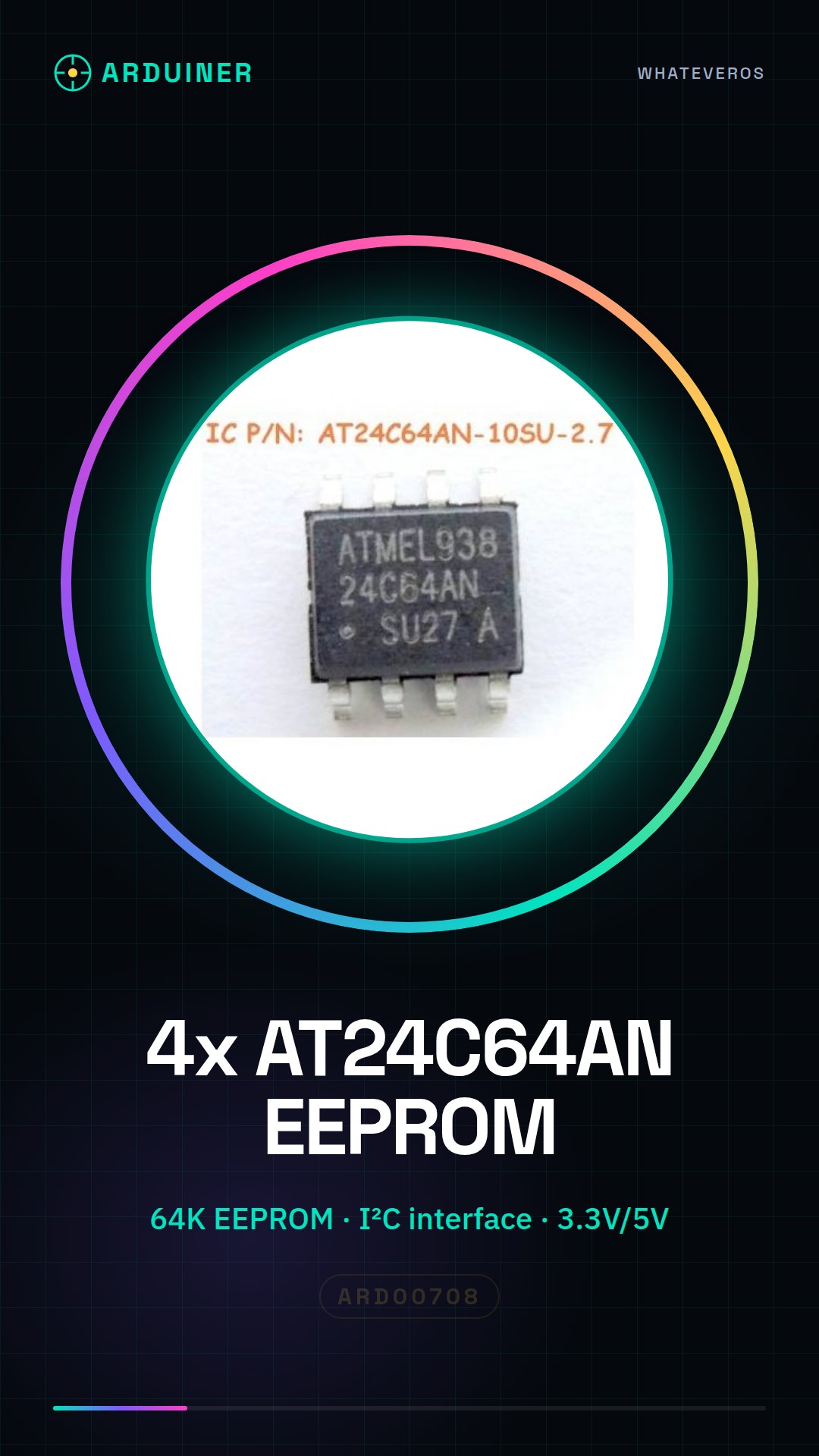
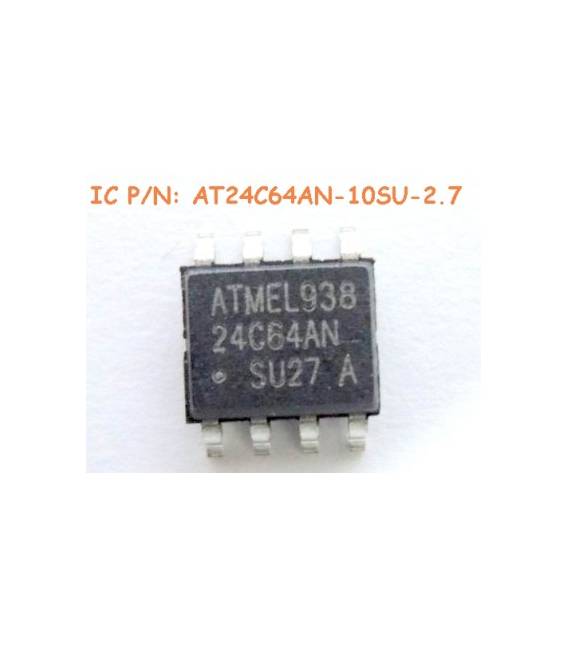
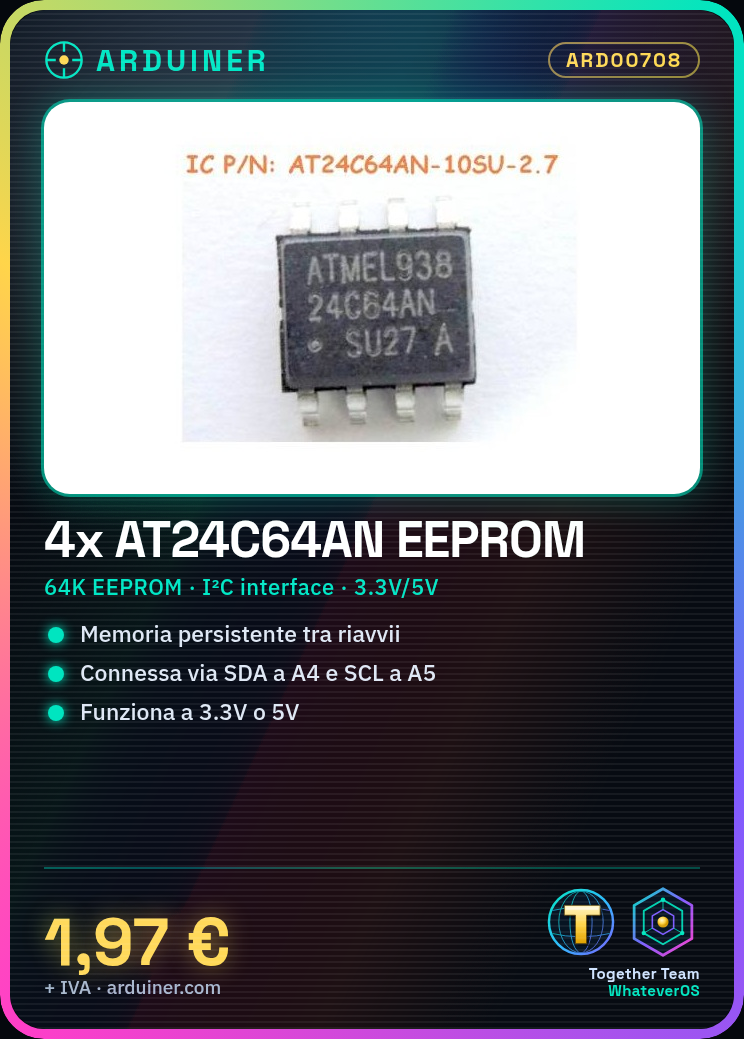
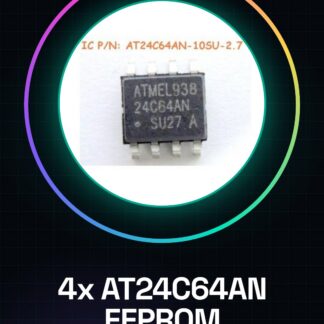
Tutorial: How to Use AT24C64AN-10SU-2.7 IC. The AT24C64AN-10SU-2.7 is an EEPROM (usually non-volatile memory) used to store important data in electronic devices like Arduino. It is ideal for projects requiring data persistence across system reboots. What You Need Arduino Uno or compatible USB A-MicroB cable EEPROM library Steps Connect the SDA pin of the AT24C64AN to Arduino pin A4. Connect the SCL pin of the AT24C64AN to Arduino pin A5. Connect the VCC pin of the AT24C64AN to 3.3V or 5V (check datasheet). Connect the GND pin of the AT24C64AN to the circuit ground. Insert the EEPROM library into the Arduino IDE. Write a simple sketch to read and write data to EEPROM. Example Code void setup() { Wire.begin(); Serial.begin(9600); } void loop() { EEPROM.write(0, ‘A’); // Write the character ‘A’ to memory location 0. int value = EEPROM.read(0); // Read memory location 0. Serial.println(value); // Print the read value. } Mini-Project Create a persistent counter that continues to store and display numbers even after rebooting Arduino. Common Errors Incorrect pin connections SCL/SDA voltage selection not conforming to AT24C64AN datasheet Incorrect code for EEPROM writing Recommended Accessories Arduino Uno R3 EEPROM library USB A-MicroB cable 3D printing kit for prototypes Frequently Asked Questions Which pins do I need to connect? Connect SDA to A4, SCL to A5, and VCC to the appropriate voltage. How can I verify that data is saved correctly? Use Serial Monitor to read values stored in EEPROM.
Reviews
There are no reviews yet.