 EN
EN IT Italiano
 ES Español
 FR Français
 DE Deutsch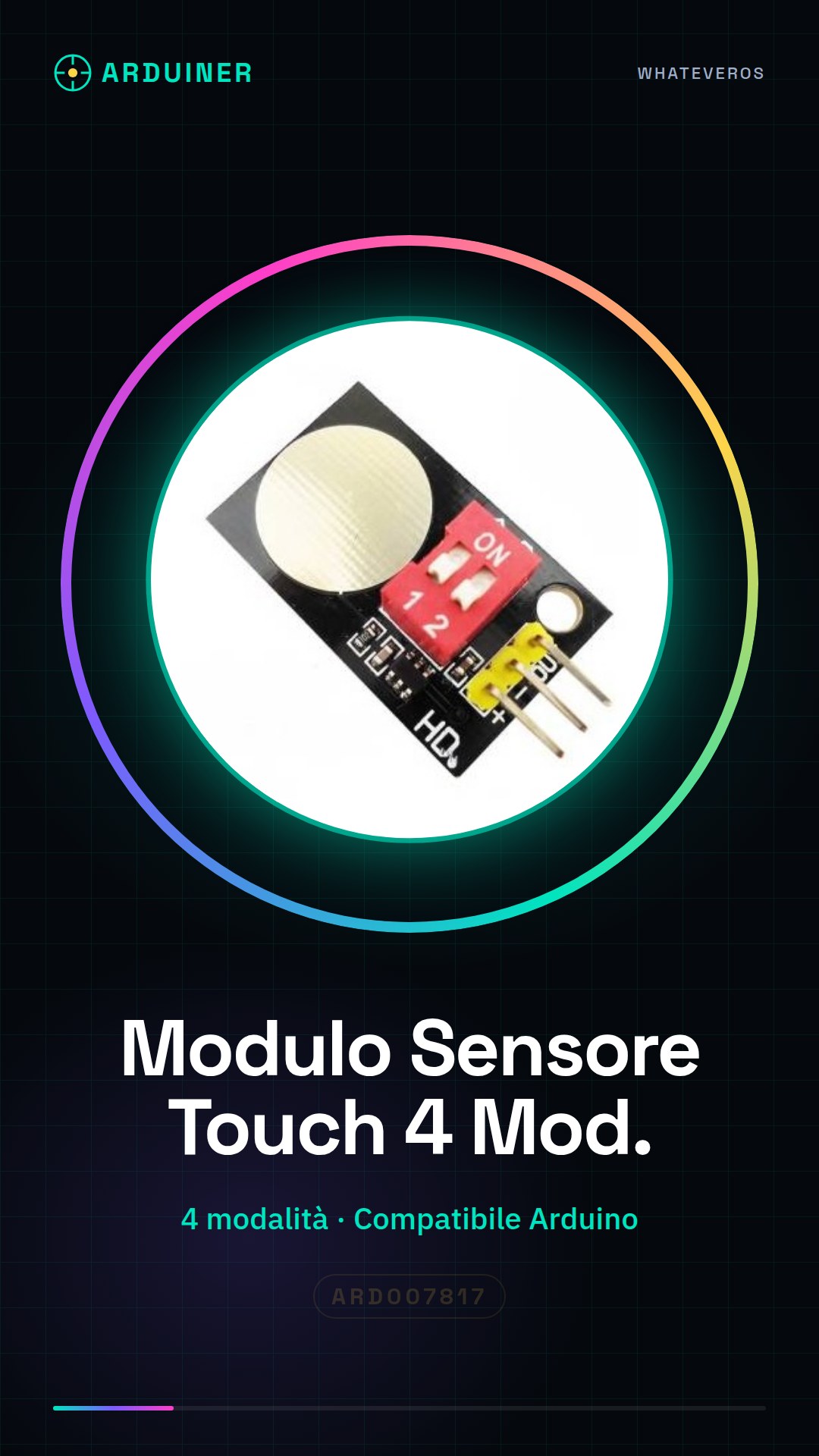
Description
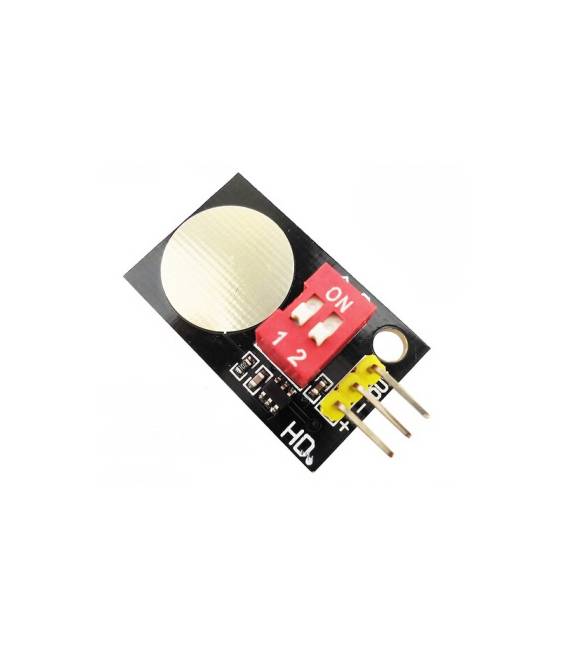
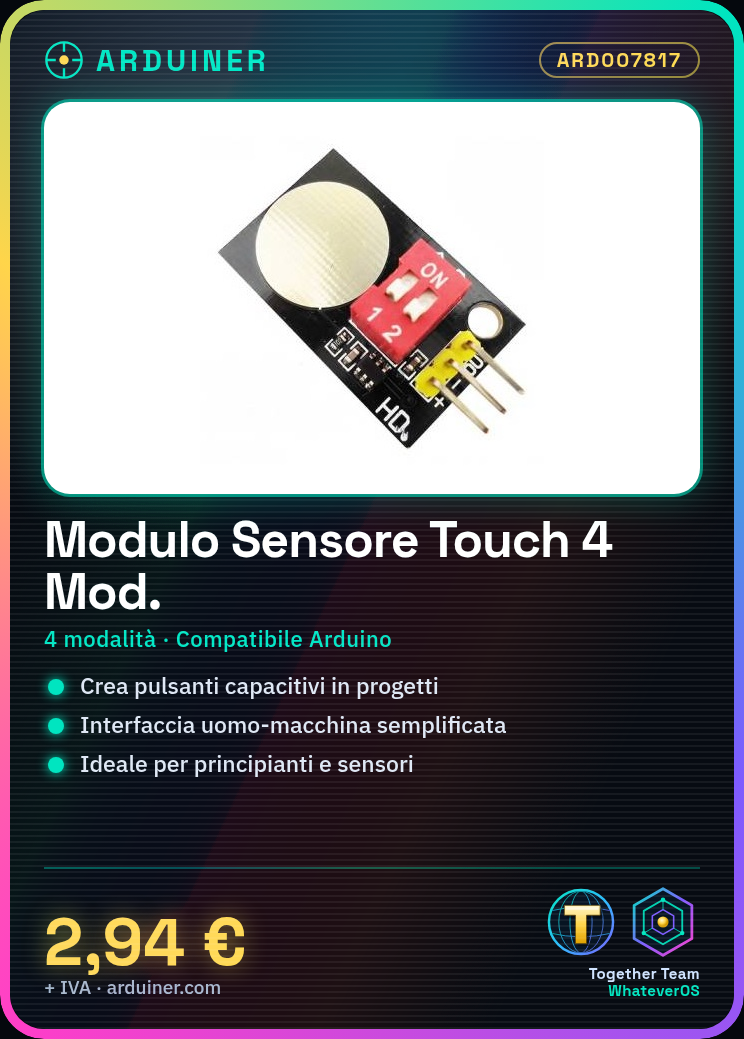
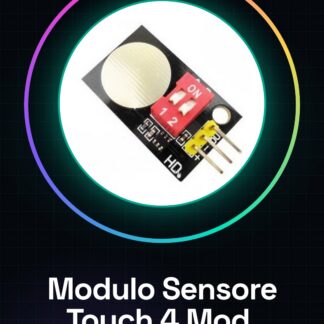
The 4 mode capacitive touch sensor button module for Arduino allows you to create capacitive buttons in various projects, simplifying the human-machine interface. Features: 4 operating modes, compatible with Arduino. Ideal for beginners and those exploring sensors. It can be used to create simple and interactive interfaces, such as a warning display that lights up when the button is pressed. Tutorial: How to use the Capacitive Touch Sensor Button Module This sensor enables you to create simple and interactive human-machine interfaces for your Arduino projects, ideal for beginners and sensor enthusiasts. What’s needed: Capacitive Touch Sensor Button Module, 0.1″ cables (to connect the module to Arduino), optional 10kΩ resistor (for optimal operation). Steps: 1. Installation: Connect the module to your Arduino with 0.1″ cables. 2. Connection: Connect GND to Arduino’s GND, VCC to 5V, and output pins to a chosen digital pin. 3. Configuration: Check the datasheet for the configuration pin (Cnf) specification to set modes. 4. Code: Upload the example sketch to your Arduino. 5. Test: Press the button and check if an LED (if present) lights up. 6. Mode Selection: Move the configuration pin Cnf to select a different mode. 7. Debugging: If it doesn’t work, verify connections and resistance. 8. Customisation: Modify the sketch for your project. Example Code “`void setup() { pinMode(2, INPUT); Serial.begin(9600);} void loop() { int touchValue = digitalRead(2); if (touchValue == HIGH) { Serial.println(“Button pressed”); } else { Serial.println(“Button not pressed”); }}“` Mini-project: Create a simple warning screen that lights up when the button is pressed. Common errors: Incorrect connections, mode not set correctly, missing resistor, incorrect code. Recommended accessories: Arduino Uno, LED, 10kΩ Resistor, USB cable for loading. FAQs: What are the 4 modes of the module? Check the datasheet. Can I use this module with a microcontroller other than Arduino? Yes, but check pin compatibility. What are the pins on the module? Check the datasheet. Does the module work with 3.3V? Check the datasheet.
Reviews
There are no reviews yet.