 EN
 IT Italiano
 ES Español
 FR Français
 DE Deutsch
Description
What it is
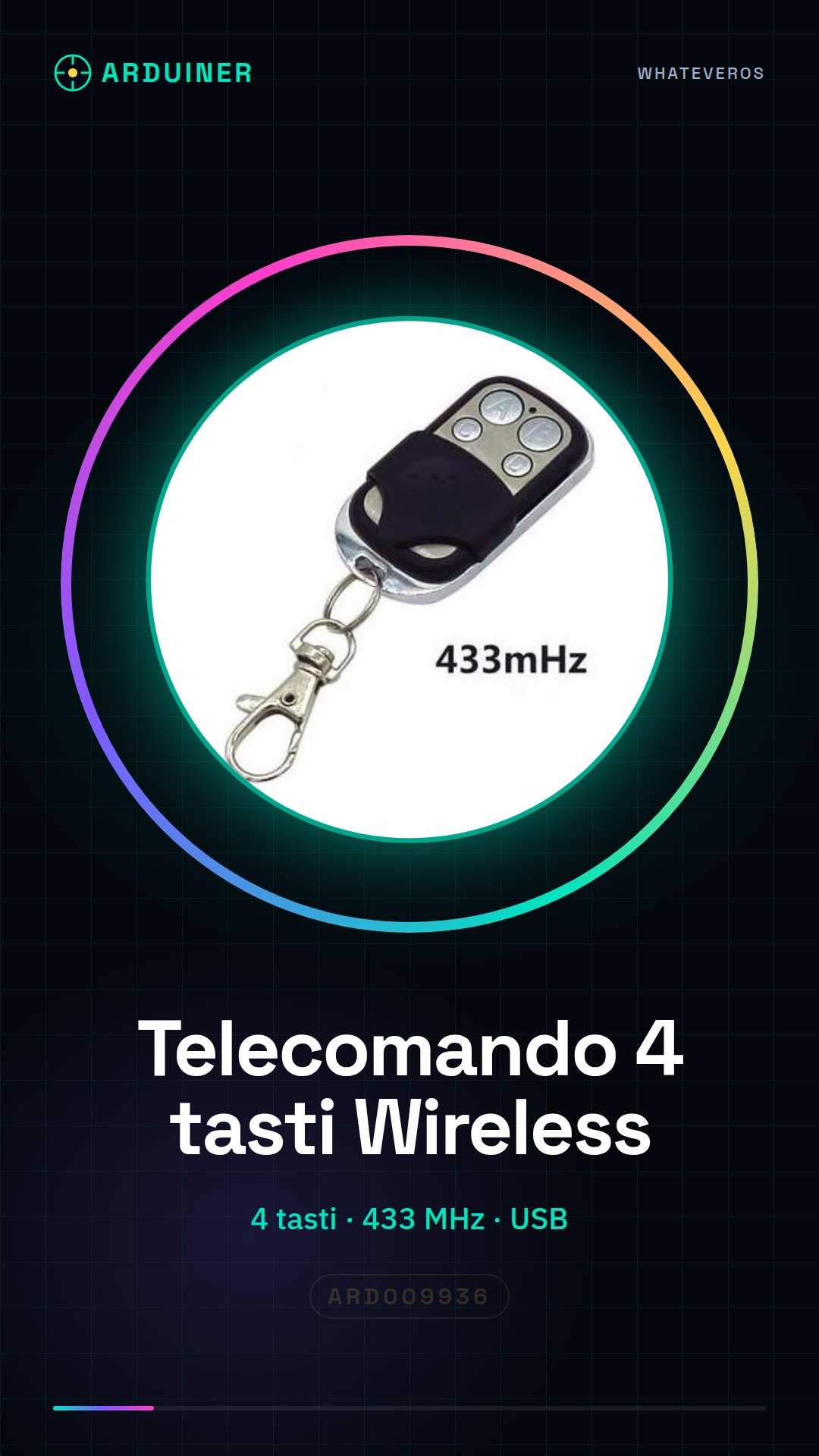
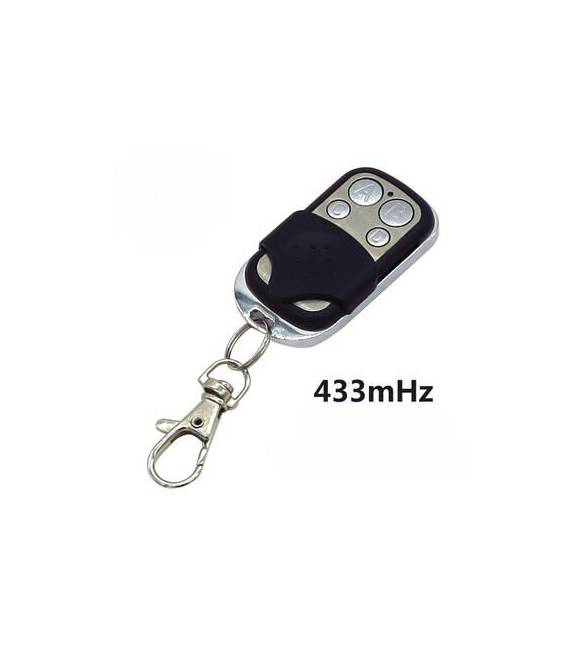
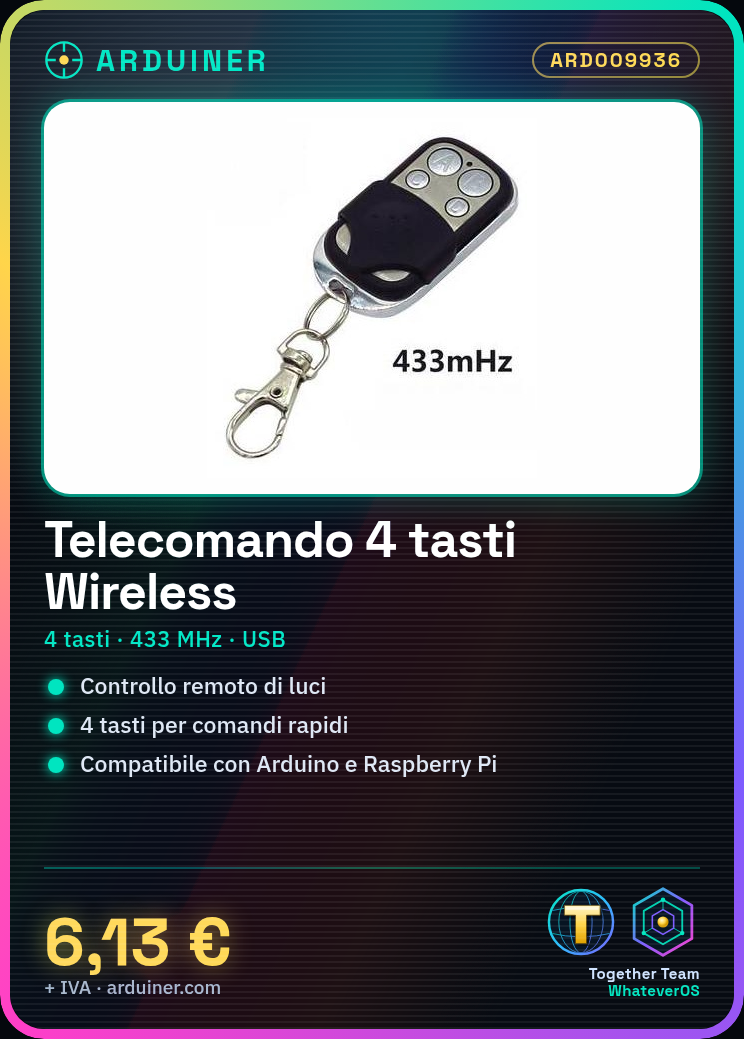
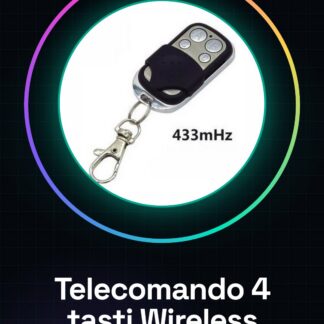
The 4 Button Wireless 433Mhz Remote Control is a low-cost device designed to control devices remotely through a wireless connection. It is ideal for use in Arduino and Raspberry Pi projects.
Features
- Buttons: 4
- Transmission Frequency: 433MHz
What it is for
This remote control is useful for creating remote control systems in various contexts, such as controlling lights or other electronic devices. It is compatible with Arduino and Raspberry Pi based projects.
Tutorial: How to Use 4 Button Wireless 433Mhz Remote Control
This wireless remote control is ideal for controlling remote devices without wires, perfect for Raspberry Pi or Arduino based projects.
What you need
- 4 Button Wireless 433Mhz Remote Control
- Raspberry Pi or Arduino
- USB cable
- Antenna (optional)
Steps
- 1. Ensure that both the remote control and the receiver are functioning properly.
- 2. Connect the remote control to the receiver using a USB cable.
- 3. Check the datasheet for the operating frequency (433Mhz).
- 4. Configure the remote control to send signals at the correct frequency.
- 5. Connect the receiver to the Raspberry Pi or Arduino.
- 6. Verify the correct electrical connection.
- 7. Write an Arduino sketch to receive signals from the remote control.
- 8. Test the system to ensure it works correctly.
Mini project
Create a simple remote lighting system with a controllable chandelier using the remote control.
Common mistakes
- Do not check the operating frequency on the datasheet.
- Connect the remote control and receiver without verifying the correct connection.
- Omit configuring the remote control for the operating frequency.
- Do not test the system before using it in a more complex project.
Recommended accessories
- USB cable
- Antenna (optional)
- Raspberry Pi or Arduino
- Chandelier with switch
Frequently asked questions
How can I verify the correct configuration of the remote control?
Check the datasheet or contact the manufacturer’s technical support.
Can I use this remote control with another type of microcontroller?
Check compatibility on the datasheet or contact technical support.
What are the minimum requirements for reception?
Check the datasheet for power and connectivity requirements.
Reviews
There are no reviews yet.