 EN
 IT Italiano
 ES Español
 FR Français
 DE Deutsch
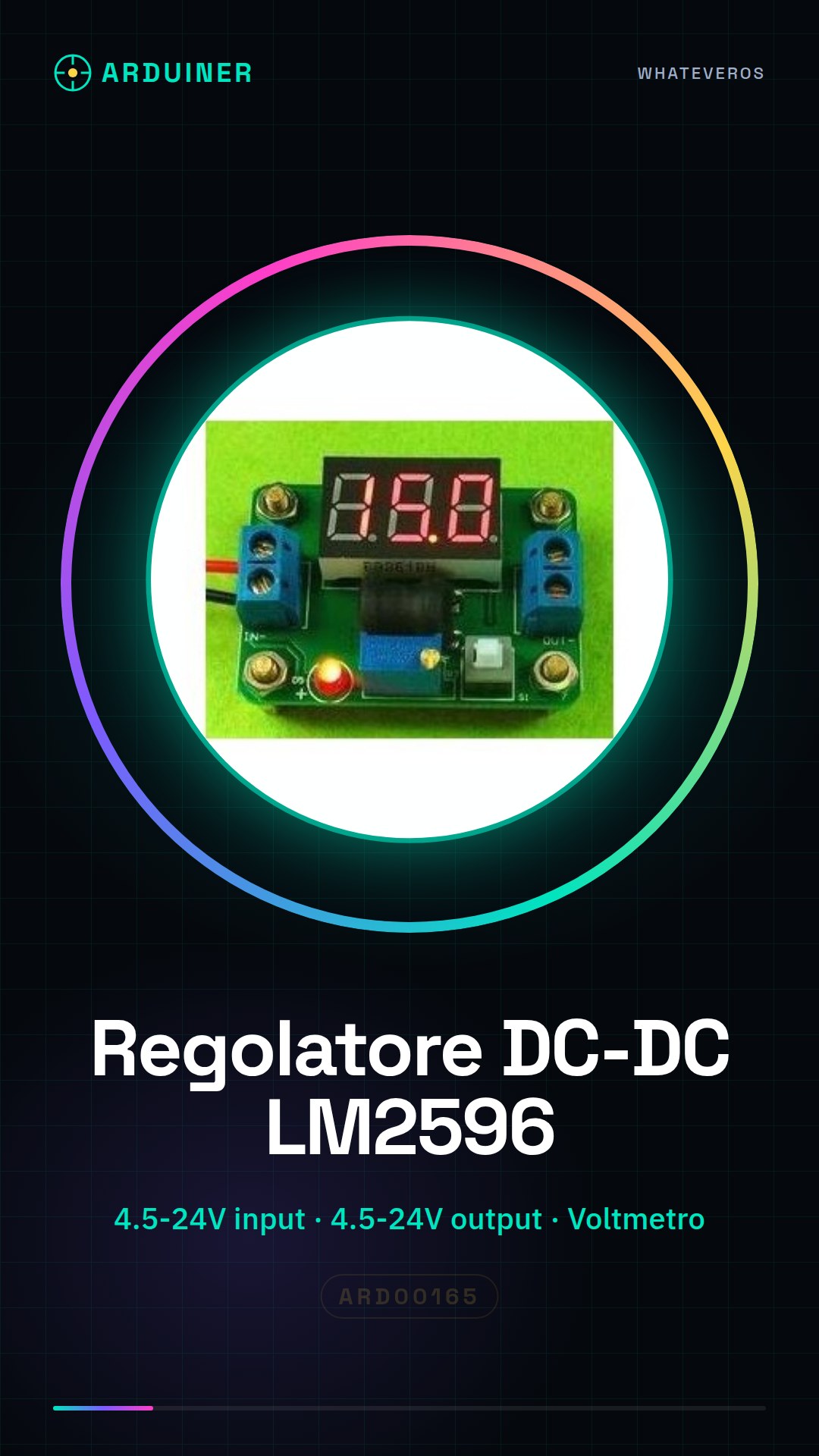
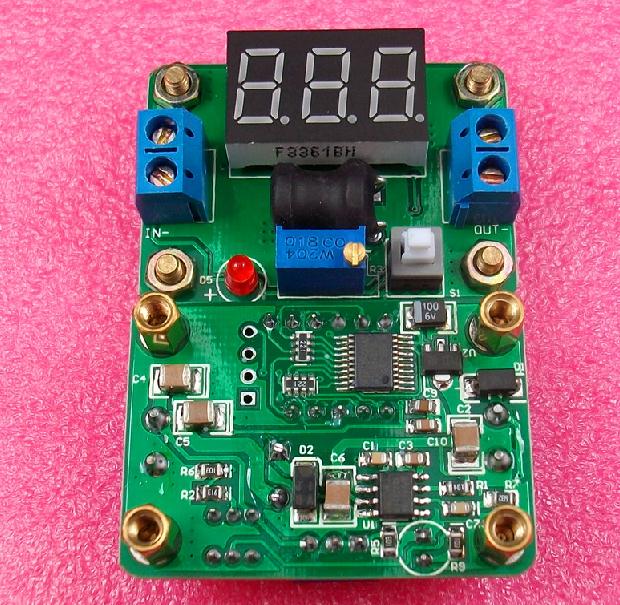
Description
What it is
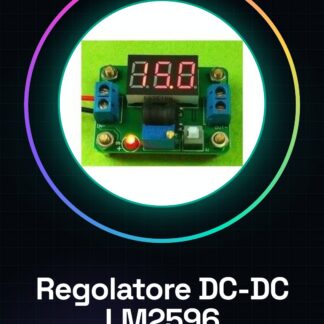
The LM2596 voltage regulator module is a crucial component for converting high to low voltage in direct current (DC-DC step-down). This device allows for a stable reduction of the electrical voltage level, providing power suitable for various circuits and projects.
Features
- Variable from 4.5V to 24V
- Integrated voltmeter for reading the output voltage
What it is for
LM2596 modules are ideal for powering sensitive circuits such as those based on Arduino or ESP, ensuring a stable and adjustable voltage. You can use it for Arduino-controlled variable lighting projects.
Tutorial: How to use DC-DC LM2596 Regulator Module
The LM2596 voltage regulator module is a fundamental component for electronic projects that require conversion of direct current from high to low voltage. Suitable for both beginners and experts, this device allows powering sensitive circuits while maintaining voltage stability.
What you need
- LM2596 voltage regulator module
- Arduino Uno or compatible
- connector for wiring
- multimeter
Steps
- Check the LM2596 module datasheet to determine the desired input and output voltage.
- Connect the positive input (VIN) to the positive terminal of the external power supply.
- Connect the positive output (VOUT) to the circuit requiring regulated voltage.
- Connect the negative terminal of the power supply to the common ground of the module and the circuit.
- Use a potentiometer to adjust the output voltage as indicated on the module.
- Check the output with a multimeter to ensure it conforms to the desired specifications.
- If necessary, add capacitors to the input and output of the module to improve power supply stability.
- Test the circuit by integrating the LM2596 module into a larger project.
Mini project
Create an Arduino-controlled lighting system with adjustable LED brightness using the LM2596 module. Adjust the LED brightness using a potentiometer.
Common mistakes
- Do not properly verify the input and output voltage before use.
- Omit the necessary capacitors to stabilize the power supply.
- Connect the module incorrectly with respect to the positive/negative pole.
- Modify the module specifications without consulting the correct datasheet.
Recommended accessories
- Electrolytic capacitor 100µF
- Potentiometer 5kΩ
- LEDs various colors
- Resistors
Frequently asked questions
How can I adjust the output voltage?
Use the potentiometer provided on the module to adjust the output voltage.
What is the minimum and maximum input voltage range?
Check the datasheet of the LM2596 module.
Reviews
There are no reviews yet.