 EN
EN IT Italiano
 ES Español
 FR Français
 DE Deutsch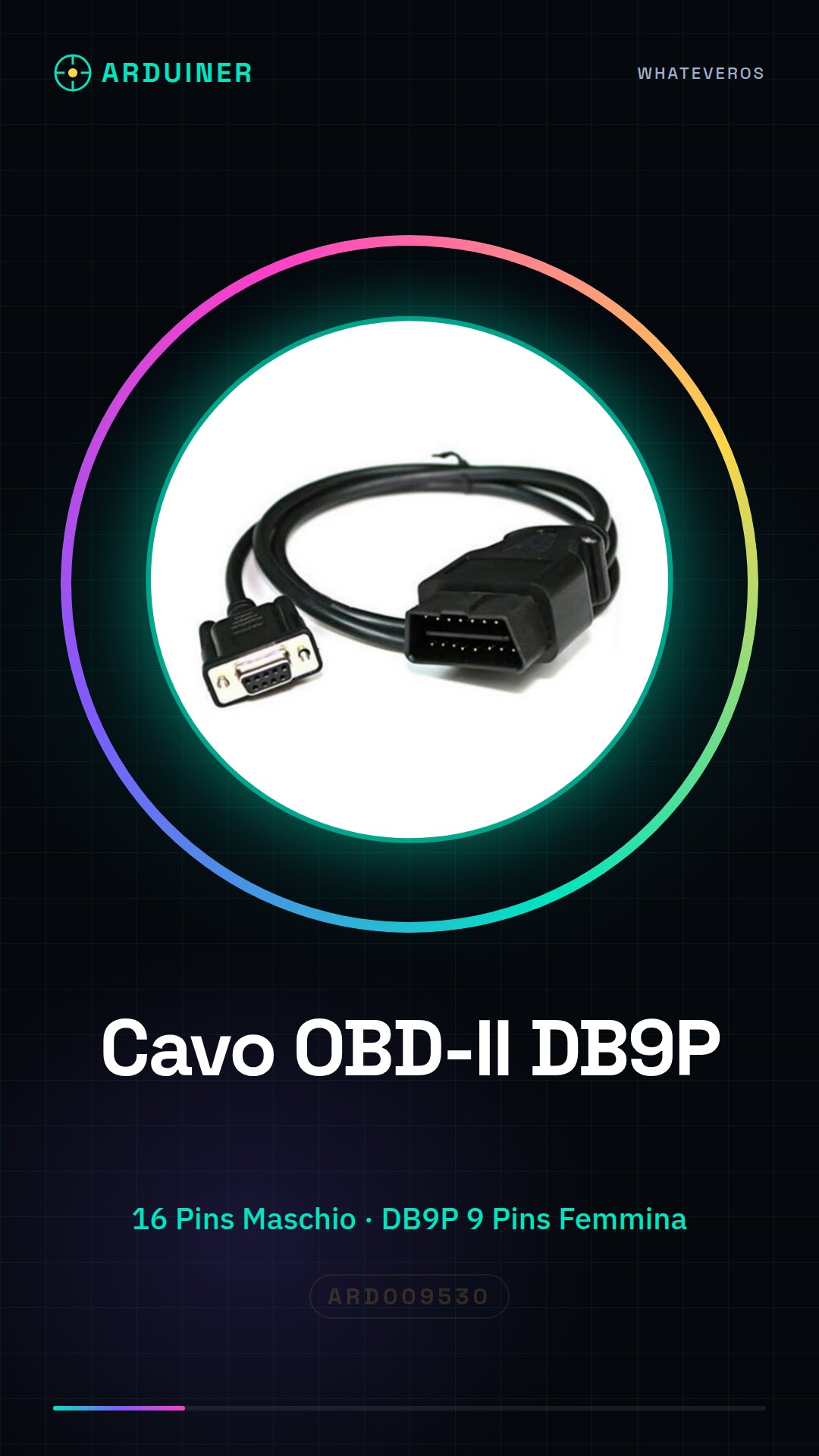
Description
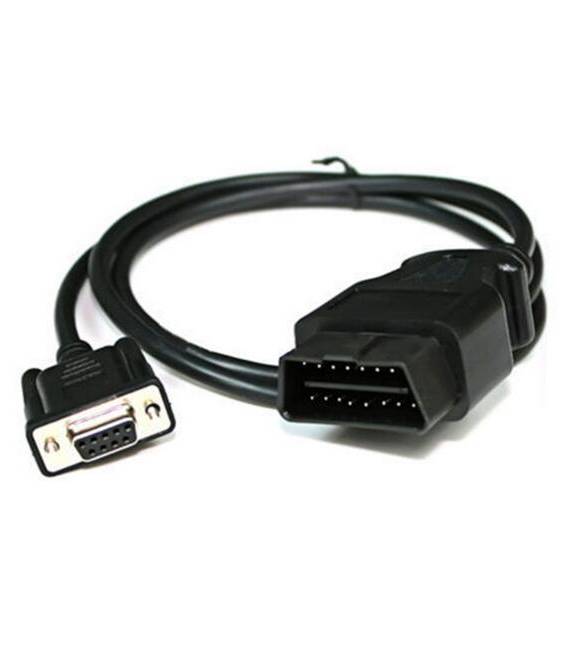
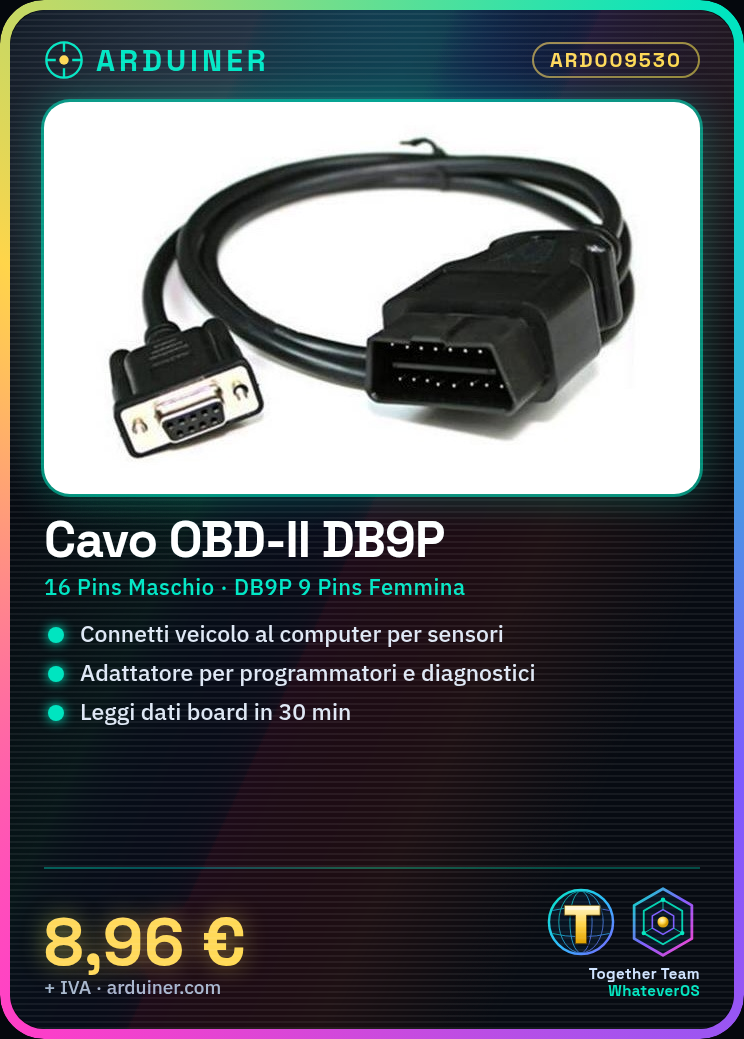
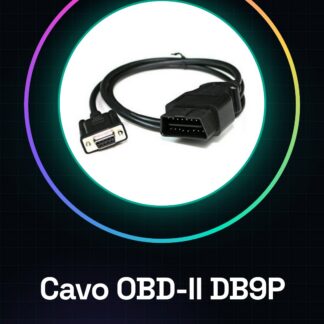
Tutorial: How to use OBD-II to DB9 Adapter Cable This adapter allows you to connect your vehicle to a computer to check sensors and board data. Useful for programmers and vehicle diagnostic devices. What you need OBD-II to DB9 Adapter Cable Vehicle with OBD-II connector Computer or diagnostic device with DB9P serial connector Steps Check if your vehicle has an OBD-II connector. Verify the specifications in your vehicle’s datasheet. Connect the OBD-II cable to the vehicle’s connector. Connect the DB9P cable to the diagnostic device. Start the diagnostic device and select the menu option to read OBD-II data. Verify the data and check if it is correct. If necessary, perform additional tests or settings. Turn off the diagnostic device and unplug the connectors. Mini-project Connect the adapter cable to a vehicle and a diagnostic device. Start the device and read the vehicle’s board data in 30 minutes. Common errors Not checking if the vehicle has an OBD-II connector. Connecting the cable incorrectly. Not verifying the data on the diagnostic device. Not turning off the diagnostic device before unplugging the connectors. Recommended accessories Diagnostic device Vehicle with OBD-II connector Power cable for the diagnostic device Vehicle manual Frequently asked questions Is the cable connected incorrectly? Check the polarity and datasheet for correct polarity. How can I check if my vehicle has an OBD-II connector? Check the vehicle documentation or the manufacturer’s website. Will the cable work with all vehicles? Check the datasheet to see if the cable is compatible with your vehicle. Can I use the cable without a diagnostic device? No, the cable serves only as an adapter between OBD-II and DB9P.
Reviews
There are no reviews yet.