 EN
EN IT Italiano
 ES Español
 FR Français
 DE Deutsch
Description
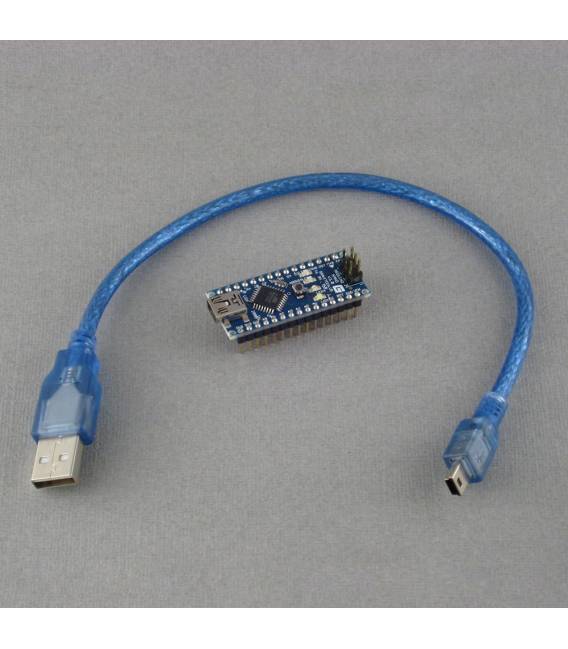
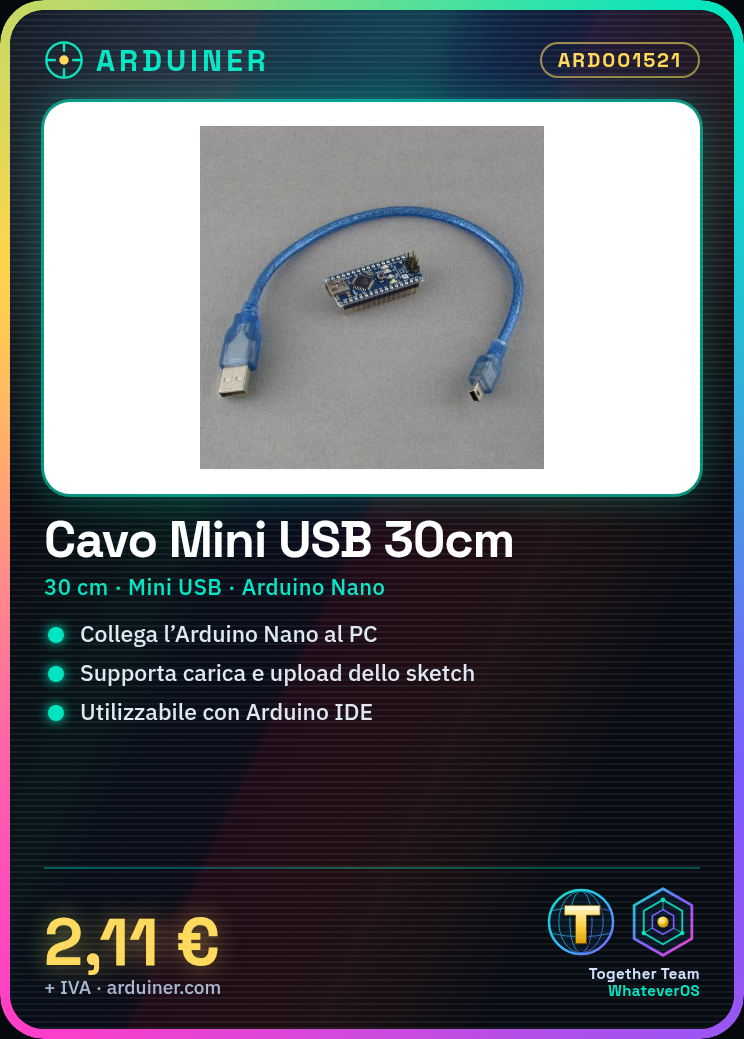
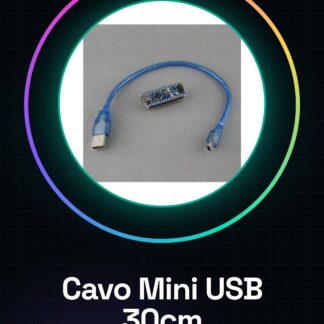
30cm MINI USB CABLE FOR NANO Tutorial: How to use 30cm Mini USB Cable for Nano The mini USB cable is essential for charging and communicating with the Arduino Nano microcontroller. This tutorial will guide you step by step on how to use it correctly. What you need Arduino Nano Computer with USB port Steps Connect the mini USB end of the cable to the communication interface of your Arduino Nano. Connect the other end of the cable to the USB port of your computer. Open the Arduino software and select the correct board (e.g., ‘Arduino Nano’) from the Tools > Board menu. Verify that the device is recognised by the computer: go to Tools > Ports to check the list of available ports. Upload a test sketch to your Arduino Nano using the ‘Upload’ button. Once the procedure is complete, you can disconnect the cable from the USB port of your computer. Mini-project Create a simple LED blink project with the Arduino Nano: connect an LED and a resistor to pin 13 of the Arduino Nano. Upload a sketch that makes the LED blink. Common errors Computer does not recognise the Arduino Nano. Error during the sketch upload procedure. Mini USB cable connection issues. Damaged communication interface on the Arduino Nano. Recommended accessories Breadboard Variable resistor kit Multicolour LED kit Ethernet cable for alternative charging Frequently Asked Questions Why doesn’t my computer recognise the Arduino Nano? Check that the driver is installed correctly and that the USB port is correct. Can I use a different cable to charge the Nano? Yes, but make sure the cable has the required mini USB interface.
Reviews
There are no reviews yet.