 EN
EN IT Italiano
 ES Español
 FR Français
 DE Deutsch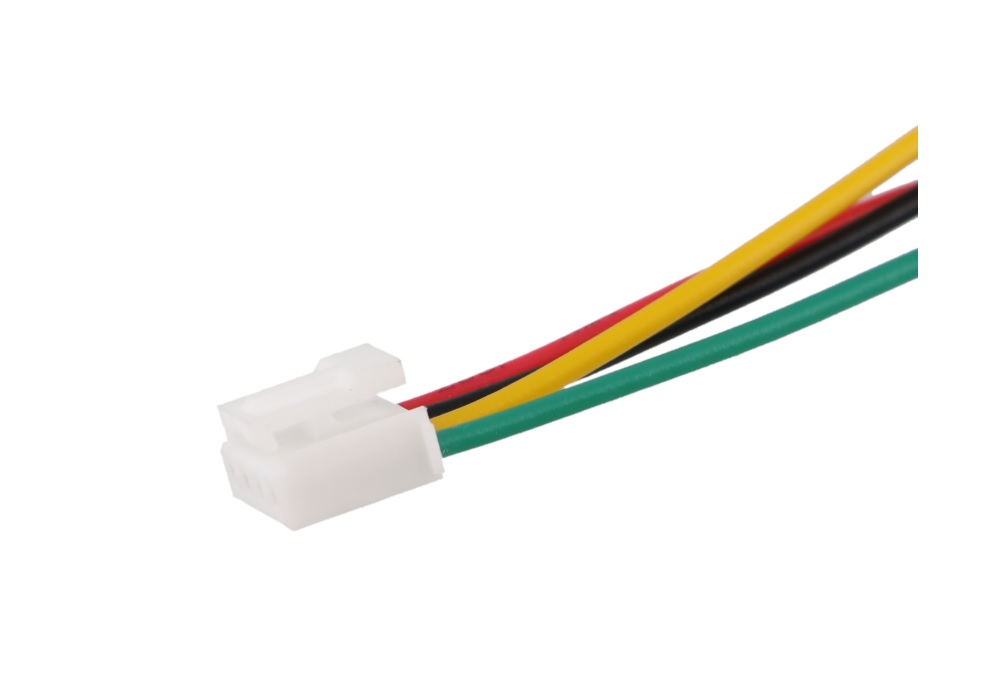
Description
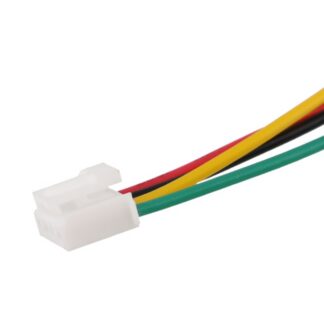
Tutorial: How to Use Grove HY2.0-4P 20cm A-A Cable This cable is ideal for easily connecting various Grove modules together or with the Arduino platform. It is particularly useful for open-source electronics projects and those starting to explore the world of sensors and modules. What You Need Arduino Module Grove Connection between two points Steps Check the compatibility of the connector on the cable with your modules or Arduino. Connect one end of the cable to a module or an Arduino pin. Connect the other end of the cable to a module or an Arduino pin. Ensure that the connection is secure and there are no open circuits. Mini Project Create a simple alarm system using a motion sensor module and an LED module. Use the Grove cable to connect the sensor and LED to the Arduino. Common Mistakes Using an incompatible cable with your modules or Arduino connectors. Not checking the connection before uploading code. Using damaged cables or connectors. Not ensuring that the cable length is adequate for the project. Recommended Accessories Motion Sensor Grove Module LED Grove Module Arduino Uno Spare Connectors Frequently Asked Questions What is the length of the cable? The cable is 20cm long. Is the cable compatible with all Grove modules? Check the module datasheet to ensure compatibility.
Reviews
There are no reviews yet.