 EN
 IT Italiano
 ES Español
 FR Français
 DE Deutsch
Description
What it is
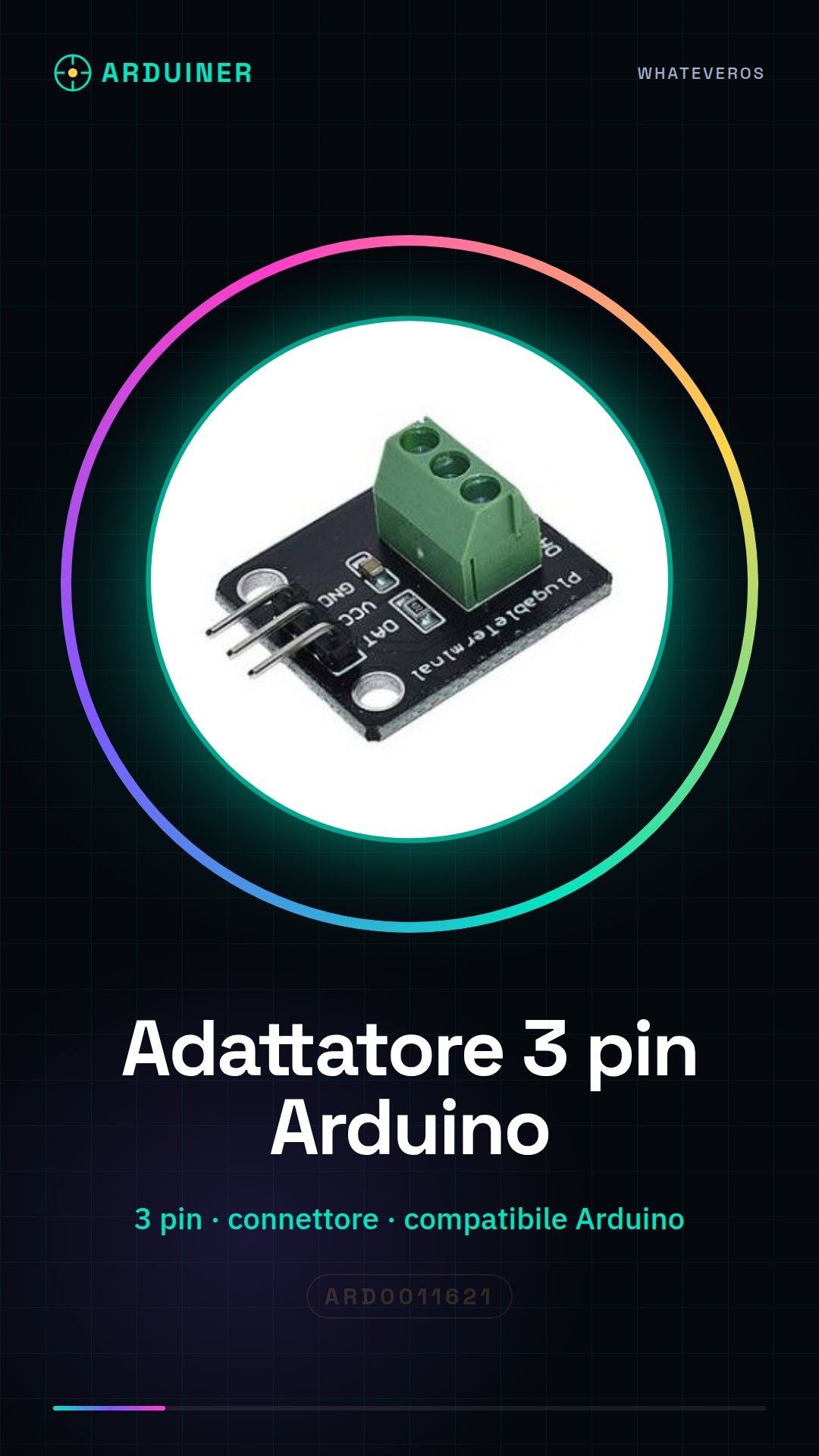
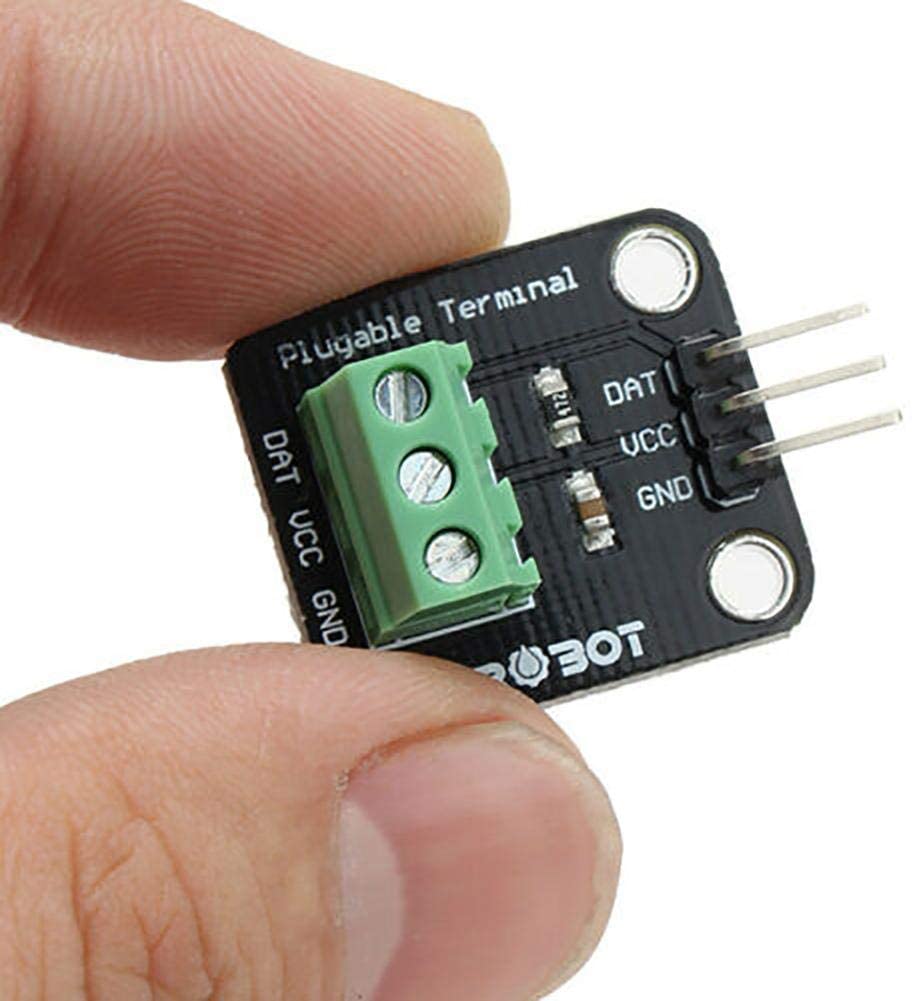
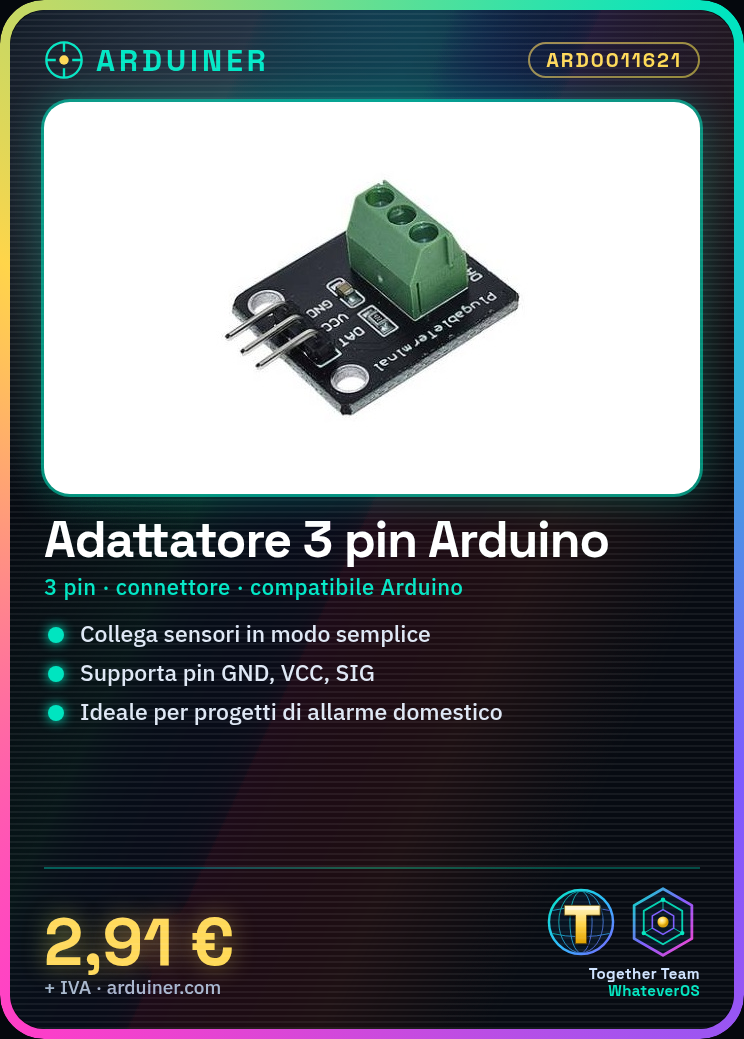
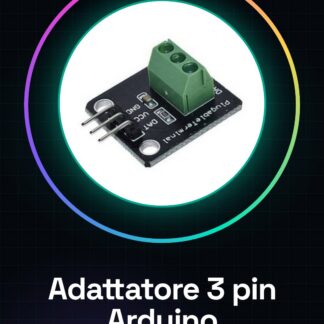
The 3-pin adapter compatible with Arduino is an essential component for connecting various sensors and devices to the interface of an Arduino microcontroller. This adapter simplifies the integration of external components without complications, making the design process simpler and faster.
Features
- Compatible with Arduino
- 3-pin connector
What it is for
The adapter is ideal for beginners who are learning to work with microcontrollers. It can be used to connect various sensors and devices, for example, to create a simple home alarm system that sends a notification when movement is detected.
Tutorial: How to use 3-pin adapter compatible with Arduino
This 3-pin adapter is designed to facilitate the connection of various sensors and devices to an Arduino interface. It is ideal for beginners who are learning to work with microcontrollers.
What you need
- Arduino
- Compatible Sensors
- USB Cable
Steps
- Check the compatibility of your sensor or device with the 3-pin adapter.
- Connect the adapter’s ground (GND) connector to the Arduino’s GND pin.
- Connect the adapter’s VCC connector to your project’s power supply or to the 5V/3.3V pin of Arduino, verifying the specific voltage from the datasheet.
- Connect the last connector (SIG) to the appropriate digital or analog interface of the Arduino.
- Install the necessary driver for your Arduino if required.
- Open a new sketch in Arduino IDE and write the example code provided.
- Upload the code to your Arduino.
- Observe the output from the Arduino’s serial monitor.
Example code
void setup() {
  Serial.begin(9600);
}

void loop() {
  int val = analogRead(A0); // Assume A0 come pin di lettura del sensore
  Serial.println(val);
}
Mini project
Create a simple home security system that sends a notification when motion is detected.
Common mistakes
- Connect the VCC connector to Arduino without first verifying compatibility with the sensor or device voltage.
- Use a digital pin to read analog values from a sensor, causing incorrect data.
- Fail to properly upload the provided example code to Arduino.
- Omit checking the compatibility of the sensor or device with the adapter.
Recommended accessories
- Pull-up/pull-down resistors
- PIR motion sensors
- RGB LEDs controllable by Arduino
Frequently asked questions
Is an adapter required to connect all sensors to Arduino?
No, many sensors have direct connectors that can be connected directly to Arduino.
Can the adapter damage my sensor or device?
If the voltage and pins are correctly configured, there should be no damage. Always check the sensor datasheet.
What is the difference between a 3-pin adapter and one with more connectors?
A 3-pin adapter is specific for sensors that require power, ground, and signal. Multi-pin adapters can handle additional functionalities such as bidirectional data.



Reviews
There are no reviews yet.