 EN
 IT Italiano
 ES Español
 FR Français
 DE Deutsch
Description
Technical Description
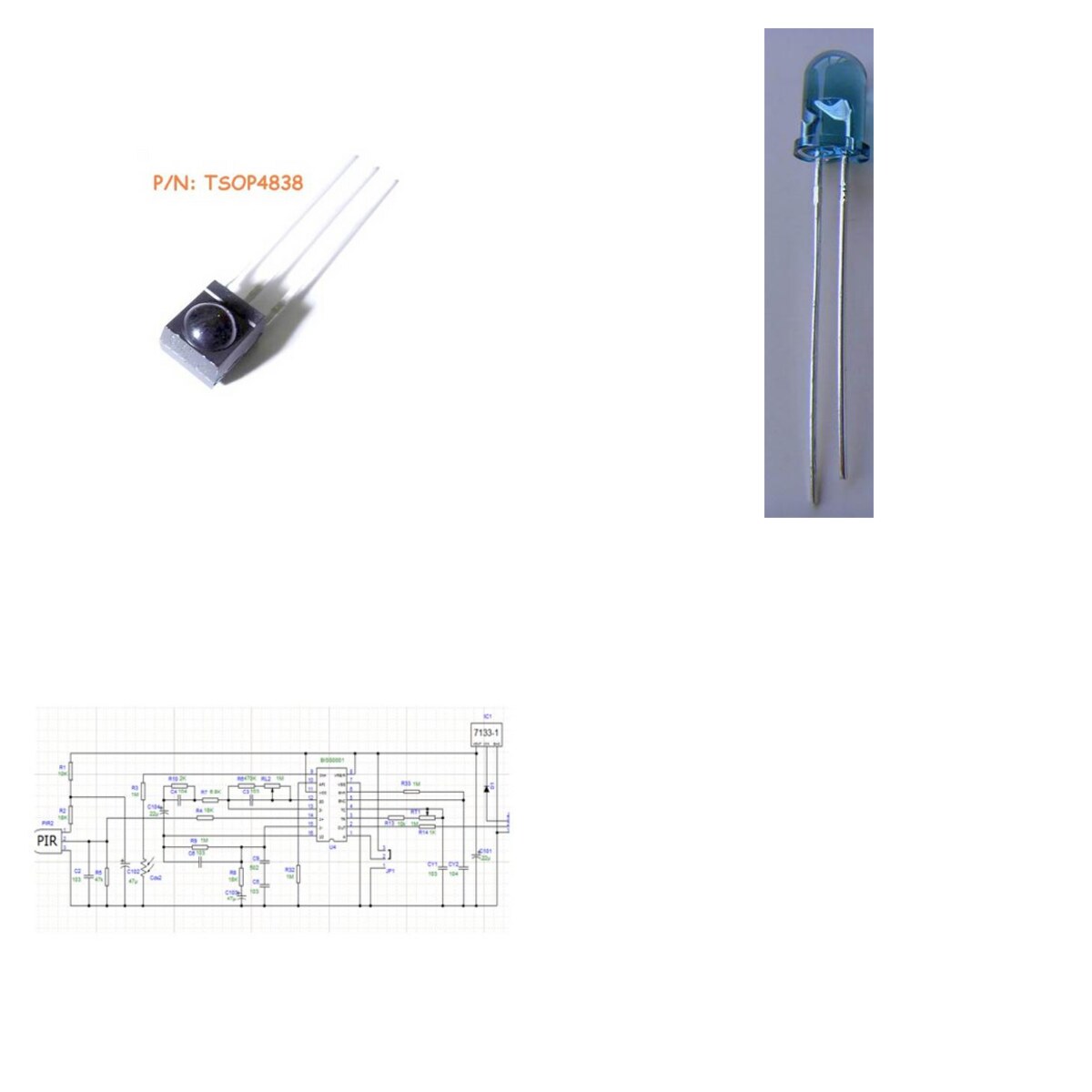
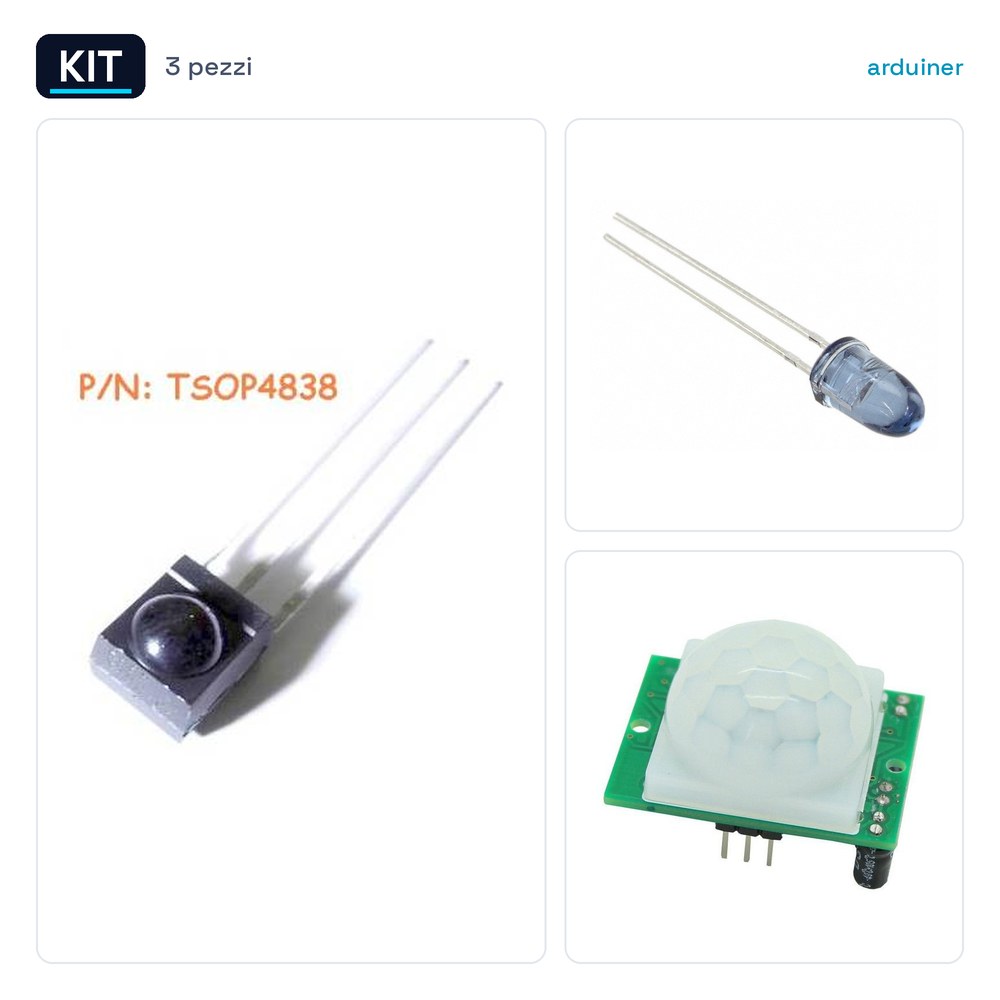
The TSOP4838 IC Integrated Circuit, IR LED Transmitter and PIR HC-SR501 Motion Sensor kit is a set of electronic components designed for motion control and infrared signal transmission applications. The TSOP4838 is an infrared receiver used to receive signals from IR transmitters, while the 38KHz IR transmitter LEDs are designed to send infrared signals on specific wavelengths. The PIR HC-SR501 motion sensor detects human movement through the heating of infrared waves emitted by the body.
These components can be integrated into home automation projects, electronic device prototypes, and security systems to detect movements and control devices remotely.
The kit consists of 3 pieces of TSOP4838, 4 pieces of 38KHz IR transmitter LED, and a PIR motion sensor. Each component is compatible with Arduino systems and can be used in combination to create advanced control and monitoring systems.
Key Specifications
| Parameter | Value |
| Model TSOP4838 | TSOP4838 |
| Quantity TSOP4838 | 3 |
| Reception Frequency TSOP4838 | 38KHz |
| Model IR LED Transmitter | 38KHz IR LED Transmitter |
| Quantity IR LED Transmitter | 4 |
| Transmission Frequency IR LED Transmitter | 38KHz |
| Model Motion Sensor PIR | HC-SR501 |
| Detection Type | Infrared |
| PIR Motion Sensor Power Supply | 5V |
| PIR Motion Sensor Dimensions | N/D (see manufacturer’s datasheet) |
| PIR Motion Sensor Interface | Digital |
| Container | Kit |
Installation and Usage
- Connect the 3 pieces of TSOP4838 to the digital pins of the Arduino system.
- Connect the 4 pieces of IR transmitter LEDs to the digital pins of the Arduino system.
- Connect the PIR motion sensor to a digital pin of the Arduino system.
- Power the kit with a 5V power source.
- Perform a functionality test of the system.
Compatibility and Requirements
- The kit is compatible with Arduino systems and can be used with various programming languages.
- An Arduino system is required to connect and control the kit components.
- The kit can be integrated into home automation projects and electronic device prototypes.
Limitations and Important Notes
- The kit does not include additional electrical control components such as relays or control modules.
- The PIR motion sensor has a limited detection range and may not be effective in environments with intense light.
- Electrical safety must be ensured during the installation and use of the kit.
Troubleshooting
The PIR motion sensor does not detect movements.
Probable cause: The sensor may be positioned in an area with intense light.
Solution: Reposition the sensor in an area with less intense light.
The IR transmitter LEDs do not emit signals.
Probable cause: The LEDs may not be correctly connected to the Arduino system.
Solution: Check the connections and configuration of the Arduino system.
The TSOP4838 receiver does not receive signals.
Probable cause: The receiver may not be correctly connected to the Arduino system.
Solution: Check the connections and system configuration of the Arduino.
The kit does not work properly.
Probable cause: The power supply may not be providing the correct voltage.
Solution: Check that the power supply provides 5V.
Use cases
Parking sensor for the garage
Objective: Detect movement in the garage to activate automatic lights.
What is needed: TSOP4838 Kit, IR LED Transmitter and PIR Motion Sensor.
Steps: 1) Connect the PIR motion sensor to a digital pin of the Arduino system. 2) Connect the IR transmitter LEDs to the digital pins of the Arduino system. 3) Program the Arduino system to activate the lights when the sensor detects movement.
Expected result: The system automatically activates the lights when movement is detected in the garage.
Home security system
Objective: Detect movements at home to activate alarms.
What is needed: TSOP4838 Kit, IR LED Transmitter and PIR Motion Sensor.
Steps: 1) Connect the PIR motion sensor to a digital pin of the Arduino system. 2) Connect the IR transmitter LEDs to digital pins of the Arduino system. 3) Program the Arduino system to activate the alarm when the sensor detects movement.
Expected result: The system automatically activates the alarm when movement is detected at home.
Garden Light Control
Objective: Activate external lights when movement is detected.
What is needed: TSOP4838 Kit, IR LED Transmitter and PIR Motion Sensor.
Steps: 1) Connect the PIR motion sensor to a digital pin of the Arduino system. 2) Connect the IR transmitter LEDs to digital pins of the Arduino system. 3) Program the Arduino system to activate the external lights when the sensor detects movement.
Expected result: The system automatically activates the external lights when movement is detected in the garden.
Door control system
Objective: Control access to doors with infrared signals.
What is needed: TSOP4838 kit, IR LED Transmitter and PIR motion sensor.
Steps: 1) Connect the PIR motion sensor to a digital pin of the Arduino system. 2) Connect the IR transmitter LEDs to digital pins of the Arduino system. 3) Program the Arduino system to send infrared signals when the sensor detects movement.
Expected Result: The system automatically sends infrared signals to control access to doors.
Window Control System
Objective: Control access to windows with infrared signals.
What’s needed: TSOP4838 Kit, IR LED Transmitter and PIR Motion Sensor.
Steps: 1) Connect the PIR motion sensor to a digital pin of the Arduino system. 2) Connect the IR LED transmitter to digital pins of the Arduino system. 3) Program the Arduino system to send infrared signals when the sensor detects movement.
Expected Result: The system automatically sends infrared signals to control access to windows.
Garage Door Control System
What’s needed: TSOP4838 Kit, IR LED Transmitter and PIR Motion Sensor.
Steps: 1) Connect the PIR motion sensor to a digital pin of the Arduino system. 2) Connect the IR transmitter LEDs to digital pins of the Arduino system. 3) Program the Arduino system to send infrared signals when the sensor detects movement.
Expected result: The system automatically sends infrared signals to control access to garage doors.
Door Entry Control System
What you need: TSOP4838 Kit, IR LED Transmitter, and PIR Motion Sensor.
Steps: 1) Connect the PIR motion sensor to a digital pin of the Arduino system. 2) Connect the IR transmitter LEDs to digital pins of the Arduino system. 3) Program the Arduino system to send infrared signals when the sensor detects movement.
Expected result: The system automatically sends infrared signals to control access to entry doors.
Door Exit Control System
What’s needed: TSOP4838 Kit, IR LED Transmitter, and PIR Motion Sensor.
Steps: 1) Connect the PIR motion sensor to a digital pin of the Arduino system. 2) Connect the IR transmitter LEDs to digital pins of the Arduino system. 3) Program the Arduino system to send infrared signals when the sensor detects movement.
Expected result: The system automatically sends infrared signals to control access to door exits.
In the package
- Kit 3 pieces TSOP4838 IC Integrated Circuits + 4 pieces 38Khz IR LED Transmitter + PIR Motion Sensor
Complete the project
- Infrared PIR Motion Sensor HC-SR501 for Arduino: The PIR motion sensor HC-SR501 is a key component for home automation projects.
- 4 Pieces 38Khz IR LED Receiver Infrared Universal TL1838 VS1838B Arduino Compatible: The 38KHz IR LED transmitters are useful for sending infrared signals on specific wavelengths.
- 4 Pieces 38Khz IR LED Transmitter Universal Infrared Arduino Compatible: The 38KHz IR LED transmitters are useful for sending infrared signals on specific wavelengths.
- LED Lamp 24V H3 27 SMD Fog Light Daylight: The LED lamp 24V H3 27 SMD can be used to illuminate areas for motion control.
- LED Headlight 10W 90 – 240V IP65 High Brightness
Technical FAQs
Why does the PIR motion sensor not detect movements?
The sensor might be positioned in an area with intense light. Reposition the sensor in an area with less intense light.
Why do the IR LED transmitters not emit signals?
The LEDs might not be correctly connected to the Arduino system. Check the connections and the system Arduino configuration.
Why doesn’t the TSOP4838 receiver receive signals?
The receiver might not be correctly connected to the Arduino system. Check the connections and the Arduino system configuration.
What additional components are needed to use the kit?
An Arduino system is required to connect and control the kit components.
Reviews
There are no reviews yet.