 EN
 IT Italiano
 ES Español
 FR Français
 DE Deutsch
Description
What it is
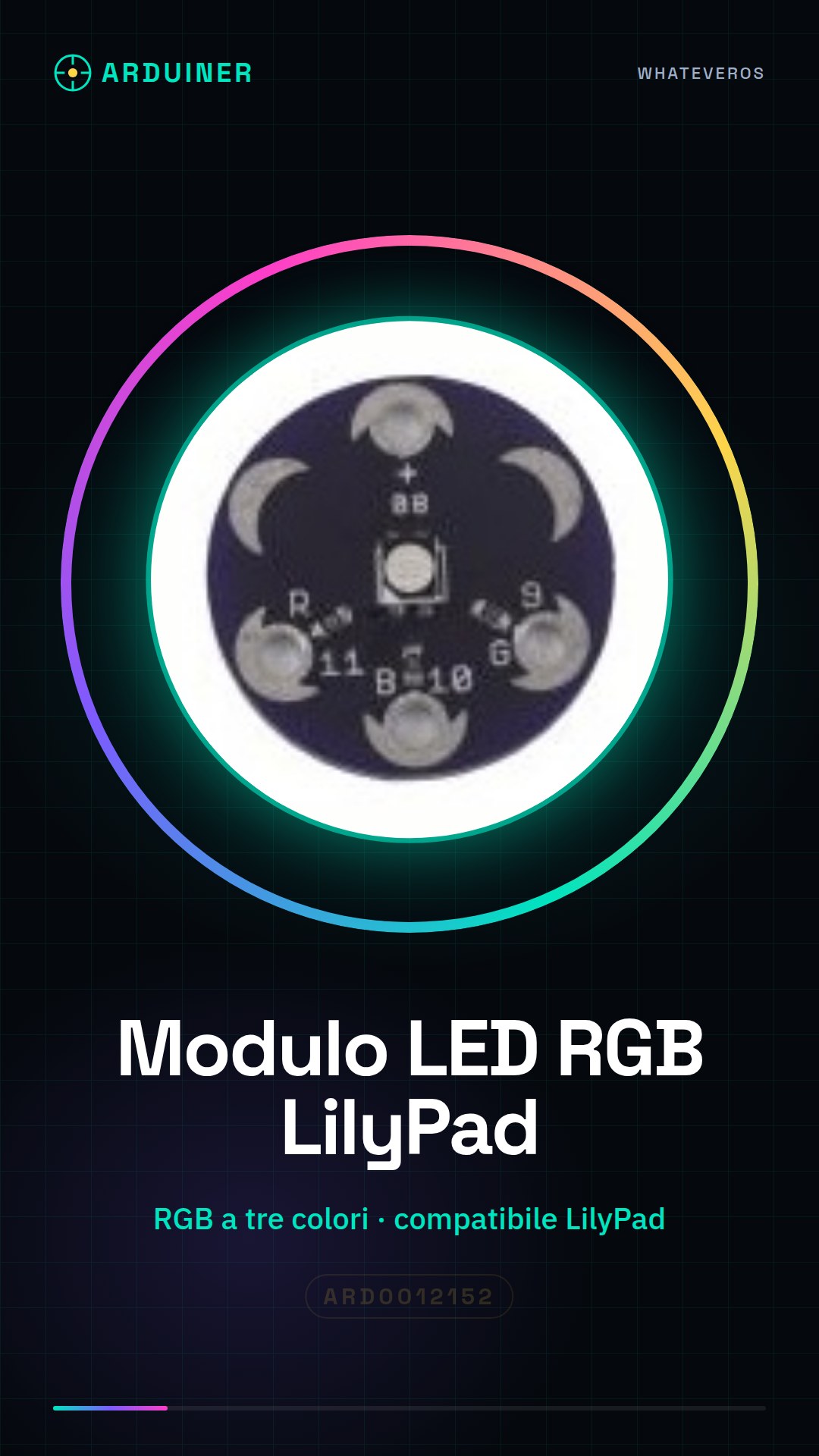
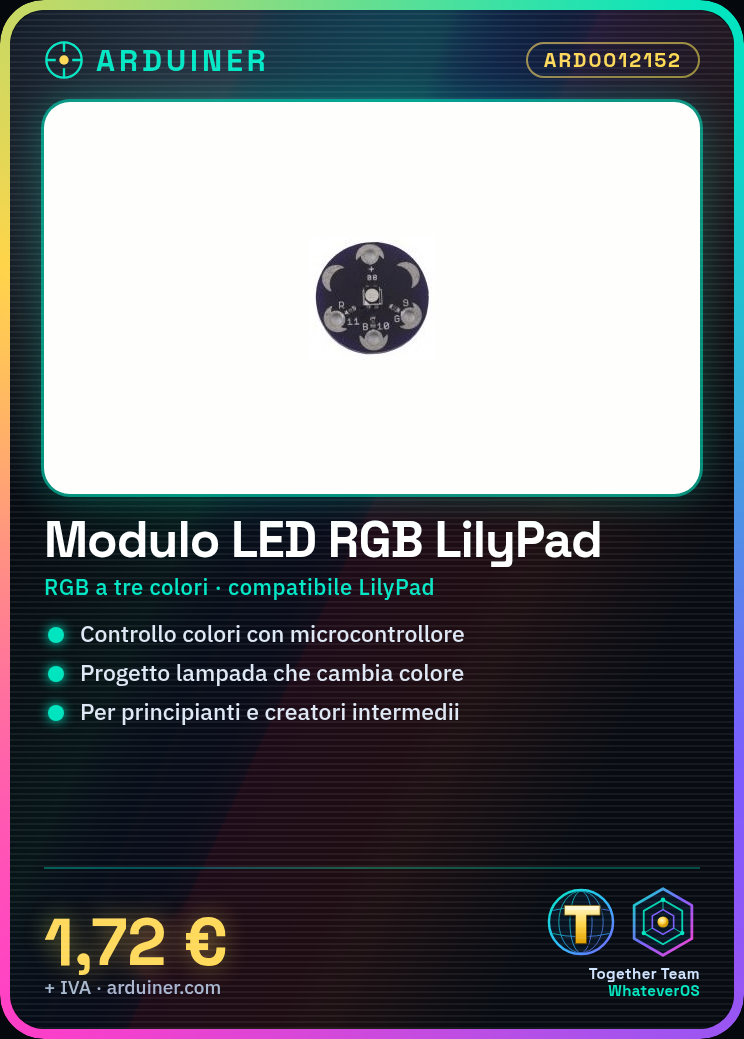
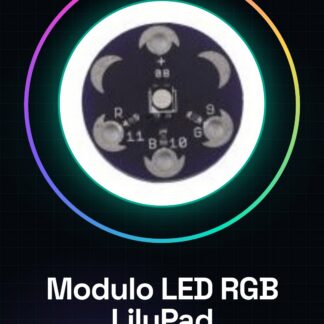
The three-color RGB LilyPad LED module is an electronic component designed to be integrated into interactive lighting projects. This module, compatible with the LilyPad system, allows for the management of RGB lights through Arduino or other microcontrollers.
Features
- Three-color RGB LED
- Compatible with LilyPad
What it is for
This LED module is ideal for interactive lighting projects, such as lamps that change color in sequence. It is useful for both beginners and intermediate creators who want to explore RGB programming and lighting with Arduino or other compatible microcontrollers.
Tutorial: How to Use the LilyPad RGB LED Module
The LilyPad RGB LED Module is ideal for electronic lighting projects. Useful for beginners and intermediate creators.
What you need
- LilyPad RGB LED Module
- Arduino or similar microcontroller
- Power supply cable
- Connectors for wiring
Steps
- 1. Check the datasheet for the module specifications.
- 2. Connect the module to the microcontroller using the pins.
- 3. Power the module with the power supply cable.
- 4. Load the provided Arduino code.
- 5. Configure the RGB pins for the desired colors.
- 6. Check the output current to avoid damage.
- 7. Test the colors and intensity.
- 8. Connect the module to a more complex circuit.
Example code
int red = 9; int gr = 10; int bl = 11; void setup() { pinMode(red, OUTPUT); pinMode(gr, OUTPUT); pinMode(bl, OUTPUT); } void loop() { analogWrite(red, 255); analogWrite(gr, 0); analogWrite(bl, 0); delay(1000); analogWrite(red, 0); analogWrite(gr, 255); analogWrite(bl, 0); delay(1000); analogWrite(red, 0); analogWrite(gr, 0); analogWrite(bl, 255); delay(1000); }Mini project
Create a lamp that changes color in sequence.
Common mistakes
- Excessive power supply.
- Incorrect pin connections.
- Incorrect Arduino code.
- Missing power supply cable.
Recommended accessories
- Arduino Uno
- 20 cm conductors
- 220 Ohm resistor
- USB cable for Arduino
Frequently asked questions
How can I control the colors with a button?
Add a pin for the button and monitor the digital input to change the colors.
Does the module support intermediate colors?
Yes, use analogWrite to control intermediate color levels.
Can you use another microcontroller?
Yes, any microcontroller with analog pins can work.
What are the RGB pins?
The RGB pins are pins 9, 10 and 11.

Reviews
There are no reviews yet.