 EN
 IT Italiano
 ES Español
 FR Français
 DE Deutsch
Description
What it is
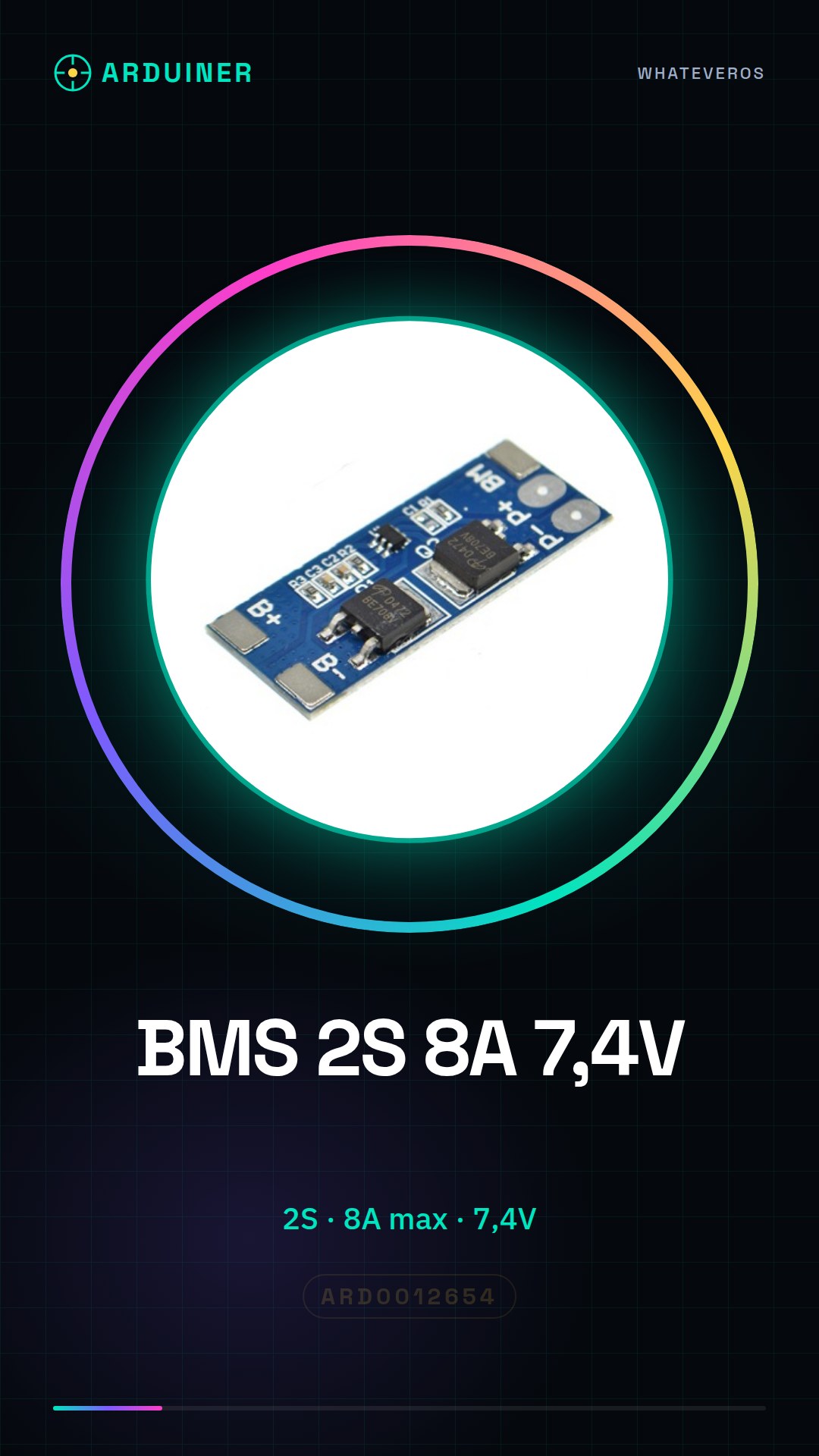
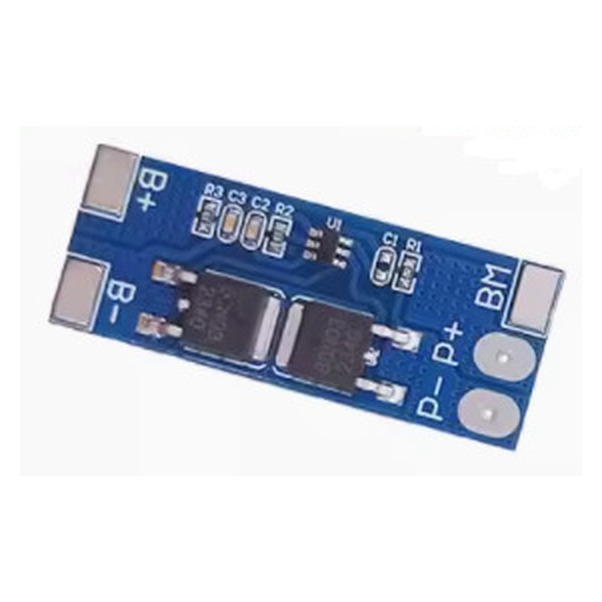
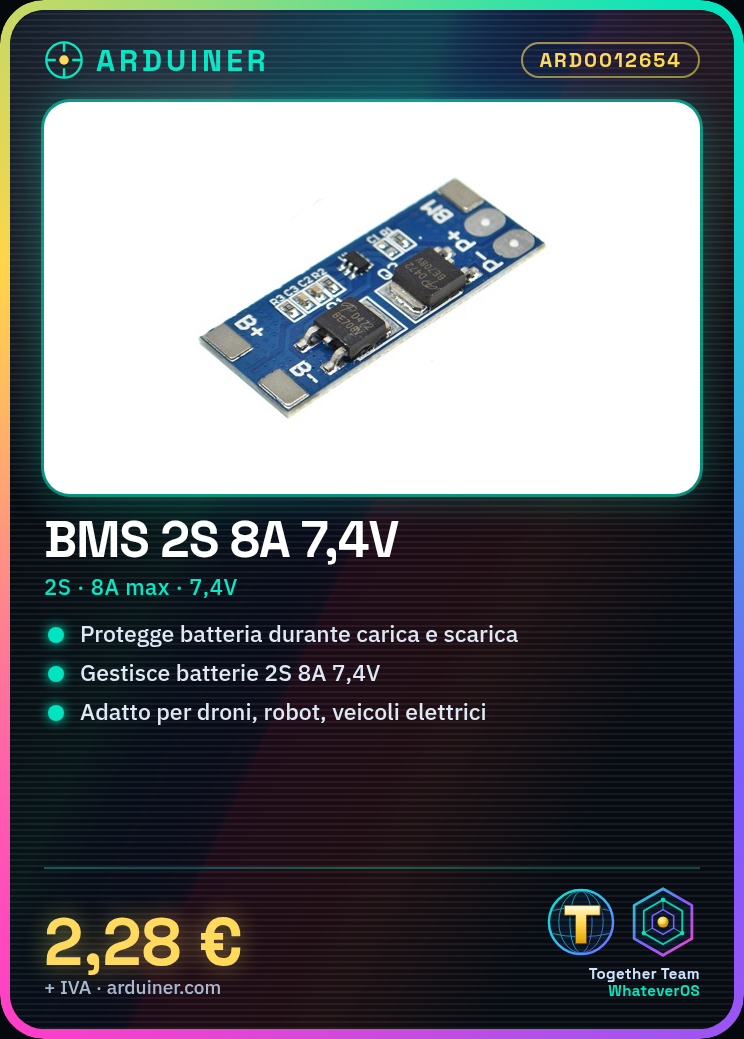
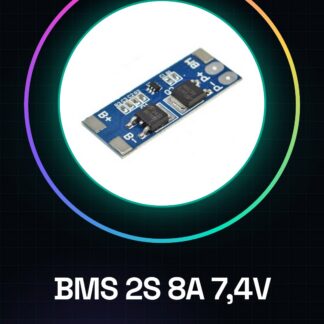
The BMS (Battery Management System) for 2S 8A 7.4V batteries is a component designed to protect and properly manage lithium-ion batteries in your electronic creations.
Features
- Number of cells: 2S (7.4V)
- Maximum current: 8A
- Operating voltage: 7.4V
What it is for
The BMS is ideal for projects requiring protection and management of 2S batteries, such as drones, robots, and electric vehicles. You can use it to create a protection system for a small RC boat powered by a 2S battery, protecting the battery during charging and discharging.
Tutorial: How to use BMS for 2S 8A 7.4V batteries
The BMS (Battery Management System) for 2S 8A 7.4V batteries is an essential component to protect and properly manage lithium-ion batteries in your electronic creations. Ideal for projects such as drones, robots, and electric vehicles.
What you need
- 2S Battery
- Arduino
- Connection Cables
- Multimeter
Steps
- Check the BMS specifications on the datasheet to understand the necessary pins and connectors.
- Connect the battery to the BMS following the datasheet.
- Connect the BMS to the power supply or the device managing the battery.
- Verify the operation with a multimeter.
- If necessary, configure the BMS through the specific software (check the datasheet).
- Test the system with battery charging and discharging.
- Monitor battery state data through Arduino (check the datasheet for communication pins).
- Optimize the BMS for the specific needs of your project (check the datasheet for settings).
Example code
Stringa vuotaMini project
Create a protection system for a small radio-controlled boat powered by a 2S battery. Connect the BMS to protect the battery during charging and discharging.
Common mistakes
- Connect the battery to the BMS incorrectly.
- Do not monitor battery state data.
- Do not configure the BMS correctly.
- Use a BMS that is not suitable for your battery.
Recommended accessories
- 2S 1000mAh Battery
- Arduino Uno
- Universal connection cables
- BMS configuration software
Frequently asked questions
What is the maximum current of the BMS?
Check the BMS datasheet.
How can I monitor the battery charge level?
Connect the BMS to an Arduino and use communication software to read the status data.
Can I use this BMS with larger batteries?
Check the datasheet to see if the BMS supports the battery you want to use.
Reviews
There are no reviews yet.