 EN
 IT Italiano
 ES Español
 FR Français
 DE Deutsch
Description
What it is
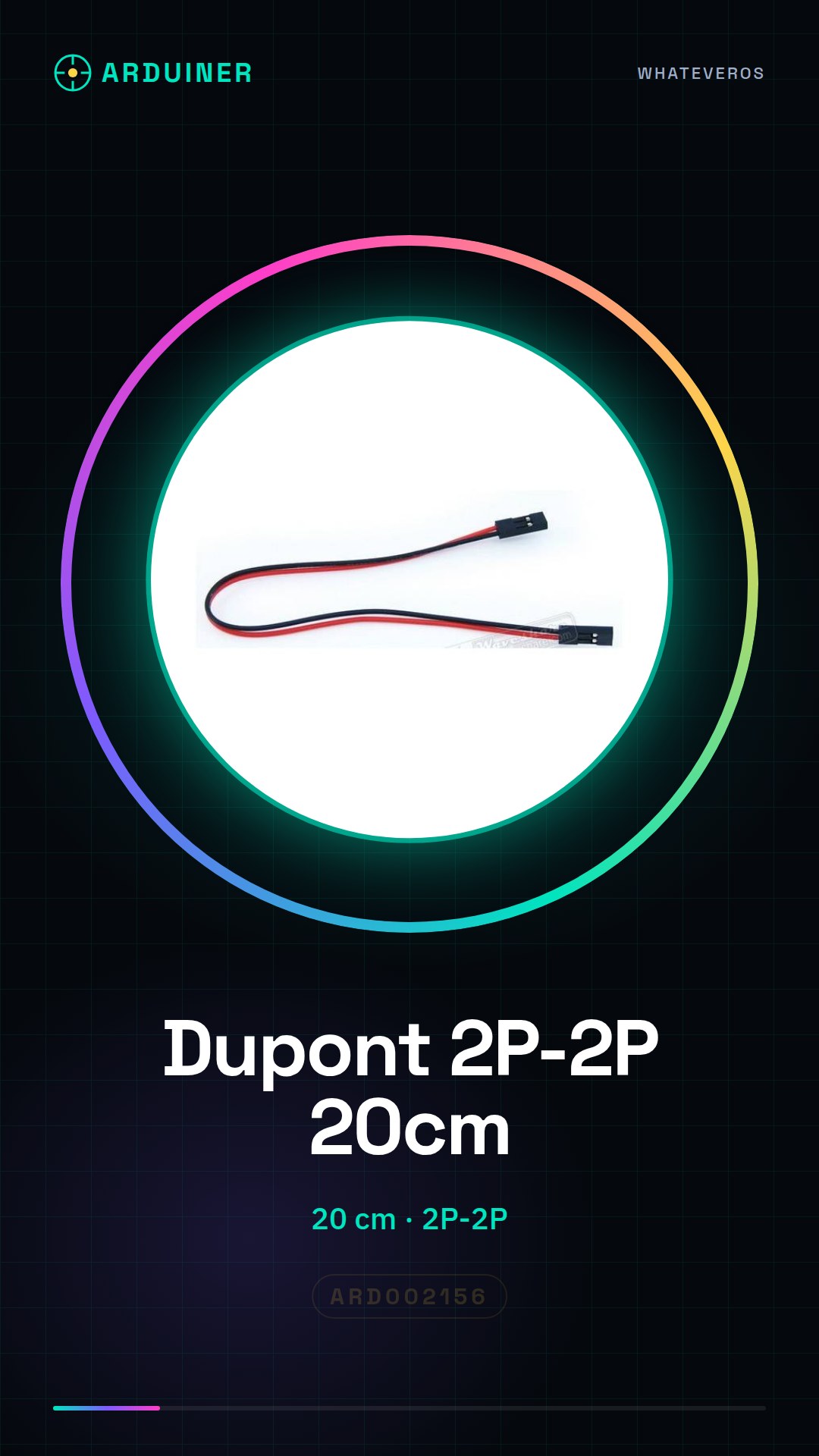
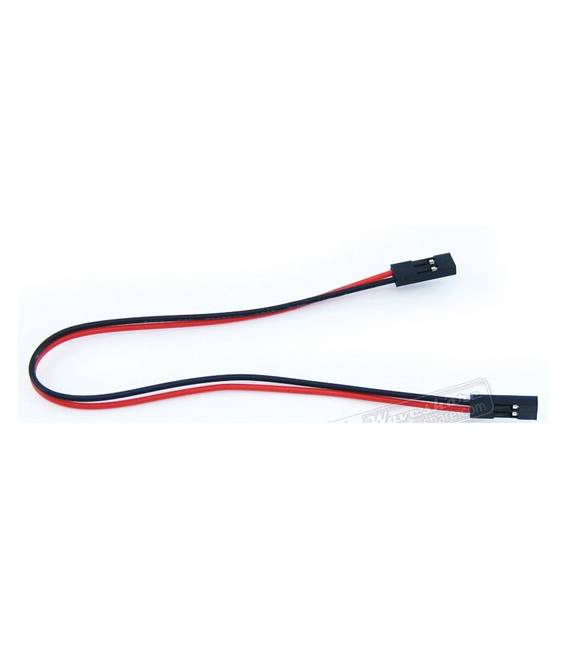
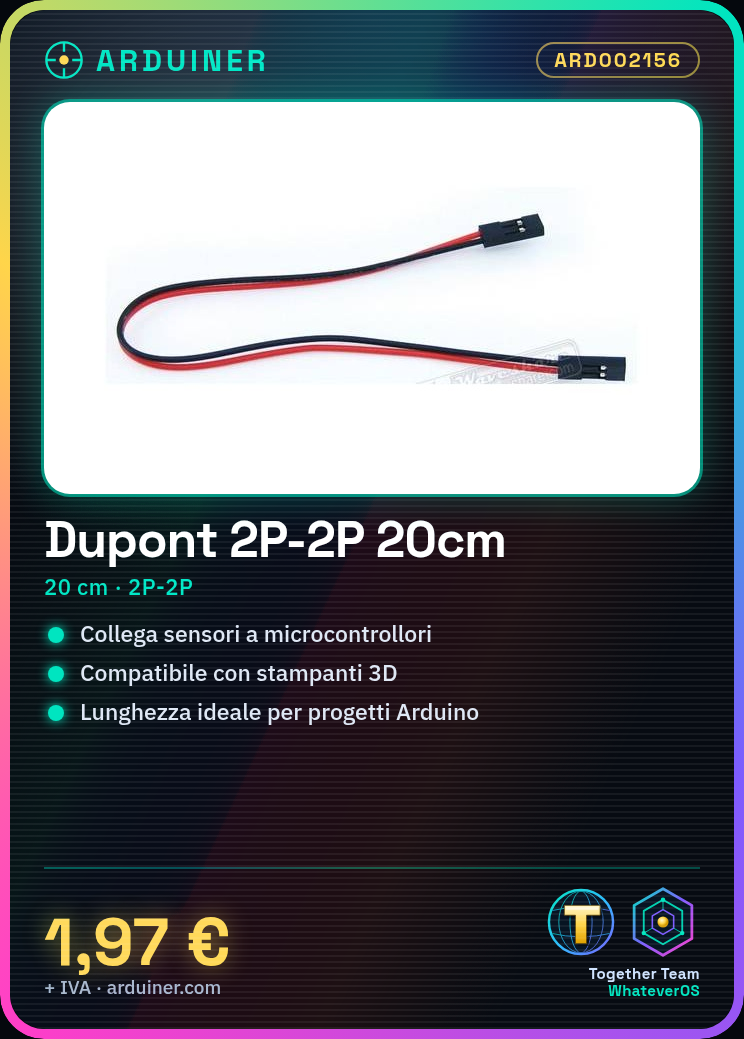
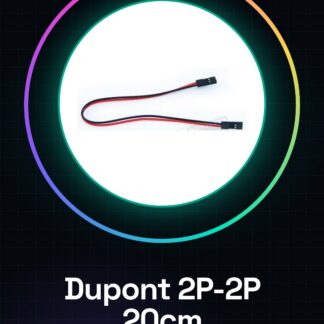
The 20 cm Dupont cable is an electronic connector used to connect various components in Arduino projects, 3D printers, or other electronic devices.
Features
- Length: 20 cm
What it is for
It is used to connect the microcontroller, such as Arduino, to sensors or other external devices. It is ideal for connecting components of your 3D printer or Arduino project.
Tutorial: How to Use Dupont Cable 2P-2P Length 20CM
The Dupont cable is essential for connections between various electronic components. It is used to connect the microcontroller, such as Arduino, to sensors or other external devices.
What you need
- Arduino
- Sensors
- 3D Printers
- Breadboards
Steps
- Identify the output pins of the Arduino and those of the device to be connected.
- Insert one end of the Dupont cable into the connector of the Arduino.
- Connect the other end to the device according to the pin specifications required.
- Check that the connection is stable and correct.
Mini project
Connect a temperature sensor to an Arduino to monitor ambient temperature in real-time.
Common mistakes
- Connect the Dupont cable pin in the wrong direction.
- Use cables that are too long or too short for the specific connection requirements.
- Do not check the stability of the connections before starting the device.
Recommended accessories
- Variable Length Dupont 2P-2P Cable
- Multicolor Dupont Cable Set
- Breadboard for Electronic Projects
Frequently asked questions
What is the length of the cable?
The cable has a fixed length of 20cm.
Can I use this cable with other devices besides Arduino?
Yes, the Dupont cable is universal and can be used to connect various electronic components to each other.
Reviews
There are no reviews yet.