 EN
 IT Italiano
 ES Español
 FR Français
 DE Deutsch
Description
What it is
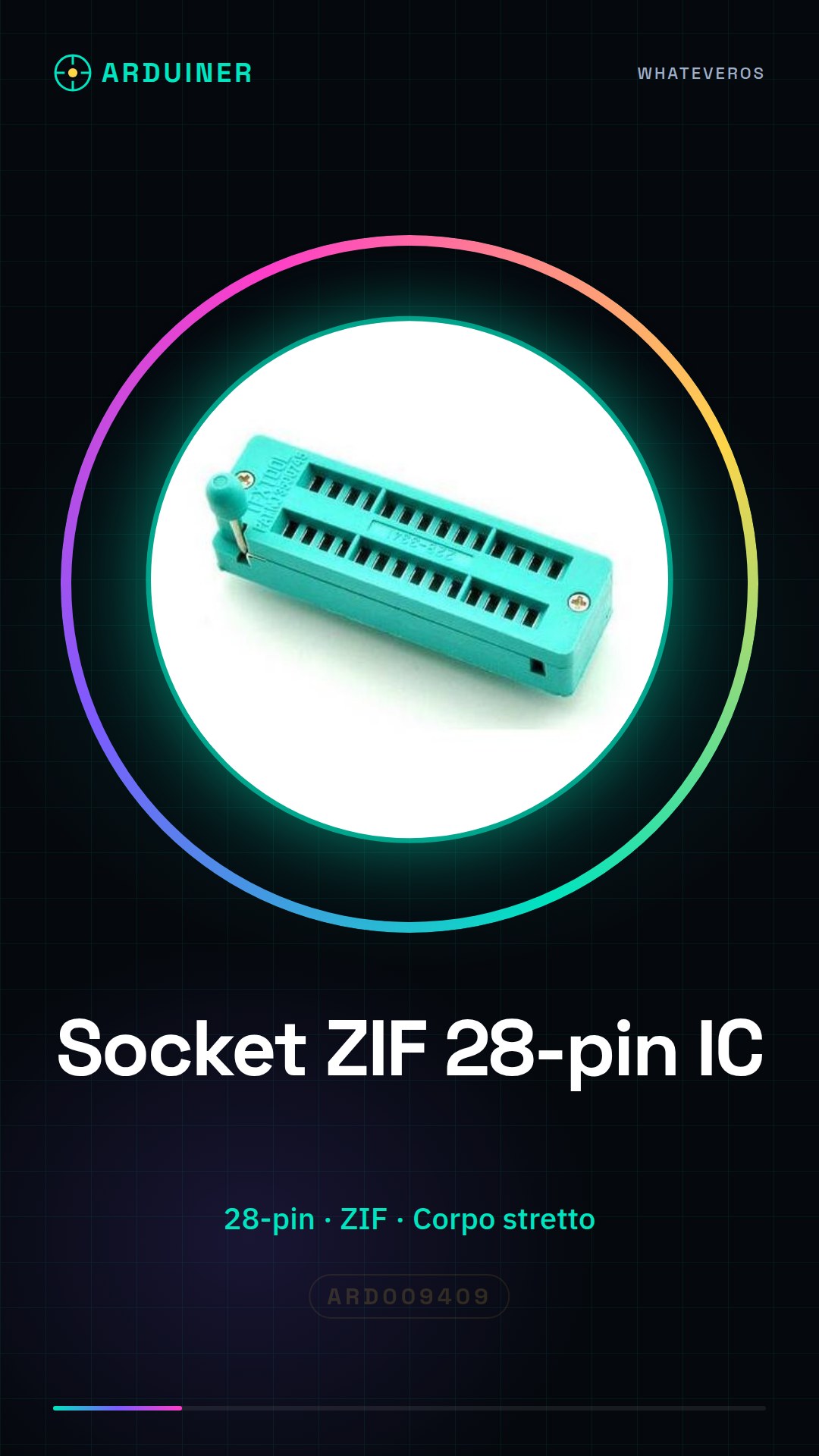
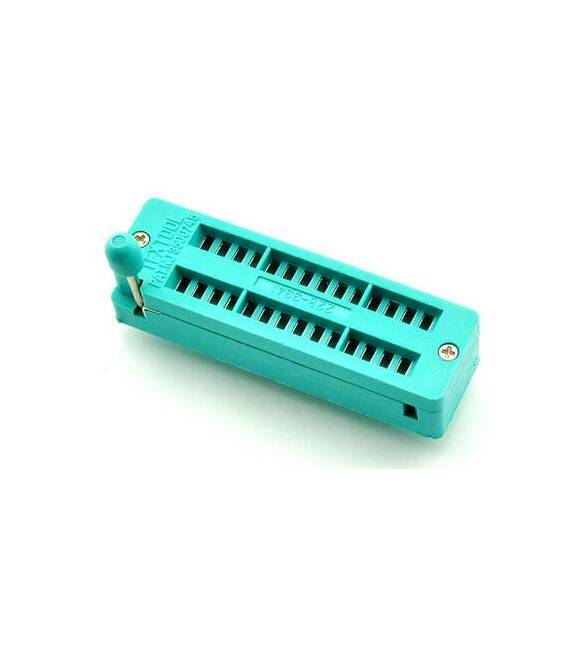
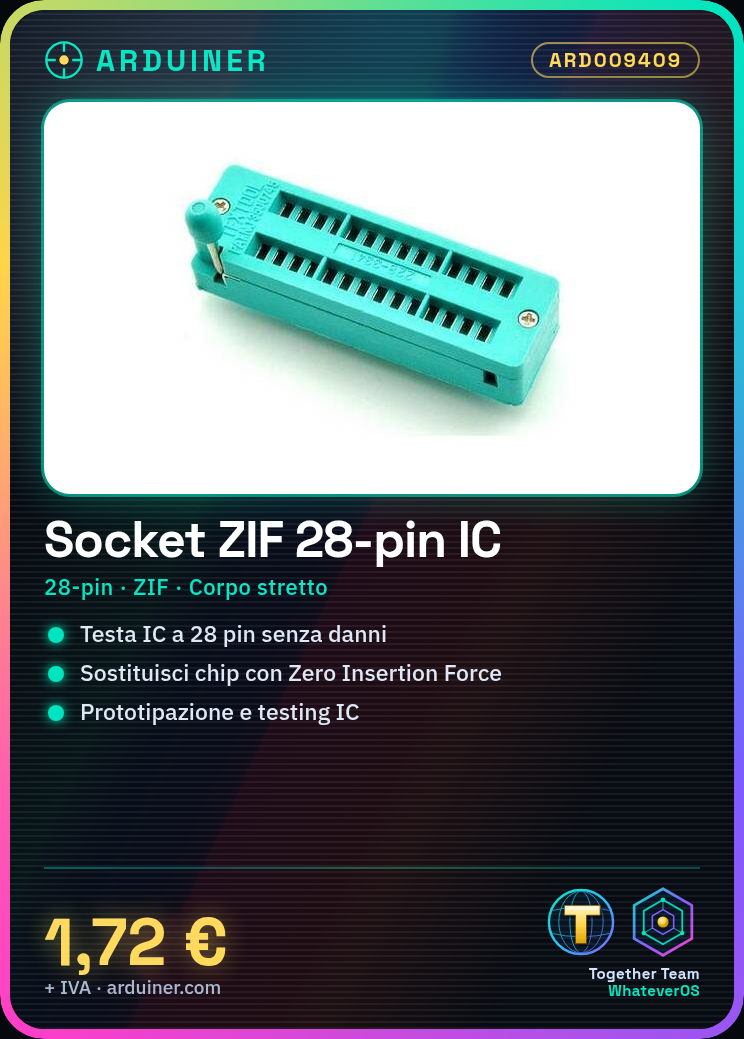
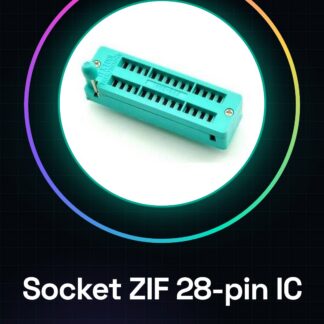
The 28-pin ZIF test socket IC Narrow Body 228-3341 is a device used for testing and replacing 28-pin integrated circuits (ICs). This type of socket, known as Zero Insertion Force (ZIF), allows components to be inserted and removed without causing damage.
Features
- Pin count: 28-pin
- Socket type: ZIF (Zero Insertion Force)
- Component body: Narrow
What it is for
This socket is ideal for electronics enthusiasts working with 28-pin integrated circuits. It is useful for prototyping, hardware development, and testing components without damaging them.
Tutorial: How to use ZIF Test Socket IC 28-pin
The ZIF (Zero Insertion Force) socket for 28-pin ICs is a useful device for testing and replacing chips without damaging them. It is ideal for electronics enthusiasts working with integrated circuits.
What you need
- ZIF Test Socket IC 28-pin
- 28-pin chips to test or replace
- Soldering iron (if necessary)
- Soldering tweezers
Steps
- Check that the ZIF socket is compatible with the specific chip to be installed.
- If necessary, carefully disassemble the equipment around the existing integrated circuit using soldering tweezers.
- Position the ZIF socket on the PCB (Printed Circuit Board) in the location of the chip housing. Carefully check the position and alignment.
- If necessary, solder the socket contacts to the PCB using a soldering iron. Ensure that the solder joints are compact but not overly abundant.
- Gently insert the chip into the ZIF socket. Use the push lever on the side of the socket to ensure a secure contact between the chip pins and those of the socket.
- Check that the chip is correctly inserted and in contact with all of its pins.
- Test the integrated circuit through the ZIF socket. Check the datasheet for relevant testing specifications.
- If necessary, carefully remove the chip from the socket using the pusher and repeat the process with a new chip.
Mini project
Design a small board to test various 28-pin integrated circuits. Insert various components such as LEDs, resistors, and capacitors to verify the chip’s functionality.
Common mistakes
- Forced insertion of the chip into the socket
- Excessive or insufficient solder
- Incorrect placement of the socket on the PCB
- Inaccurate testing or lack of datasheet checks
Recommended accessories
- Soldering iron (SKU: ARD012345)
- Soldering tweezers (SKU: ARD067890)
- Electronic testing kit (SKU: ARD011111)
Frequently asked questions
How can I know if my chip is compatible with this socket?
Check the pinout of your chip and compare it with the socket datasheet.
What tools are needed to install a ZIF socket on a motherboard?
A soldering iron, a soldering tweezers, and a test kit can be useful.
My chip does not work when I insert it into the socket. What can I do?
Check the contact between the chip pins and those of the socket. Make sure that no pin is damaged or out of place.
Reviews
There are no reviews yet.