 EN
 IT Italiano
 ES Español
 FR Français
 DE Deutsch
Description
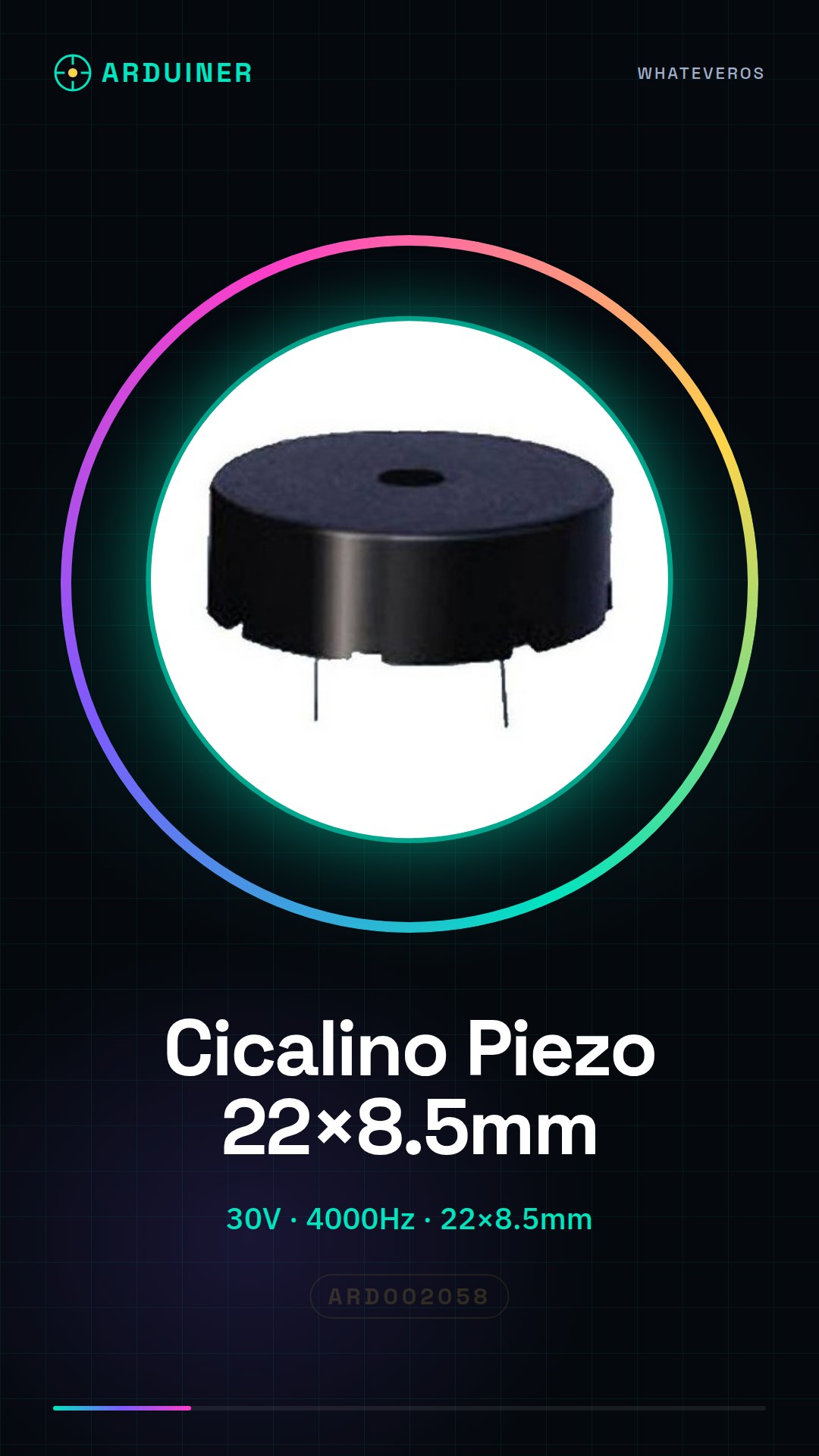
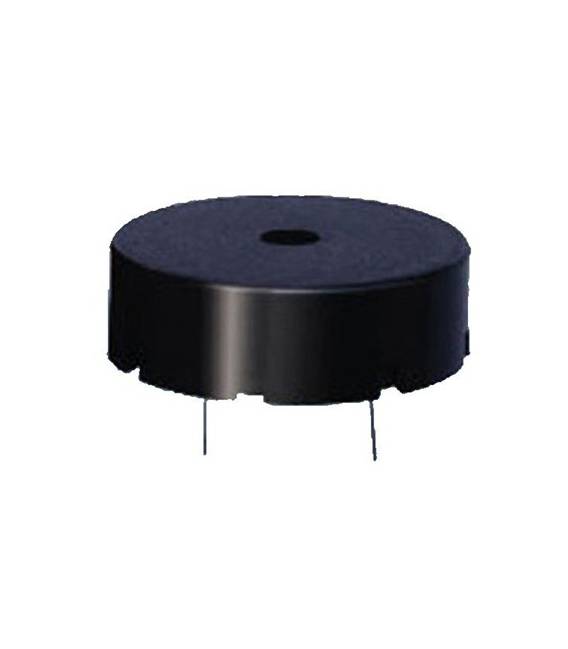
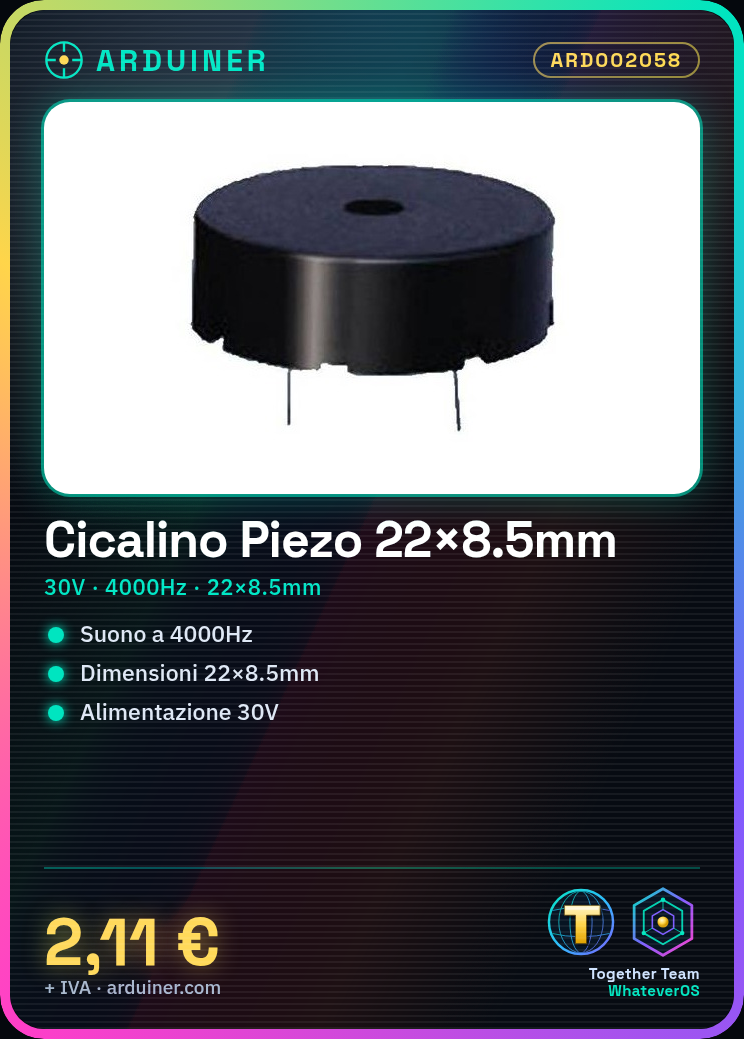
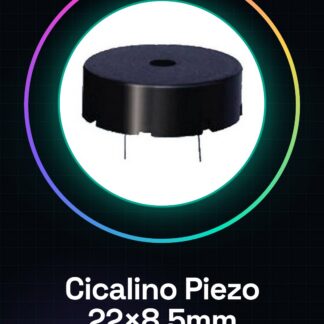
We have datasheets available for all components, if not present in the product download sheet, send us a message through the contact us form and we will publish it as soon as possible on the website. Piezo Buzzer Size 22×8.5mm 30v 4000hz Black Cases
Tutorial: How to use Piezo Buzzer ARD002058
The Piezo Buzzer ARD002058 is ideal for audio projects and short sounds. Useful for beginners and intermediates.
What you need
- Arduino or compatible microcontroller
- 0.1″ connections
- 30V power supply
- Piezo Buzzer ARD002058
Steps
- 1. Install Arduino or compatible microcontroller.
- 2. Connect piezo buzzer to the audio output pin.
- 3. Power the buzzer with 30V.
- 4. Load example sketch: Tone.
- 5. Set frequency to 4000Hz.
- 6. Check datasheet for further details.
- 7. Test in Arduino IDE.
- 8. Connect to final circuit.
Example code
```
#include <Tone.h>

Tone tonePin(3);

void setup() {
  tonePin.begin(4000);
}

void loop() {
  tonePin.play(4000);
  delay(1000);
  tonePin.stop();
  delay(1000);
}
```
Mini project
Create a 1 second sound signal with a frequency of 4000Hz using an Arduino.
Common mistakes
- Incorrect power supply: ensure you are using 30V.
- Wrong frequency: check the datasheet.
- Incorrect pin: ensure proper connection.
- Non-working code: check connection and frequency.
Recommended accessories
- Arduino Uno
- 1kΩ Resistor
- 30V Power Supply
- 0.1″ Cable
Frequently asked questions
Does the buzzer work with 5V?
No, it requires 30V. Check the datasheet.
Can I use it with a Raspberry Pi?
The Raspberry Pi does not support direct 30V power supply. Check the datasheet.
What frequency works best?
Maximum frequency indicated is 4000Hz.
Can I use it for long audio?
No, it works better for short sounds. Check the datasheet.
Reviews
There are no reviews yet.