 EN
 IT Italiano
 ES Español
 FR Français
 DE Deutsch
Description
What it is
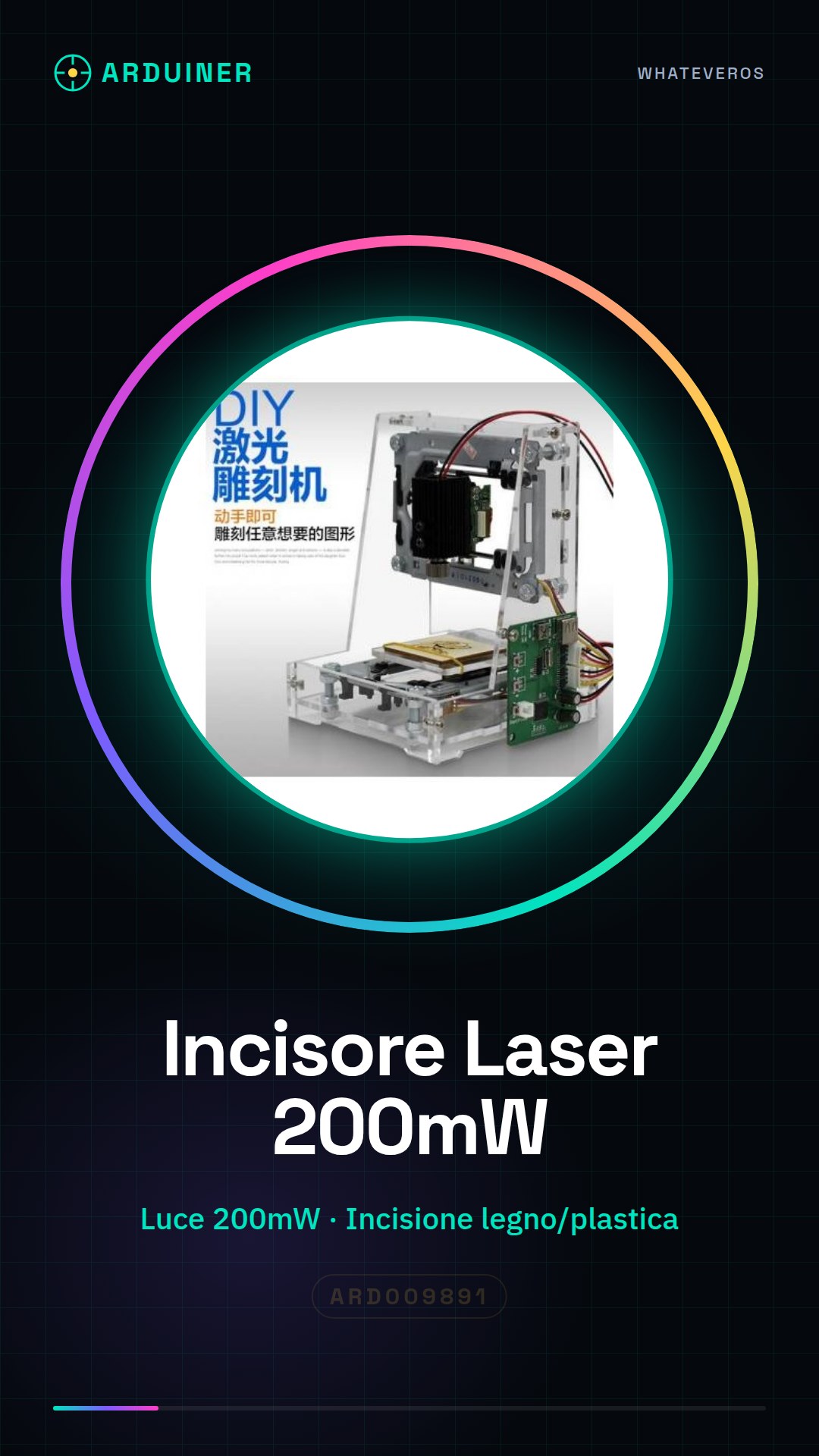
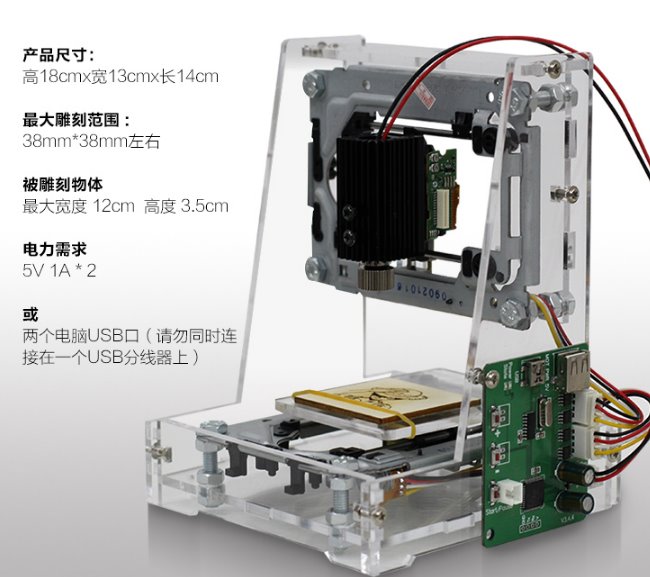
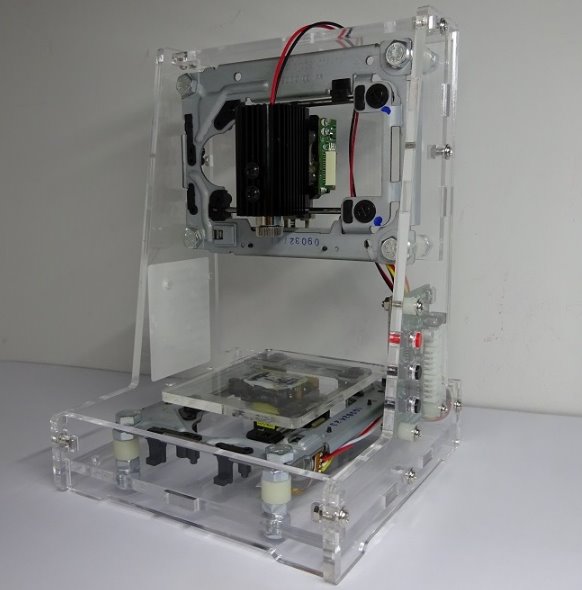
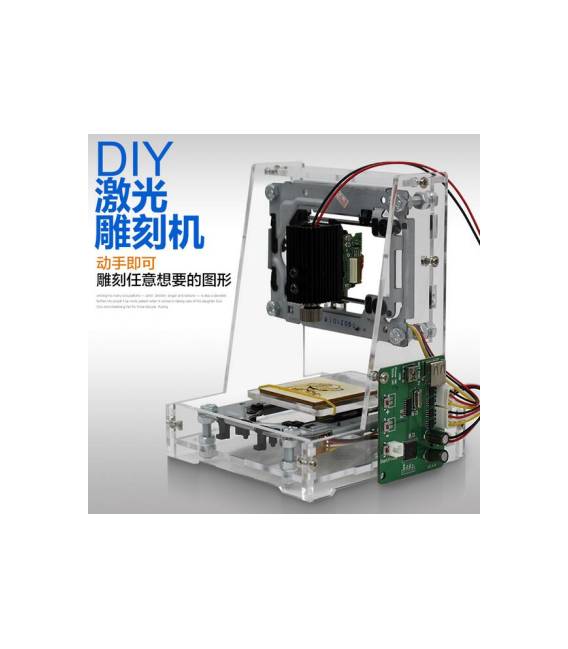
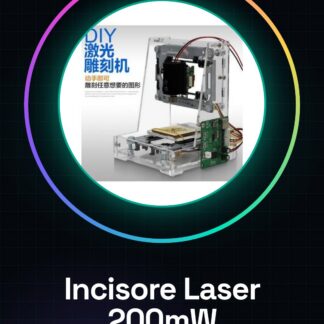
The Arduiner Laser CNC Cutter is a device for performing cuts and engravings on various materials using a 200mW blue-violet light. This tool is designed for makers who want to create detailed work in wood, plastic, cardboard, and other materials.
Features
- 200mW blue-violet light
- Suitable for precise cuts on various materials
What it is for
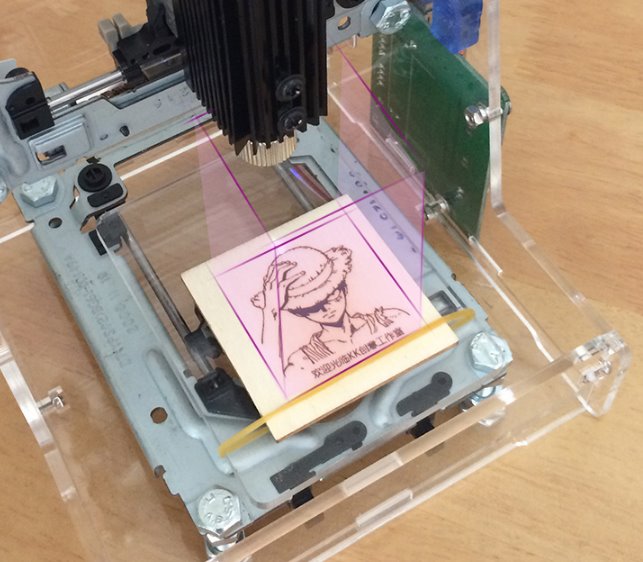
This laser cutter is ideal for creating custom badges, drawings, and logos in wood or plastic. It is compatible with vector drawing software and can be used by both beginners and experts.
Tutorial: How to use the 200mW Laser CNC Cutter
This laser cutter is ideal for makers who want to perform precise cuts on various materials such as wood, plastic, and cardboard. It is suitable for both beginners and experts.
What you need
- Computer with Windows or Linux operating system
- Compatible laser control software (check the datasheet)
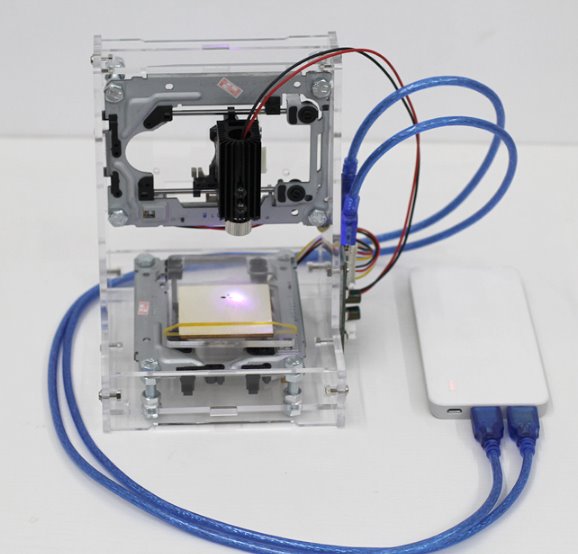
- USB Connection
- Materials to Engrave
Steps
- Connect the device to the computer’s USB port.
- Install the laser control software from the official website.
- Download and import an SVG or DXF file into the drawing software to design the shape to be engraved.
- Configure the laser settings (power, speed) in the software.
- Position the material correctly on the machine’s bed.
- Start the engraving from the software.
- Monitor the operation and stop if necessary.
- Check the quality of the engraving and repeat if necessary.
Mini project
Create a custom wooden badge using the laser engraver. Draw a simple shape or logo in the vector drawing software, import it into the laser software, and perform the engraving.
Common mistakes
- Power settings too high, damaging the material.
- Incorrect configuration of the control software.
- Inaccurate positioning of the material on the machine’s bed.
- Unstable or interrupted USB connection during operation.
Recommended accessories
- Vector drawing software (e.g., Inkscape)
- Materials to engrave (wood, plastic, cardboard)
- Insulating base to improve engraving precision
- Maintenance kit to clean and maintain the laser
Frequently asked questions
Can the laser engrave any type of material?
No, check the datasheet for the material specifications that can be engraved.
How can I optimize the engraving quality?
Correctly adjust the laser power and speed in the software.

Reviews
There are no reviews yet.