 EN
 IT Italiano
 ES Español
 FR Français
 DE Deutsch
Description
What it is
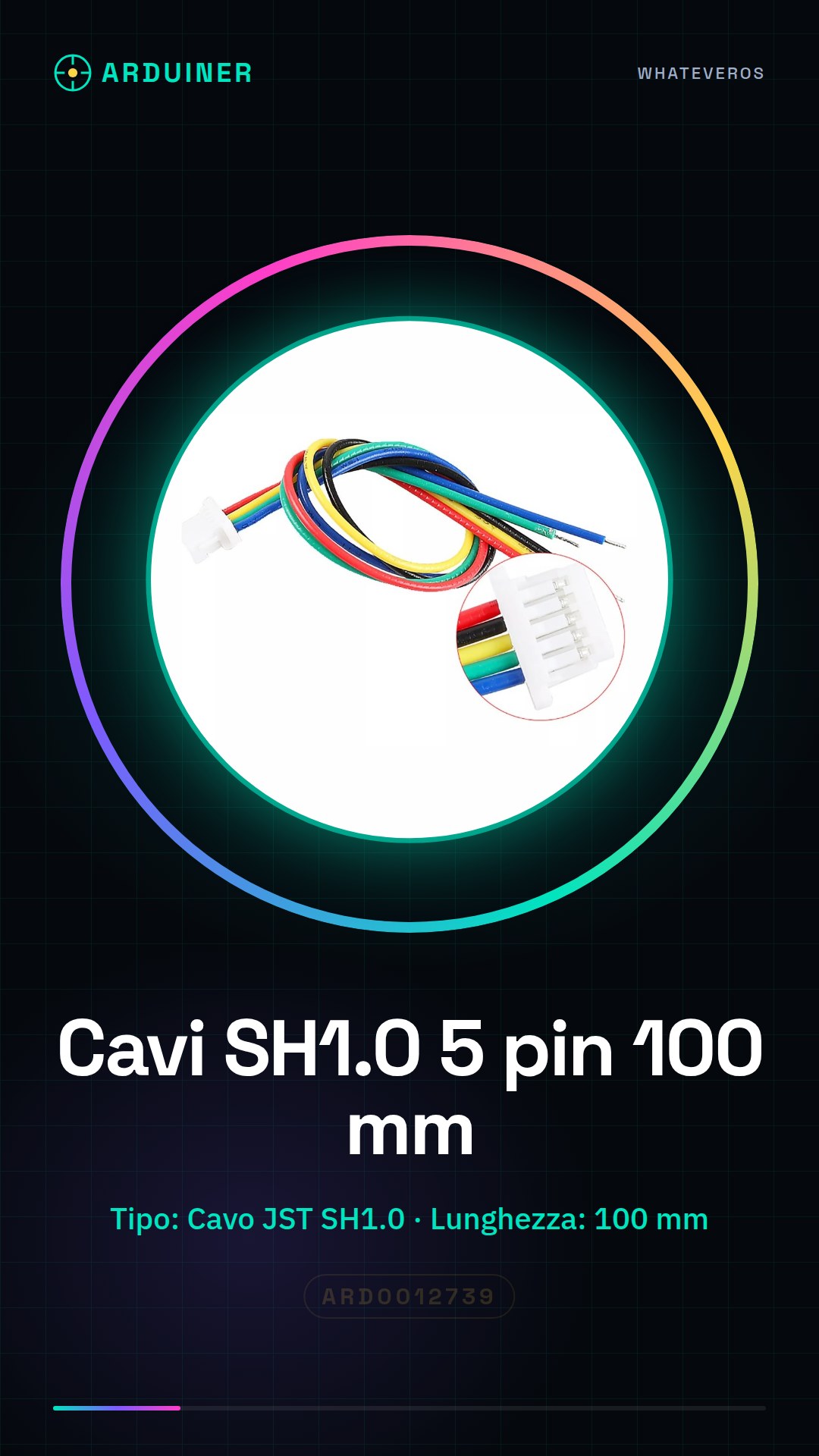
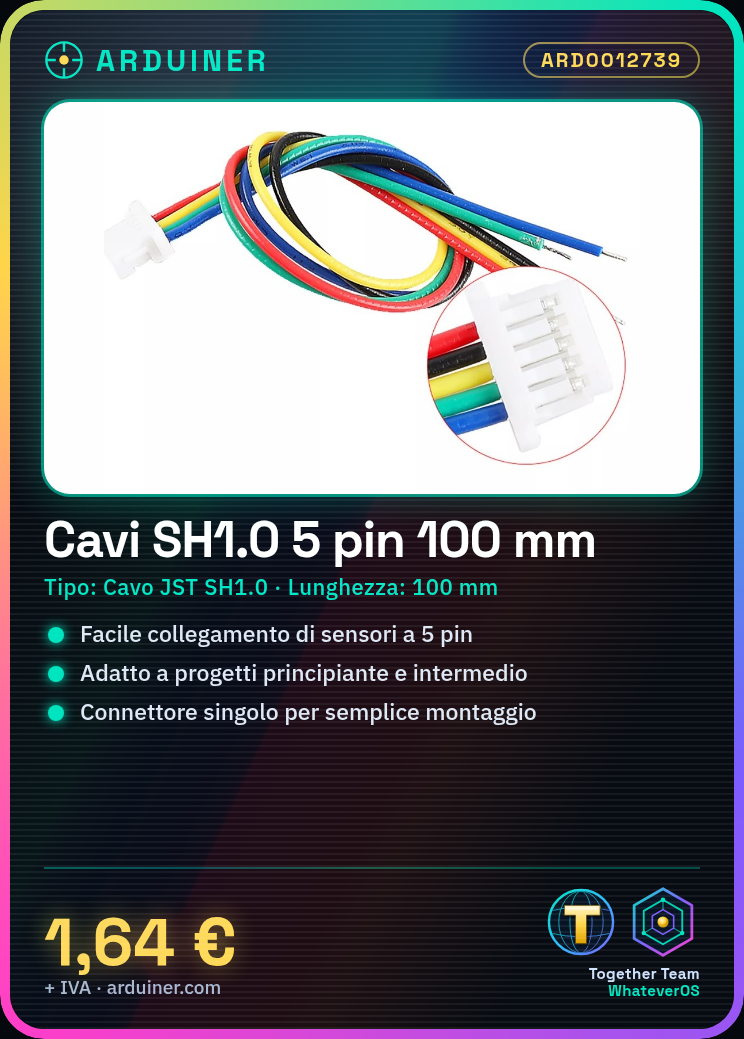
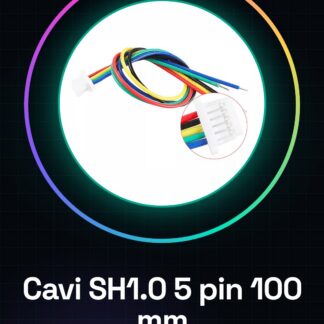
These JST SH1.0 5 pin cables of 100mm are an essential component for connecting sensors and modules to an Arduino or similar devices. They provide a simple and reliable solution for electronic project realization.
Features
- Type: JST SH1.0 5 pin cable
- Length: 100 mm
- Ends: single
- Compatible platforms: Arduino, ESP and other JST SH1.0 compatible devices
What it is for
JST SH1.0 cables are ideal for connecting sensors and modules to an Arduino or similar devices, making it easier to create prototypes and electronic projects. They are particularly useful for beginner and intermediate level projects.
Tutorial: How to use Mini Micro SH1.0 5 pin JST cables of 100 mm
These cables are ideal for connecting sensors and modules to an Arduino, perfect for beginner and intermediate level projects.
What you need
- 2 pieces Mini Micro SH1.0 5 pin JST cables of 100 mm
- Arduino or compatible
- 5-pin JST module or sensor
- Tool for cutting and breaking wires
Steps
- 1. Check the datasheet for your module or sensor specifications.
- 2. Cut the wires to the desired length (100 mm).
- 3. Break the wires into two pieces.
- 4. Connect the JST connector on the module or sensor to the wire.
- 5. Connect the JST connector on the Arduino.
- 6. Verify correct polarity.
- 7. Test your circuit.
- 8. Correct any errors.
Mini project
Connect a temperature sensor to an Arduino using JST wires. In 30 minutes, you can have a display showing the temperature.
Common mistakes
- Incorrect pin connection.
- Incorrect polarity.
- Wire cut too short.
- Unsoldered connection.
Recommended accessories
- Tool for cutting and breaking wires
- Multimeter
- LCD Display
- Temperature Sensor
Frequently asked questions
How can I verify the correct polarity?
Check the datasheet of your component and verify the polarity on the JST lead.
Can I use these cables with any Arduino?
Yes, but check the compatibility with your Arduino model.
How long does it take to cut the cables?
A couple of minutes.
Can I use these cables with connectors other than JST?
Check the compatibility on the datasheet of your component.
Reviews
There are no reviews yet.