 EN
 IT Italiano
 ES Español
 FR Français
 DE Deutsch
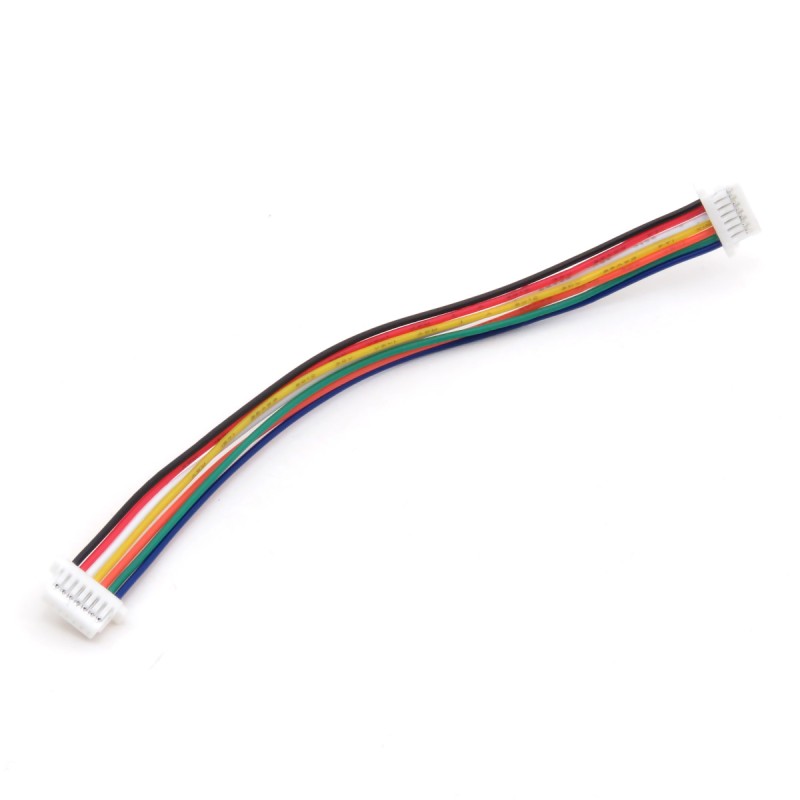
Description
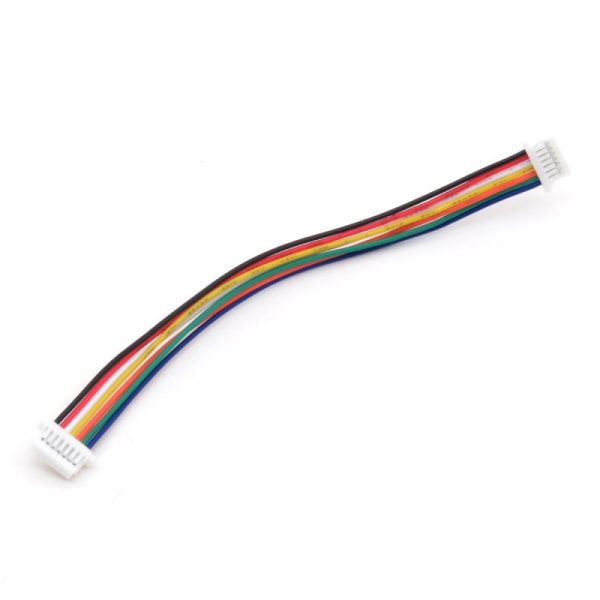
Tutorial: How to Use JST SH1.0 7P A-B 100MM SH 1.0 JST Cable
The JST SH1.0 connector is commonly used to connect sensors and other electronic components to a microcontroller. This cable is ideal for beginner and intermediate makers who want to create simple and clean projects.
What you need
- Arduino
- JST sensors
- 3D printing projects
Steps
- Check that the connector is compatible with the destination device.
- Connect the cable to the source device.
- Connect the cable to the destination device.
- Verify the electrical connection with a multimeter.
- If necessary, use electrical tape to protect the connectors.
- Test the connection with a simple Arduino sketch.
Example code
void setup() {
  Serial.begin(9600);
}

void loop() {
  Serial.println("Connessione stabile");
}
Mini project
Connect a JST temperature sensor to an Arduino to monitor real-time temperature changes.
Common mistakes
- Reversed connections
- Short circuit connections
- Compatibility issues
- Loose connections
Recommended accessories
- Arduino Nano
- DS18B20 Temperature Sensor
- 3D Printing for Custom Projects
- Digital Multimeter
Frequently asked questions
Is the JST cable compatible with all connectors?
Check the connector datasheet to ensure compatibility.
How can I protect the connectors?
Use electrical tape or a protective cover.
Reviews
There are no reviews yet.