 EN
EN IT Italiano
 ES Español
 FR Français
 DE Deutsch
Description
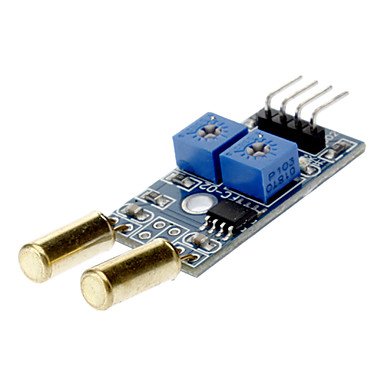
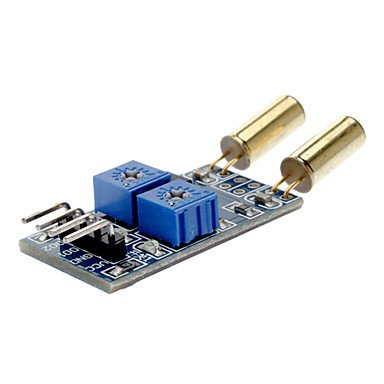
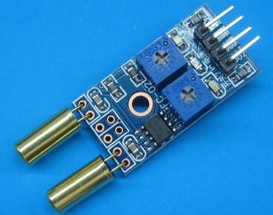
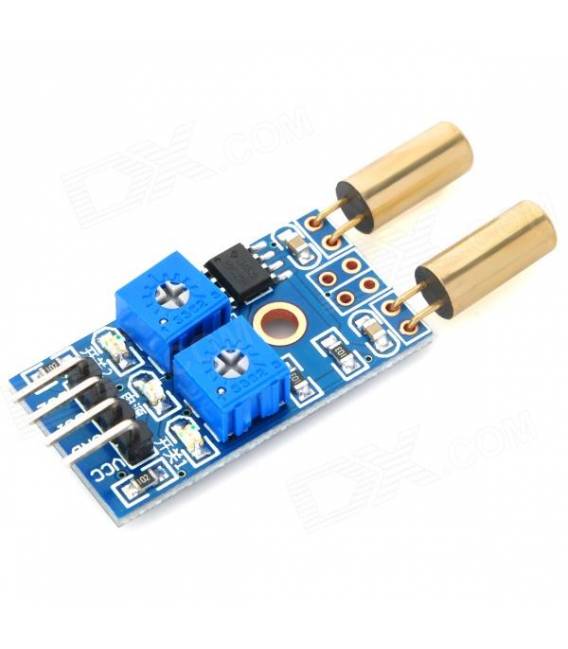
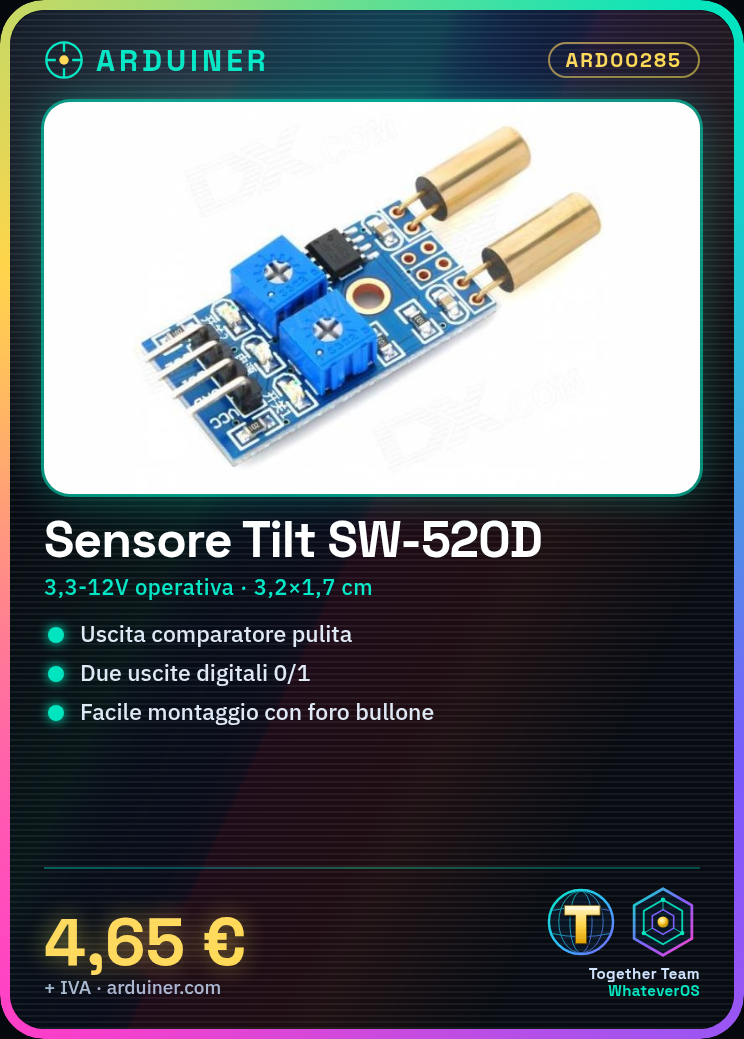
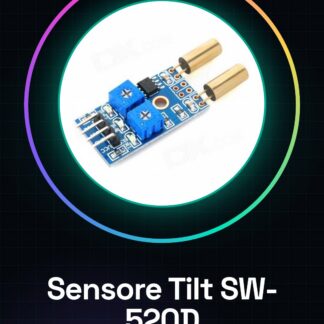
2-Way Tilt Sensor Module for Angle Measurement SW-520D
Uses: Various angular sensors, sensor discharge, tilt sensor, 2-channel control.
Module Features:
1. SW-520D – The company produces highly sensitive tilt sensors.
2. Comparator output, clean signal, waveform, driving capability, up to 15mA.
3. Bit distribution sensitivity regulation.
4. Operating voltage: 3.3V-12V.
5. Output form: Digital switching outputs (0 and 1).
6. A fixed bolt hole for easy installation.
PCB dimensions: 3.2 cm x 1.7 cm.
7. LM393 wide-voltage comparator module.
From the initial state of the two outputs, the disconnection of the tilt sensor conduction state depends on the sensor being powered on, the green light turns on, and the output is low; the tilt sensor is disconnected, the green light is off, and the output is high; two tilt sensors are generally initially installed in normally open state, to ensure the tilt sensor is not in an operational state to prolong its life; the SW-520D sensor is pre-set for object detection at 90 degrees for the other orientation, contact the treasurer.
4. The output can be directly connected to the single-chip microcontroller to detect high and low, to detect a changed environmental perspective; 5. The output can drive a high-power switch module, which can be composed of a perspective control switch.
Datasheets for all components are available, if not present in the product download, please contact us and we will publish it on our website as soon as possible.
Tutorial: How to Use the SW-520D Tilt Sensor Module
The 2-way tilt sensor module SW-520D is ideal for measuring the inclination of an object. It is useful for projects that require orientation detection, such as robots, drones, or smart home devices.
What You Need: Arduino, USB cable, external power supply.
Steps:
1. Connect the VCC and GND pins of the sensor to the corresponding power pins of the Arduino.
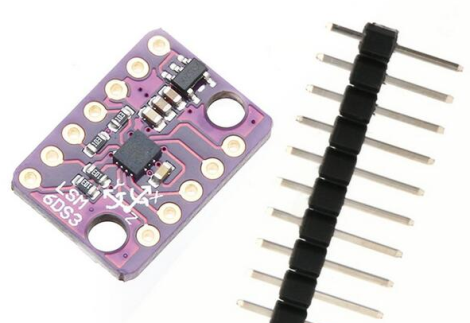
2. Connect the SCL pin of the sensor to the A5 (SCL) pin of the Arduino.
3. Connect the SDA pin of the sensor to the A4 (SDA) pin of the Arduino.
4. Install the I2Cdevlib library in the Arduino library manager.
5. Include the I2Cdev and MPU6050 headers in your sketch.
6. Configure the sensor using the appropriate functions.
Reviews
There are no reviews yet.