 EN
 IT Italiano
 ES Español
 FR Français
 DE Deutsch
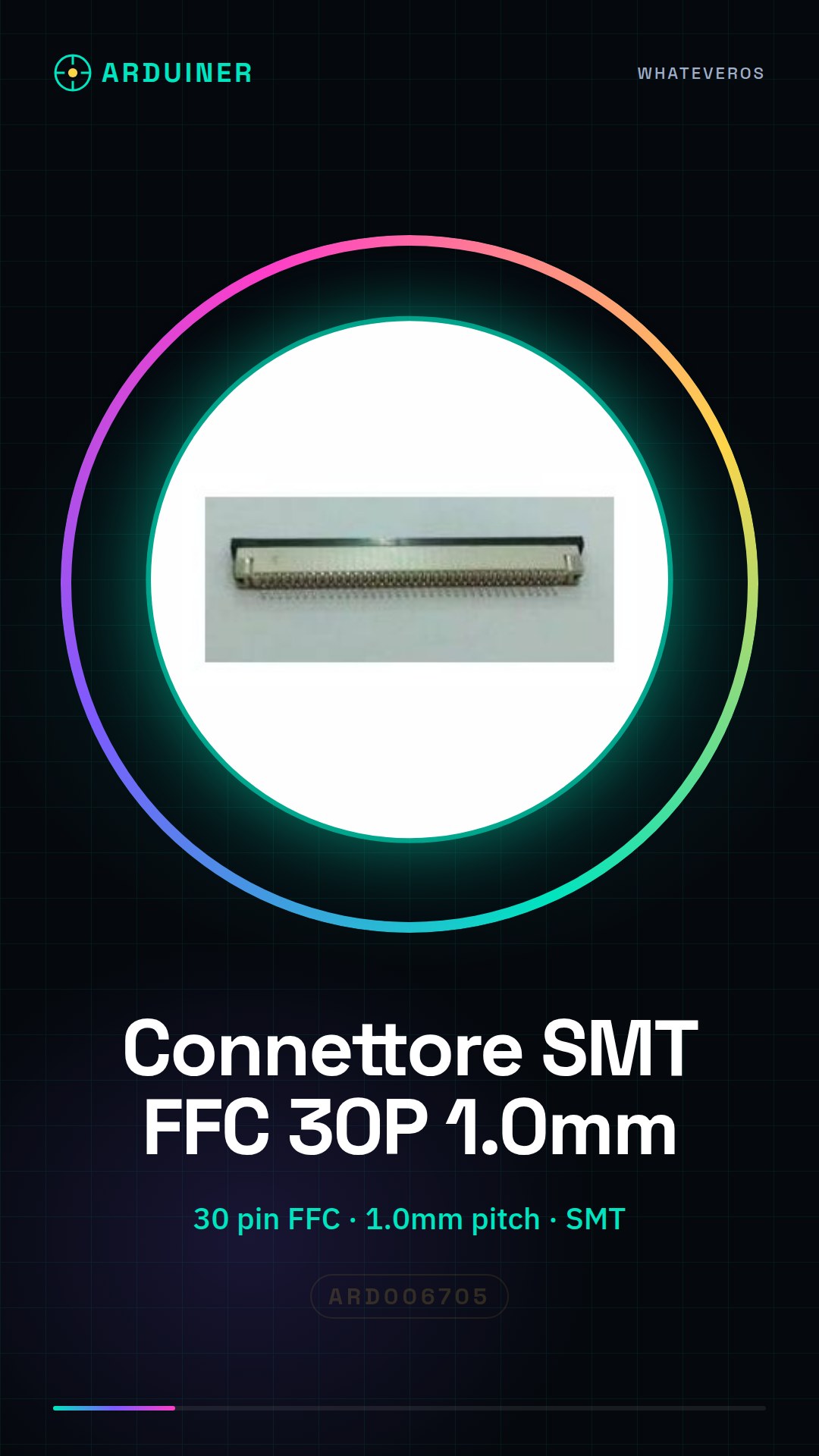
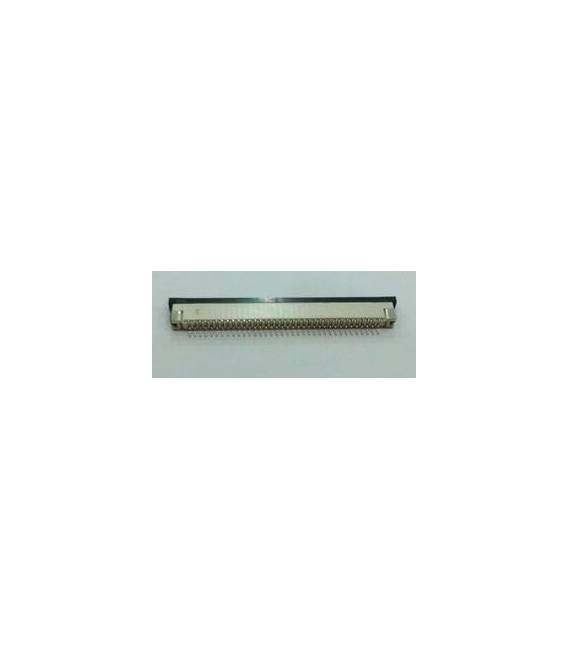
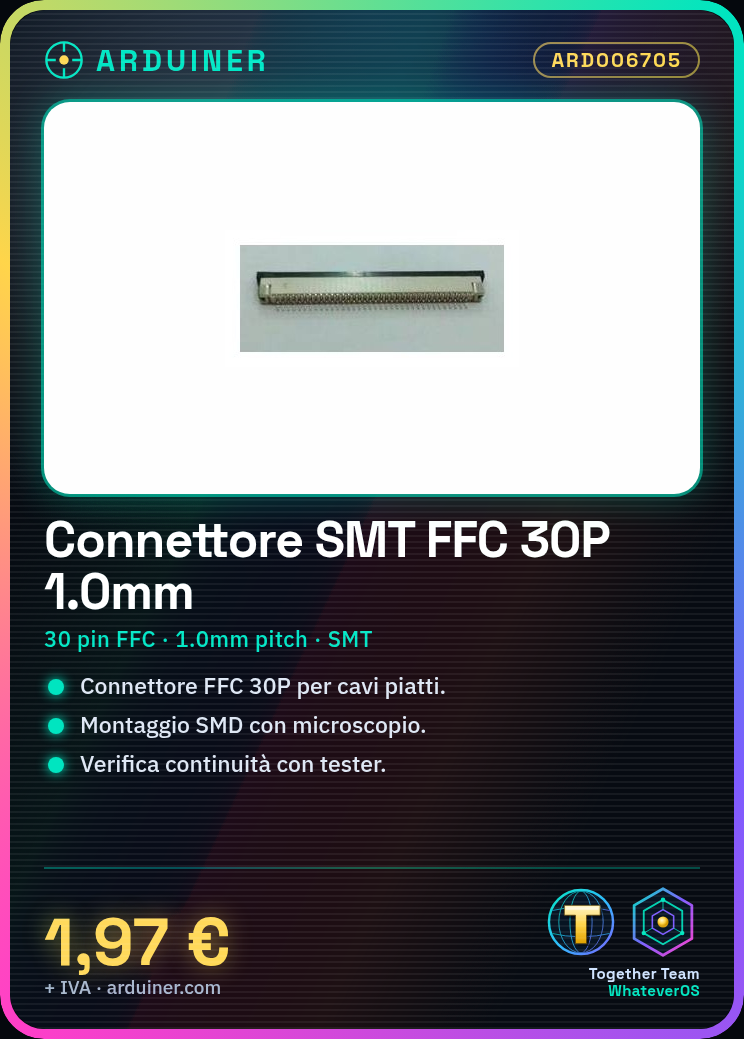
Description
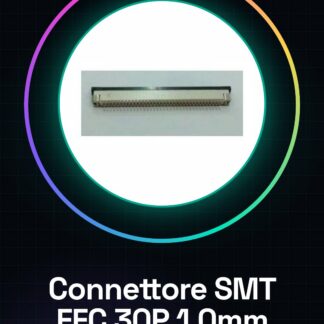
Tutorial: How to Use SMT FFC 30P 1.0MM Connector
The SMT circuit board connectors for flat flexible cable (FFC) 30P are useful for connecting electronic components in a clean and professional manner, especially in 3D printing or drone applications where a robust but small connector is required.
What you need
- flat flexible cable (FFC)
- electrostatic microscope
- SMD printer
Steps
- Check the connector’s datasheet for the mounting specifications for SMD printing.
- Prepare the circuit board with the correct pads for inserting the FFC 30P connector.
- Use a professional SMD printer or a manual electrostatic microscope to position the connector on the PCB.
- Solder the SMD according to the temperature specifications in the datasheet.
- Verify the installation with a continuity tester.
- Connect the flat flexible cable (FFC) to the connector following the trace layout on the PCB and cable.
- Test the connection by creating a simple test interface.
- Verify the interface with a digital oscilloscope to ensure that the signals are correct.
Mini project
Create an SMD module with two FFC 30P connectors connected to an Arduino mother board. Connect a temperature sensor and monitor the reading through the cable.
Common mistakes
- Mounting connectors in the wrong position on the PCB.
- Soldering temperature for SMD not conforming to the datasheet specifications.
- Disconnection of traces during FFC cable installation.
Recommended accessories
- Electrostatic microscope
- SMD printer
- FFC 30P flat cable
- Continuity tester
Frequently asked questions
How can I verify the quality of the installation?
Use a continuity tester to check the connections.
What precautions should I take during SMD mounting?
Follow the thermal specifications in the datasheet and use appropriate equipment such as an electrostatic microscope.
Reviews
There are no reviews yet.