 EN
EN IT Italiano
 ES Español
 FR Français
 DE Deutsch
Description
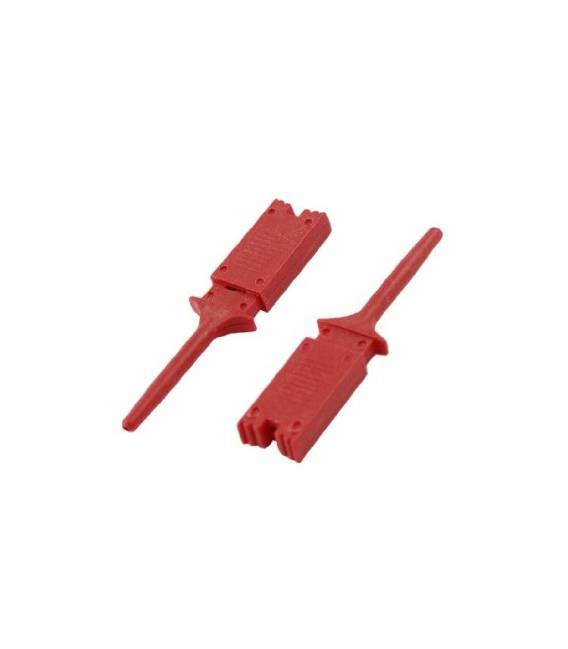
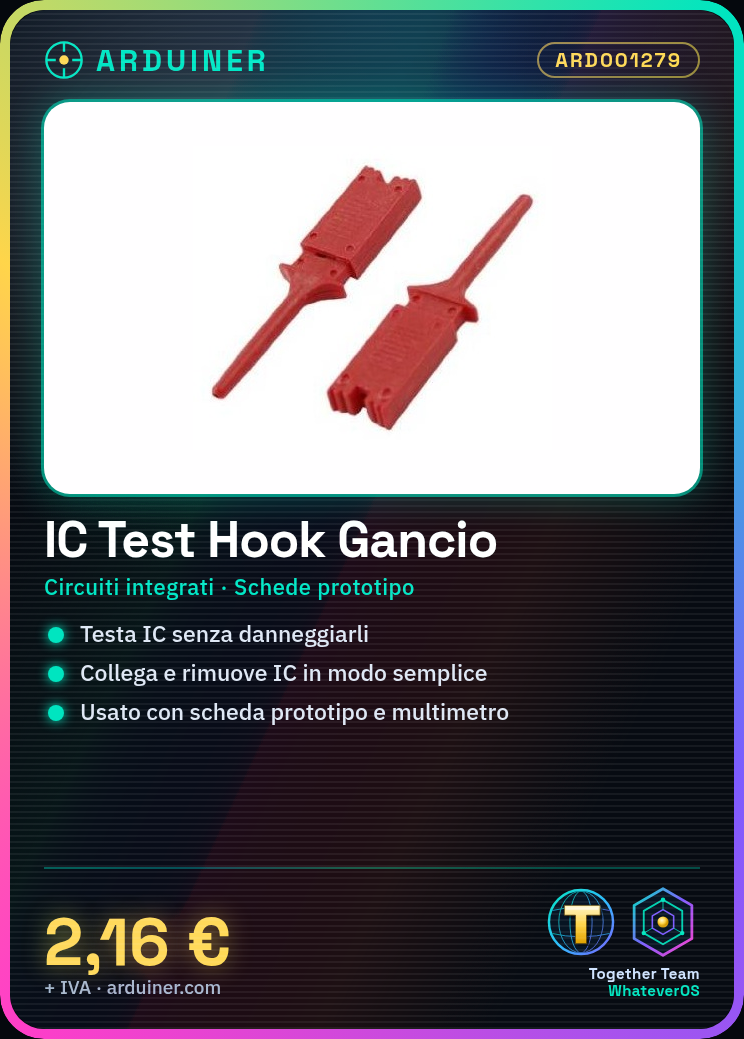
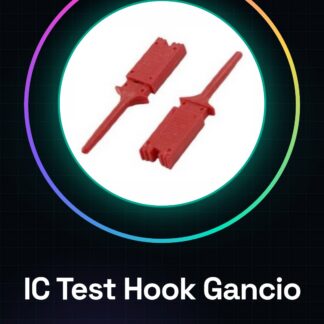
Tutorial: How to use IC Test Hook Clips This clip is a fundamental accessory for makers and electronics hobbyists working with integrated circuits (ICs). It allows for easy testing, connecting, or removing ICs without damaging them. What you need: Integrated circuits, prototype board, quick component testing. Steps: Step 1: Identify the type of IC clip you are using (e.g., DIP). Step 2: Verify the compatibility of the clip with the IC in question. Step 3: Gently place the IC on the clip, ensuring that all legs are properly aligned and inserted. Step 4: Securely connect the clip to a prototype board or another test base. Step 5: Test the IC using tools such as a multimeter, oscilloscope, or specific software for reading IC data. Step 6: When testing is complete, gently remove the IC from the clip. Mini-project: Create a quick IC testing system using these clips and a prototype board. Connect various ICs and verify their functionality. Common mistakes: Not verifying compatibility between the IC and the clip beforehand. Forcing the insertion of the IC into the clip, causing damage to the legs. Failing to properly test the IC before removal. Recommended accessories: Prototype board, digital multimeter, portable oscilloscope. Frequently Asked Questions: What is the difference between a DIP clip and an SOIC clip? A DIP clip fits ICs with 0.1 inch spaced legs, while an SOIC clip is for smaller ICs with closer leg spacing. Can I use these clips on all types of ICs? Check the datasheet of the IC and the clip to ensure compatibility.
Reviews
There are no reviews yet.