 EN
EN IT Italiano
 ES Español
 FR Français
 DE Deutsch
Description
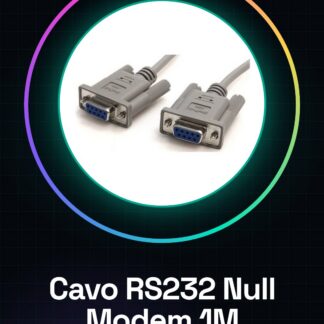
Tutorial: How to Use RS232 Serial Null Modem Cable
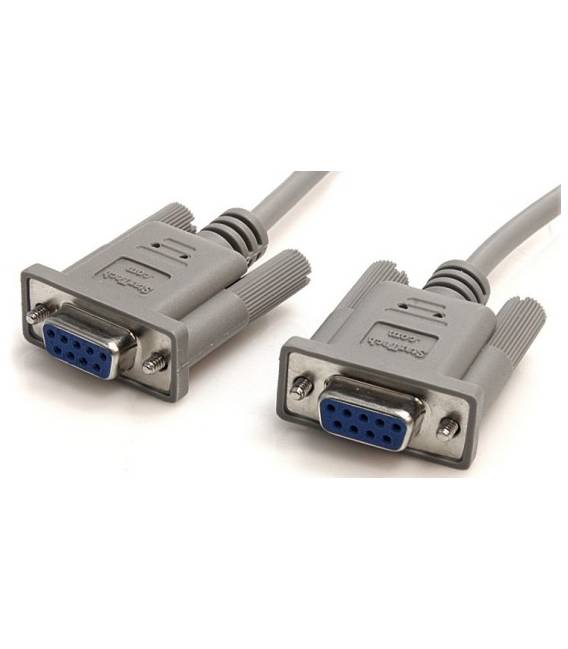
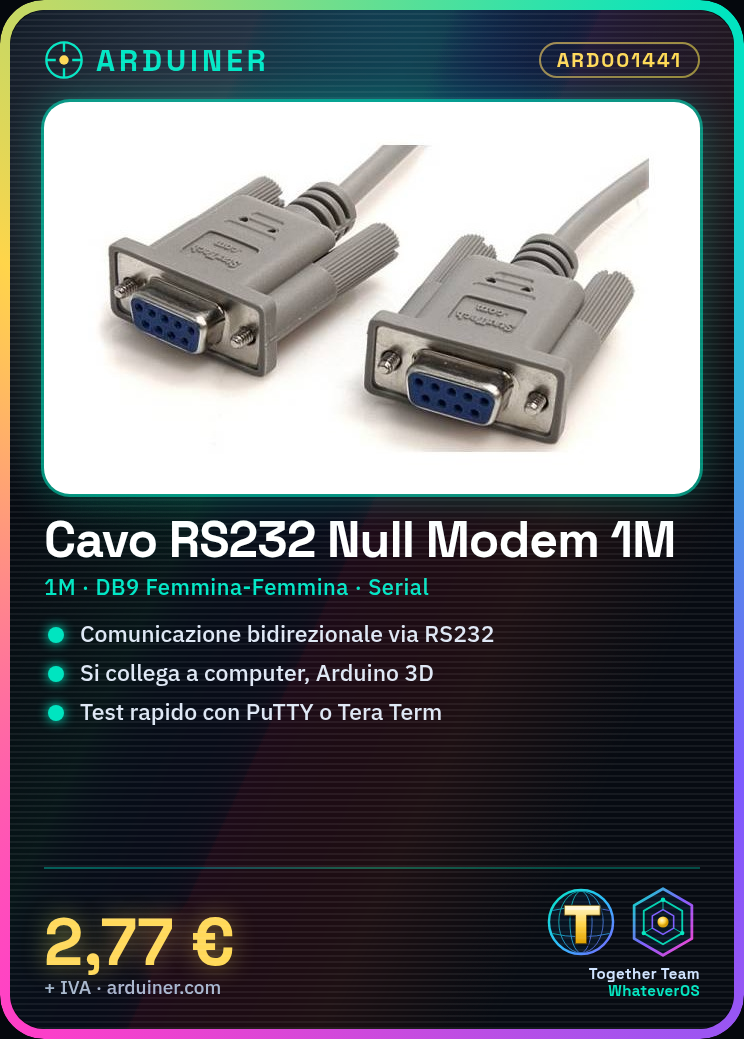
The RS232 serial null modem cable is essential for bidirectional communication between two devices via a serial port. Ideal for makers and professionals working with Arduino, Raspberry Pi, or other 3D printer systems.
Steps:
Verify DB9 connections: check datasheet
Connect the cable from one device to another, following the null modem mapping
Ensure status LEDs are on to indicate a stable connection
Install serial communication software like PuTTY or Tera Term
Configure baud rate and other parameters according to the connected device
Send data from one end of the cable to the other, verifying correct reception
Mini-project: Connect two Arduinos via RS232 to send and receive control signals
Common errors:
Insert connectors in the wrong direction
Set baud rate differently on connected devices
Fail to check correct null modem mapping
Use a cable that is too long, limiting communication
Recommended accessories:
USB to DB9 Adapter
Raspberry Pi Serial Port
Arduino Uno R3
3D Printer with RS232 Port
Frequently asked questions:
Which devices support the RS232 cable? Devices with DB9 connectors such as computers, Arduinos, and 3D printers
How can I test serial communication? Use serial communication software to send messages between connected devices

Reviews
There are no reviews yet.