 EN
 IT Italiano
 ES Español
 FR Français
 DE Deutsch
Description
What it is
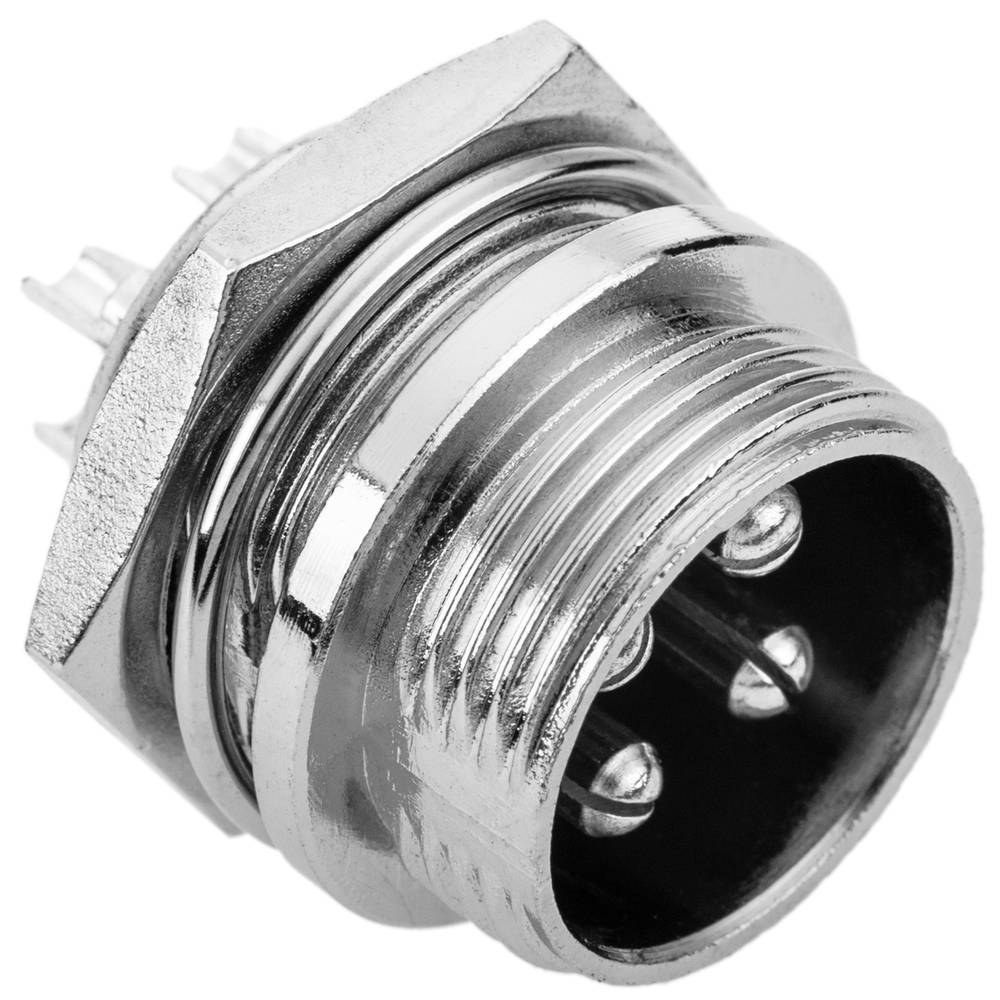
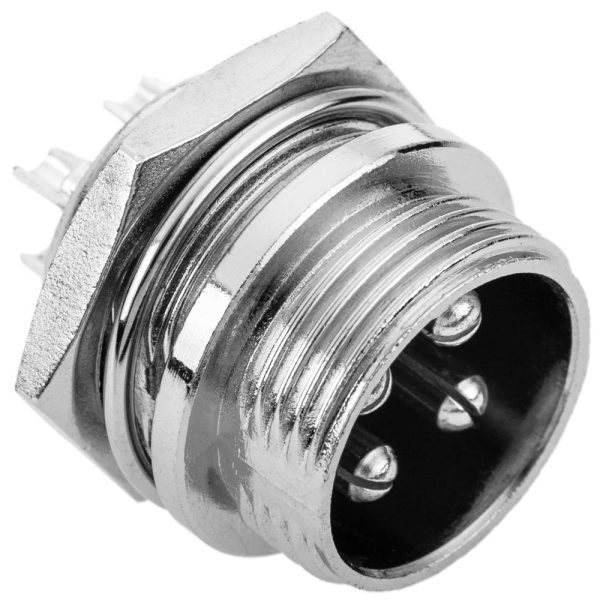
The GX12 4P aviation connector is an electronic component used for connecting various electronic devices, particularly in drone and 3d printer applications. This connector is designed to facilitate the connection between project components while maintaining a neat and protected appearance.
Features
- Model: GX12 4P
- Number of contacts: 4
- Quantity: 2 pieces
What it is for
This GX12 4P aviation connector is ideal for drone and 3d printer projects. You can use it to connect flight control to Arduino or for other applications that require a secure and neat connection between components.
Tutorial: How to use Male GX12 4P Aviation Connector
The aviation connector GX12 4P is an essential component for electronics projects, particularly for drone and model applications. This connector allows you to easily connect the various components of your project while maintaining a neat and protected appearance.
What you need
- Arduino
- Connection wire
- Pressure tool
- Pliers
Steps
- Identify the contacts of the GX12 4P connector.
- Prepare the wires to be connected by removing the insulation cover.
- Insert the wires into the connector contacts, ensuring they are properly seated.
- Use the pressure tool to secure the wires to the connector.
- Check that the wires are securely fastened.
- Connect the GX12 4P connector to the destination device.
- Verify the connection with a testing tool.
- Repeat the previous steps for the second connector, if necessary.
Mini project
Create a control system for a drone using a GX12 4P connector to connect flight control to the Arduino.
Common mistakes
- Do not verify the proper seating of the wires.
- Insert the wires into the contacts incorrectly.
- Do not use appropriate crimping tools.
- Do not verify the connection before using the connector.
Recommended accessories
- Connection cable for Arduino
- Crimping tool
- Pliers
- Testing tool
Frequently asked questions
What tools are needed to install the GX12 4P connector?
To install the GX12 4P connector, a crimping tool and pliers are required.
How can I verify the connection?
Use a testing tool to verify that the connector contacts are properly connected.
Can I use the GX12 4P connector for other types of projects?
Yes, the GX12 4P connector can be used in various electronic projects, not just for drones.
Reviews
There are no reviews yet.