 EN
 IT Italiano
 ES Español
 FR Français
 DE Deutsch
Description
What it is
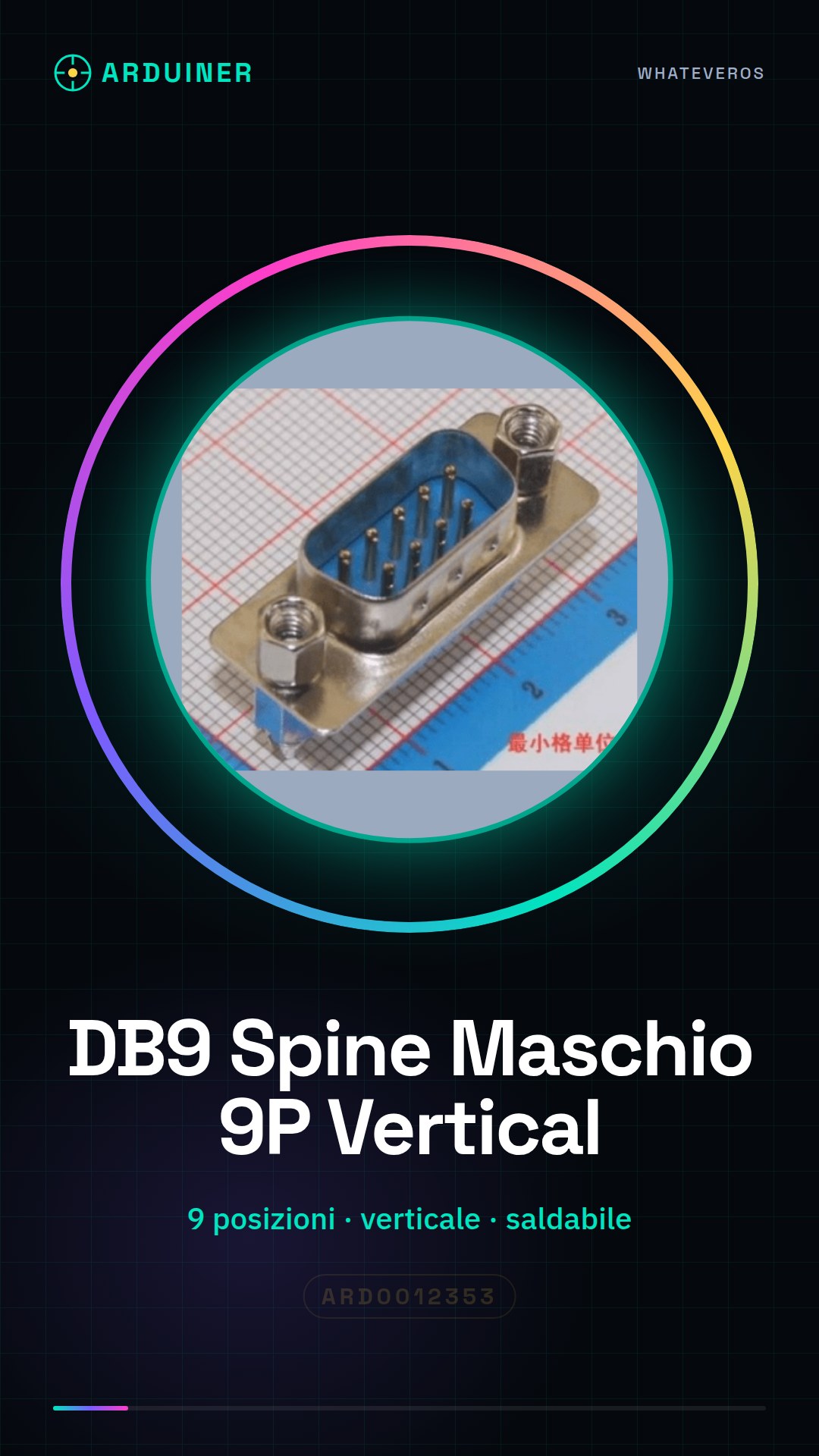
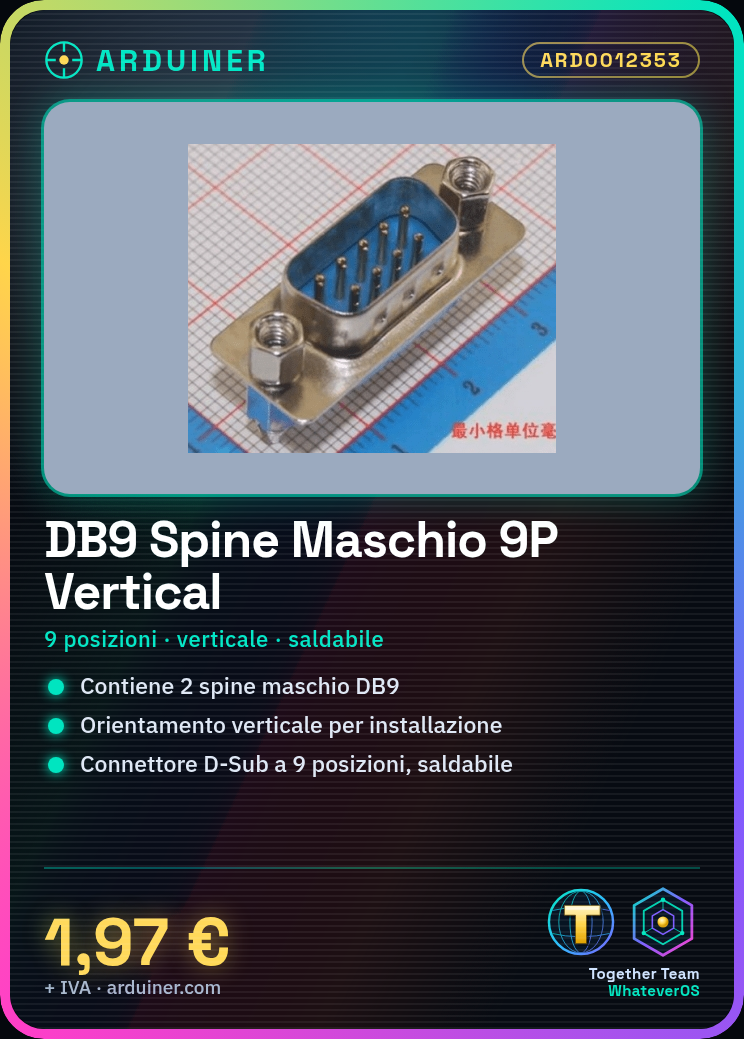
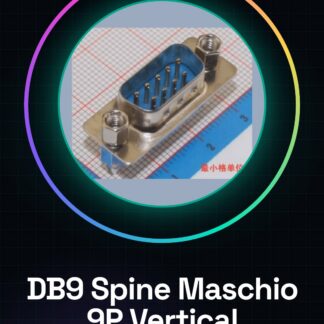
This product includes 2 male DB9 plugs, model 171-009-113R911, with a vertical orientation 9-position D-Sub connector, solderable.
Features
- 2 pieces
- Type: Male Pins
- Model: 171-009-113R911
- Positions: 9
- Orientation: Vertical
- Connector Type: D-Sub
- Solderable
What it is for
DB9 connectors are used to connect input/output (I/O) devices to Arduino boards. They can be used in a variety of electronic projects, such as LED control circuits, user interfaces with buttons or keyboards.
Tutorial: How to Use 2 Pieces Male DB9 Pins
This DB9 connector is essential for connecting input/output (I/O) devices to Arduino boards. Useful for beginners and intermediates.
What you need
- 2 pieces male DB9 pins
- A set of DB9 pins
- A multiple of DB9 connectors (optional)
- A soldering iron
Steps
- 1. Check the datasheet for the specifications of the DB9.
- 2. Prepare a set of DB9 pins.
- 3. Solder the pins to the edges of the DB9 connector.
- 4. Repeat for the other connector.
- 5. Connect the DB9 connectors to a DB9 multi-connector (optional).
- 6. Verify the contact and soldering.
- 7. Connect the DB9 to an Arduino board.
- 8. Test the connection with a sample program.
Mini project
Create a control circuit for an LED with a button using the DB9 as the interface.
Common mistakes
- Solder the pins too strongly or weakly.
- Do not verify the contact properly.
- Connect the DB9 to an Arduino board without testing.
- Do not use a DB9 multi-connector to facilitate testing.
Recommended accessories
- DB9 Female Spade Terminals
- DB9 Multi-Connector
- DB9 Pins
- Soldering Iron
Frequently asked questions
How can I properly verify the contact?
Use a multimeter to measure continuity between the pins.
Which pins to use for a basic project?
Use pins 0-7 for input/output and pin 2 for reset.
Can I use a multiple of connectors for testing?
Yes, it facilitates testing different DB9 connectors.
Which pins to use for power supply?
Use pin 5V and GND for power supply.
Reviews
There are no reviews yet.