 EN
EN IT Italiano
 ES Español
 FR Français
 DE Deutsch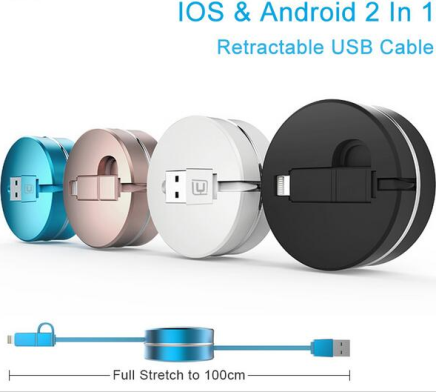
Description
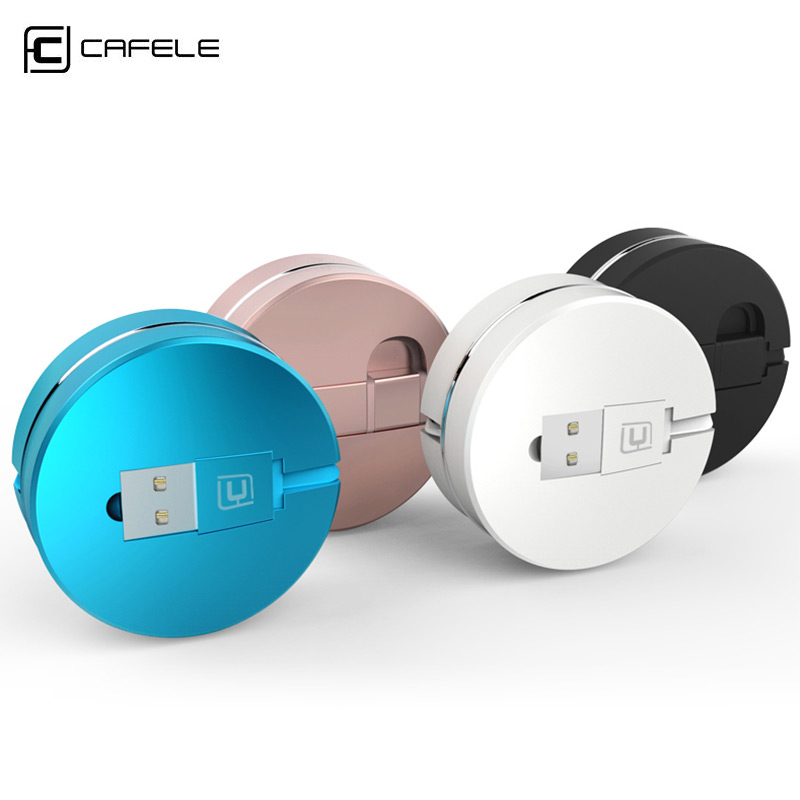
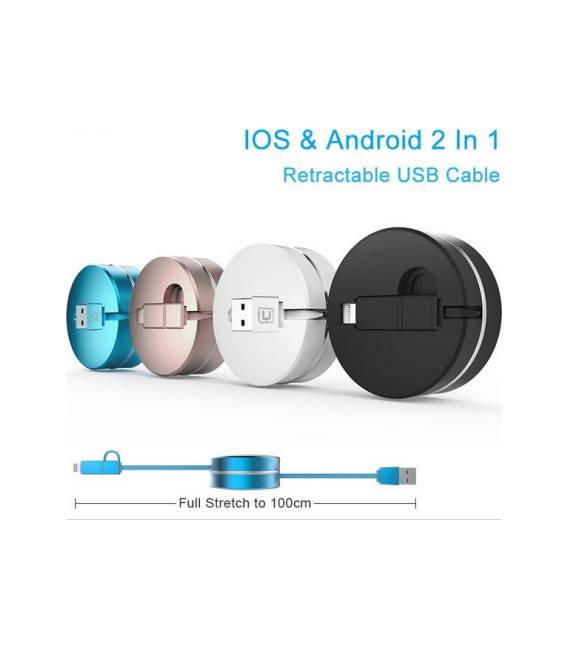
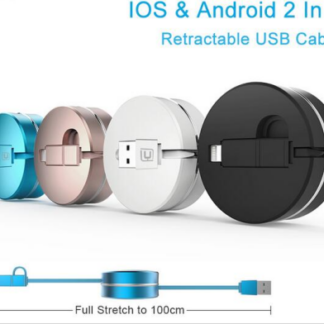
Tutorial: How to Use Retractable 2 in 1 Mini Box Cable This retractable cable is ideal for charging and data transmission on Android smartphones and iPhones. Perfect for those seeking convenience and practicality. What you need Smartphone Android or iPhone Retractable 2 in 1 Mini Box Cable Steps Ensure the cable is compatible with your device (Android or iPhone). Connect one end of the cable to your smartphone’s USB port. Connect the other end of the cable to the device you wish to charge or transfer data to. Press the button to extend the cable and start using the device. To retract the cable, press the button and roll it up. Check the datasheet for maximum allowed voltage. Avoid bending the cable too deeply to prevent damage. If the cable does not retract automatically, press the button to retract it. Mini-project No specific demo project for this cable. Common mistakes Damaging the cable by bending it too deeply. Connecting the cable to an incompatible device. Using the cable to transfer files on unsupported devices. Not checking the recommended maximum voltage on the datasheet. Accessories Recommended Standard USB Cable Charging USB Adapter Android or iPhone Device Frequently Asked Questions Does the cable work with all types of smartphones? The cable is compatible with Android and iPhones. Check compatibility on the datasheet. Can I use the cable for file transfer? Yes, the cable supports data transmission. Ensure your device supports this function. Does the cable retract automatically? The cable retracts automatically only if connected to a device that supports this feature. Otherwise, press the button to retract it.
Reviews
There are no reviews yet.