 EN
 IT Italiano
 ES Español
 FR Français
 DE Deutsch
Description
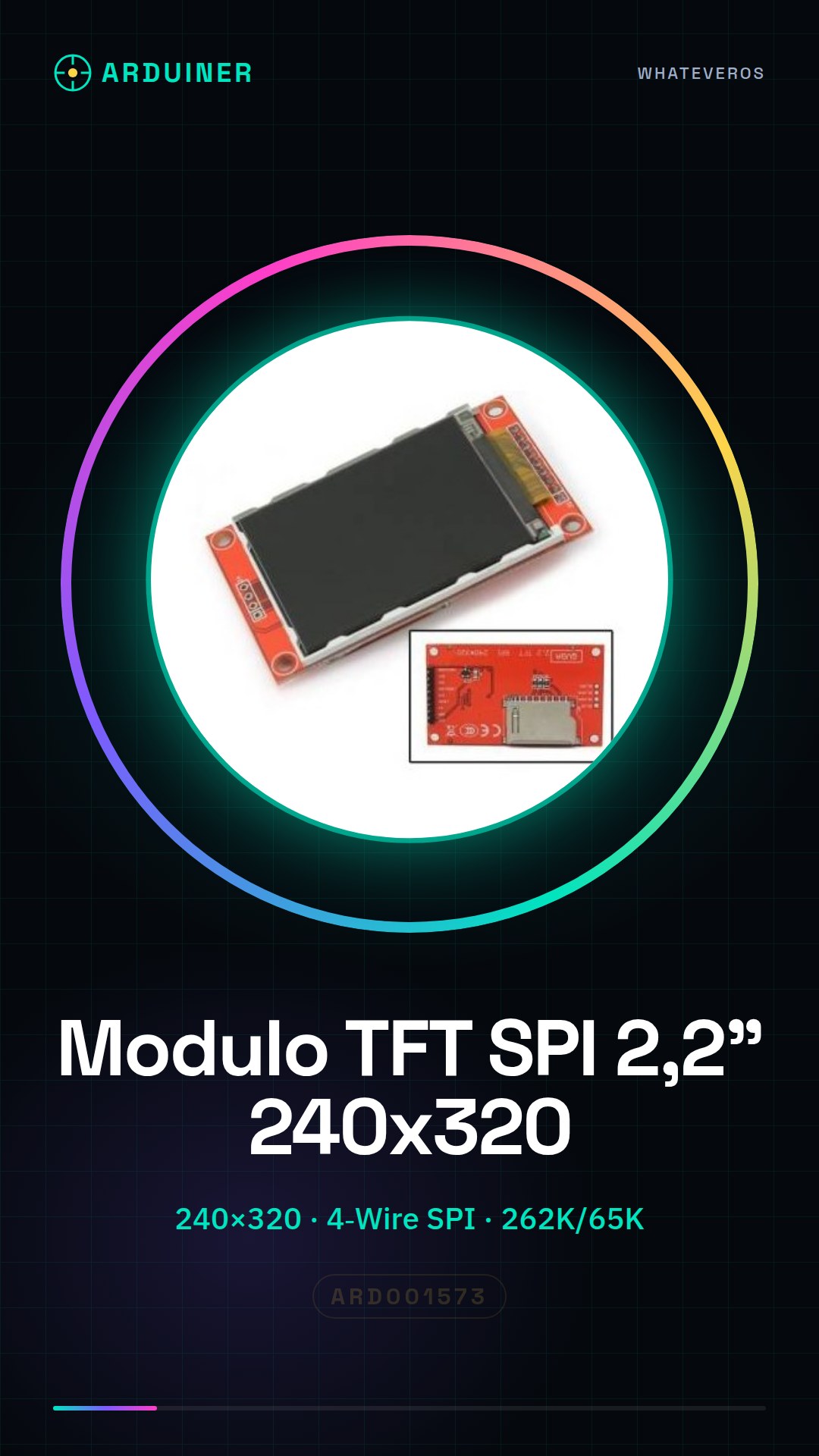
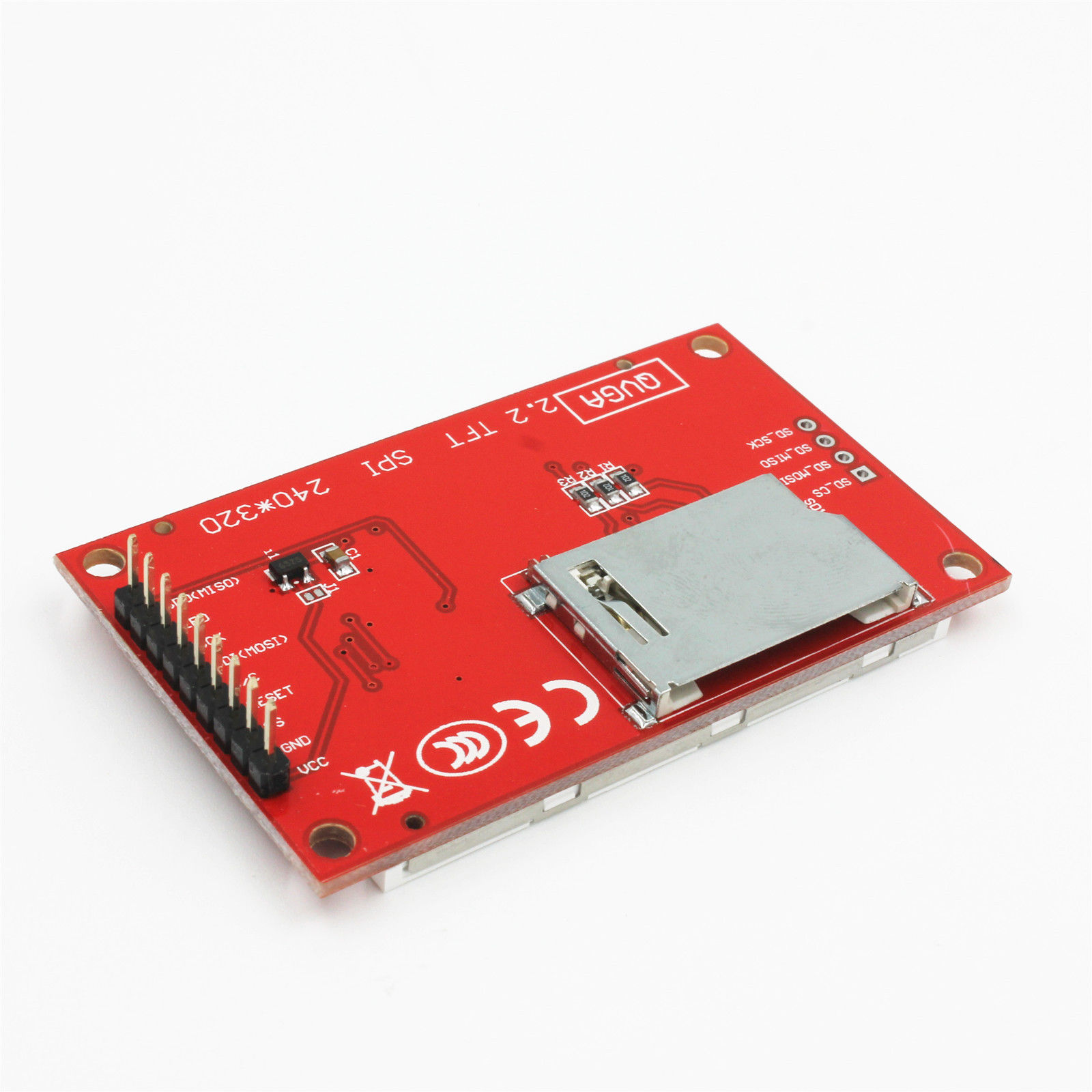
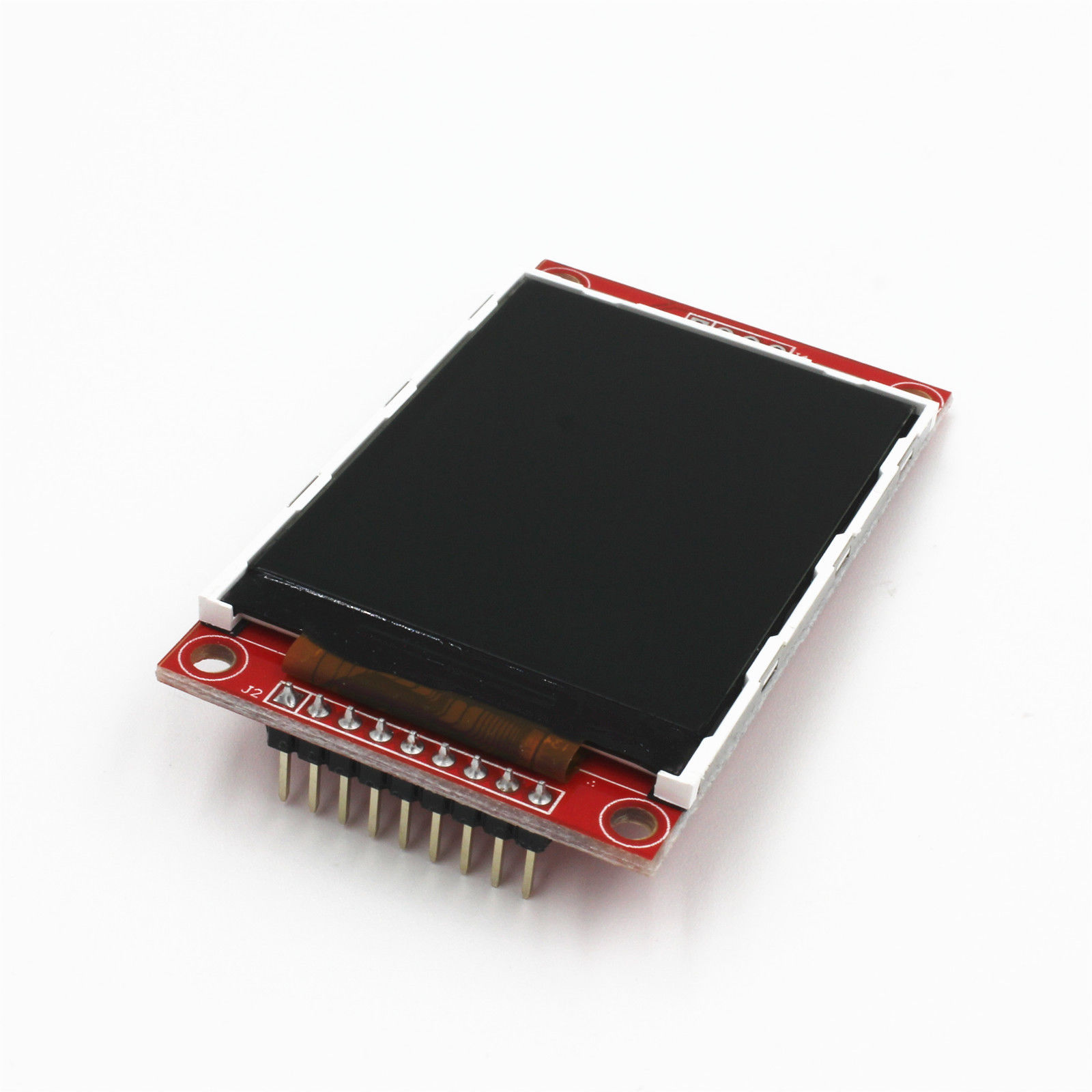
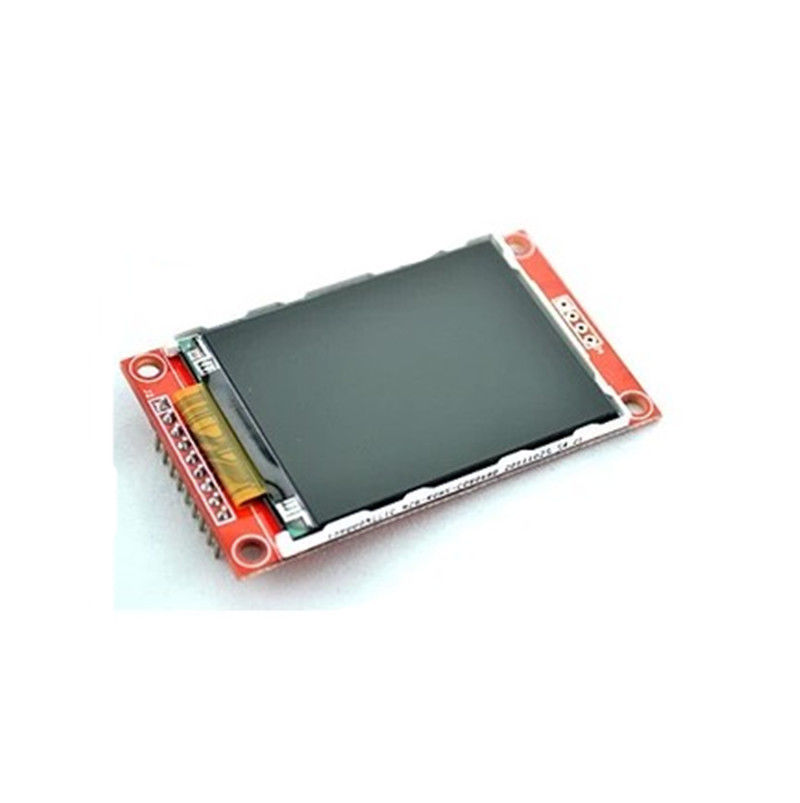
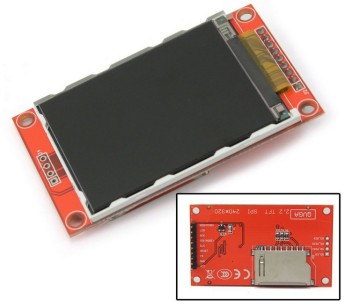
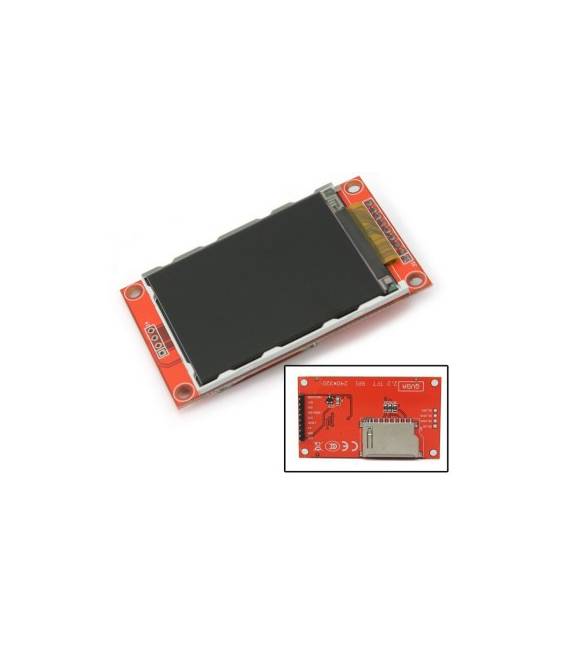
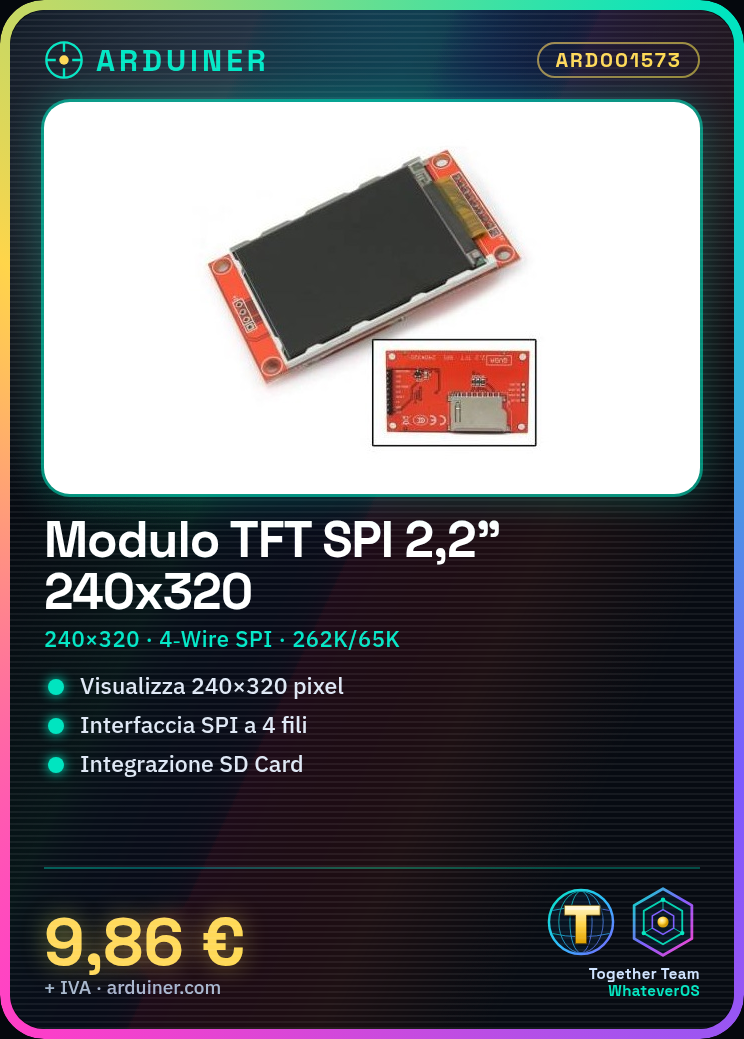
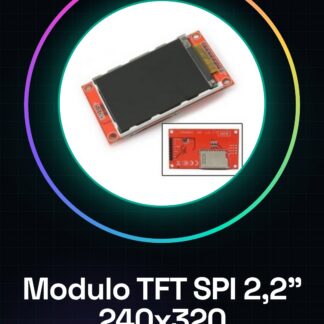
2.2″ Serial TFT SPI LCD Module Display 240×320 Chip ILI9340C PCB Adapter SD Card
Product Details:
- TFT Module
- Condition: New
- Dot Matrix: QVGA 240*320 Dots
- Interface: 4-Wire SPI
- Color Depth: 262K/65K
- Module Size: 67x 40 x 4mm/ 2.63″ x 1.57″ x 0.15″(L x W x T)
- Active Area: 47.5 x 36.5mm/ 1.85″ x 1.41″ (L x W)
- LED Numbers: 4 LEDs
- Driver IC: ILI9341
- Description:
This LCD can supply steadily in the future.
Support Serial SPI Mode
It has PCB backplane with power IC, SD card socket
Need 4 IOs from your MCU only.
We have datasheets for all components available, if not present in the product download sheet, send us a message through the contact form and we will publish it as soon as possible on our website.
Tutorial: How to use TFT SPI LCD 2.2″ Module
The TFT SPI LCD 2.2″ display module is ideal for adding a graphical screen to Arduino projects, allowing colorful and interactive information display.
What you need
- Arduino Uno or compatible
- USB Type B cable
- Connections suitable for the module (jumper wires)
- Adafruit GFX and Adafruit ILI9341 libraries
- Installed Arduino IDE software
- PC with Windows, Mac OS, or Linux operating system
Steps
- Connect the LCD module to the Arduino microcontroller using jumper wires.
- Install the Adafruit GFX and Adafruit ILI9341 libraries in the Arduino IDE software.
- Download a sample sketch from the Adafruit ILI9341 library.
- Modify the sketch to fit your connection scheme (check the datasheet).
- Compile and upload the code to the Arduino.
- Check that the screen illuminates correctly with the displayed information.
- Customize the sketch to display the desired data.
- Test the integrity of the display by running functionality tests.
Example code
// Includi la libreria
#include <Adafruit_GFX.h>
#include <Adafruit_ILI9341.h>
// Definisci il pin SPI per il modulo LCD
#define TFT_CS A2
#define TFT_DC A3
#define TFT_MOSI 11
#define TFT_SCLK 13
// Inizializza l'oggetto display
Adafruit_ILI9341 tft = Adafruit_ILI9341(TFT_CS, TFT_DC);
Mini project
Create a digital clock that displays time and date in different colors for each day of the week.
Common mistakes
- SPI pin connection error to the LCD module.
- Forgetting to install the necessary libraries.
- Incorrect settings in the display datasheet.
- Problems with the power supply voltage.
Recommended accessories
- Arduino Uno
- Adafruit GFX and ILI9341 library
- USB Type B cable
- Connections suitable for the LCD module
Frequently asked questions
What is the resolution of the display?
The resolution is 240×320 pixels.
How can I customize the background color?
Use the method tft.fillScreen(color) where color is an RGB value.
Reviews
There are no reviews yet.