 EN
 IT Italiano
 ES Español
 FR Français
 DE Deutsch
Description
What it is
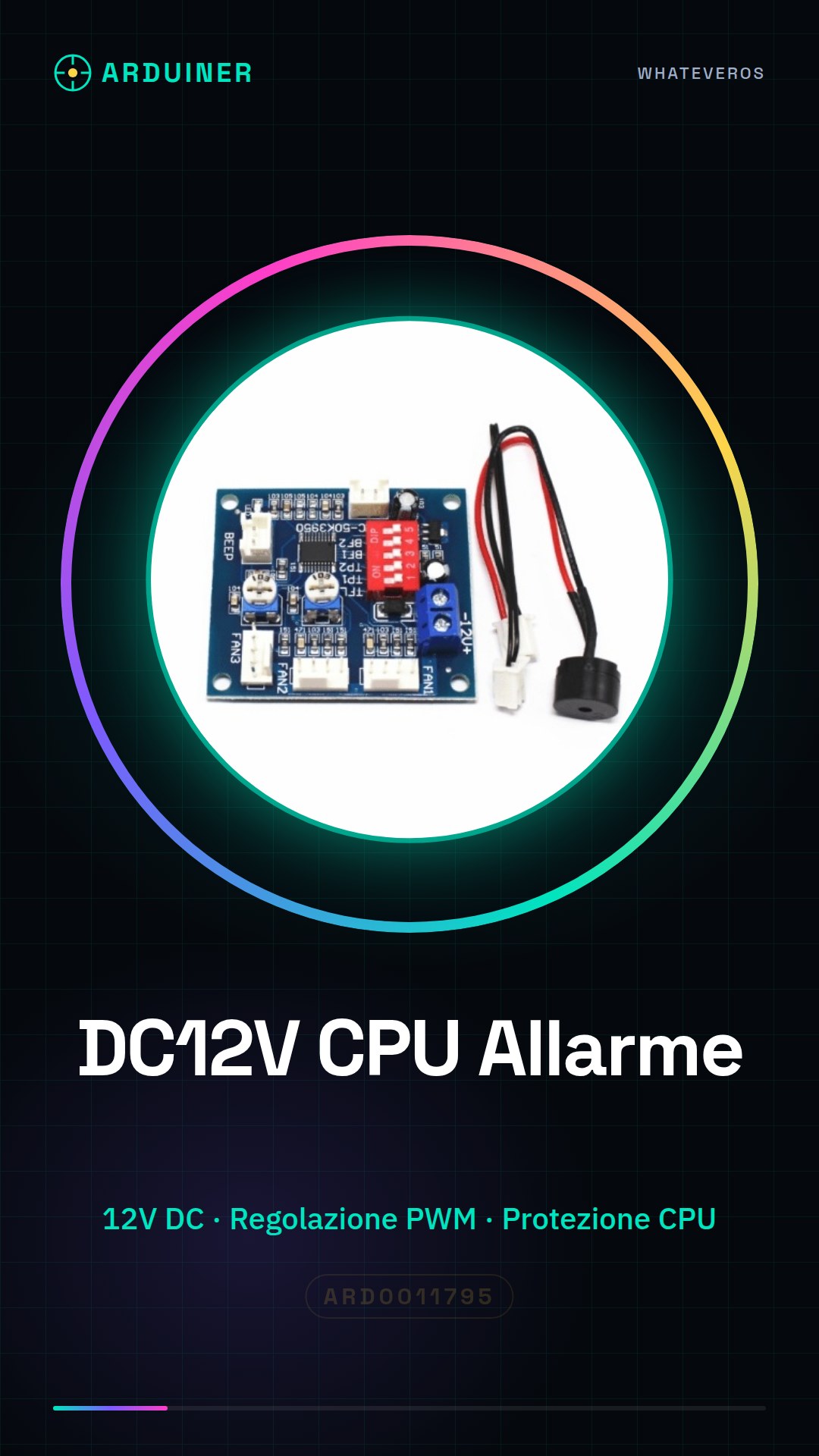
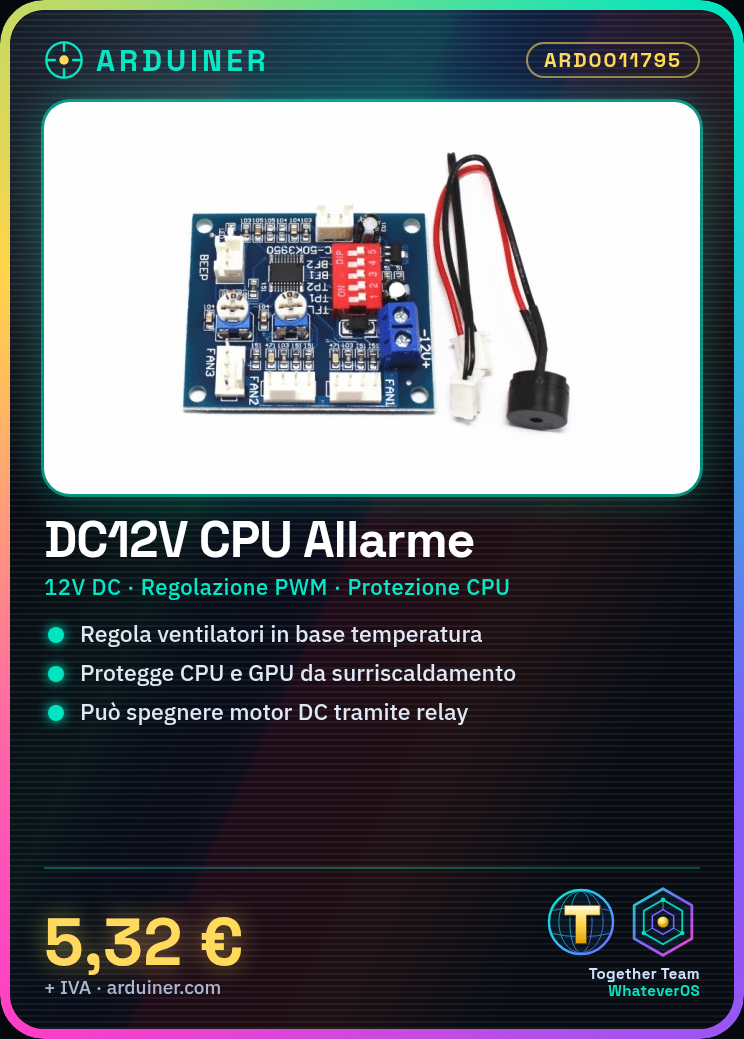
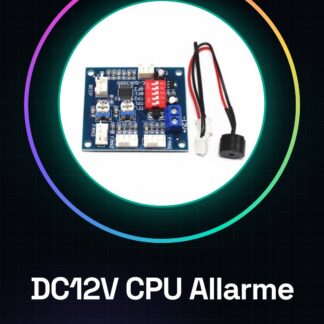
The 12V PWM thermostat is a device designed to protect electronic components, such as CPUs, from overheating. It automatically regulates the airflow of the fan based on temperature.
Features
- Supply Voltage: 12V DC
- PWM regulation for precise control of fan speed
- Ideally suited for protecting heat-sensitive components such as CPUs and GPUs
What it is for
It is used to monitor and regulate the temperature of a DC motor or other critical devices. It can be used in conjunction with a relay to turn off the motor in case of overheating. Useful for both beginners and experts.
Tutorial: How to Use DC12V CPU Alarm
This temperature alarm is ideal for monitoring and protecting heat-sensitive components such as CPUs. Useful for beginners and intermediates.
What you need
- DC12V CPU Alarm
- Arduino
- 10kΩ Resistor
- JST Connector
- Temperature Sensors
Steps
- 1. Check the power supply voltage: 12V DC.
- 2. Connect the JST connector to the alarm.
- 3. Assign a PWM pin to the alarm on your Arduino.
- 4. Connect the output pin of the alarm to the PWM pin of the Arduino.
- 5. Connect a 10kΩ resistor between the power pin and the ground pin of the alarm.
- 6. Connect the temperature sensors to the alarm.
- 7. Load the Arduino code.
- 8. Test the alarm.
Example code
```
int tempPin = 0;
int alarmPin = 9;

void setup() {
  pinMode(alarmPin, OUTPUT);
}

void loop() {
  int temp = analogRead(tempPin);
  if (temp > 512) {
    digitalWrite(alarmPin, HIGH);
  } else {
    digitalWrite(alarmPin, LOW);
  }
}
```
Mini project
Build a protection system for a DC motor by connecting the alarm to a relay to turn off the motor in case of overvoltage.
Common mistakes
- Incorrect power supply: make sure you are using 12V DC.
- Incorrect connections: check the power and ground pins.
- Sensors not connected: make sure the temperature sensors are properly connected.
- Incorrect Arduino code: check the code and the datasheet specifications.
Recommended accessories
- Relay
- DC Motors
- Temperature Sensors
- JST Cable
Frequently asked questions
How can I verify the alarm temperature?
Check the sensor’s datasheet for temperature.
Can I use a different power supply than 12V?
Check the alarm’s datasheet.
Which pins should be used for connection?
Check the alarm’s datasheet.

Reviews
There are no reviews yet.