 EN
 IT Italiano
 ES Español
 FR Français
 DE Deutsch
Description
What it is
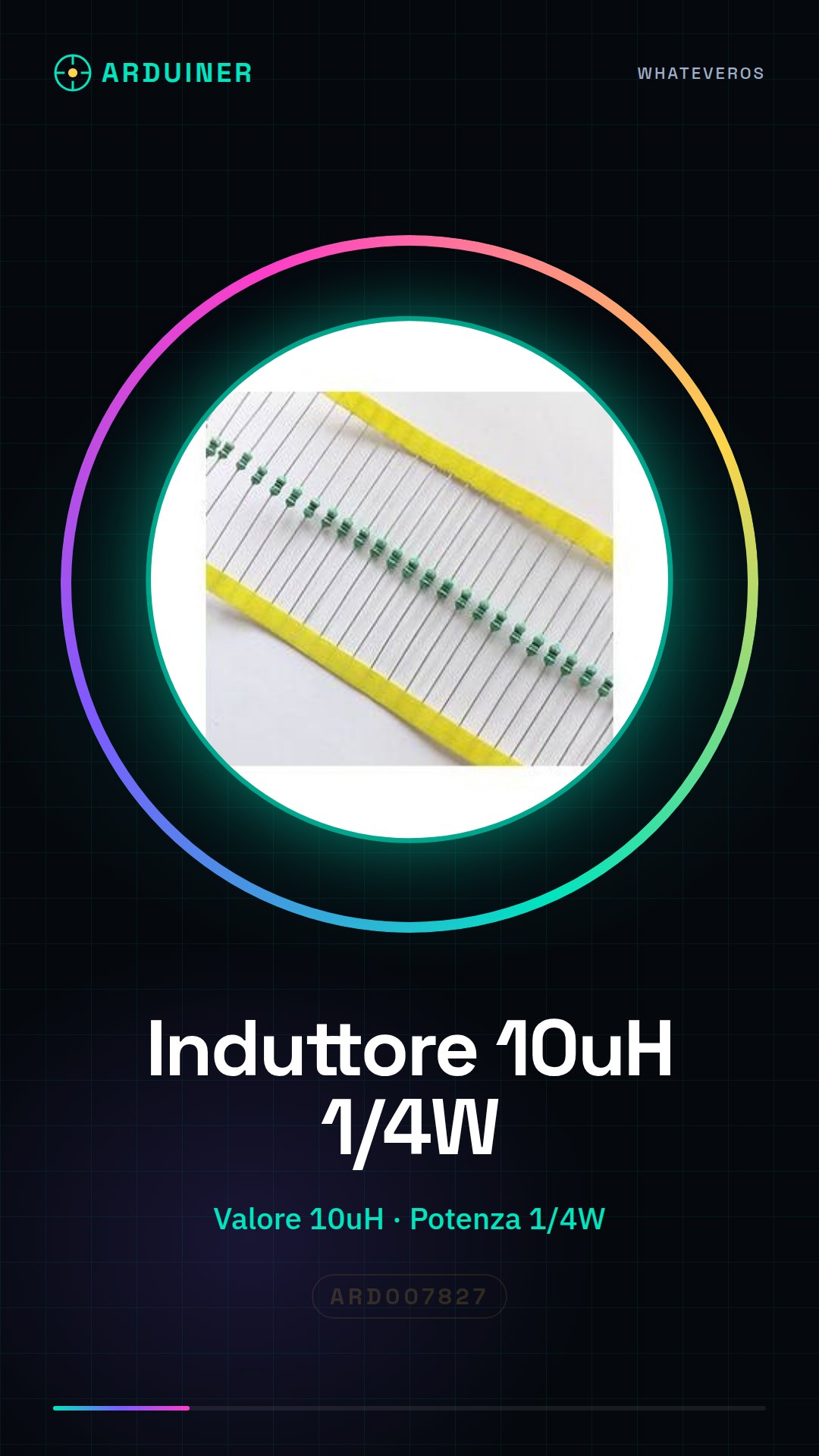
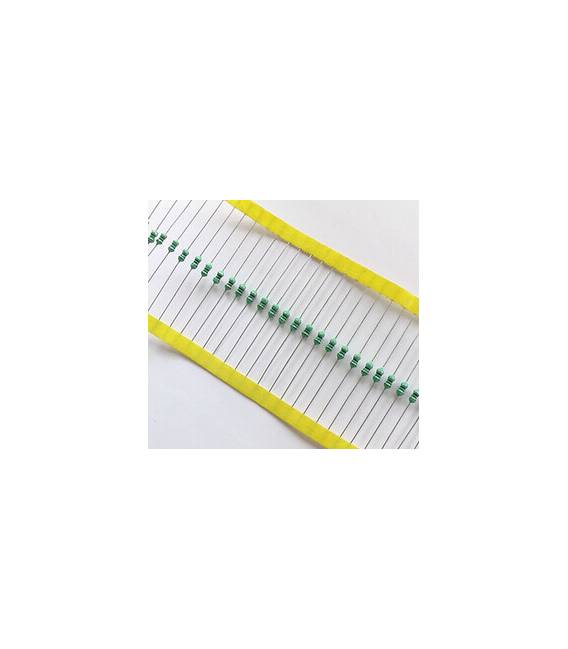
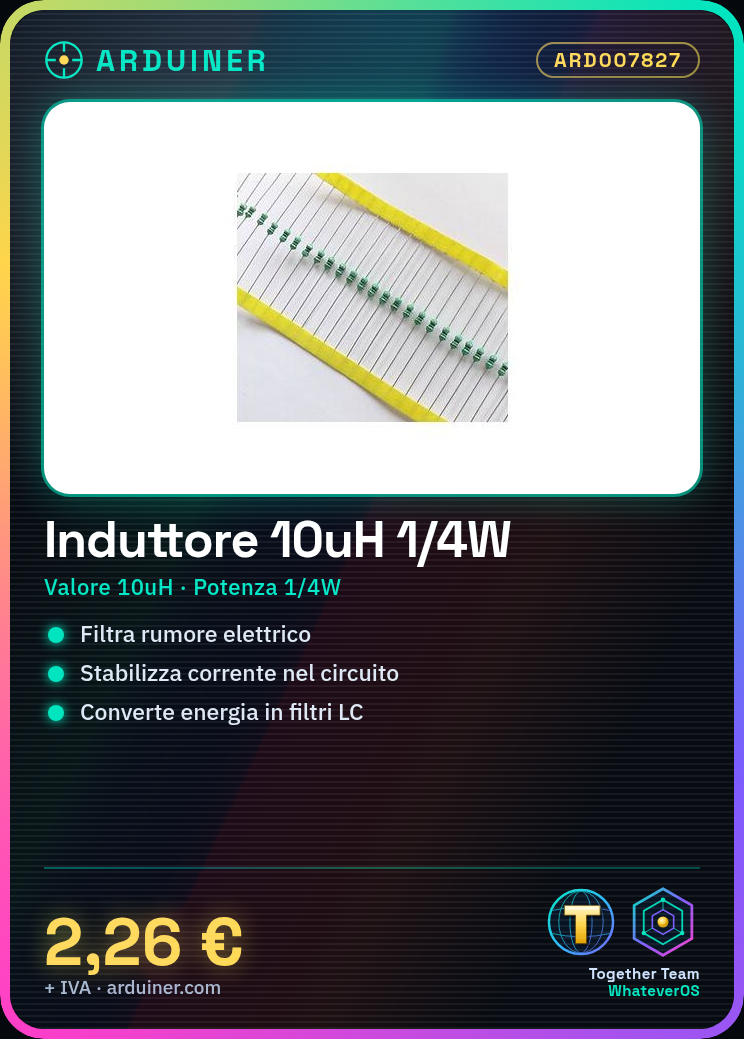
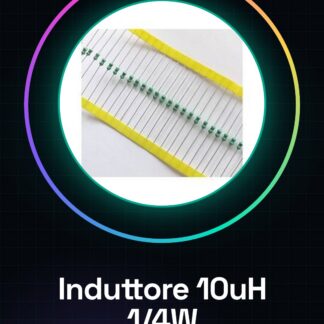
The axial inductor of 10uH is an electronic component used in various projects, from Arduino ones to more advanced ones. It is mainly used to filter electrical noise or stabilize currents in the circuit.
Features
- Type: Axial Inductor
- Value: 10uH
- Maximum Power: 1/4W
What it is for
The inductor is ideal for creating LC filters, stabilizing current flow, and converting energy. It is compatible with Arduino projects and can be used by both beginners and experts.
Tutorial: How to use 10uH Inductor
The axial inductor of 10uH is a fundamental component for electronic projects that require filtering, energy conversion, or current flow stabilization. Ideal for both beginners and more experienced makers.
What you need
- Arduino Uno
- Printed Circuit Board (PCB)
- Connectors
Steps
- Check the datasheet for the insulation resistance and inductance value.
- Connect one end of the wire to the ‘+’ input of the Arduino board or the corresponding PCB.
- Connect the other end of the wire to the ‘-‘ output of the Arduino board or the corresponding PCB.
- Check the connections to ensure there are no short circuits.
- If necessary, use a multimeter to check the insulation resistance of the inductor.
- Insert the inductor into the electronic project according to the circuit requirements.
- Test the circuit connected to the Arduino or the PCB.
- If everything works correctly, proceed with the realization of your project.
Mini project
Create a simple LC filter using the 10uH inductor and a capacitor of your choice. Test the circuit to verify its performance.
Common mistakes
- Do not check the insulation resistance of the inductor.
- Connect the inductor incorrectly to the PCB or the Arduino board.
- Use an inappropriate inductance value for the project.
- Ignore the datasheet specifications during circuit configuration.
Recommended accessories
- Capacitive 10nF
- Arduino Uno
- Printed Circuit Board (PCB) Printer
- Multimeter
Frequently asked questions
How can I verify the inductance value?
Use a multimeter or a frequency analyzer to measure the inductor’s impedance at various frequencies.
What are the risks of its incorrect use?
Incorrect use of the inductor can cause damage to the electronic circuit, such as short circuits or current overloads.

Reviews
There are no reviews yet.