 EN
 IT Italiano
 ES Español
 FR Français
 DE Deutsch
Description
Tutorial: How to Use PTV1-10 Terminals
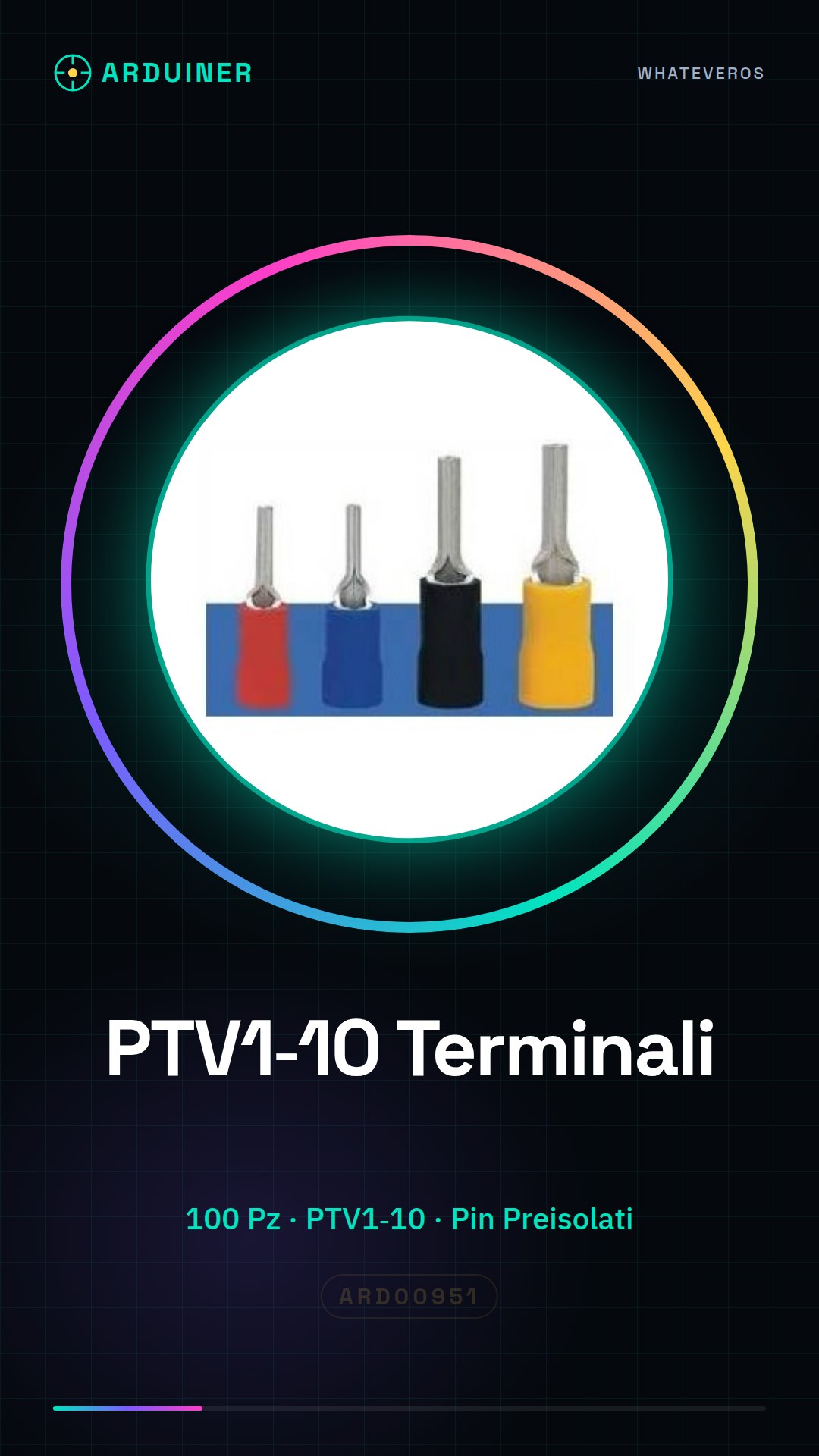
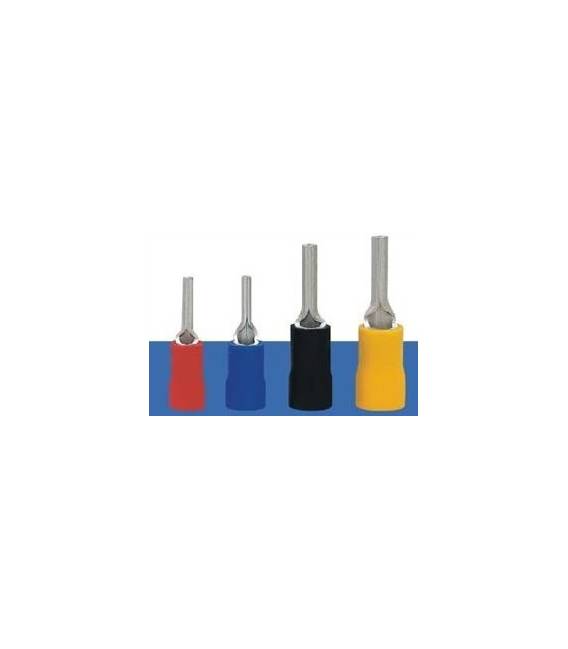
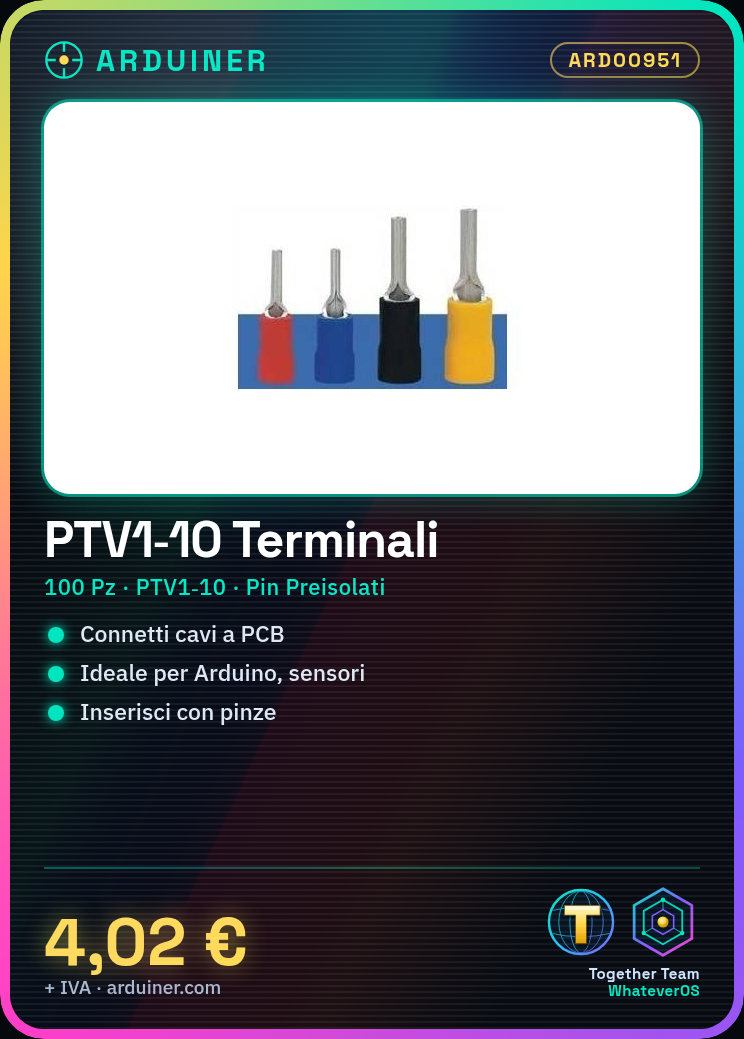
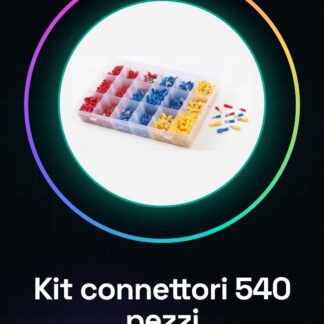
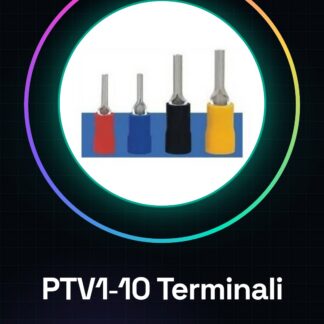
The PTV1-10 terminals are useful for electrically connecting wires to printed circuits or components. They are ideal for Arduino projects, sensors, and 3D printing systems.
What you need
- insulated wire
- wire stripper
- toothpick
Steps
- Cut a piece of insulated wire to the desired length.
- Use the wire stripper to remove the outer insulation from the wire, exposing about 5 mm of the inner conductor.
- Insert the uninsulated part of the wire into the central hole of the PTV1-10 terminal.
- Press the terminal with pliers until the outer insulation attaches to the outer edge of the terminal, securely holding the wire inside.
- Check that the connection is solid and secure.
- If necessary, use a toothpick to push any remaining insulation out of the terminal.
Mini project
Create a simple radio signal receiving antenna with a PTV1-06 cable and connect it to a software defined radio (SDR) to monitor transmissions.
Common mistakes
- Do not completely remove the outer insulation of the cable.
- Insert the conductor into the terminal backwards.
- Press too hard with the pliers, damaging the terminal or the cable.
Recommended accessories
- Insulated cable
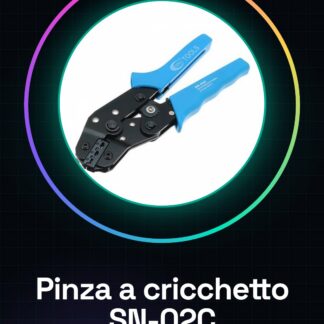
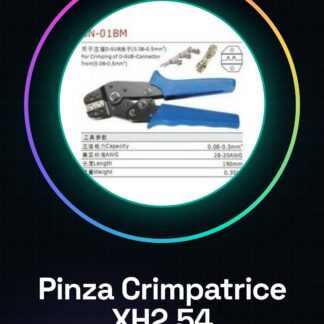
- Terminal crimping pliers
- Wire stripper
Frequently asked questions
How do you connect a cable to this terminal?
Insert the non-insulated part of the cable into the central hole and press with the pliers.
Can I use these terminals to connect sensors to Arduino?
Yes, they are ideal for connecting various types of sensors to Arduino circuits.
Reviews
There are no reviews yet.