 EN
 IT Italiano
 ES Español
 FR Français
 DE Deutsch
Description
What it is
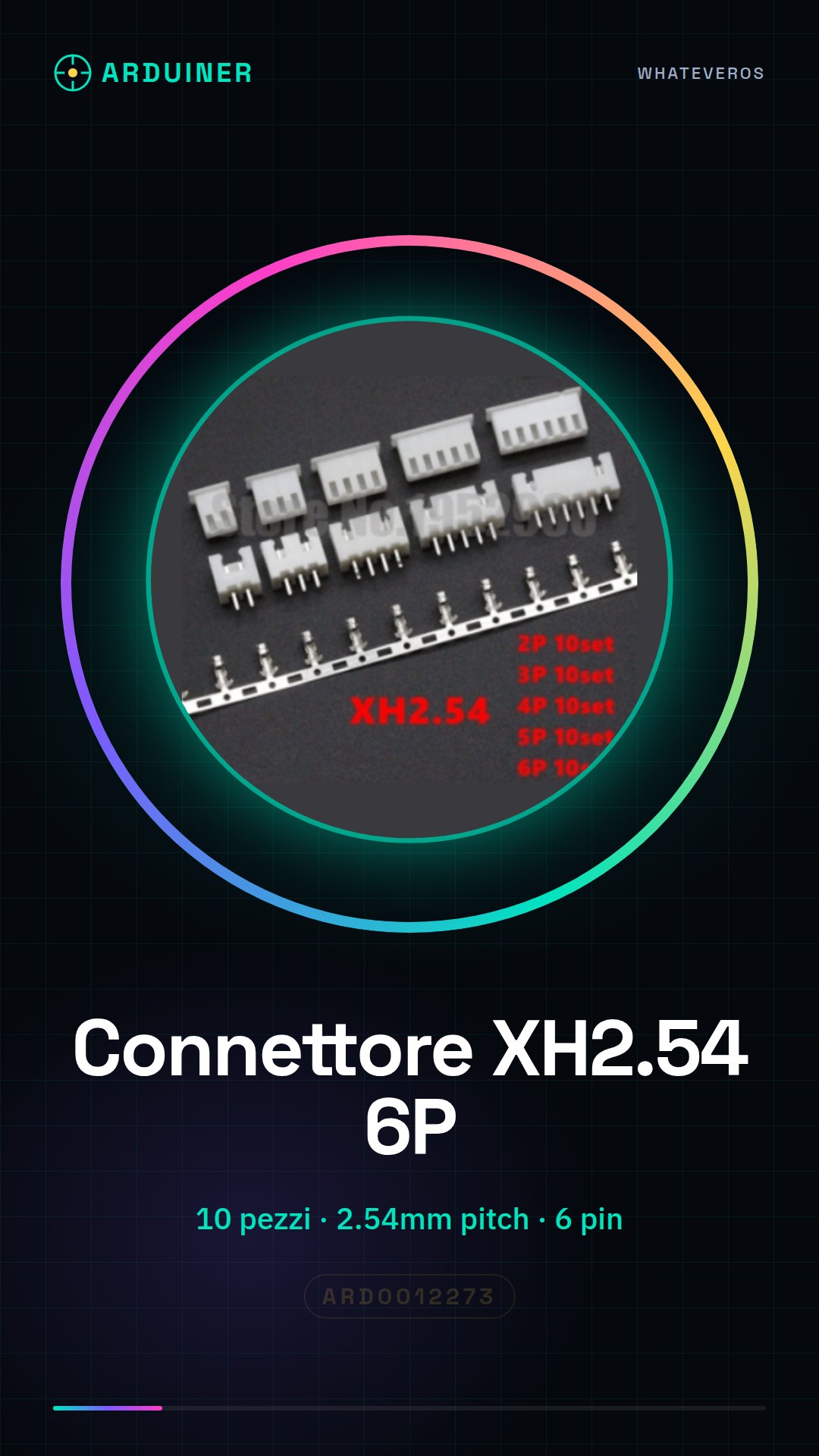
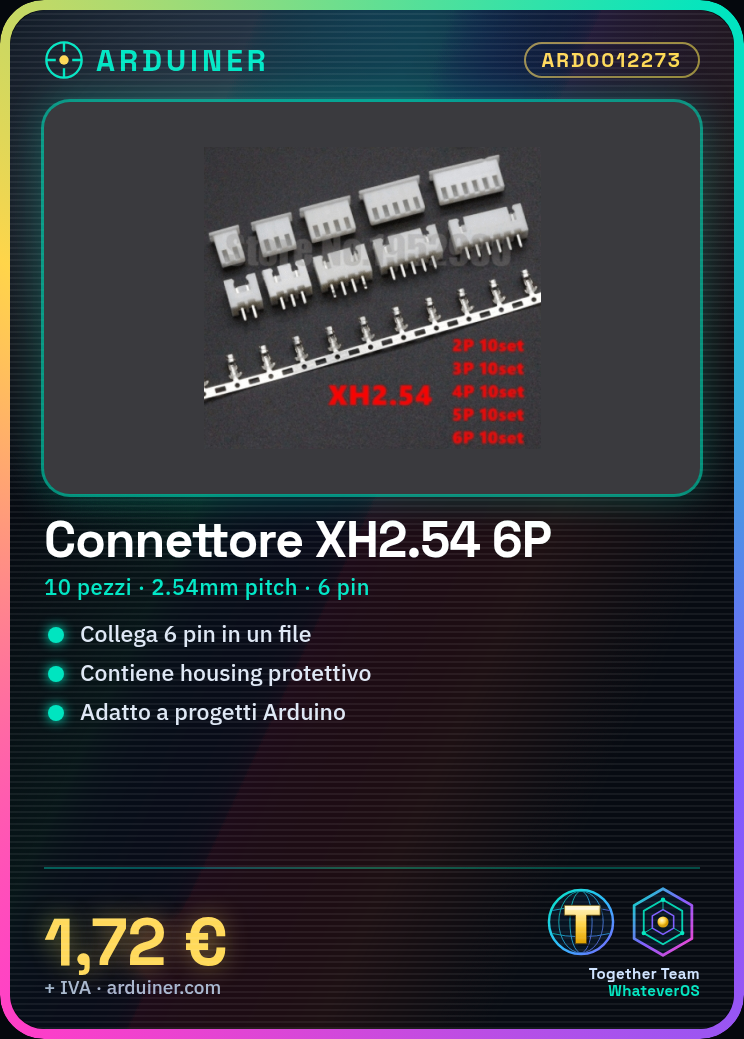
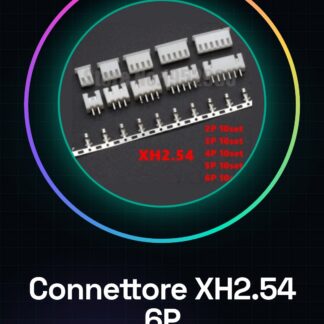
The XH2.54 connector is a component used to interconnect various boards and components in electronic projects, such as Arduino.
Features
- Pieces: 10
- Type: XH2.54
- Positions: 6P (6 pin)
- Pitch of pins: 2.54mm
- Configuration: Straight Pin Header
- Included: Housing and Terminals
- Mounting Type: Hole through Type
What it is for
XH2.54 connectors are ideal for projects that require interconnection between various boards and components, such as creating simple test circuits with Arduino.
Tutorial: How to Use XH2.54 Connector 6P
The XH2.54 connector is a fundamental component for electronic projects that require interconnection between various boards and components. This tutorial will guide you step by step on how to use this connector.
What you need
- XH2.54 Connector 6P
- Crimping Pliers
- Board or other component to connect
Steps
- Check that the connector is compatible with the board and the pins where you want to apply it.
- Use a crimping tool to insert the connector pins into the correct positions on the board or component.
- Ensure that all contacts are securely fastened without protruding.
- If necessary, mount the protective housing on the connector to improve stability and protect the contacts.
Mini project
Create a simple test circuit by connecting an LED to an Arduino board using this XH2.54 6P connector.
Common mistakes
- Insert the connector backwards
- Do not fully secure the connector pins
- Use the crimping tool with too much force and damage the contacts
Recommended accessories
- Crimping tool for XH2.54
- Compatible Arduino boards
- LEDs in various colors
- 220Ω resistors
Frequently asked questions
Does the connector easily come off the board?
Check that the pins are well inserted and secured. If necessary, use the protective housing.
Can I connect a component directly to the connector without a board?
Yes, but make sure you have enough space to handle the components and that all contacts are securely fastened.
Reviews
There are no reviews yet.