 EN
 IT Italiano
 ES Español
 FR Français
 DE Deutsch

Description
We have datasheets available for all components; if not present in the product download card, send us a message through the contact us module and we will publish it as soon as possible on the website.
Tutorial: How to use Distanziali M3*5+6
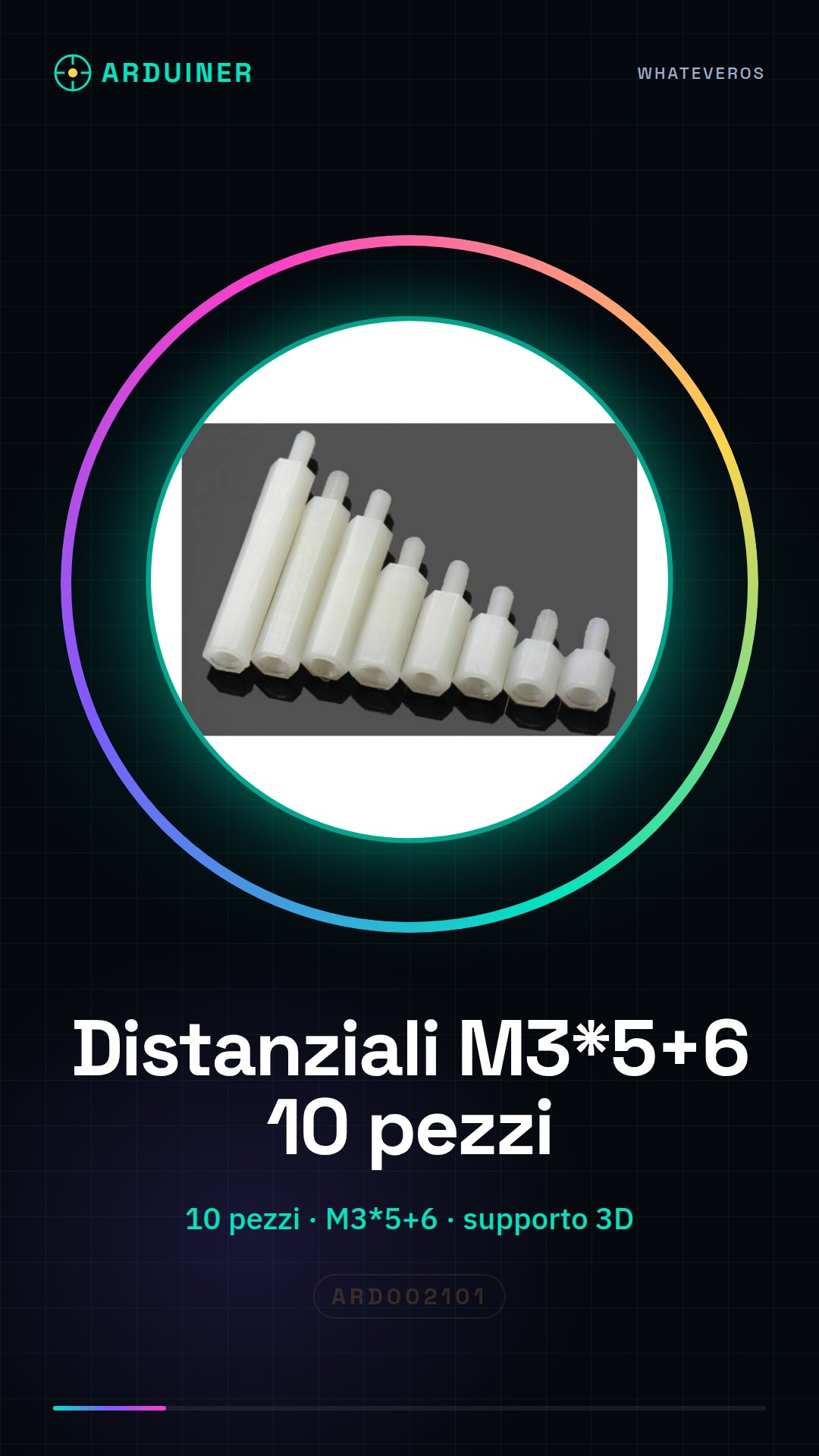
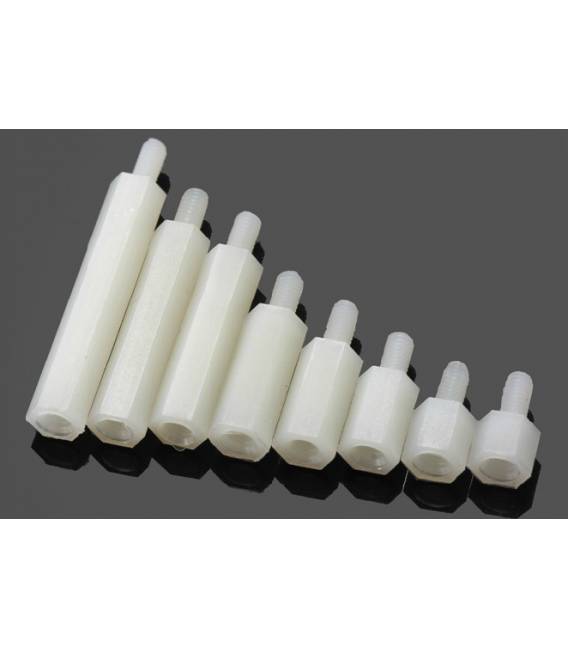
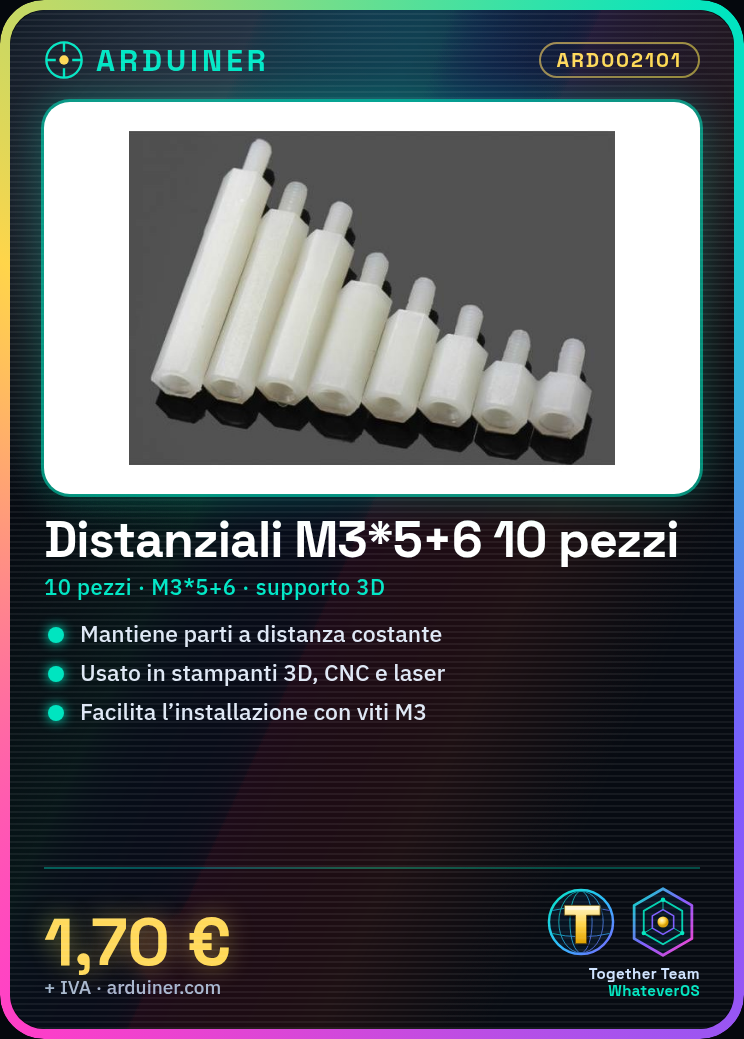
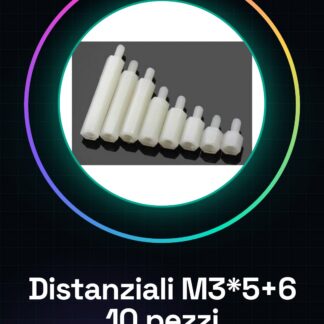
The M3*5+6 spacers are small supports used to maintain parts of a project at a certain distance from each other. They are useful for makers working with 3d printers, CNC, and laser.
What you need
- 3D Printer Projects
- Mechanical Components to Adjust
- Support for Moving Parts
Steps
- Check the compatibility of M3*5+6 spacers with your project.
- Position the spacers between the parts of the project that need to be kept at a certain distance.
- Secure them using appropriate screws and holes.
- Check the stability of the configuration.
- If necessary, adjust or replace the spacers to optimize the project’s functionality.
Mini project
Create a simple mechanical support for a small 3d printer using these M3*5+6 spacers.
Common mistakes
- Use screws or holes incompatible with the spacers.
- Do not check the stability of the project after installing the spacers.
- Replace the spacers without first measuring the correct dimensions.
Recommended accessories
- M3 Screws
- Flat Head Screws
- CNC Path Regulator
- Basic Kit for 3d Printer
Frequently asked questions
What other types of spacers can I use?
Check the datasheet of your project to find compatible spacers.
How do I install M3*5+6 spacers on a 3d printer?
Position the spacers between the moving parts of the printer and secure them with M3 screws.


Reviews
There are no reviews yet.