 EN
 IT Italiano
 ES Español
 FR Français
 DE Deutsch

Description
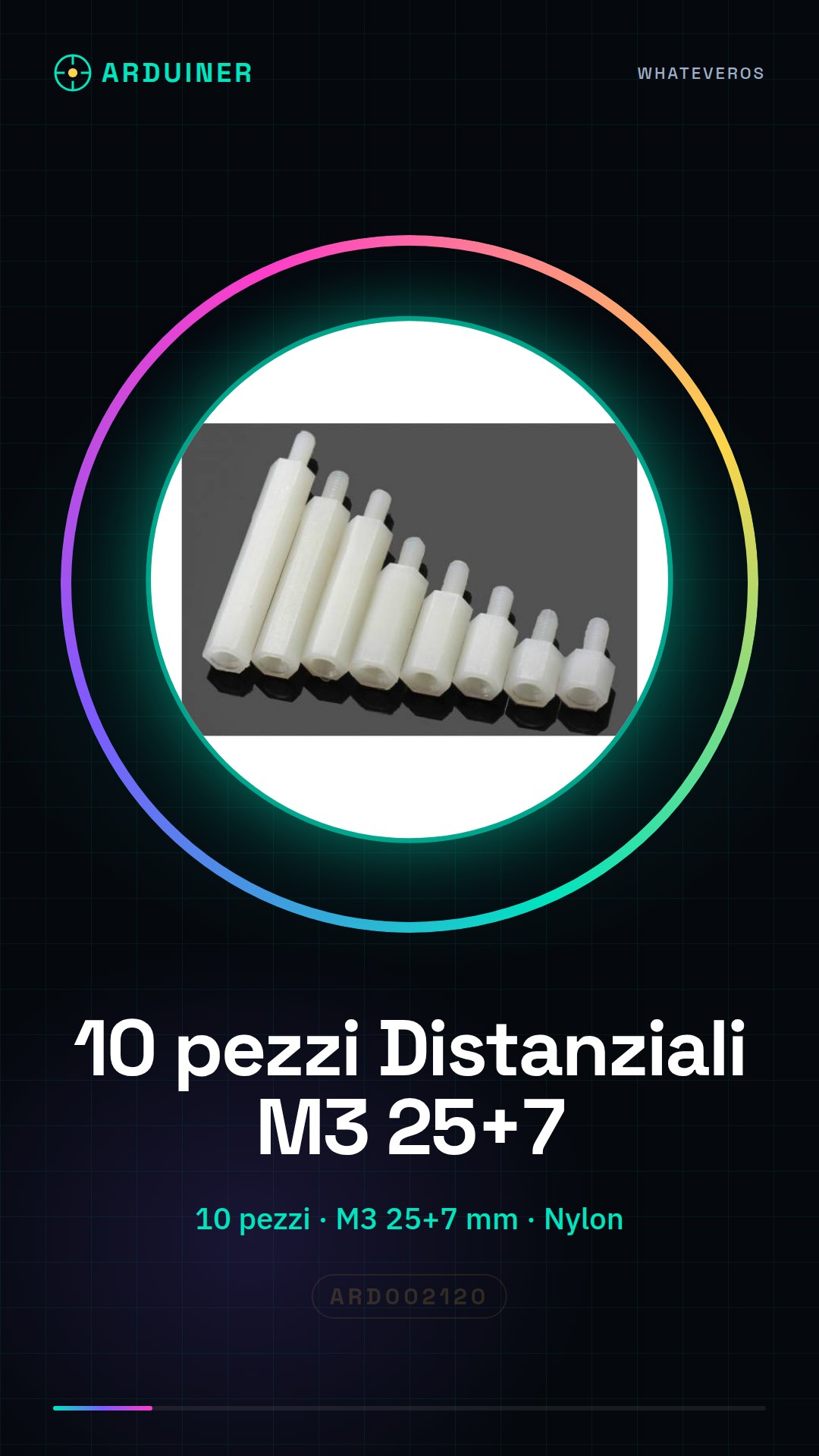
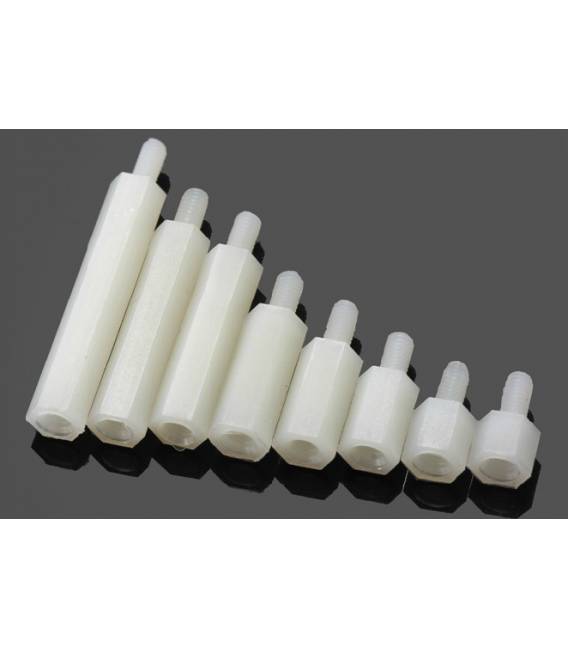
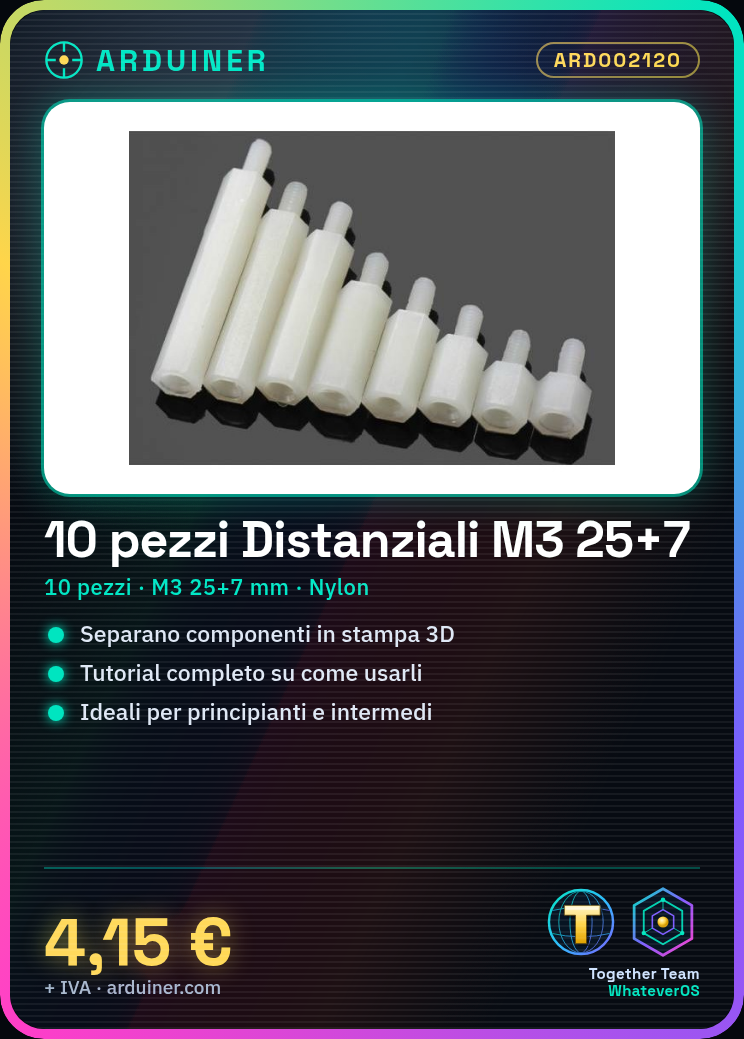
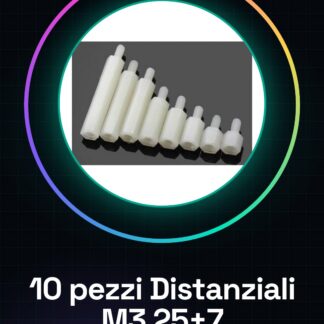
We have datasheets available for all components, if not present in the product download card, send us a message through the contact us module and we will publish it as soon as possible on the website. 10PCS Nylon column M3*25+7
Tutorial: How to use Spacers M3*25+7
These spacers are useful for separating components and establishing precise distances in 3D printing, CNC, and laser projects. Ideal for beginners and intermediates.
What you need
- Spacers M3*25+7
- M3 Screws
- M3 Nut
- Pocket Knife or Tool Kit
Steps
- Check the datasheet for dimensions and precision.
- Disinfect the spacers with tool disinfectant.
- Place a spacer in one of your parts.
- Apply a little metal glue to the head of the spacer.
- Insert the spacer into one of your parts.
- Check the position and dry the glue.
- Repeat for all necessary spacers.
- Let the glue dry before proceeding.
Mini project
Create a simple structure for a 3D printing project using M3*25+7 spacers to separate components.
Common mistakes
- Do not verify dimensions on the datasheet.
- Do not disinfect the spacers.
- Apply too much glue.
- Do not let the glue dry.
Recommended accessories
- M3 screw
- Pocket knife
- Tool disinfectant
- Metal glue
Frequently asked questions
How do I disinfect the spacers?
Use a specific tool disinfectant.
Can I use these spacers also for laser projects?
Yes, but check the heat resistance on the datasheet.
How long do I need to let the glue dry?
Follow the manufacturer’s instructions for the glue.
Can I use these spacers also with different components?
Check compatibility on the datasheet.

Reviews
There are no reviews yet.