 EN
 IT Italiano
 ES Español
 FR Français
 DE Deutsch

Description
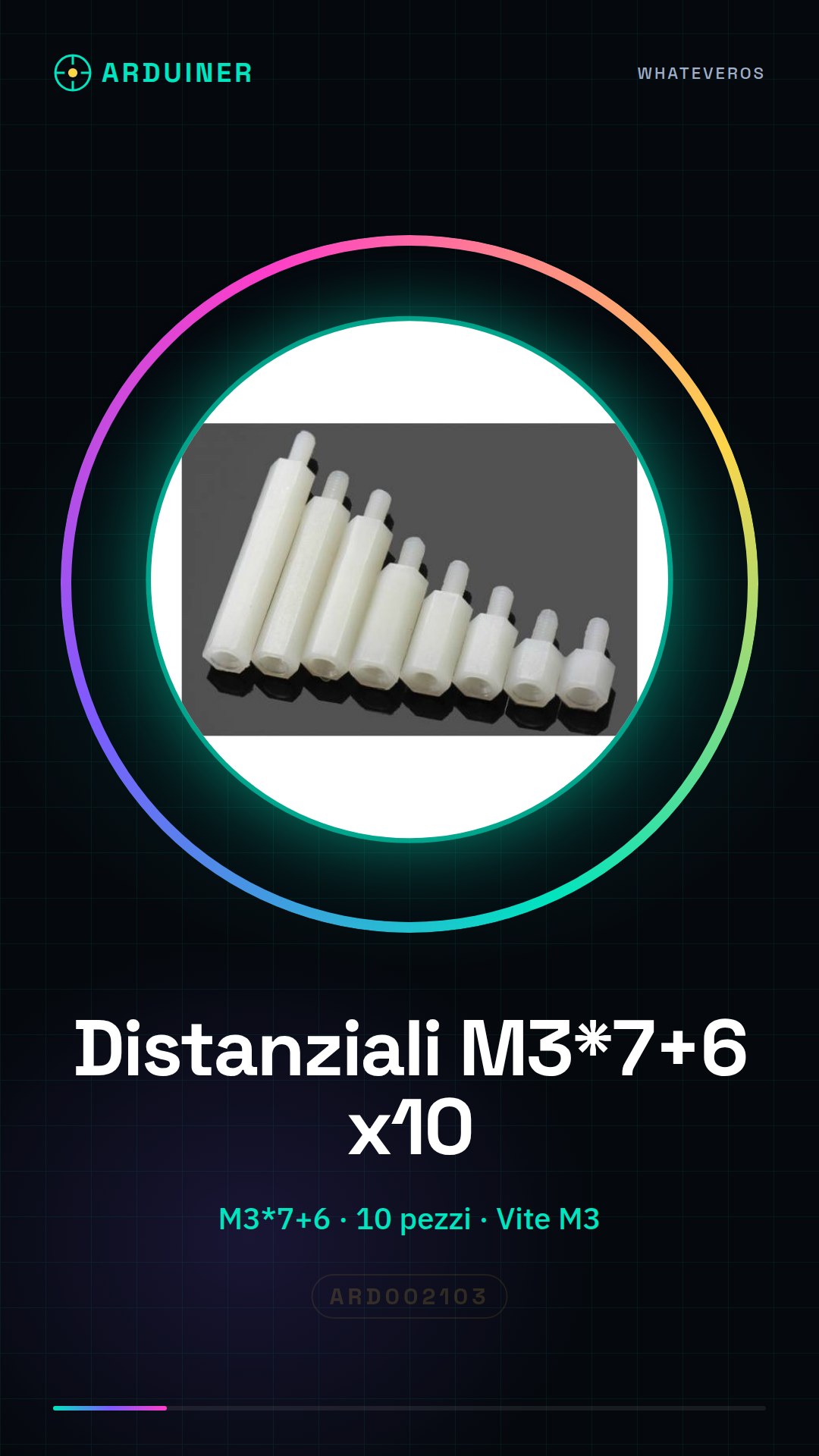
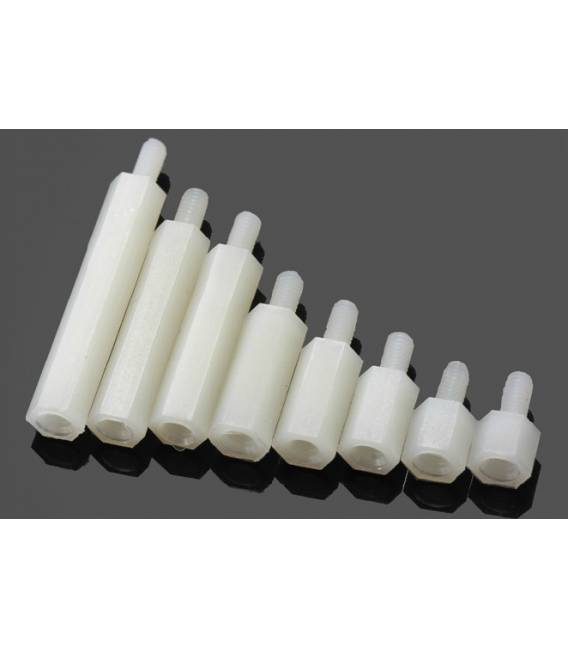
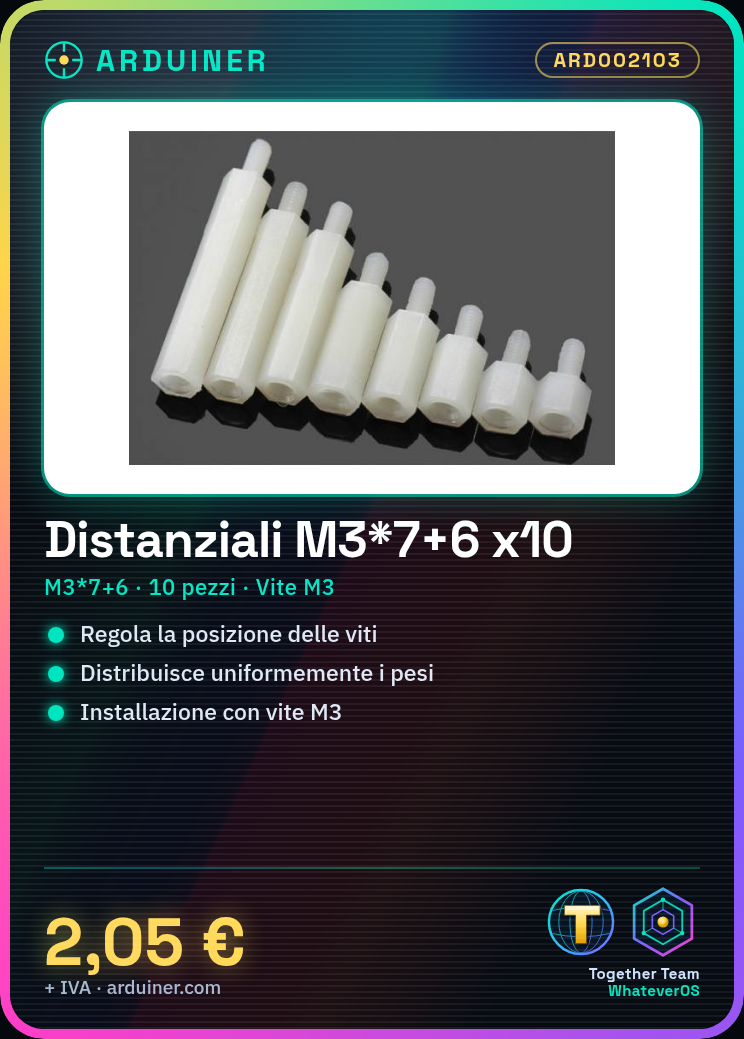
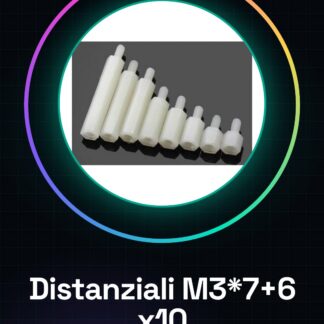
We have datasheets available for all components, should it not be present in the product download sheet, send us a message through the contact us module and we will publish it as soon as possible on the website. 10PCS Nylon column M3*7+6
Tutorial: How to use Spacers M3*7+6
The Spacers M3*7+6 are small metallic pieces useful for adjusting the position of screws and ensuring an even weight distribution in your 3D prints, CNC, or laser creations. Ideal for beginner and intermediate makers.
What you need
- 10 Spacers M3*7+6
- M3 Nut
- Handle Tool
Steps
- Select the position where you want to install the spacer.
- Insert the M3 nut into the wider side of the spacer.
- Use the handle tool to secure the nut and spacer in your creation.
- Check that the position is correct and adjust it with other pieces or components.
- Repeat steps 1-3 for each necessary standoff.
Mini project
Create a robust print support using these M3*7+6 standoffs and M3 screws to ensure the stability of your 3D project.
Common mistakes
- Do not use the standoff in the wrong direction.
- Do not apply sufficient pressure during installation, it may cause loss of adjustment.
- Use incompatible sized parts with the standoffs.
- Omit checking the final position to ensure proper mounting.
Recommended accessories
- M3 Screw
- Handle tool
- Foam insulation gun
- Sandpaper
Frequently asked questions
What are the dimensions of the standoffs?
Check the datasheet to obtain the exact measurements.
Can I use these standoffs with other types of screws?
Yes, but make sure the screw size is compatible with the internal diameter of the standoff.

Reviews
There are no reviews yet.