 EN
 IT Italiano
 ES Español
 FR Français
 DE Deutsch
Description
What it is
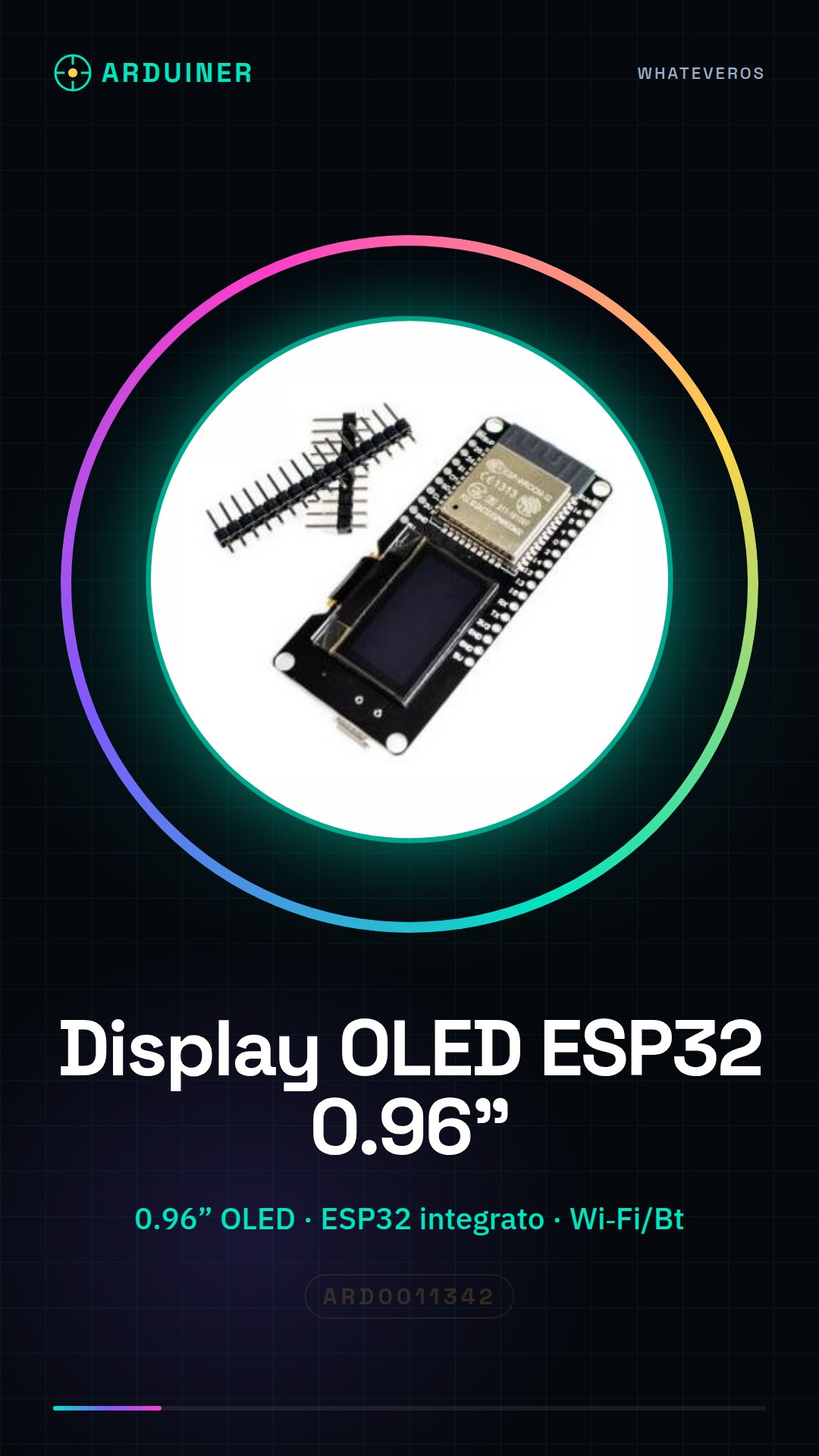
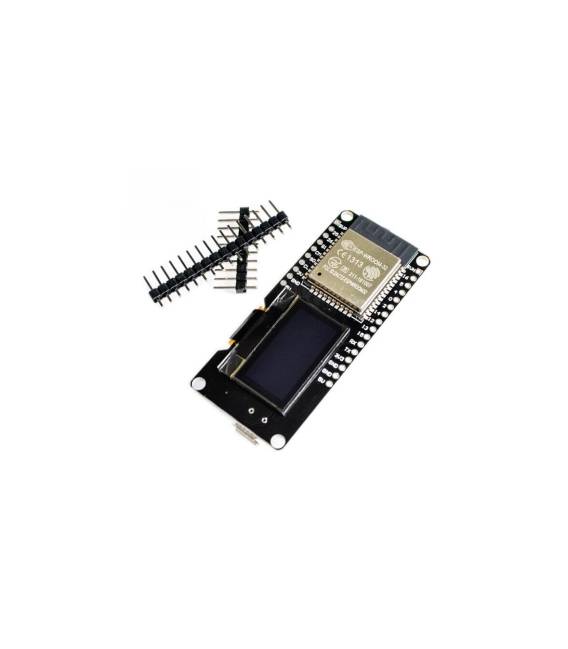
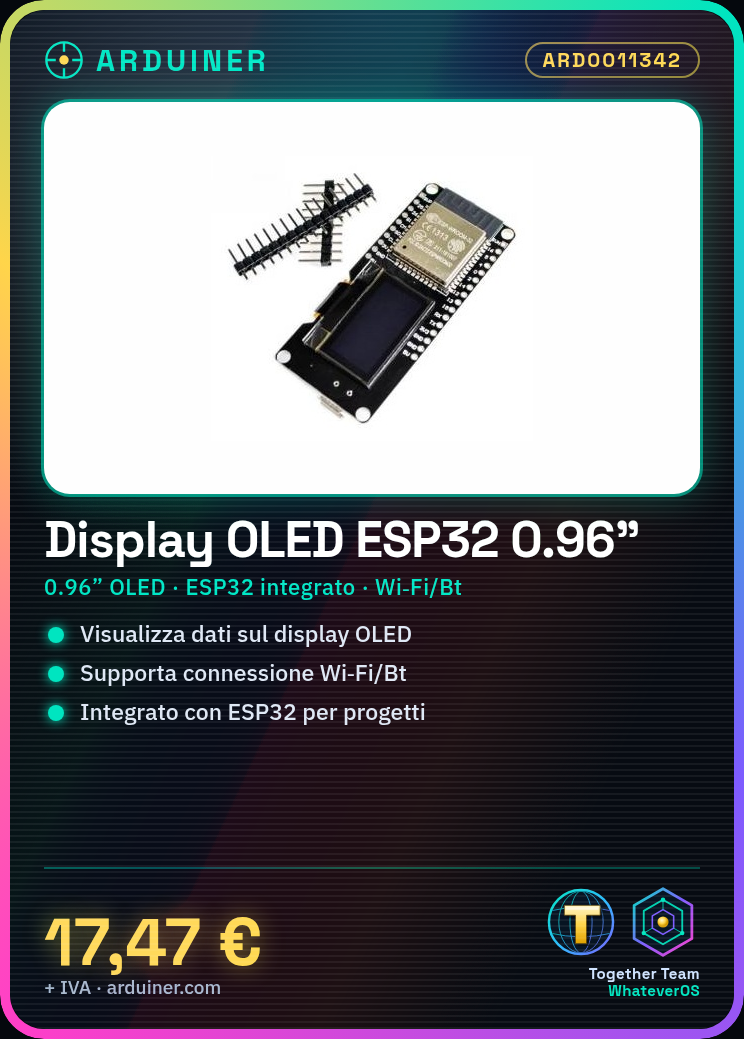
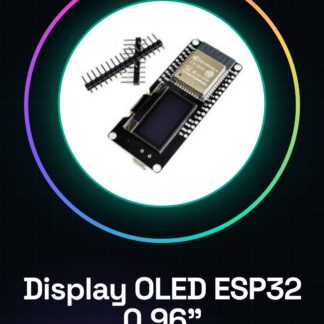
The 0.96″ Display OLED ESP-WROOM-32 ESP32 is a 0.96 inch OLED display integrated with the ESP-WROOM-32 module. This module combines an OLED display with the ESP32 processor, offering a visual user interface for electronic projects.
Features
- Display size: 0.96 inches
- Integrated ESP-WROOM-32 module
- Compatibility with Arduino
- Wi-Fi and Bluetooth connectivity
- SKU: ARD0011342
- Price: 17.47 €
What it is for
This OLED display is ideal for clearly and legibly displaying information in Arduino and ESP32 projects. It can be used to create intuitive user interfaces, monitor real-time data, and provide visual feedback to users. It is compatible with Arduino and can be programmed for various applications, such as displaying temperatures, humidity levels, sensor data, and more.
Tutorial: How to use 0.96″ OLED Display for ESP32
The 0.96″ OLED Display for ESP32 is an ideal component for clearly and legibly displaying information. It is perfect for Arduino projects that require a small OLED screen.
What you need
- ESP32
- Arduino IDE
- connection cables
- power supply
Steps
- Connect the OLED display to the ESP32 I2C pin
- Install the SSD1306Wire library in Arduino IDE
- Configure the OLED display in the Arduino code
- Check the correct display of text and symbols
- Test WiFi and Bluetooth connectivity
Example code
Adafruit_SSD1306 display(0x3C, 21, 22);

void setup() {
  display.begin(SSD1306_SWITCHCAPVCC, 0x3C);
  display.clearDisplay();
  display.setTextSize(1);
  display.setTextColor(WHITE);
  display.setCursor(0,0);
  display.println("Benvenuto!");
  display.display();
}
Mini project
Create a temperature display that reads data from a DHT11 sensor and displays it on the OLED screen.
Common mistakes
- I2C connection error
- Power supply issues
- Incorrect display configuration
- WiFi synchronization issues
Recommended accessories
- DHT11 sensor
- ESP32 battery
- ESP32 protective case
- WiFi Antenna for ESP32
Frequently asked questions
Which libraries are required?
SSD1306Wire and the library for the DHT11 sensor
How to solve display issues?
Check I2C connections and display configuration
Can it be used with other microcontrollers?
Yes, but it may require configuring other libraries



Reviews
There are no reviews yet.