 EN
 IT Italiano
 ES Español
 FR Français
 DE Deutsch
Description
What it is
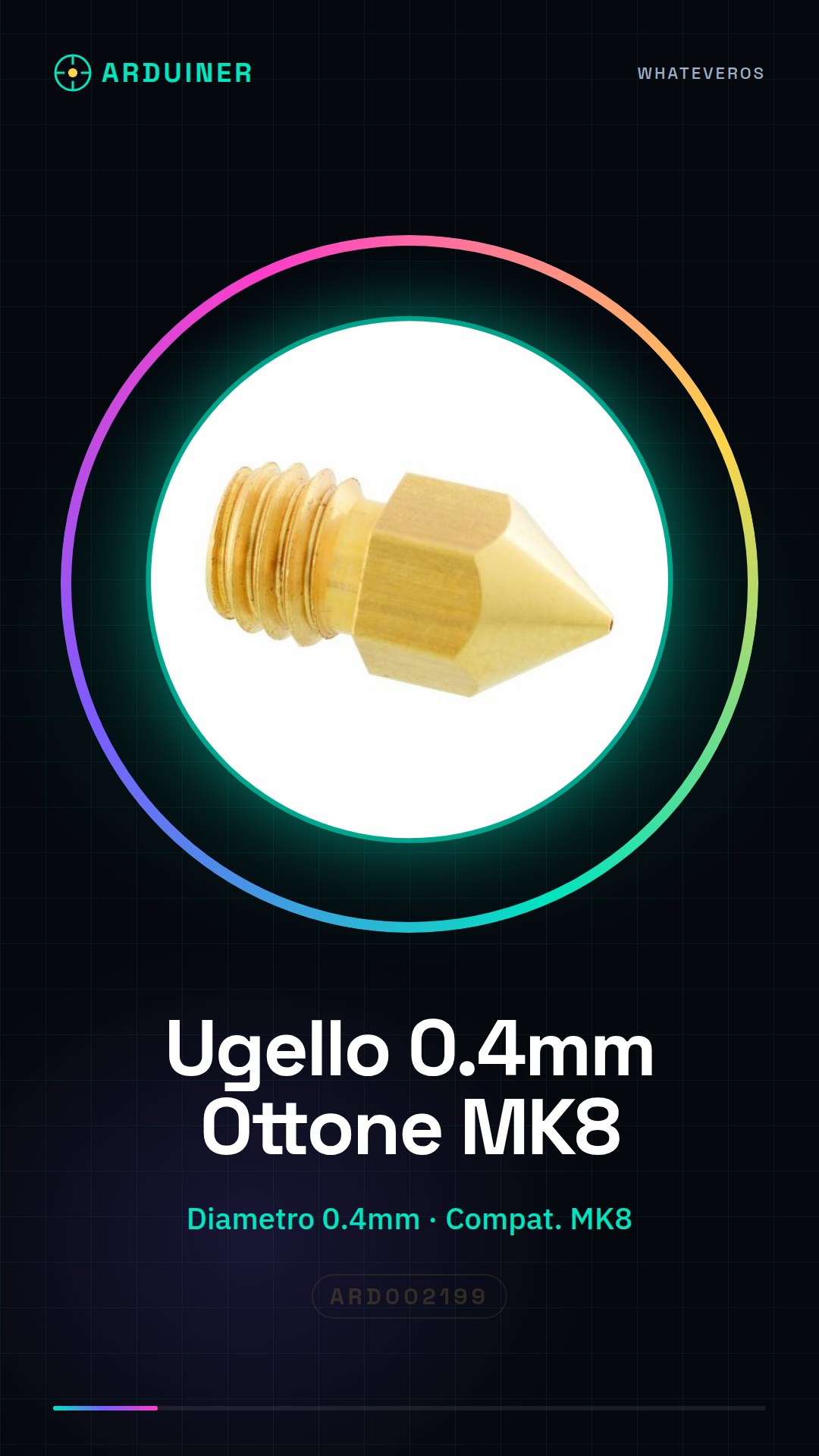
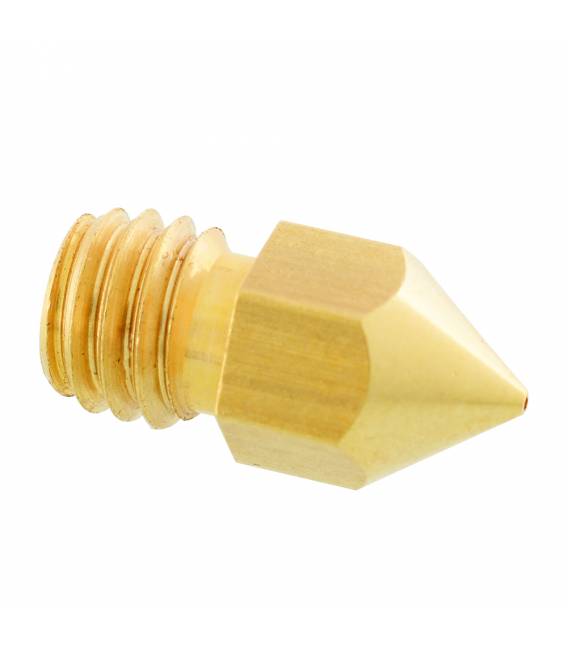
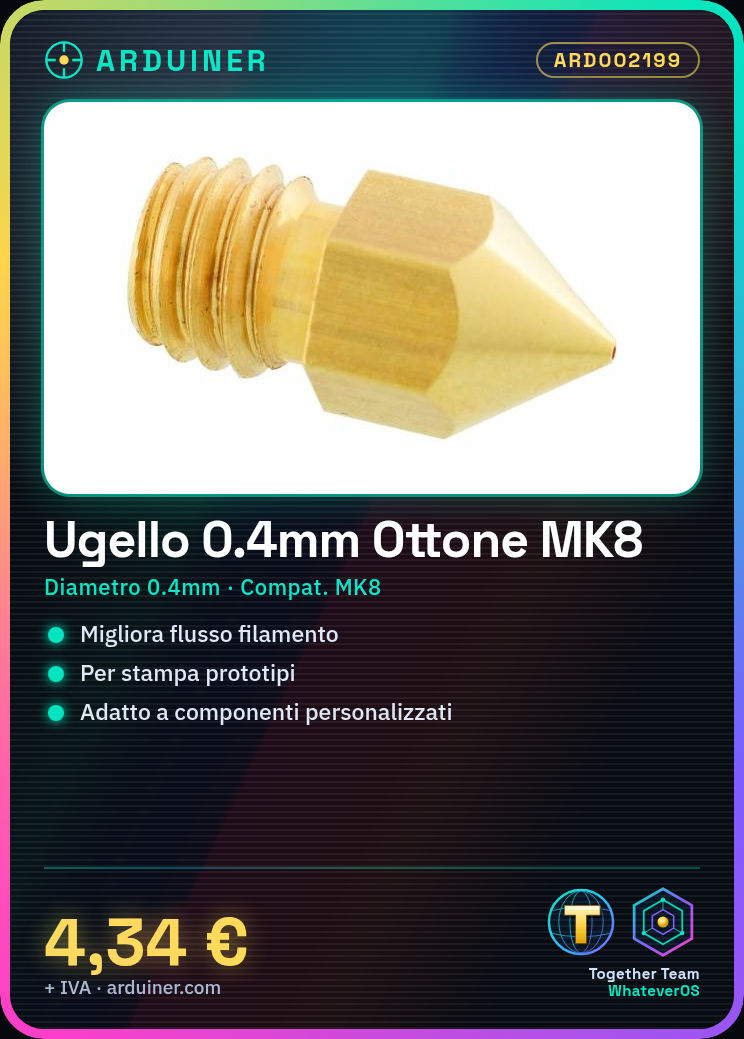
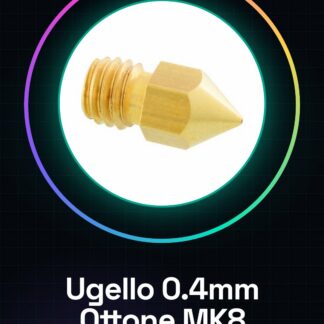
The brass nozzle for MakerBot MK8 at 0.4mm is an essential component for 3D printers, designed to improve the quality and precision of printed parts.
Features
- Type: Brass Nozzle
- Diameter: 0.4mm
- Compatible with MakerBot MK8
What it is for
The nozzle is used to enhance printer performance, ensuring an optimized filament flow during the 3D model printing process. Typical uses include printing prototype parts and customized components.
Tutorial: How to Install the 0.4mm Brass Nozzle for MakerBot MK8
The brass nozzle is a fundamental component to improve the quality of 3D prints on a MakerBot MK8 printer. This tutorial will guide you step by step through the installation of the nozzle.
What you need
- MakerBot MK8 3D Printer
- 1,5mm Key
- Pliers
- Maintenance Tools
Steps
- Disconnect the extruder head from the MK8 printer.
- Using a 1.5mm wrench, loosen the bolt that holds the current nozzle in place.
- Gently remove the old nozzle and clean the area around the extruder head to ensure no residue is left behind.
- Insert the new 0.4mm nozzle into the extruder head housing, making sure it is centered.
- Tighten the bolt with the 1.5mm wrench to securely fasten the new nozzle.
- Before starting a new print, check the firmware and printer settings to adjust them for the 0.4mm nozzle (refer to the datasheet).
- Run a small test print to verify that the installation is correct.
Mini project
Print a simple test model like a cube or a letter of the alphabet to ensure the new nozzle is functioning properly.
Common mistakes
- Do not tighten the nozzle too much, as it could damage it.
- Do not clean the area around the nozzle properly before installing a new one.
- Do not adapt the firmware settings for the new nozzle.
- Do not perform a test after installation to verify that everything is working correctly.
Recommended accessories
- ARD002198 Calibration Text
- 3D Printer Maintenance Kit ARD002200
- 1.5mm Allen Keys ARD002201
- Pliers and Tools ARD002202
Frequently asked questions
How can I clean the nozzle?
Use a specific maintenance kit for the 3D printer.
What is the diameter of the new nozzle?
The diameter of the new nozzle is 0.4mm (check the datasheet).
Is a special configuration needed in the firmware?
Yes, check the specific settings for the 0.4mm nozzle in the printer’s datasheet.
Reviews
There are no reviews yet.