 EN
 IT Italiano
 ES Español
 FR Français
 DE Deutsch
Description
Technical Specifications
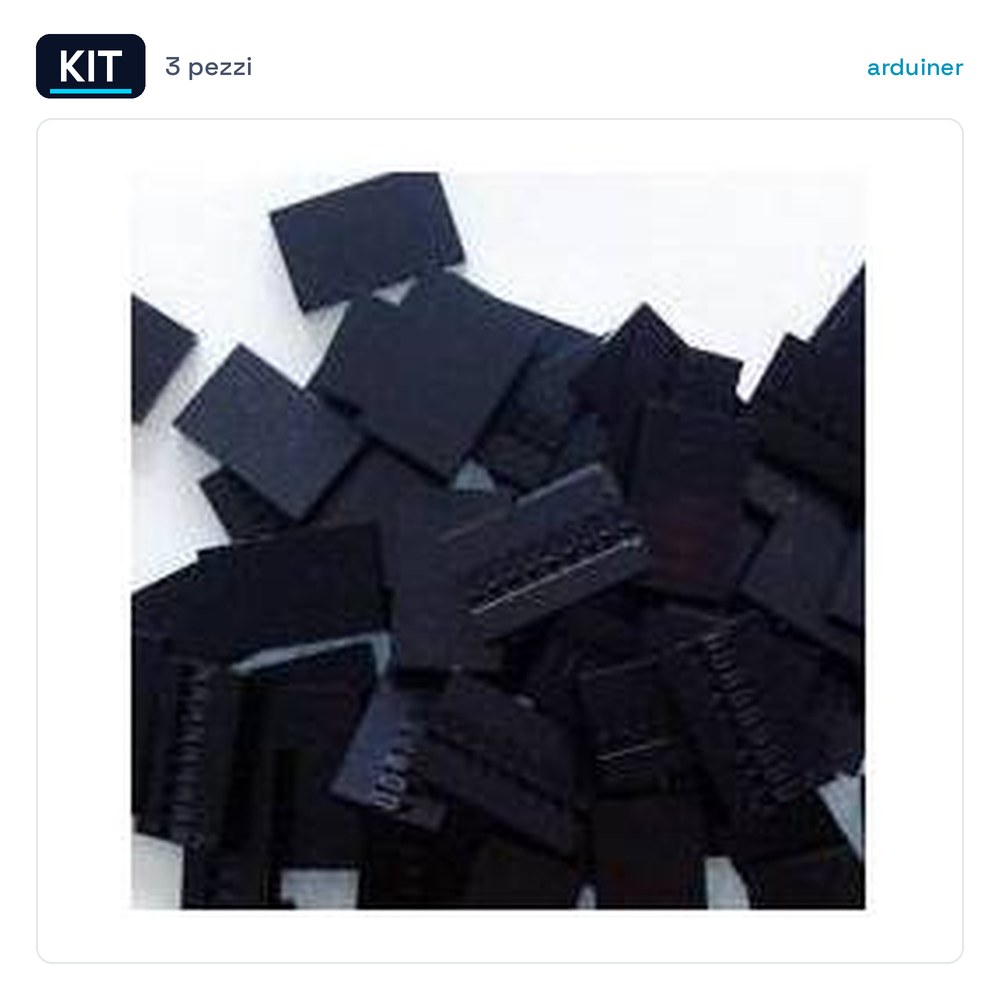
The Dupont 9-Pin Header 9P, Spacing 2.54MM + 25 Pieces 3P Dupont Header, Sp + 20 Pieces 7P Dupont Header, Sp is a set of connectors useful for electronic prototyping and connecting various electronic components. Dupont connectors are known for their ease of use and compatibility with a wide range of electronic boards. This kit contains several types of Dupont connectors with 2.54 mm spacing, allowing for easy connection of components to each other or to motherboards.
Dupont connectors are used for connecting various electronic components such as sensors, resistors, LEDs, and other electronic components. Their pin and socket structure facilitates mounting and removal, making them suitable for preliminary testing and testing of electronic projects.
The kit includes pins and connectors of various sizes, allowing for managing connections from 3 to 9 pins and from 7 to 25 pins, offering great flexibility in designing and testing electronic circuits.
Key Specifications
| Parameter | Value |
| Model | 9P Dupont Connector Kit 9 Pieces 9P, 25 Pieces 3P Dupont Connector Head, Sp + 20 Pieces 7P Dupont Connector Head, Sp |
| Quantity | 9 pieces 9P, 25 pieces 3P, 20 pieces 7P |
| Pitch | 2,54 mm |
| Materials | N/D (see manufacturer’s technical sheet) |
| Interface | Connector and pin |
| Container | N/D (see manufacturer’s technical sheet) |
Installation and Usage
- Check the compatibility of Dupont connectors with the electronic components to be connected.
- Insert the Dupont headers into the electronic components.
- Insert the Dupont pins into the motherboards or other components.
- Check the stability of the connection.
- Perform a test to verify the proper functioning of the circuit.
Compatibility and Requirements
- This kit is compatible with a wide range of electronic boards such as Arduino, Raspberry Pi, and other prototyping platforms.
- These connectors can be used to connect sensors, resistors, LEDs, and other electronic components.
- Dupont connectors are suitable for electronic prototyping and connecting various electronic components.
Limitations and Important Notes
- These connectors are not suitable for long-term applications or fixed connections.
- It is important to check the compatibility of the connectors with the electronic components to be connected.
- It is recommended to use these connectors only for preliminary tests and trials.
- Ensure that the connectors are inserted correctly to avoid short circuits.
Troubleshooting
DuPont Connectors connectors do not insert properly.
Probable cause: The plug or tip may be damaged or dirty.
Solution: Check the condition of the connectors and clean them if necessary.
The circuit does not work correctly.
Probable cause: The connection of the connectors may not be stable.
Solution: Check the stability of the connection and repeat the test.
DuPont Connectors connectors come loose easily.
Probable cause: The pressure applied to the connection may be insufficient.
Solution: Ensure that the pressure is adequate to maintain a stable connection.
DuPont Connectors connectors cause excessive heat.
Probable cause: The connection might be too tight or the current too high.
Solution: Check the connector compatibility and reduce the current if necessary.
Use cases
Home temperature sensor
Objective: Measure the internal temperature of the house.
What’s needed: 9P Dupont connector.
Steps: 1) Connect the temperature sensor to the 9P Dupont connector. 2) Insert the 9P Dupont connector into the motherboard. 3) Run a test to verify the internal temperature.
Expected result: The internal temperature of the house is measured correctly.
LED lighting project
Objective: Control LED lighting based on sunlight.
What’s needed: 7P Dupont connector.
Steps: 1) Connect the light sensor to the 7P Dupont connector. 2) Insert the 7P Dupont connector into the motherboard. 3) Run a test to verify the LED lighting.
Expected Result: The LED lighting is correctly controlled based on the sunlight.
Motors Control Project
Objective: Control the motor based on user commands.
What’s needed: Dupont 3P connector.
Steps: 1) Connect the command button to the Dupont 3P connector. 2) Insert the Dupont 3P connector into the motherboard. 3) Run a test to verify motor control.
Expected Result: The motor is correctly controlled based on user commands.
Irrigation System Control Project
Objective: Control irrigation based on temperature and light.
What’s needed: Dupont 9P and 7P connectors.
Steps: 1) Connect the temperature sensor to the Dupont 9P connector. 2) Connect the light sensor to the Dupont 7P connector. 3) Insert the Dupont connectors into the motherboard. 4) Run a test to verify irrigation control.
Expected result: The irrigation system is correctly controlled based on temperature and light.
Security system control project
Objective: Control the security system based on movements.
Required: DuPont 9P header.
Steps: 1) Connect the motion sensor to the DuPont 9P header. 2) Insert the DuPont 9P header into the motherboard. 3) Run a test to verify the security system control.
Expected result: The security system is correctly controlled based on movements.
Ventilation system control project
Objective: Control the ventilation based on temperature.
Required: DuPont 7P header.
Steps: 1) Connect the temperature sensor to the DuPont 7P header. 2) Insert the DuPont 7P header into the motherboard. 3) Run a test to verify the ventilation control.
Expected Result: The ventilation is correctly controlled based on temperature.
Lighting System Control Project
Objective: Control the lighting based on sunlight.
Required: Dupont 3P connector.
Steps: 1) Connect the light sensor to the Dupont 3P connector. 2) Insert the Dupont 3P connector into the motherboard. 3) Run a test to verify lighting control.
Expected Result: The lighting is correctly controlled based on sunlight.
Alarm System Control Project
Objective: Control the alarm based on movements.
Required: Dupont 9P connector.
Steps: 1) Connect the motion sensor to the Dupont 9P connector. 2) Insert the Dupont 9P connector into the motherboard. 3) Run a test to verify alarm control.
Expected result: The alarm is correctly controlled based on movements.
In the package
- 9 pieces 9P, 25 pieces 3P, 20 pieces 7P
Complete the project
- Dupont 9P 9-pin header, 2.54mm pitch plastic connector: This kit contains various size headers and connectors, allowing for managing connections from 3 to 9 pins and from 7 to 25 pins, offering great flexibility in designing and testing electronic circuits.
- 25 pieces Dupont 4p Dupont head, 2.54mm pitch, Dupont plastic housing, caps: This kit is compatible with a wide range of electronic boards such as Arduino, Raspberry Pi, and other prototyping platforms.
- 25 pieces 3P Dupont head, 2.54mm pitch, Dupont plastic housing, caps: This kit is suitable for electronic prototyping and connecting various electronic components.
Technical FAQ
How can I verify the compatibility of DuPont connectors with electronic components?
Check that the spacing of the connectors matches the spacing of the electronic components to be connected.
Why do DuPont connectors come off easily?
The pressure applied to the connection may be insufficient. Ensure that the pressure is adequate to maintain a stable connection.
What are the limitations of using DuPont connectors?
These connectors are not suitable for long-term applications or for fixed connections. It is recommended to use these connectors only for preliminary tests and trials.
How can I verify the stability of the connection of DuPont connectors?
Check that the connectors are inserted correctly and that the pressure applied to the connection is adequate.
Reviews
There are no reviews yet.