 EN
 IT Italiano
 ES Español
 FR Français
 DE Deutsch
Description
Technical Description
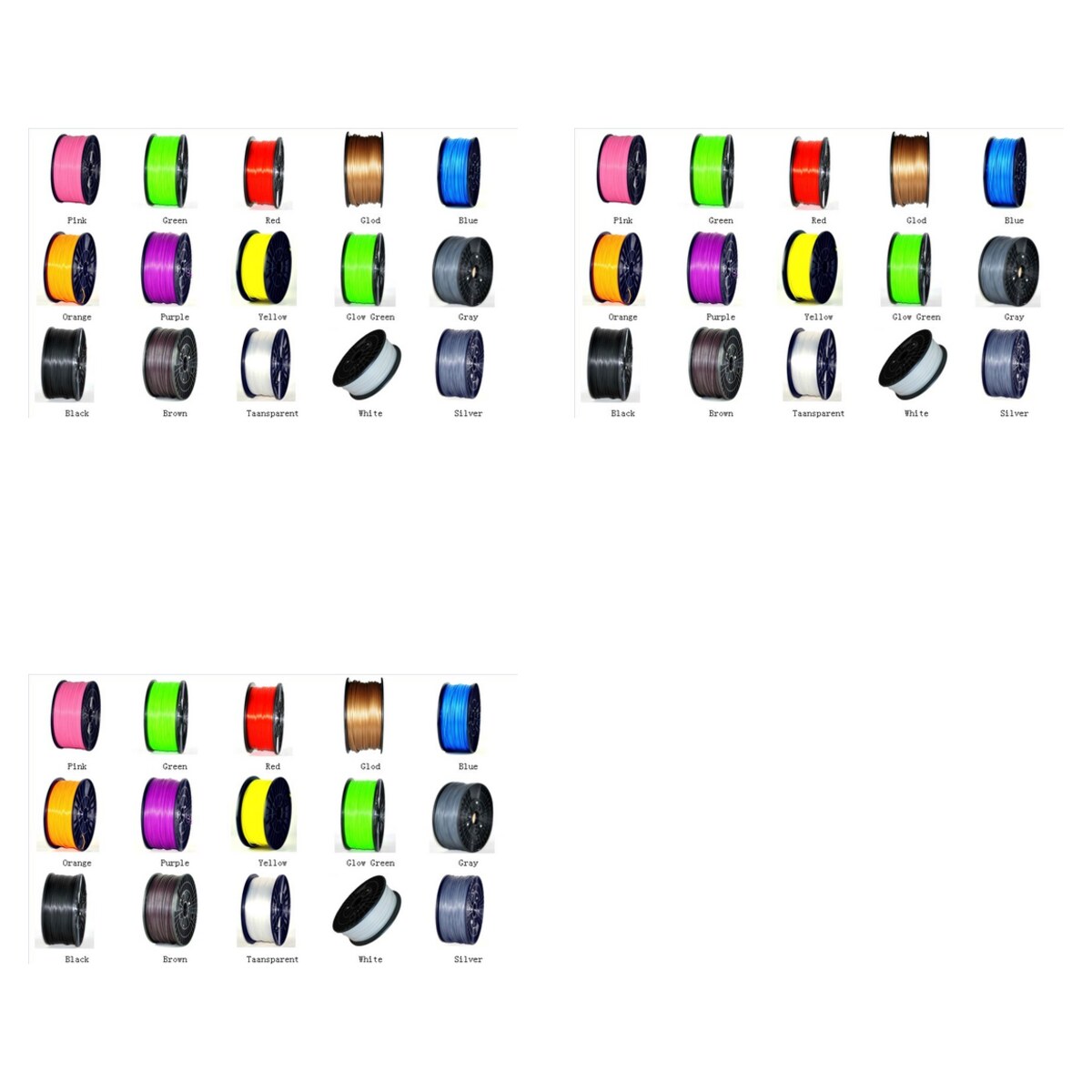
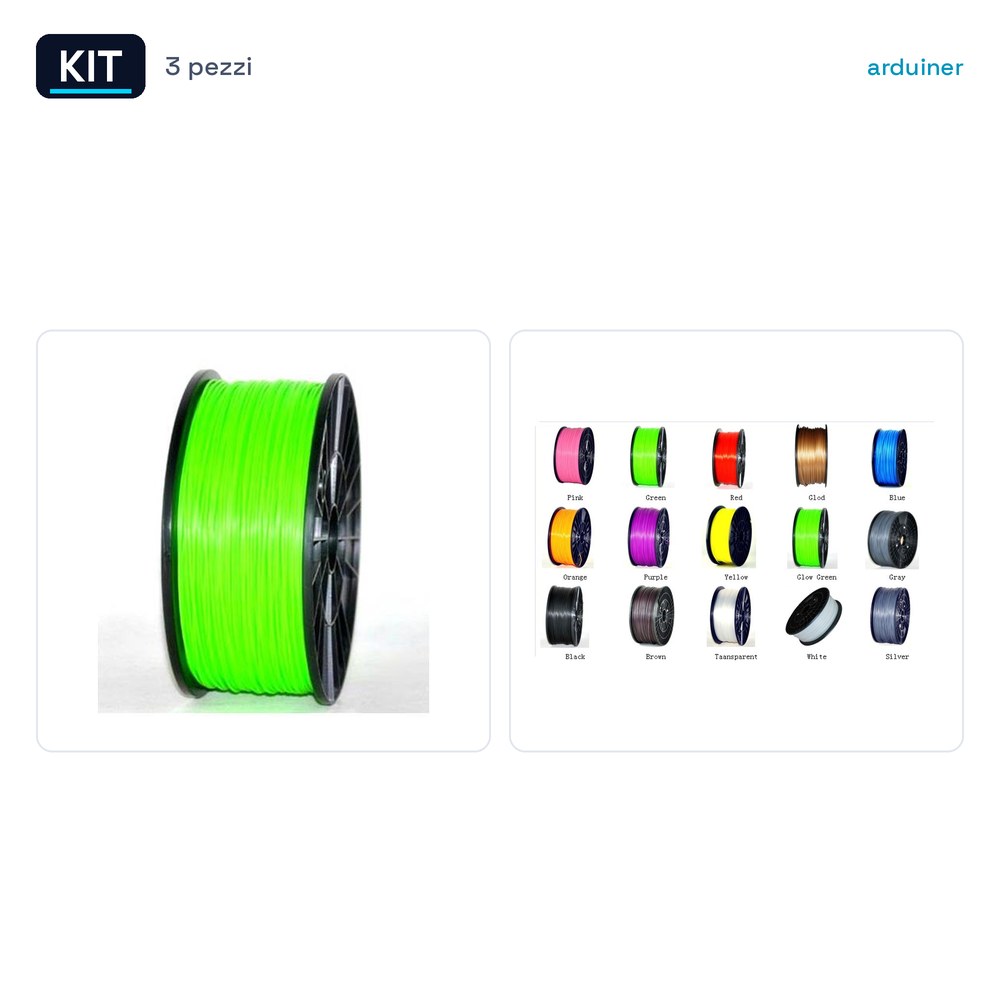
The Arduiner PLA Filament 1.75mm 1kg Kit includes three PLA filaments, each in a different color: Light Green, Gold, and Orange. These filaments are designed to be used with 3d printers for the creation of three-dimensional models.
PLA filament is a common material in 3d printers due to its ease of use and good print quality. It is suitable for projects that require low operating costs and good print quality.
This kit is particularly useful for users who want to explore the variety of colors offered by PLA filament or for those who are just starting to print 3D objects and want a choice of different colors.
Key Specifications
| Parameter | Value |
| Model | PLA Filament 1.75mm 1kg – Light Green + PLA Filament 1.75mm 1kg – Gold + PLA Filament 1.75mm 1kg – Orange |
| Quantity | 3 filaments |
| Diameter | 1.75mm |
| Weight | 1kg per filament |
| Container | Sealed packaging |
| Color | Light Green, Gold, Orange |
| Materials | PLA |
Installation and Usage
- Open the package and select the desired filament.
- Insert the filament into the 3d printer’s filament feed carriage.
- Configure the 3d printer to use PLA 1.75mm filament.
- Start printing the selected 3D model.
- Check the print quality and adjust any printer parameters as needed.
Compatibility and Requirements
- This kit is compatible with all 3d printers that use PLA 1.75mm filament.
- A 3d printer with a filament feed carriage is required.
- The kit can be used with 3d printing software such as Cura or Simplify3D.
Limitations and Important Notes
- The kit is not compatible with 3D printers that use filament sizes other than 1.75mm.
- PLA filament has lower mechanical resistance compared to materials like ABS, so it is suitable for projects that do not require high resistance.
- It is important to use a fan during printing to reduce odor and improve print quality.
Troubleshooting
The print stops after a few centimeters.
Probable cause: The filament may be blocked in the feed carriage.
Solution: Check and clean the feed carriage of the printer.
The print quality is lower compared to previous projects.
Probable cause: The printer settings may not be optimized for PLA filament.
Solution: Recalibrate the printer settings for 1.75mm PLA filament.
The filament sticks to the feed carriage.
Probable cause: The filament might be too hot or too humid.
Solution: Leave the filament in a controlled environment for 24 hours before using it.
The print shows imperfections or holes.
Probable cause: The filament might not have been inserted correctly into the feed roller.
Solution: Check that the filament is properly inserted and not jammed.
Use cases
Printing a prototype model for a school project
Objective: To create a physical model for a science project.
What’s needed: PLA Filament Kit 1.75mm 1kg – Light Green + PLA Filament 1.75mm 1kg – Gold + PLA Filament 1.75mm 1kg – Orange
Steps: 1) Configure the 3d printer for PLA filament 1.75mm 2) Load the 3D model into the printing software 3) Start printing the model 4) Check the quality of the print
Expected Result: A physical model of the prototype for the school project.
Printing a prototype model for a lab project
Objective: To create a physical model for a physics experiment.
What’s needed: PLA Filament Kit 1.75mm 1kg – Light Green + PLA Filament 1.75mm 1kg – Gold + PLA Filament 1.75mm 1kg – Orange
Steps: 1) Configure the 3d printer for PLA filament 1.75mm 2) Load the 3D model into the printing software 3) Start printing the model 4) Check the quality of the print
Expected Result: A physical model of the prototype for the physics experiment.
Printing a prototype model for a hobby project
Objective: To create a physical model for a hobby such as model building.
What’s needed: PLA Filament Kit 1.75mm 1kg – Light Green + PLA Filament 1.75mm 1kg – Gold + PLA Filament 1.75mm 1kg – Orange
Steps: 1) Configure the 3d printer for PLA filament 1.75mm 2) Load the 3D model into the printing software 3) Start printing the model 4) Check the quality of the print
Expected result: A physical prototype model for a hobby project.
Printing a prototype model for a maintenance project
Objective: To create a physical model for the maintenance of a device.
What’s needed: PLA Filament Kit 1.75mm 1kg – Light Green + PLA Filament 1.75mm 1kg – Gold + PLA Filament 1.75mm 1kg – Orange
Steps: 1) Configure the 3d printer for PLA filament 1.75mm 2) Load the 3D model into the printing software 3) Start printing the model 4) Check the quality of the print
Expected result: A physical prototype model for the maintenance of the device.
Printing a prototype model for a repair project
Objective: Create a physical model for the repair of a device.
What is needed: PLA Filament Kit 1.75mm 1kg – Light Green + PLA Filament 1.75mm 1kg – Gold + PLA Filament 1.75mm 1kg – Orange
Steps: 1) Configure the 3d printer for PLA filament 1.75mm 2) Load the 3D model into the printing software 3) Start printing the model 4) Check the print quality
Expected result: A physical model of the prototype for the repair of the device.
Printing a prototype model for a test project
Objective: Create a physical model for the testing of a device.
What is needed: PLA Filament Kit 1.75mm 1kg – Light Green + PLA Filament 1.75mm 1kg – Gold + PLA Filament 1.75mm 1kg – Orange
Steps: 1) Configure the 3d printer for PLA filament 1.75mm 2) Load the 3D model into the printing software 3) Start printing the model 4) Check the quality of the print
Expected result: A physical prototype model for the device test.
Printing a prototype model for a design project
Objective: Create a physical model for the design of an object.
What is needed: PLA Filament Kit 1.75mm 1kg – Light Green + PLA Filament 1.75mm 1kg – Gold + PLA Filament 1.75mm 1kg – Orange
Steps: 1) Configure the 3d printer for PLA filament 1.75mm 2) Load the 3D model into the printing software 3) Start printing the model 4) Check the quality of the print
Expected result: A physical prototype model for the object design.
Printing a prototype model for a prototyping project
Objective: Create a physical model for the prototyping of a device.
What’s needed: PLA Filament Kit 1.75mm 1kg – Light Green + PLA Filament 1.75mm 1kg – Gold + PLA Filament 1.75mm 1kg – Orange
Steps: 1) Configure the 3d printer for PLA filament 1.75mm 2) Load the 3D model into the printing software 3) Start printing the model 4) Check the print quality
Expected result: A physical model of the prototype for the prototyping of the device.
In the package
- 3 filaments
Complete the project
- PLA Filament 1.75mm 1kg – Light Green – High Quality for 3d printers: To have a variety of color choices for 3d printing.
- PLA Filament 1.75mm 1kg – Green – High Quality for 3d printers: To have an additional supply of PLA filament 1.75mm.
Technical FAQs
What are the dimensions of the PLA filament 1.75mm?
The diameter of the PLA filament 1.75mm is 1.75mm.
Why does the print stop after a few centimeters?
The print stops after a few centimeters if the filament is blocked in the feed carriage.
How can I improve the print quality?
To improve the print quality, it is necessary to calibrate the printer settings for 1.75mm PLA filament.
Which colors are included in the kit?
The kit includes 1.75mm PLA filament in light green, gold, and orange colors.
Reviews
There are no reviews yet.