 EN
EN IT Italiano
 ES Español
 FR Français
 DE Deutsch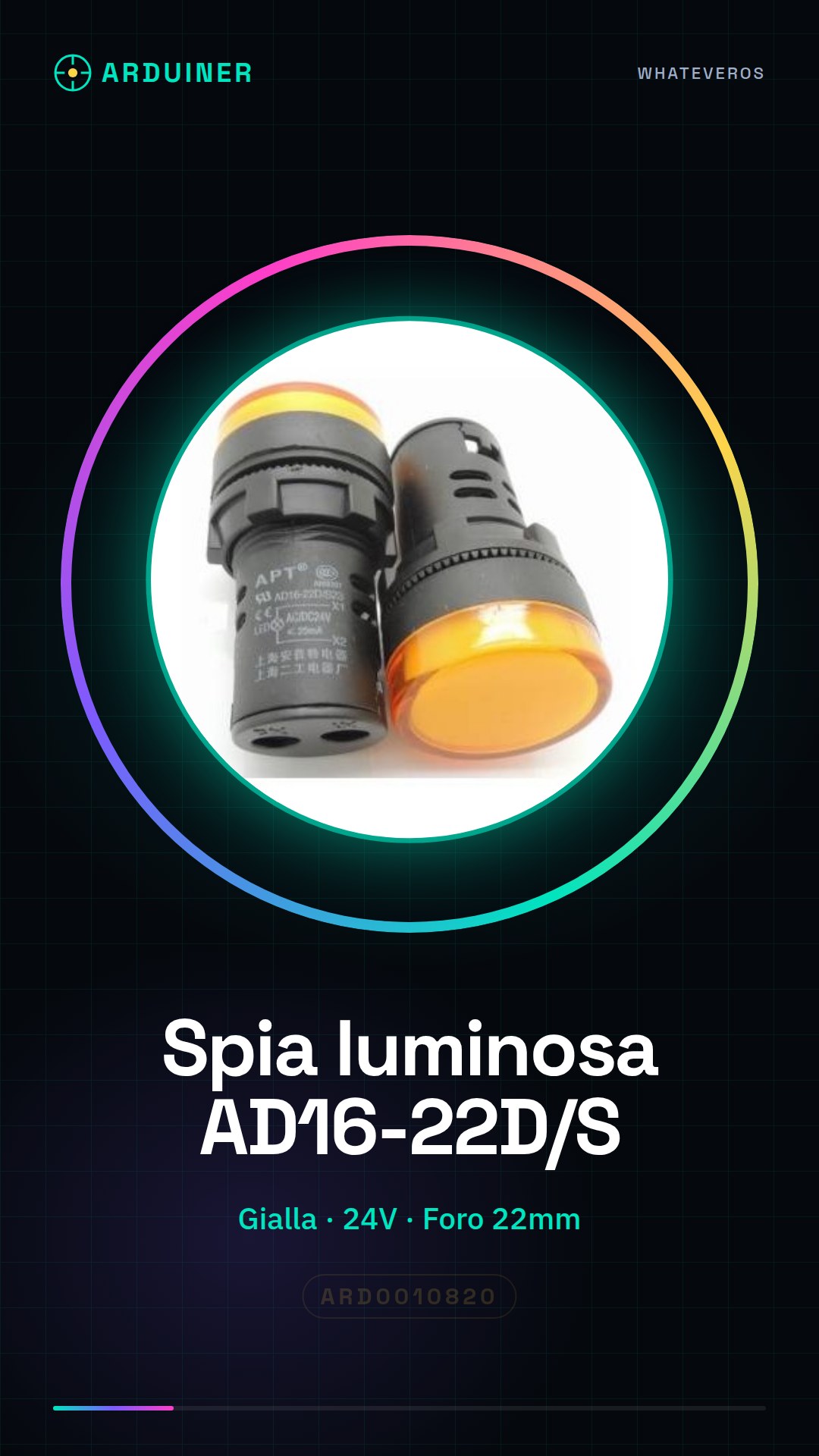
Description
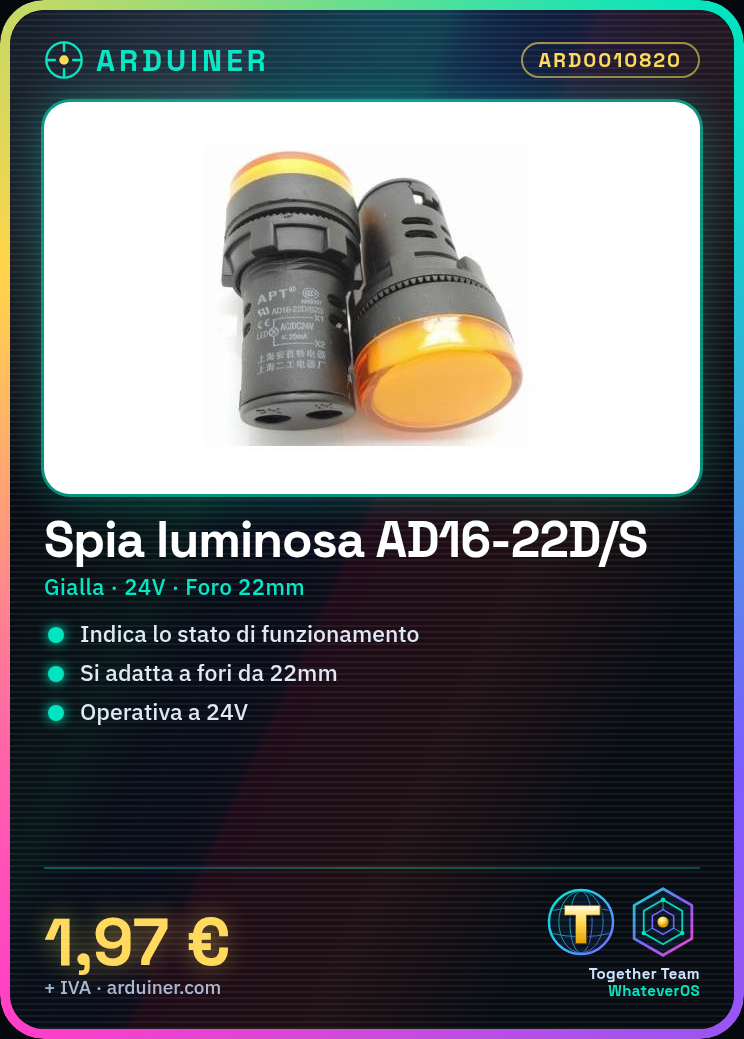
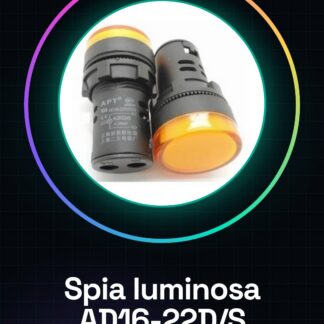
The yellow panel light indicator AD16-22D/S 24V is an electronic component designed to indicate the status of your devices. With a 22mm hole, it perfectly fits into panels.
Features:
– Color: Yellow
– Operating Voltage: 24V
– Hole Diameter: 22mm
What it’s used for:
Ideal for indicating device status in various contexts, such as 3D printing or Arduino system configurations. It can be used to monitor battery charge levels or other system statuses.
Tutorial: How to use the Yellow Light Indicator AD16-22D/S
This simple yet essential component is perfect for anyone building electronic projects that require visual indicators. Suitable for both beginners and experts, this light can be used in various contexts such as 3D printing or Arduino system configurations.
Steps:
Connect the anode of the light (where the larger hole is) to an output pin on the Arduino. Connect the cathode of the light (the negative pole, usually black) to the GND of the Arduino. Write a simple sketch to turn the light on and off. Ensure the circuit is correct before powering it with 24V.
Example Code:
“`cpp
void setup() {
pinMode(13, OUTPUT);
}
void loop() {
digitalWrite(13, HIGH); // turns the light on
delay(500);
digitalWrite(13, LOW); // turns the light off
delay(500);
}
“`
Mini-project:
Create a battery charge level monitoring system for a 3D printer using the light as a visual indicator when the charge level is low.
Common Errors:
– Connecting anode and cathode incorrectly
– Supplying voltage higher than specified (check datasheet)
– Failing to properly check connections before powering the circuit
Recommended Accessories:
– Arduino Uno R3
– 3D Printer
Frequently Asked Questions:
– Can the light be used with voltages lower than 24V? Check the datasheet for acceptable operating voltages.
– What is the lifespan of the light? Lifespan varies based on usage and environmental conditions, check the datasheet for specific details.
Reviews
There are no reviews yet.